Agents vs. Workflows: Core Concepts of LangGraph Workflow Orchestration
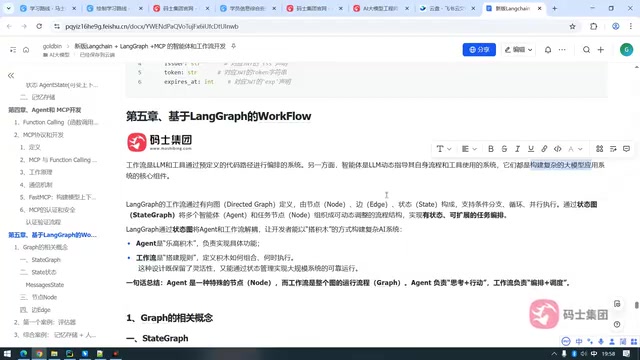
Workflows are explicitly orchestrated by programmers, agents decide autonomously via large models, and complex business should choose workflows.
Based on Bilibili creator Lao Xiao's LangGraph tutorial, this article analyzes the core differences between workflows and agents: workflows have programmers explicitly orchestrating node transitions through predefined code paths, while agents let large models autonomously decide which tools to call and how many times based on context. The author points out that single clear tasks are lighter with agents, but for complex business with multiple tools and steps (such as an intelligent government assistant), a single agent easily produces decision hallucinations, while multiple agents create new orchestration problems—making workflows the safer choice. LangGraph implements workflows as state graphs composed of state, nodes, and edges, with the build process being: define state, add nodes and edges, and compile into a graph. The two are not mutually exclusive: agents can be workflow nodes, and workflows can replace agents, but not vice versa.
When building complex large model applications, developers often face a choice: use an Agent or a Workflow? In the latest installment of the LangGraph tutorial series, Bilibili creator Lao Xiao clearly breaks down these two concepts and points out that workflows are the key to solving complex business scenarios. Based on the video content, this article outlines the core definition of workflows, their essential differences from agents, and the state graph implementation in LangGraph, helping you make sound technical choices in real projects.
Workflows vs. Agents: Who Owns the Orchestration
A workflow is a system in which large language models and tools are orchestrated through predefined code paths. The keyword here is "orchestration"—programmers organize large models, tools, and business logic into a graph according to requirements, with the flow relationships between nodes explicitly defined. The output of one node serves as the input of the next, and you can even design loops that return to previous nodes—all of this is under the developer's control.
Agents are different. They are also driven by large models and can dynamically guide their own processes and tool calls, but the orchestration decisions are made by the agent itself. When to call a tool, how many times to call it, and which tool receives the output all depend on the large model's understanding of contextual semantics. Therefore, there is no explicit orchestration preset by the programmer inside an agent.
According to Lao Xiao's explanation in the video, both are core components for building complex large model application systems, but the biggest difference is: agents have the ability to autonomously decide the entire process, while the workflow process is determined by the programmer's orchestration.
The concept of "orchestration" in large model applications
Orchestration originates from the fields of distributed systems and service meshes, where it originally referred to the unified scheduling of call order, data passing, and exception handling among multiple independent services. In large model applications, the objects of orchestration become large model calls, external tools (search, databases, APIs), and business logic itself. The core question of orchestration is: who decides "what to do next"—a code path hardcoded by the developer, or a decision the model reasons out in real time based on context. This distinction directly determines the system's predictability, debugging difficulty, and fault tolerance. Workflows hand orchestration authority to code, making behavior reproducible and easy to test; agents hand orchestration authority to the model, making them flexible but uncertain. Understanding who owns orchestration is the fundamental starting point for determining the applicable boundaries of the two types of architecture.
When to choose workflows? The inevitable choice for complex business
For a single business scenario, such as a simple vehicle dispatch request, an agent is often up to the task. But when the business becomes broad and complex—for example, an intelligent government office assistant that may need to handle a large number of different matters—workflows are more appropriate. Lao Xiao mentions that future agent development may involve calling more than 30 tools, many of which have similar functions. Relying entirely on one agent to make decisions can easily lead to "decision hallucinations."
Some might think of using multiple agents to share the load, but who executes first and who executes later among multiple agents itself returns to the orchestration problem. Workflows are precisely designed to solve such complex business scenarios. They support conditional branching, loops, and deterministic execution, organizing multiple agents and task nodes into a dynamically adjustable process structure through state graphs. (Source: Bilibili creator Lao Xiao)
Interestingly, workflows and agents are not mutually exclusive. You can use an agent as a node within a workflow, or completely replace agents with workflows. Lao Xiao believes that workflows can replace agents, but agents cannot replace workflows. This is because an agent's autonomous decision-making ability depends on the large model's reasoning, while workflows can also include large model nodes specifically responsible for thinking—though the flexibility of such decision-making is not as great as that of agents.
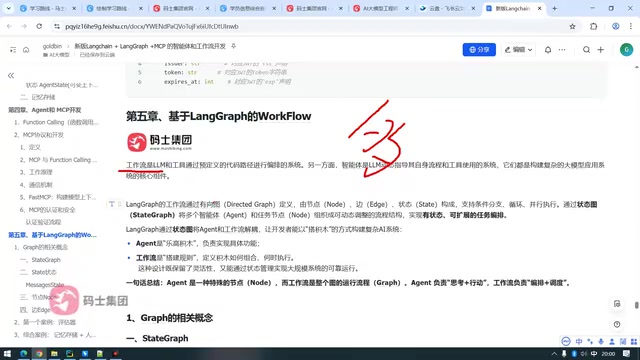
What is "decision hallucination"
Decision hallucination refers to the phenomenon where a large model, when faced with multiple optional tools or branches, makes incorrect choices based on semantic similarity rather than real business constraints. When the number of tools increases and their functions are highly similar (for example, multiple query interfaces that differ only in parameter ranges), the model can easily confuse tool descriptions, call tools it should not call, or omit necessary prerequisite steps. Unlike factual hallucination, decision hallucination occurs at the level of "choosing actions" and is difficult to eradicate through prompt optimization alone. Mitigation approaches include: narrowing the set of tools for a single decision, externalizing selection logic as conditional branches in a workflow, and adding validation nodes at key points. This is also an important engineering reason why complex business tends toward workflows.
State Graph: The core abstraction of LangGraph workflows
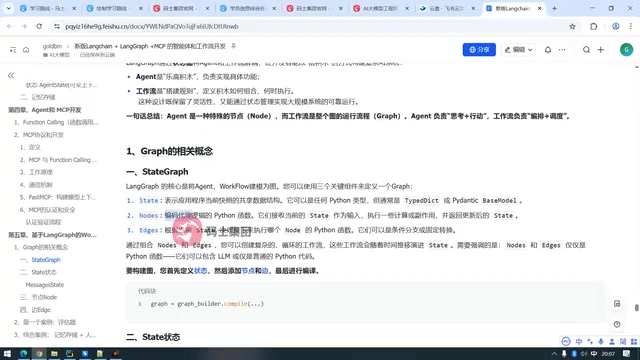
LangGraph defines workflows through a state graph (StateGraph). A state graph consists of three key components: State, Node, and Edge. State is the shared data structure that represents the current snapshot of the application—essentially the context, used to hold data; nodes are units that handle a single function, which can be a Python function, an agent, or a tool—they receive state as input and return the updated state after execution; edges determine which node executes next based on the data in the state, and can be either fixed transitions or conditional branches.
Lao Xiao uses a vivid analogy: agents are LEGO bricks, responsible for implementing specific functions; workflows are the assembly rules, defining how bricks are combined and when they execute. This design preserves flexibility while enabling reliable operation of large-scale systems through state management.
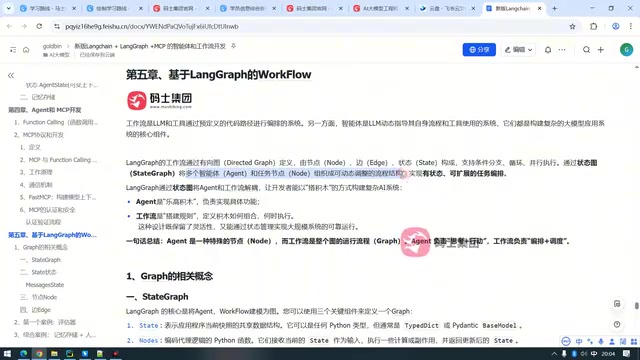
State and checkpoint mechanisms in StateGraph
In LangGraph, state is typically defined using TypedDict or Pydantic models, and a reducer function specifies how each field is updated—for example, appending to a list or overwriting a value. This design allows concurrent updates to the same state by multiple nodes to be merged deterministically. After compilation, state graphs can also use a checkpointer to persist state snapshots at each step, thereby supporting interruption recovery, human-in-the-loop, and time-travel debugging. A conditional edge is a function that returns the name of the next node; it reads the state at runtime and decides the branch direction—this is the concrete embodiment of "orchestration authority in code."
The three-step process for building workflows
To build a graph in LangGraph, you first need to define the state, then add nodes and edges according to requirements, and finally compile it. Nodes and edges (especially conditional edges) are essentially Python functions; a custom node only requires defining a Python function, which is very flexible.
State graphs organize multiple agents and task nodes into a dynamically adjustable process structure, enabling stateful, extensible task orchestration. Developers build complex AI application systems in a LEGO-like way: each node receives state, processes business logic, and returns state, while edges control the flow direction.
Selection advice: Start from business complexity
Returning to the initial selection question, Lao Xiao's advice is clear: look at business complexity. For single, clear tasks, agents are lighter; for complex business involving multiple tools, multiple steps, and the need for precise process control, workflows are the safer choice. LangGraph combines agents and workflows within the same framework, so developers can use agents alone, use agents as workflow nodes, or fully implement agent-like effects with workflows. Understanding who owns orchestration is the first step toward making sound architectural decisions.
Related articles
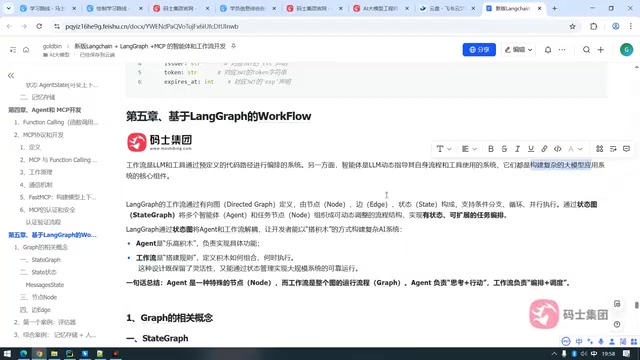
LangGraph Workflows and Agents: A New Approach to Enterprise AI Orchestration
What is the core difference between LangGraph workflows and agents? This article explains the three elements of the state graph (state, nodes, edges), explores how workflows orchestrate complex AI business, and discusses coordination strategies in LangChain 1.0 enterprise applications.
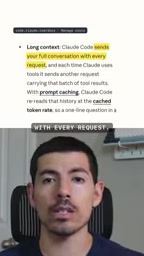
4 Habits That Are Stealing Your Claude Code Quota (With a Diagnostic Prompt)
Burning through Claude Code quota too fast? Here are 4 common habits that waste it—vague requirements, verbose logs, careless sub-agents, and day-long sessions—plus a diagnostic prompt to find your personal top three.
Claude Code Token-Saving Guide: Say Goodbye to Weekly Limit Anxiety
Claude Code weekly limit running low? Learn to use /usage to pinpoint consumption, /clear between tasks, lower /effort, skip 7x agent teams, and Graphify code maps to cut tokens up to 70x.