LangGraph Workflows and Agents: A New Approach to Enterprise AI Orchestration
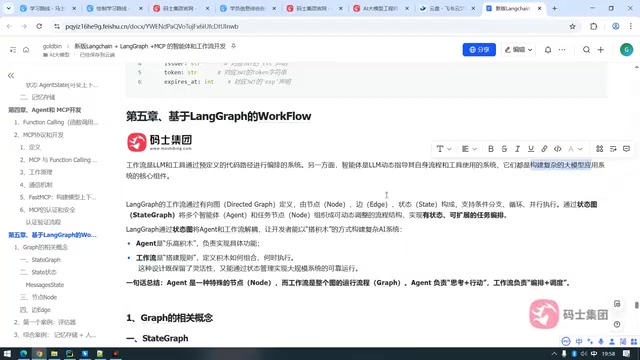
The core difference between workflows and agents lies in who holds orchestration authority; LangGraph uses state graphs to combine both.
This article, based on Bilibili creator Lao Xiao's LangGraph course, distinguishes agents from workflows. Agents let the LLM autonomously decide tool-call order, while workflows use programmer-predefined code paths; the key difference is who holds orchestration authority. Workflows can fully replace agents because an agent is essentially a special node in a workflow, while multi-agent systems need workflows for coordination. LangGraph organizes workflows via StateGraph, with state, nodes, and edges as the three elements, supporting conditional branches, loops, and dynamic routing. The build process follows: define state → add nodes → add edges → compile into a graph.
Why Do We Need Workflows? The Limits and Complementarity of Agents
When building complex LLM applications, developers often face a choice: use an agent or a workflow? In the LangGraph course series, Bilibili creator Lao Xiao draws a clear distinction: an agent is a system that lets the LLM autonomously decide the order of tool calls, while a workflow is an orchestration system where the programmer predefines the code path. The core difference lies in who holds the "orchestration authority"—agents hand process control to the model, while workflows keep control in the developer's hands.
Although agents are flexible, they are prone to "decision hallucination" in business scenarios that require calling dozens of tools with similarities among them. For example, an intelligent government office assistant needs to handle a large number of vague and complex tasks, and relying solely on an agent may cause the process to spin out of control. In such cases, workflows can break complex business into manageable, observable steps through explicit node connections and conditional branches.
The Relationship Between Workflows and Agents: Who Replaces Whom?
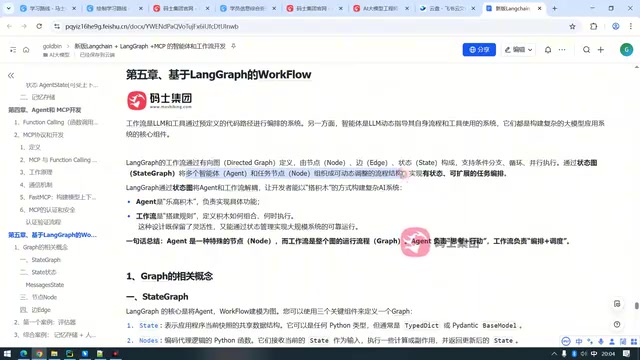
Lao Xiao repeatedly emphasizes a key point in the video: workflows can completely replace agents, but agents cannot replace workflows. The reason is that an agent is essentially a special kind of node within a workflow—it handles "thinking + acting," while the workflow handles "orchestration + scheduling." You can absolutely embed a pure LLM node in a workflow to take on the reasoning role, thereby simulating an agent's decision-making capability—except that this decision-making is less autonomous than that of a true agent.
Conversely, multi-agent systems need workflows even more for coordination. Suppose you have five agents: how do you decide who executes first and who executes later? That itself is an orchestration problem. LangGraph uses a StateGraph to organize multiple agents and task nodes into a dynamically adjustable process structure, enabling stateful and extensible task orchestration.
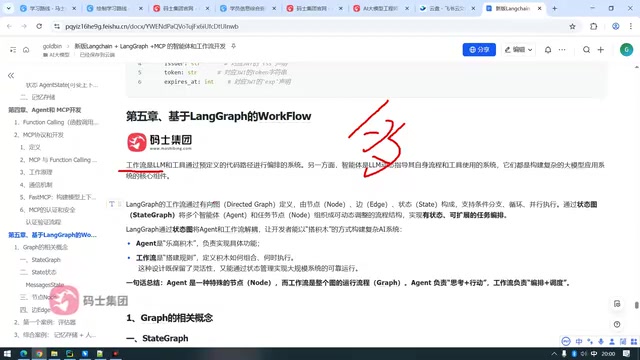
StateGraph is the core abstraction of LangGraph. It models a workflow as a directed graph, where each node represents a processing step and each edge defines the transition rules between steps. Unlike traditional DAG (directed acyclic graph) workflow engines, StateGraph allows cycles in the graph, thereby supporting complex patterns such as iterative reasoning, retries, and dynamic planning. At runtime, the graph maintains a global state object; each node reads and updates that state, and edges decide the next step based on the state contents. This design enables LangGraph to express both deterministic business processes and autonomous decision-making nodes driven by LLMs.
The Three Elements of the LangGraph StateGraph: State, Nodes, and Edges
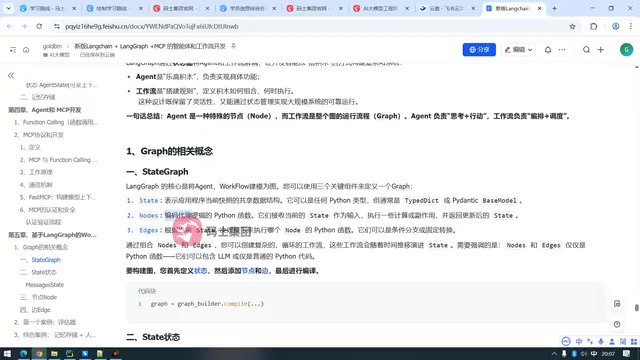
LangGraph uses a directed graph to define workflows, with three core components: State, Node, and Edge. Once you understand these three, you understand LangGraph's orchestration logic.
State: A Snapshot of Shared Data
State is a snapshot of the application's data at the current moment—essentially the context. All nodes receive the state as input, and after executing their business logic, they return results and update the state. Updates can be overwrites, appends, or deletions, which provides the foundation for data flow in complex business scenarios.
Nodes: The Units That Carry Business Logic
A node is a unit that handles a single function within the orchestration. It can be a Python function, a tool, or an agent. Each node reads the required data from the state and writes the processed result back to the state. This design keeps nodes independent, making them easy to reuse and test.
Edges: The Direction of Control Flow
Edges determine which node executes next. They can be fixed connections or conditional branches based on state data (dynamic routing). By combining edges and nodes, you can build complex workflows that include loops and conditional branches.
Conditional edges are the key mechanism by which LangGraph implements dynamic routing. They are essentially functions that take the current state as input and return the name of the next node to execute (or a set of node names). Conditional edges enable workflows to choose different branch paths based on runtime data (such as model output, tool return results, or business rule judgments), thereby simulating if-else logic and even more complex decision trees. Unlike fixed edges, conditional edges return part of the process control to program logic, but still operate within boundaries defined by the developer, avoiding the unpredictability of fully autonomous agent decision-making.
How to Build a Workflow and When to Use It
Building a LangGraph workflow follows fixed steps: define the state → add nodes → add edges → compile into a graph. Lao Xiao notes that fixed edges are direct connections, while a conditional edge is essentially a Python function that returns the next node identifier based on the state value. This "building blocks" approach lets developers assemble AI applications in a controllable way.
So when should you use a workflow? Lao Xiao's advice is to look at business complexity. For a single business function (such as vehicle dispatch), an agent is sufficient; for complex business (such as an intelligent government assistant) involving multiple tools, multiple steps, and multiple conditions, a workflow is the more reliable choice. Workflows not only support conditional branches and loops but also enable stable operation of large-scale systems through state management.
Enterprise Applications: Synergy Between LangChain 1.0 and LangGraph
The video title mentions "LangChain 1.0 Enterprise 24 Lessons," implying that LangGraph is an advanced tool in the LangChain ecosystem for complex orchestration. LangGraph combines agents and workflows through state graphs, providing developers with two solutions: you can embed agents as nodes in a workflow, or you can completely replace agents with workflows. This flexibility makes LangGraph suitable for enterprise scenarios—in production systems that require reliability and observability, programmer-orchestrated processes are often more controllable than autonomous model decision-making.
At the end of the course, Lao Xiao previews that the next lesson will delve into the details of State and compare it with the code from previous agent development. For developers building complex AI applications, understanding the boundary between workflows and agents is the first step toward designing highly reliable systems.
One-line Summary
Workflows and agents differ in who holds the orchestration authority, and LangGraph uses state graphs to combine the two.
Paragraph Summary
Based on Bilibili creator Lao Xiao's LangGraph course, this article distinguishes the relationship between agents and workflows. Agents let the LLM autonomously decide the order of tool calls, while workflows use programmer-predefined code paths; the core difference lies in who holds "orchestration authority." The author emphasizes that workflows can completely replace agents because an agent is essentially a special kind of node within a workflow, while multi-agent systems need workflows even more for coordination. LangGraph organizes workflows through StateGraph, whose three elements are state, nodes, and edges, and which supports conditional branches, loops, and dynamic routing. The construction process follows fixed steps: "define state → add nodes → add edges → compile into a graph." For applicable scenarios, a single business function can use an agent, while complex multi-tool, multi-step business is better suited to workflows. LangGraph combines the two, providing a flexible and controllable orchestration solution for enterprise applications.
Related articles
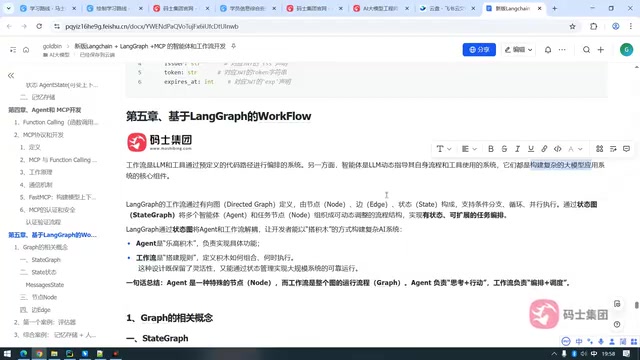
Agents vs. Workflows: Core Concepts of LangGraph Workflow Orchestration
Based on Bilibili creator Lao Xiao's LangGraph tutorial, this article explains the essential differences between workflows and agents: who owns orchestration, how to choose for complex business, the three core components of StateGraph, and the build process, helping developers choose the right architecture.
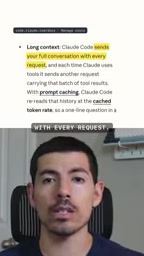
4 Habits That Are Stealing Your Claude Code Quota (With a Diagnostic Prompt)
Burning through Claude Code quota too fast? Here are 4 common habits that waste it—vague requirements, verbose logs, careless sub-agents, and day-long sessions—plus a diagnostic prompt to find your personal top three.
Claude Code Token-Saving Guide: Say Goodbye to Weekly Limit Anxiety
Claude Code weekly limit running low? Learn to use /usage to pinpoint consumption, /clear between tasks, lower /effort, skip 7x agent teams, and Graphify code maps to cut tokens up to 70x.