AI Coding Agents in Practice: An Efficient Configuration Guide for Cursor and Codex

A practical guide to configuring AI coding agents like Cursor and Codex for cleaner, testable code.
This guide addresses a core pain point in AI-assisted programming: managing context across tools like Cursor, Codex, and Devin. It covers how to use rule files (.cursorrules, AGENTS.md) to persist project context, enforce test-driven development, constrain code structure, and coordinate multiple agents — ideal for hackathon developers looking to boost productivity without sacrificing code quality.
The "Context" Anxiety of AI Code Editors
As AI coding tools like Codex, Cursor, Devin, and Antigravity become more widespread, a growing number of developers — especially students and hackathon participants — are wrestling with the same question: how do you configure these tools to produce clean, testable, and maintainable code, rather than a tangled mess of spaghetti?
A student developer on Reddit recently raised this exact question. He was competing in a hackathon, had already prepared a PRD (Product Requirements Document) and an Agent architecture design, but didn't want to keep copy-pasting them or writing lengthy prompts every time. What he really wanted to know was: what "skills" or instructions make AI coding agents work better — and how do you store context when switching between multiple editors?
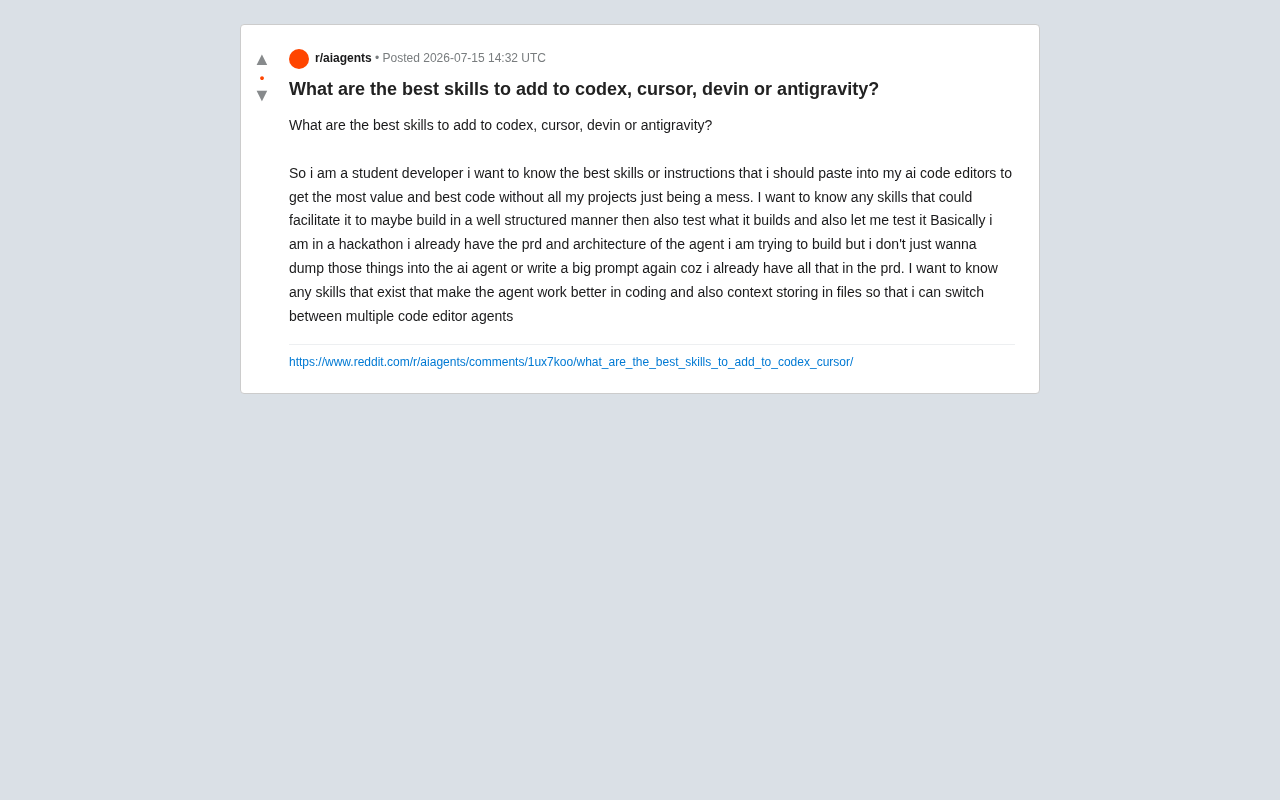
This question cuts to the core pain point of AI-assisted programming today: the problem isn't that the model isn't smart enough — it's that there's no solid workflow or context management system in place.
To understand the technical root cause of this pain, you first need to understand the limitations of the "context window." An LLM's context window refers to the maximum number of tokens the model can process in a single conversation. Early GPT-3 had a context window of just 4K tokens, while today's leading models — like Claude 3.5 Sonnet — have expanded to 200K tokens, and GPT-4 Turbo supports 128K tokens. Yet even the largest context windows fall short when faced with a complete codebase from a large project. More critically, as context length grows, a model's "attention decay" causes it to process earlier inputs with decreasing quality — a phenomenon researchers call the "Lost in the Middle" problem. This is precisely why you can't simply paste an entire codebase into a chat window; you need a structured context management strategy.
The Core Idea: Lock Your "Rules" into Files
Replace Repetitive Prompts with Rule Files
The key to solving the "repeated context input" problem is this: don't keep pasting your PRD and architecture into the chat box — instead, crystallize them into project-level configuration files.
All major AI coding tools support a mechanism like this:
- Cursor supports a
.cursorrulesfile (or the newer Project Rules), where you can define coding standards, tech stack constraints, and directory structure requirements. - Codex / Claude Code and similar tools typically recognize
AGENTS.md,CLAUDE.md, or instructions inREADME. - The general best practice is to create a
docs/directory at the project root to store PRDs, architecture diagrams, and Architecture Decision Records (ADRs).
Rule files like .cursorrules and AGENTS.md work through a mechanism called System Prompt Injection. When an AI coding tool starts up, it automatically injects the contents of these files as system-level prompts at the beginning of every conversation — effectively prepending a set of global instructions before every request. This is similar in principle to the system role message in the OpenAI API, or the behavioral constraints in Anthropic's Constitutional AI. From an engineering perspective, it also embodies the Convention over Configuration philosophy applied to AI toolchains — through standardized file naming, tools automatically discover and apply project rules without any manual setup.
The benefit: every time an Agent executes a task, it automatically reads these constraints without requiring repeated input. More importantly, these files are editor-agnostic — whether you switch to Cursor or Devin, both can read from the same context.
Structured Cross-Tool Context Storage
For workflows that require switching between multiple editor agents, here's a recommended file structure:
project/
├── docs/
│   ├── PRD.md            # Product requirements
│   ├── ARCHITECTURE.md   # System architecture
│   ├── DECISIONS.md      # Key technical decisions
│   └── PROGRESS.md       # Current progress and to-dos
├── .cursorrules          # Cursor rules
└── AGENTS.md             # General agent instructions
PROGRESS.md is especially critical — it acts as a "memory anchor" for the Agent. After completing each module, have the Agent update this file. When you switch to another tool, simply have the new Agent read PROGRESS.md first to pick up right where you left off.
Key Configuration Tips for High-Quality Agent Output
Enforce "Design First, Code Second"
Hackathons typically run 24 to 72 hours, compressing the entire process from zero to product prototype under extreme time pressure — making engineering decisions fundamentally different from those in regular projects. The concept of Technical Debt, introduced by Ward Cunningham in 1992, describes the hidden cost of sacrificing code quality for short-term development speed. In a hackathon context, a moderate amount of technical debt is an acceptable tradeoff, but you need to balance "demo-ability" with "scalability" — judges typically care about both feature completeness and architectural sustainability.
The most common pitfall in a hackathon is rushing the AI straight into writing code. A more effective approach is to add a constraint in your rule file:
"Before writing any implementation code, output the module design and function signatures, and wait for my confirmation before proceeding."
This "plan → confirm → execute" pattern significantly reduces the need for rework. Autonomous agents like Devin have task planning built in, but for interactive tools like Cursor, you need to actively guide this behavior through rules.
Build in Test-Driven Development Habits
Test-Driven Development (TDD), introduced by Kent Beck as part of Extreme Programming (XP), centers on the Red-Green-Refactor cycle: first write a failing test (red), then write the minimum code to make it pass (green), then refactor while keeping the tests green. In AI-assisted programming, the value of TDD is amplified further: because AI-generated code carries a risk of "hallucination" — producing syntactically correct but logically flawed implementations — unit tests become a critical safety net for catching these errors. Research shows that explicitly asking AI to generate test code alongside implementation not only improves reliability, but also encourages the AI to implicitly "self-validate" during generation, resulting in more accurate output.
To address the need to test AI-built code, explicitly require the following in your rules:
"For every feature module implemented, you must also write the corresponding unit tests. Critical paths must include a runnable validation script."
This way, the AI won't just write business logic — it will proactively generate test code as well. For student developers, this both ensures code quality and serves as a great opportunity to learn testing best practices. Always ask the Agent to provide clear verification commands upon completion, making acceptance testing straightforward.
Constrain Project Structure and Code Style
To prevent code from turning into a tangled mess, your rule file should clearly define:
- Directory organization (feature-based layering vs. type-based layering)
- Naming conventions
- Maximum lines per file (to prevent the AI from piling all code into a single file)
- Dependency management principles (avoid introducing unnecessary third-party libraries)
These constraints may seem simple, but they have a significant impact on keeping the codebase clean.
Tool Selection: Positioning and Configuration Strategy for Different Agents
The four tools mentioned in the original question serve different purposes, and your configuration strategy should reflect that. To understand these differences, it helps to understand the architectural difference between interactive tools and autonomous agents. Interactive tools like Cursor are essentially "enhanced IDEs" that follow a tightly coupled human-machine collaboration model, where every operation requires real-time developer confirmation. Autonomous agents, by contrast, are based on the ReAct (Reasoning + Acting) framework or similar architectures, capable of independently running "perceive → plan → act → observe" loops to complete full task chains — including running commands, browsing documentation, and debugging errors — on their own. Devin, launched by Cognition AI in 2024, was one of the first commercial agents capable of independently handling GitHub Issues. This architectural difference means autonomous agents place higher demands on the quality of the initial context (completeness of the PRD, clarity of acceptance criteria), since there are fewer opportunities to course-correct mid-task.
- Cursor: An interactive IDE, ideal for iterative development;
.cursorrulesis the primary control mechanism. - Codex: Skewed toward code generation; requires clear, specific task descriptions.
- Devin: An autonomous agent capable of independently completing larger tasks; relies more heavily on a complete PRD and acceptance criteria.
- Antigravity: A next-generation agent tool from Google, also emphasizing document-driven autonomous execution.
For a hackathon setting, a practical combination strategy is: use Cursor for core logic that requires frequent interaction, and use Devin/Antigravity for well-scoped independent modules. A unified docs/ context directory is the critical glue that allows all these tools to work together.
Practical Advice for Student Developers
Getting AI coding agents to work efficiently isn't about finding some magic "skill pack" — it's about establishing good engineering habits:
- Externalize context into files — Write your PRD, architecture, and progress into files rather than pasting them in repeatedly.
- Rules first — Use
.cursorrules/AGENTS.mdto define constraints; configure once, benefit long-term. - Enforce testing — Have the AI generate test code in sync, ensuring every module is verifiable.
- Work module by module — Focus the Agent on one small task at a time, and update the progress file after each completion.
For developers competing in a hackathon, this approach delivers both development speed and code that holds up under scrutiny at demo time. The true value of AI coding tools isn't to think for you — it's to amplify the engineering thinking you already bring to the table. If you've already prepared a PRD and architecture, you've taken the right first step. All that's left is to turn them into "living documents" that your AI can continuously reference.
Key Takeaways
Related articles
DeepSeek Open-Sources DeepInfer: What Is an Inference Framework Actually For?
DeepSeek open-sources its inference framework DeepInfer under Apache 2.0, supporting DeepSeek V4.1 Flash offline inference. This article explains its request scheduling, FlashMLA/DeepGEMM compute optimization, DSPark speculative verification acceleration, and what it means for developers and ordinary users.
Open-Source AI Learning Agent: A Full Workflow Experience from Topology Graphs to Exam Generation
Explore an open-source AI learning agent: built on DeepSeek API, it constructs knowledge systems via topology graphs, with automatic document generation, notes, super documents, and exams. Learn about its Agent workflow and design highlights.

DeepSeek Whale Girl Open-Source MV Meme: AI Industry Coded Slang About Pivoting to Closed Source
Bilibili's DeepSeek Whale Girl rap MV uses fictional memes to tease the AI open-source vs. closed-source debate, with lyrics full of industry slang. This article explains the meme culture, the Whale Girl symbol, and the open/closed tension.