@ai-sdk/tui 1.0.182 Released: More Transparent and Secure Tool Call Approvals

@ai-sdk/tui 1.0.182 fixes approval display, making tool call approvals more transparent and secure.
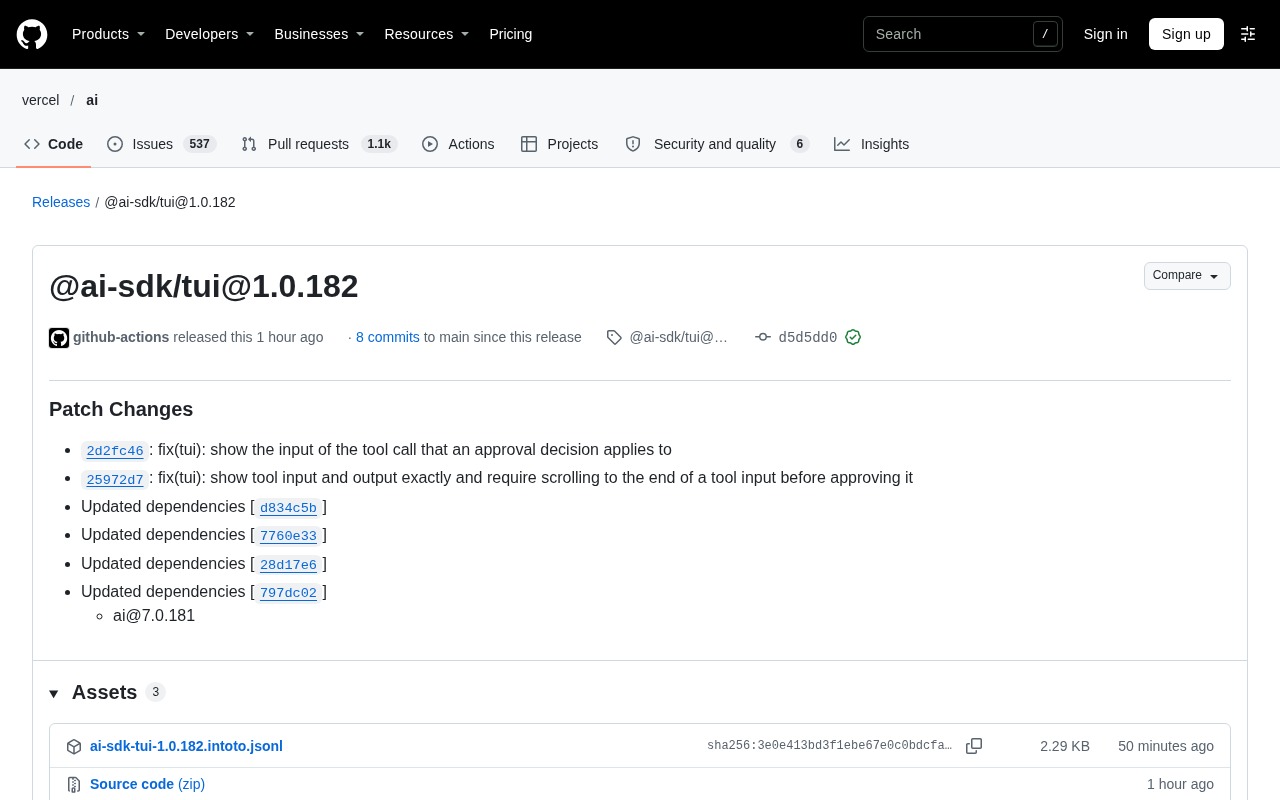
@ai-sdk/tui has released minor version 1.0.182, focusing on fixing two issues in the tool call approval flow. Commit 2d2fc46 makes approval decisions clearly display the corresponding tool call input, preventing users from being unable to tell what they are approving in multi-tool-call scenarios. Commit 25972d7 precisely displays tool input and output and requires users to scroll to the end of the input before approval, forming a code-review-like error-prevention mechanism that forces users to fully review before deciding. The version also updates dependencies, including ai@7.0.181. These changes introduce no new features but significantly improve transparency and controllability in the manual approval step of AI agents, and developers using this component to build command-line AI tools are advised to upgrade.
The command-line interface component of AI SDK, @ai-sdk/tui, has released version 1.0.182. This is a minor update, but it includes two notable fixes to the tool call approval flow that directly affect the controllability and safety developers have when using AI tools.
Approval Decisions Directly Linked to Tool Input
This update fixes a display issue with approval decisions in the TUI. In previous versions, when a user needed to approve or reject a tool call, the interface might not clearly show which piece of tool input the approval decision applied to. Version 1.0.182 corrects this via commit 2d2fc46: the interface now clearly displays the tool call input corresponding to the approval decision.
This change may seem minor, but it solves a real pain point in practice. In AI agent scenarios, a single session may trigger multiple tool calls, each carrying different parameters. If the approval interface does not show the specific input, users find it hard to judge what operation they are approving, which can easily lead to incorrect approvals or rejections. The new version makes approval decisions correspond one-to-one with input content, reducing operational risk.
Tool calling is a core mechanism of large language model agent capabilities: when generating a response, the model no longer outputs only text but instead outputs a structured function name and parameters (such as read_file({"path": "/etc/hosts"})), which the host program parses and actually executes before passing the result back to the model to continue reasoning. Therefore, a tool call naturally consists of four parts: "call identifier, tool name, input parameters, and output result." The approval interface must precisely align these four with the user's approve/reject action; otherwise, users may mix up multiple concurrent calls. TUI (Terminal User Interface) environments lack the pop-up and highlighting capabilities of graphical interfaces and typically rely on ANSI escape sequences for color, cursor positioning, and partial redraws. This also makes "binding decisions to inputs" more error-prone to implement than in Web interfaces.
Precise Display of Tool Input and Output, Mandatory Reading Before Approval
Another fix comes from commit 25972d7 and includes improvements at two levels. First, the TUI now precisely displays tool input and output content, avoiding information distortion caused by truncation, formatting, or rendering issues. Second, before approving tool input, users must scroll to the end of the input content.
Forcing users to scroll to the bottom is a typical "error-prevention" mechanism. When tool input is long, users may quickly click approve without understanding the full content. Requiring them to scroll to the end is equivalent to forcing users to at least review the complete input once, thereby enabling more informed decisions. This aligns with the idea in code review of requiring reviewers to inspect the full diff, moving safety checks forward into the interaction step.
"Must scroll to the end before approval" is an Informed Consent design pattern in human-computer interaction, sharing the same origin as mandatory scrolling through license agreements in installation wizards and reviewing diffs before Git commits. Its technical prerequisite is that the TUI can accurately calculate the visible height of content: terminal widths are not fixed, automatic line wrapping exists, and some characters occupy two display columns (East Asian wide characters). If line counting is incorrect, scroll detection may be triggered early, rendering the protection useless. Therefore, in implementation, such mechanisms often rely on mature terminal rendering and measurement libraries rather than estimating by character count themselves. Similar ideas are also often used in the agent security field together with "least privilege" and "secondary confirmation for dangerous operations" to jointly reduce the probability of automated agents mistakenly executing high-risk commands.
Synchronized Dependency Updates
In addition to the two fixes above, this version also updates several dependencies, including ai@7.0.181. Dependency updates usually include upstream bug fixes and compatibility adjustments, and are practically meaningful for keeping the TUI and AI SDK core packages working together.
What It Means for Developers
@ai-sdk/tui is the component in the AI SDK ecosystem aimed at terminal interaction. For developers building command-line AI agents or workflows that require human intervention in approvals, this update strengthens controllability in "human-AI collaboration": users can not only see which tool the AI wants to call but also confirm that the input they are approving is exactly the one in front of them.
From a product experience perspective, although such improvements do not introduce new features, they directly enhance trust in daily use. When AI agents are granted permissions to execute code, read and write files, or call external services, the clarity of the approval interface determines whether users are willing to let the agent run autonomously. Version 1.0.182 takes a small step in this direction.
If you are using @ai-sdk/tui to build AI tools, it is recommended to upgrade to this version for more accurate approval displays. The upgrade method is the same as for regular npm packages; see the project repository's release notes for details.
Related articles
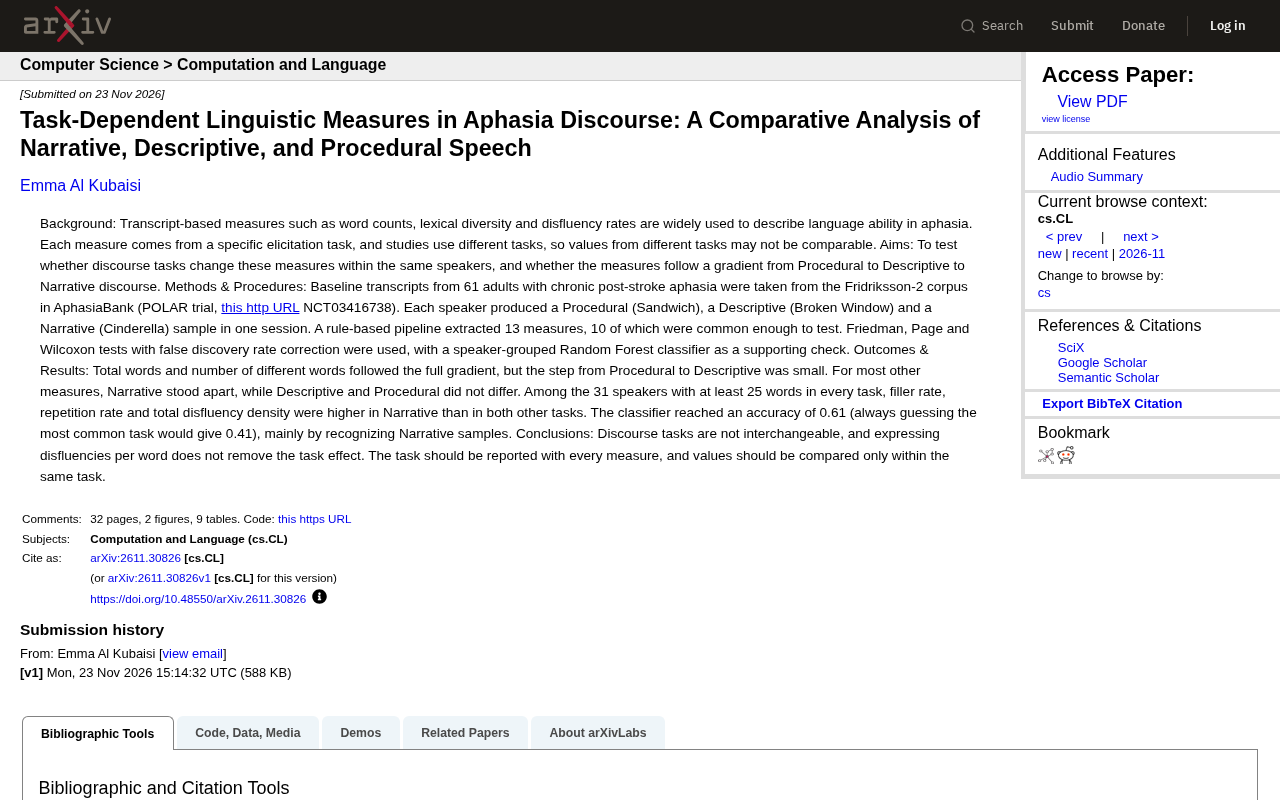
Aphasia Discourse Analysis: Language Metric Differences Across Tasks
A study of 61 adults with aphasia found that narrative, descriptive, and procedural discourse tasks yield non-interchangeable language metrics. Total words and lexical diversity show a gradient; disfluency is higher in narrative tasks. Each metric must be labeled by task type and compared only within the same task.
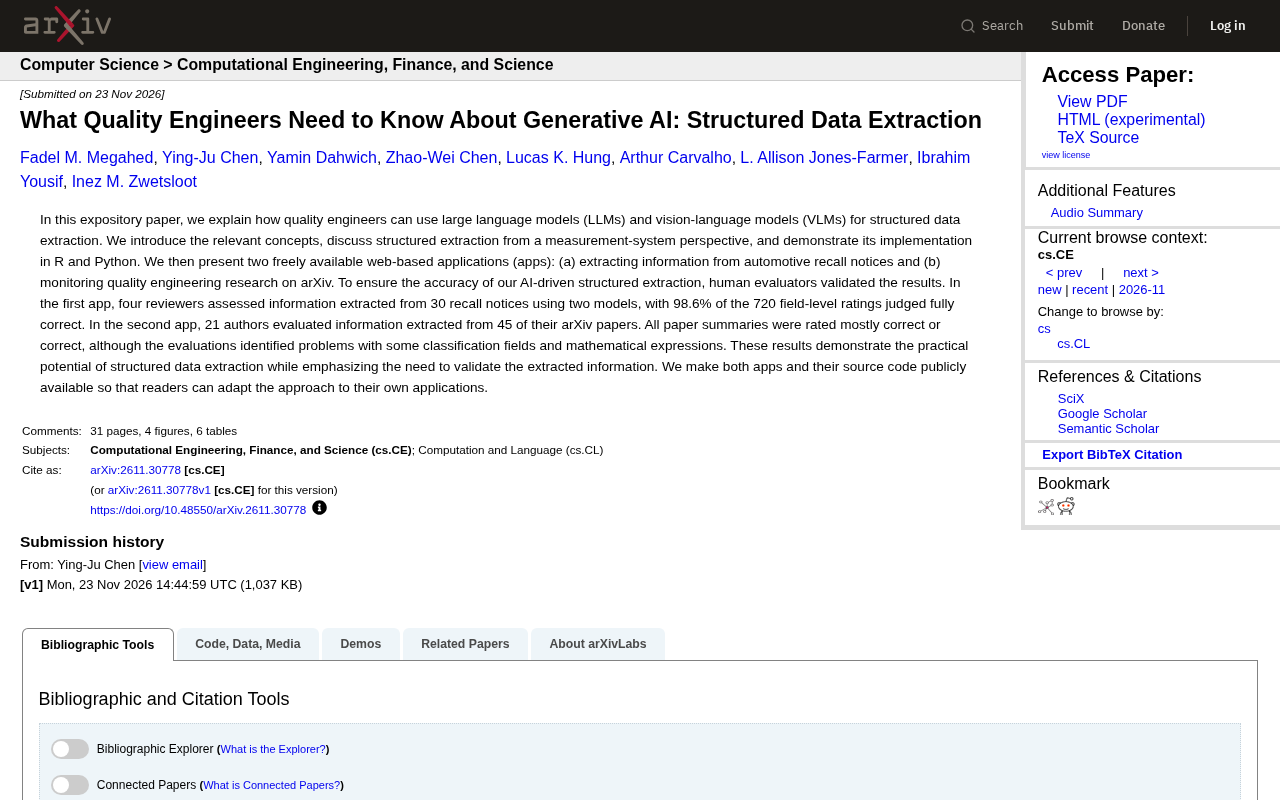
Must-Read for Quality Engineers: A Practical Guide to Structured Data Extraction with Generative AI
A paper shows how quality engineers use LLMs and VLMs for structured data extraction, validated through two web apps, with R and Python implementations.
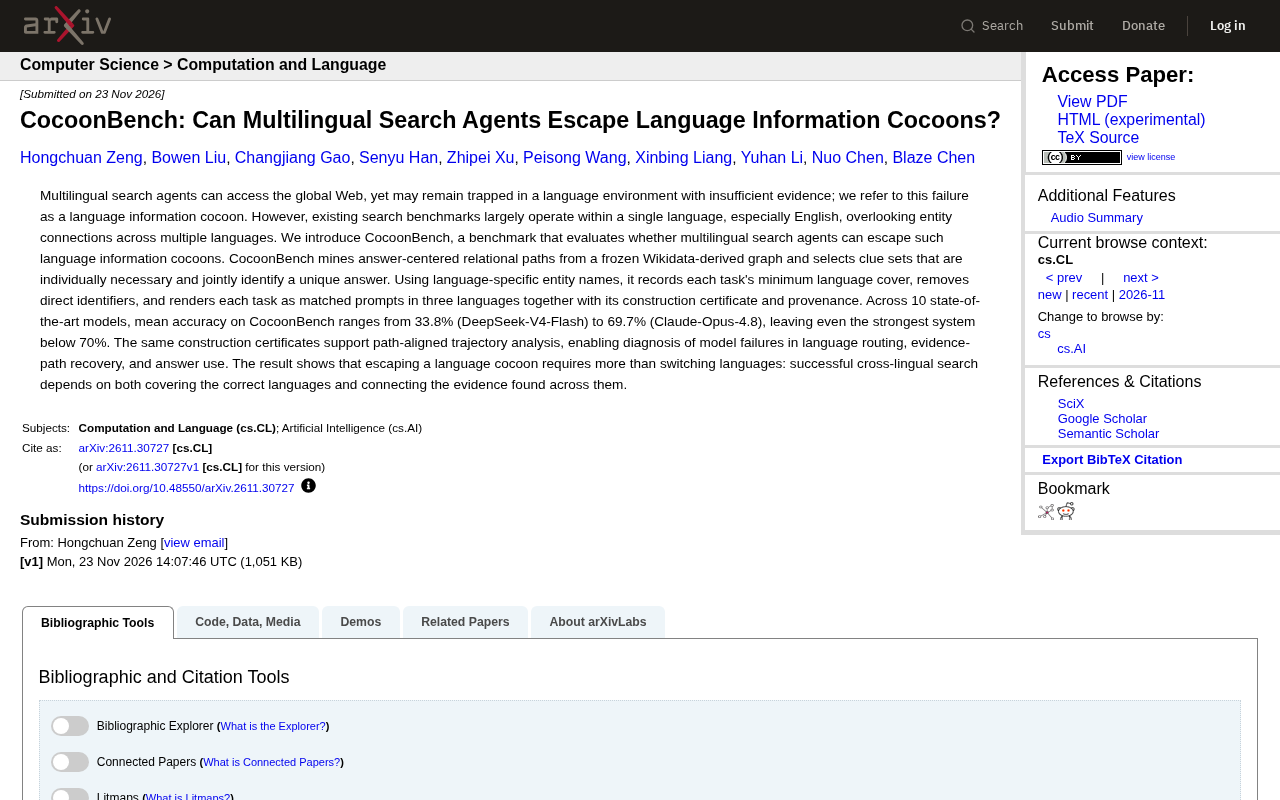
CocoonBench: Can Multilingual Search Agents Break Out of the Language Information Cocoon?
CocoonBench evaluates whether multilingual search agents can escape the language information cocoon. Tests show 10 advanced models range from 33.8% to 69.7% accuracy, with the strongest system still below 70%, revealing key challenges in connecting cross-lingual evidence.