Antigravity CLI Weekly Limit Real-World Testing: A Practical Guide to Maximizing Quota for Ops Workflows

Practical guide to maximizing Antigravity CLI quota for sysadmin and homelab workflows despite weekly limits.
This guide examines the weekly usage limits of Google Antigravity CLI that sysadmin and homelab users encounter. It reveals that Flash and Pro models carry similar quota weights, debunking the assumption that lighter models consume less. The article provides actionable tips including streamlining context input, batching requests, using traditional tools for simple tasks, and strategically choosing models to maximize subscription value.
The Real Struggle of Hitting Weekly Usage Limits
Recently, a Reddit user shared their frustration using Google Antigravity CLI for system administration and homelab tasks: not only were they frequently hitting daily usage caps, but they had even exhausted their Weekly Limit.
This struck a chord with the community. For users who deeply integrate AI coding assistants into their daily operations workflows, usage limits are becoming a real pain point that can't be ignored. When you rely on CLI tools for server configuration, script writing, troubleshooting, and other repetitive tasks that benefit from intelligent assistance, token consumption often exceeds expectations.
The AI-ification of Homelab and System Administration
A homelab refers to server and network infrastructure that tech enthusiasts set up at home for learning, experimentation, and running self-hosted services. A typical homelab might include virtualization platforms (like Proxmox or ESXi), container orchestration (Docker/Kubernetes), network storage (TrueNAS), reverse proxies (Nginx/Traefik), and more. Daily maintenance of these environments involves extensive configuration file writing, network debugging, and automation script development—making them a natural use case for CLI-based AI tools. As AI coding assistants mature, more and more ops professionals are integrating them into SSH sessions and terminal workflows for quickly generating Ansible playbooks, debugging iptables rules, or parsing systemd logs.

The Model Selection Myth: Flash Isn't Cheaper Than Pro
The user raised a key observation: they'd heard that Flash 3.5/3.6 is just as "expensive" in token consumption as Pro 3.1, which left them confused about how to optimize their subscription usage.
This touches on a common misconception. Intuitively, most users assume that "Flash" series models are lighter, cheaper, and faster, and should therefore consume less quota than "Pro" tier models. However, under Antigravity's billing/quota system, if both carry similar weight in quota calculations, then the strategy of simply switching to Flash models to "save money" falls apart.
Technical Background on Flash vs. Pro Model Architecture
In Google's Gemini model family, Flash series (like Gemini 1.5 Flash, 2.0 Flash) typically employ more efficient inference architectures—possibly using fewer active parameters in a Mixture of Experts (MoE) setup, more aggressive knowledge distillation, or attention mechanism variants optimized for inference speed. Pro series retain full model capacity for stronger reasoning capabilities. In Google Cloud's native API pricing, Flash is indeed several times cheaper than Pro—for example, Gemini 1.5 Flash's input token price is roughly 1/7 that of Pro. But third-party products packaging these models may adopt unified quota calculations for product strategy reasons, rather than directly mapping underlying API costs.
Why Flash and Pro Quota Weights Are Similar
One possible explanation is that Antigravity's usage limits aren't purely based on underlying API token costs, but instead employ some unified "request quota" or "weighted credit" mechanism. Under such a system:
- Different models may be assigned similar credit weights
- Limits reflect more of a product-level Fair Use Policy rather than pure compute costs
- High-frequency calls themselves (regardless of model size) accumulate consumption rapidly
Fair Use Policy originated in the telecom industry's "unlimited plan" era, where carriers used it to restrict extreme-usage customers from over-consuming shared resources. In the AI SaaS space, this concept has been widely adopted: since GPU compute is a scarce and expensive shared resource, vendors need to prevent a small number of heavy users from degrading service quality for the majority of paying customers. Common implementations include sliding window rate limits (per-hour/per-day/per-week request caps), priority queues (high-usage users get demoted to lower priority), and hard quotas based on total tokens. The core tension in designing these mechanisms lies in: making users feel the certainty of "subscribe and use," while avoiding the cost overruns that open-ended commitments would bring.
This means the approach of downgrading models to extend quota lifespan may yield quite limited results.
The Usage Amplification Effect in Ops Scenarios
It's worth noting that this user's use case is sysadmin/homelab work, which has its own unique characteristics:
High-Frequency, Fragmented Interaction Patterns
System administration work tends to be "Q&A-style" high-frequency interaction—looking up a command, debugging a configuration, explaining an error log. Each round-trip generates a call, and even if individual consumption is small, the cumulative effect is substantial.
Context Bloat Causing Token Spikes
Ops troubleshooting often requires pasting lengthy logs, configuration files, or code. These long contexts significantly increase token consumption per request. When you repeatedly feed complete error stacks or config files to the model, rapid quota depletion becomes easy to understand.
Modern large language models have expanded their context windows to 128K or even 1M tokens (like Gemini 1.5's 1-million-token window), meaning you could theoretically input hundreds of pages of documents or logs at once. But in ops scenarios, this capability is a double-edged sword: a typical Kubernetes pod crash log might contain thousands of lines of repetitive stack traces, and a complete Terraform state file might exceed 100,000 characters. If users habitually paste complete output for AI analysis, a single request could consume tens of thousands of tokens. In multi-turn conversations, previous context gets repeatedly sent (since the model itself is stateless), causing token consumption to grow quadratically—the actual tokens sent in round N equals the sum of all messages from the previous N rounds plus the new input.
The Hidden Costs of Token Economics
Tokens are the basic unit by which large language models process text—roughly every 4 English characters or 1-2 Chinese characters corresponds to one token. In API pricing, input tokens and output tokens are typically billed separately, with significant price differences across models—for example, GPT-4 tier models might cost 10-30x more per token than lightweight models. However, in subscription products, vendors often don't directly expose token costs, instead abstracting them into "request counts," "message numbers," or "credits" as quota units. While this simplification aids user understanding, it also obscures the actual cost differences between operations, making it difficult for users to predict and optimize their usage patterns.
Practical Tips for Maximizing Your Antigravity CLI Subscription Quota
While the original post didn't provide official answers, combining general best practices for CLI AI tools, here are several practical recommendations:
1. Streamline Context Input
Avoid pasting lengthy logs or config files in their entirety. First use local tools like grep, awk, etc. to filter out key information, and only feed the truly relevant portions to the model for analysis. This can significantly reduce per-request token consumption.
For example, instead of pasting thousands of lines from journalctl -u nginx, first extract key error lines with journalctl -u nginx --since "5 min ago" | grep -i error. For JSON config files, use jq to extract relevant fields rather than submitting the complete file. This preprocessing habit not only saves quota but often produces more precise answers from the model, since reducing noise helps the model focus on the core issue.
2. Batch Tasks to Reduce Round-Trips
Rather than asking questions one at a time, organize related questions into a single comprehensive request and submit them together. Reducing interaction rounds effectively saves quota that would otherwise be repeatedly counted.
Specifically, you can merge "What's wrong with this Nginx config?" "How do I add SSL termination?" "How do I set up rate limiting?" into one structured request: "Please review the following Nginx configuration, identify issues, and add SSL termination and rate limiting configuration." This way, one interaction accomplishes what would have taken three round-trips.
3. Handle Simple Tasks Locally
For basic needs like looking up commands or checking syntax, leverage traditional tools like man, tldr, cheat.sh, and save your precious AI quota for complex problems that truly require intelligent reasoning.
In your terminal, you can quickly install and use these tools: tldr tar gives you common tar command examples in seconds, curl cheat.sh/awk fetches an awk cheat sheet. For more complex but still "known problem" scenarios (like configuration syntax for specific software), documentation resources like ArchWiki and DigitalOcean community tutorials are often more accurate than AI responses and don't consume quota.
4. Be Strategic About Model Switching
Since Flash and Pro have similar quota weights, when quota permits, consider prioritizing the more capable Pro model for complex tasks to reduce repeated retries caused by lower-quality output—retries themselves are a hidden quota drain.
The logic here is: if a complex architecture design question requires 3 rounds of conversation with Flash to get a satisfactory answer, while Pro can handle it in 1 round, then with equal quota weights, Pro is actually more "economical." The key is identifying task complexity—simple command lookups are fine with Flash, but multi-system interaction architecture questions warrant investing Pro's reasoning capabilities.
The Pricing Dilemma of Subscription AI Tools and User Expectations
This user's experience actually reflects a universal tension facing subscription-based AI coding/assistant tools:
Users expect a "subscribe and forget" certainty of experience, while vendors need limits to control unpredictable compute costs.
When quota mechanisms don't align with user intuition (like "Flash should be cheaper"), it creates cognitive friction and usage frustration. For tools like Antigravity, making quota rules more transparent and aligned with users' reasonable expectation that "lighter models = lower consumption" will be crucial for building user trust.
This dilemma isn't unique to Antigravity. Looking across the industry, Cursor uses a "fast request count" quota approach (500 fast requests per month for Pro), GitHub Copilot once offered unlimited use but later introduced quota concepts, and ChatGPT Plus balances experience with cost through model tiering (GPT-4 has usage limits, GPT-3.5 is unlimited). Each approach has its tradeoffs: count-based systems are simple but don't account for request complexity differences; token-based systems are precise but hard for users to intuitively grasp; and unified weight systems (like Antigravity's current approach) may confuse users about model selection.
For heavy ops users, if the current subscription tier can't cover actual workload, it may be time to reassess: upgrade to a higher-quota paid plan, or adopt a hybrid workflow combining "AI assistance + traditional tools" to strike a balance between cost and efficiency.
Conclusion
Antigravity CLI's weekly usage limit issue represents growing pains inevitable as AI tools evolve into productivity tools. It reminds us that while embracing AI-assisted operations, we still need to remain sensitive to token economics—streamlining inputs, batching requests, and leveraging traditional tools are how you extract maximum value from limited quota. We also look forward to vendors providing clearer answers on billing transparency and tiered model pricing.
Related articles
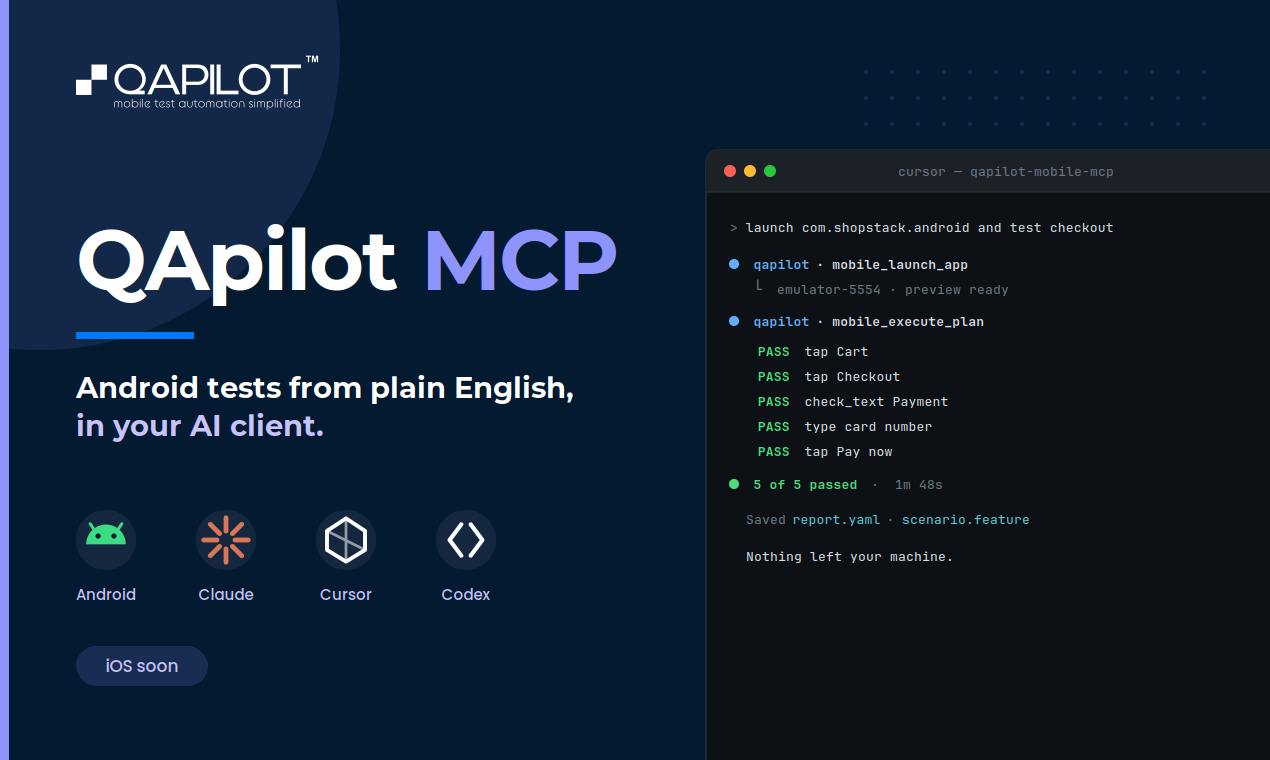
QApilot MCP: Test Android Apps in Natural Language Inside Your AI Coding Assistant
QApilot MCP lets developers test Android apps in natural language inside Claude, Cursor, and Codex — no Appium code needed. Auto-generates reusable Gherkin test cases.
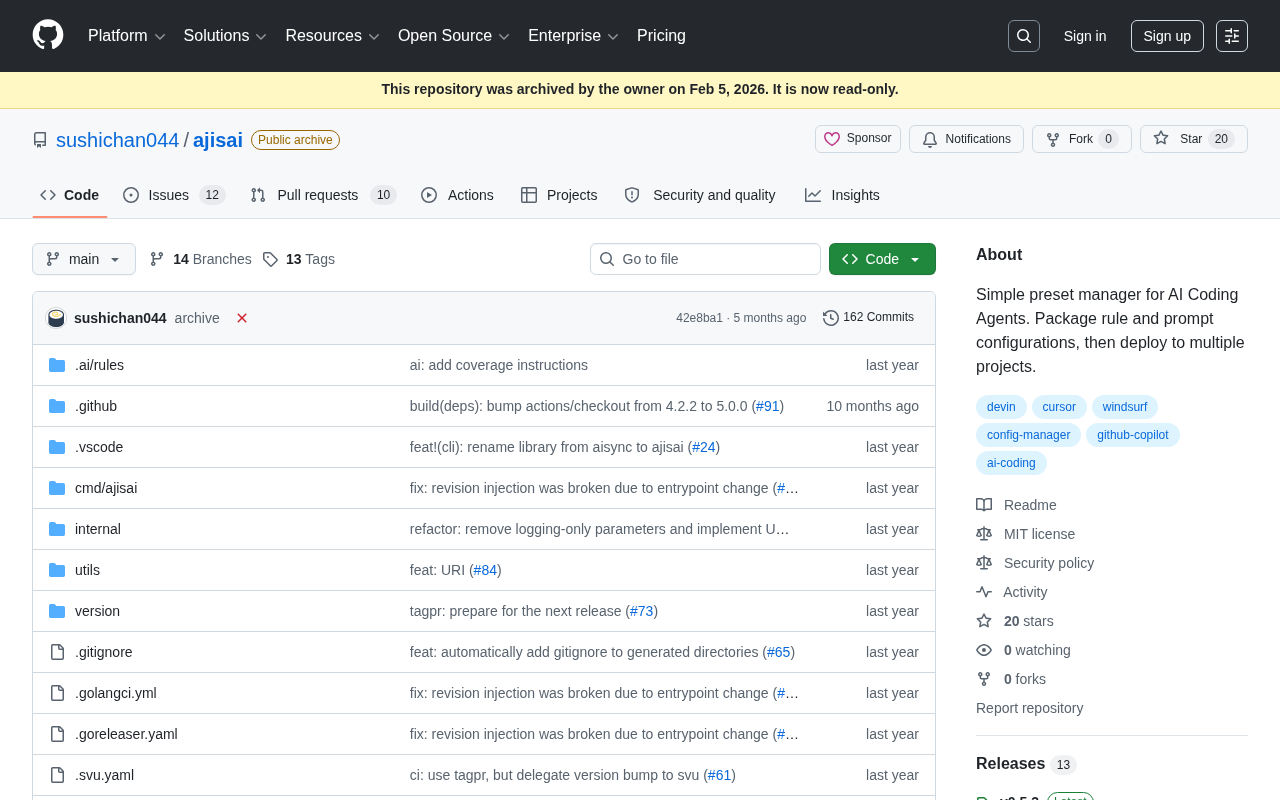
ajisai: A Preset Management Tool for Unifying Rules and Prompts Across AI Coding Assistants
ajisai is a Go-based preset manager for AI coding assistants like Cursor and Claude Code. Package rules and prompts once, deploy everywhere. Early-stage but promising.
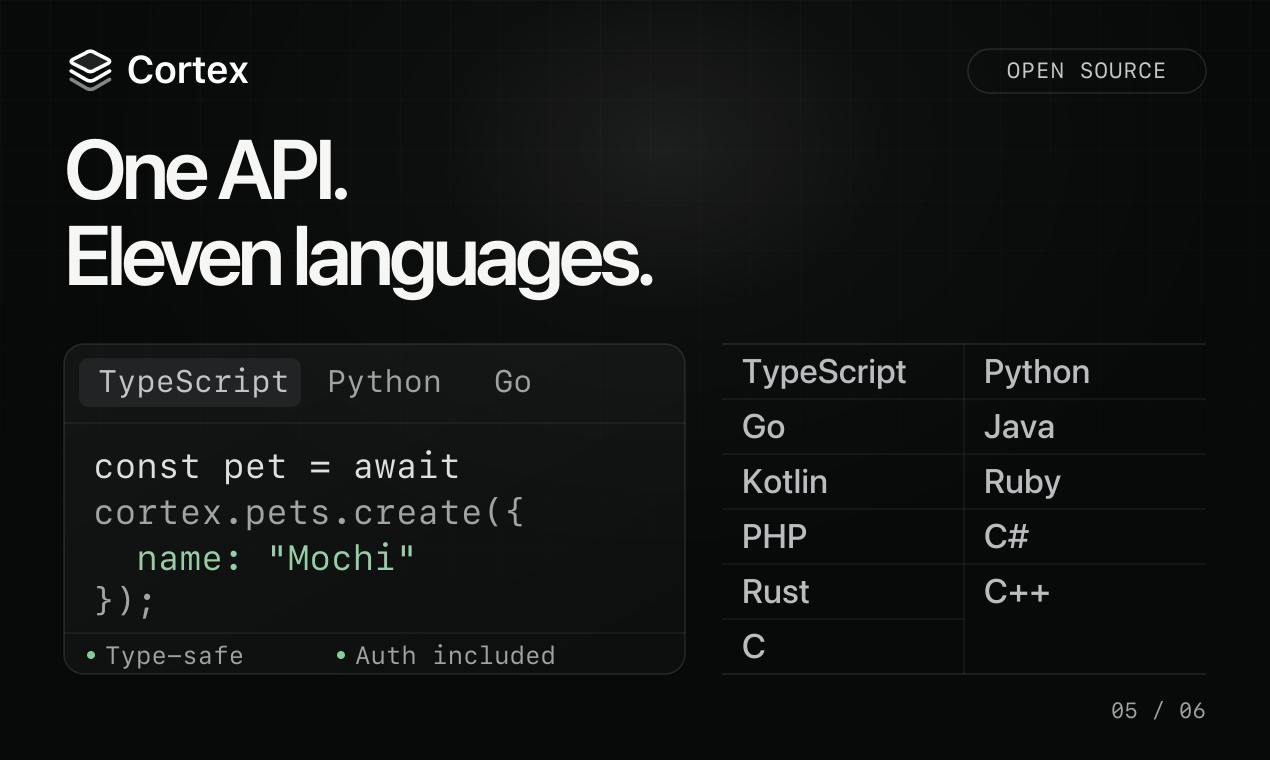
Cortex: Convert API Specs into Docs, SDKs, and MCP Servers in One Click
Cortex is an open-source tool that converts OpenAPI, GraphQL, gRPC and more into interactive docs, typed SDKs in 11 languages, and MCP servers for AI agents.