Antigravity IDE Plugin: Google's AI Agent Arrives in VS Code, JetBrains, and Other Major Editors
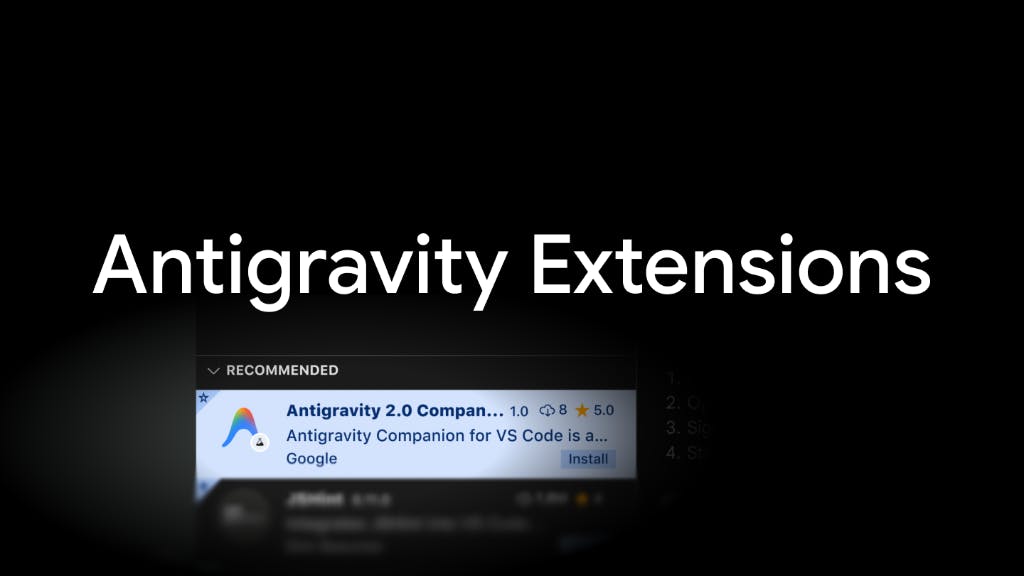
Google Antigravity launches AI agent plugins for VS Code, JetBrains, Visual Studio, and Zed.
Google's Antigravity agentic programming platform has transitioned from a standalone IDE to plugins for VS Code, Visual Studio, JetBrains, and Zed. The plugins offer inline diff review, plan inspection, and task handoff capabilities, enabling developers to use AI agents for multi-step coding tasks without leaving their preferred editors. This multi-platform strategy targets competitors' coverage gaps and lowers adoption barriers.
Google's agentic programming platform Antigravity has taken a pivotal step forward. Previously existing as a standalone IDE, Antigravity has now launched as a plugin for four major development environments: VS Code, Visual Studio, JetBrains, and Zed. This means developers can invoke AI agents to complete multi-step programming tasks right within their familiar editors—no tool-switching required.
From Standalone IDE to Plugin Form Factor
Antigravity originally debuted as a standalone agentic programming IDE, attempting to redefine how humans collaborate with AI to write code. But standalone IDEs face an inherent adoption barrier—developers tend to have deep-rooted habits and configuration dependencies with their long-used editors, and convincing them to migrate entirely to a new tool comes at an extremely high cost.
This "IDE lock-in effect" is deeply entrenched in the industry. A senior engineer may have accumulated hundreds of custom keyboard shortcuts, code snippets, theme configurations, and workflow automation scripts in their editor—all forming a massive migration barrier. According to Stack Overflow's 2024 Developer Survey, VS Code, with its lightweight architecture and rich plugin marketplace, currently holds over 70% of the global developer market. The JetBrains family of IDEs (IntelliJ IDEA, PyCharm, WebStorm, etc.) excels in deep language understanding and enterprise-grade refactoring capabilities, dominating the Java and Kotlin development space. Zed, built from scratch in Rust by the original creators of the Atom editor, focuses on millisecond-level responsiveness and native collaboration features, representing the future direction of high-performance editors.
The launch of IDE plugins is Google's direct response to this reality. The new plugins support four major platforms: VS Code and Visual Studio from the Microsoft ecosystem, the full JetBrains suite (including IntelliJ, PyCharm, etc.), and the performance-focused emerging editor Zed. This coverage spans virtually all mainstream developer communities, and the strategic intent is crystal clear: bring agentic capabilities to where developers already are, rather than asking developers to move.
The product ranked #4 on Product Hunt with 110 upvotes. It was created by Richard Hyndman and is categorized under Software Engineering, Developer Tools, and Artificial Intelligence.
Core Capabilities: Agentic Workflows Without Leaving Your Editor
The plugin's core value proposition is "continuity of context and conversation." Developers can maintain conversation history and shared context with the agent within their editor while completing a series of critical operations.
Before understanding these capabilities, it's worth clarifying the fundamental difference between "agentic programming" and earlier "code completion." Code completion is passive—AI predicts the next few lines of code based on cursor position and context. Agentic programming, on the other hand, is proactive—AI can understand high-level task descriptions, autonomously plan execution steps, modify code across files, run tests, fix errors, and even interact with external tools and APIs. In this paradigm, AI functions more like a junior engineer with independent working capabilities rather than a typing accelerator. The technical foundations of agentic programming include LLM reasoning capabilities, Function Calling mechanisms, and frameworks like ReAct (Reasoning + Acting) that enable models to alternate between thinking and acting.
Inline Diffs
When the agent proposes code changes, developers can view the modifications directly in the editor as inline diffs, reviewing AI's changes line by line. This interaction pattern follows the familiar code review habits of programmers, lowering the trust barrier—you don't have to blindly accept AI output but can scrutinize it just as you would review a colleague's PR.
Inline diff review originates from the classic diff concept in version control systems. In traditional code review workflows, engineers examine changes through Git diff—green lines for additions, red lines for deletions—a visualization approach that lets reviewers precisely understand the intent and impact of every modification. Bringing this pattern to AI programming scenarios holds special significance: it fundamentally addresses the "black box problem" of AI-generated code. Unlike direct file content replacement, inline diffs let developers accept or reject AI modifications line by line, maintaining ultimate control over the codebase. This mechanism is particularly important in security-sensitive enterprise environments, where unreviewed AI code could introduce security vulnerabilities or violate organizational coding standards.
Inspecting Plans
For complex tasks, the agent first presents an execution plan that developers can review before any work begins. This is a key differentiator between agentic programming and simple code completion: AI doesn't just respond passively—it proactively plans multi-step solutions.
The design philosophy behind plan inspection comes from the software engineering best practice of "design before implementation." A typical agent plan might include the following steps: analyze existing code structure → identify files that need modification → determine modification order and dependencies → execute code changes → run tests for validation → fix any issues that arise. By exposing this plan before execution, developers can correct directional errors before the AI consumes significant computational resources, avoiding the scenario where AI "works hard at doing the wrong thing"—one of the most common efficiency traps in current agentic programming.
Debugging and Task Handoff
The plugin supports debugging code directly within the editor and "handing off" multi-step tasks to the agent for autonomous execution. This handoff mechanism means developers can delegate an entire block of work to AI while turning their attention to other matters, forming a human-machine division of labor.
Task handoff is a critical interaction pattern in agentic programming, involving fine-grained calibration of human-machine trust boundaries. In practice, after a developer delegates a multi-step task (such as "refactor the database access layer of this module and add unit tests") to an AI agent, the agent autonomously executes a series of operations in the background: analyzing existing code structure, formulating a refactoring plan, progressively modifying files, running test validations, and fixing failing test cases. During this process, the agent may need to perform dozens of "think-act-observe" cycles. Developers can work on other tasks in the meantime, and the AI presents the complete set of changes for review upon completion. This asynchronous collaboration model fundamentally changes the unit of programming work—from "writing line by line" to "task-level delegation and review"—which is why the industry increasingly defines the future programmer's role as "AI code reviewer and architect."
The Competitive Landscape of Agentic Programming
Antigravity's move takes on greater significance when viewed within the broader AI programming landscape. Currently, products like Cursor, GitHub Copilot, and Windsurf are all competing for the developer's editor entry point, and the competitive focus has shifted from "code completion" to "agents autonomously executing tasks."
Google's choice of the plugin route is effectively seeking a balance between two paths: "standalone IDE" and "pure plugin." These two paths have distinct representatives in the industry: Cursor chose to fork the VS Code source code (VS Code is licensed under the MIT open-source license, which permits such derivative works) to create a standalone IDE—the advantage being deep modification of the editor core to optimize AI interaction experiences, while the drawback is that users must abandon their existing VS Code environment and ecosystem. GitHub Copilot took the pure plugin route, existing as an extension for VS Code and JetBrains—the advantage being zero migration cost, but plugin capabilities are constrained by the host editor's API boundaries. Windsurf (formerly Codeium) also adopted the standalone IDE strategy by forking VS Code. Google Antigravity's "dual form factor" strategy—simultaneously maintaining a standalone IDE while launching multi-platform plugins—attempts to capture the advantages of both approaches, which is a relatively rare full-coverage play in the industry.
You might have overlooked the support for JetBrains and Zed. JetBrains has a massive community of professional Java, Kotlin, and Python developers, while Zed represents the next generation of users pursuing ultimate performance. Covering these two platforms shows that Google isn't content with competing only for VS Code users—it aims to establish a presence across the entire developer ecosystem. Notably, most competitors are still confined to the VS Code ecosystem—both Cursor and Windsurf are built on VS Code's codebase, which inherently prevents them from reaching JetBrains and Zed users. Google's move effectively opens a new front in its competitors' coverage blind spots.
What This Means for Developers
For engineers who write code daily, the practical significance of this change is "tool convergence." Previously, experiencing Antigravity's agentic capabilities required installing and switching to a new IDE; now, you only need to install a plugin in your existing editor to retain all your configurations, keyboard shortcuts, and workflows.
This low-friction onboarding approach will likely become the key to widespread adoption of agentic programming tools. What truly determines whether an AI programming tool achieves mass adoption often isn't the model's capabilities themselves, but whether it can seamlessly integrate into developers' existing work habits. When AI agents no longer ask developers to "change how they work" but instead "enhance how they already work," the adoption curve will truly steepen. This pattern has been repeatedly validated throughout technology product history: successful new technologies almost always achieve widespread adoption through "embedded enhancement" rather than "replacement disruption"—just as container technology was adopted through Docker plugins integrated into existing CI/CD pipelines, rather than requiring teams to rebuild their entire deployment systems.
Of course, the plugin approach also introduces new challenges: different editors have different capability boundaries, and whether the plugin form factor can fully reproduce the agentic experience of the standalone IDE remains to be validated through actual use. For example, VS Code's extension API is relatively open, but JetBrains' plugin system imposes stricter limitations on certain low-level operations; Zed, as a young editor, has a plugin ecosystem and API maturity that are still rapidly evolving. These differences mean the same "Antigravity plugin" may deliver varying experiences across different editors. But the direction is undoubtedly right—bringing powerful AI capabilities to where developers already are.
Key Takeaways
Related articles

LLM Application Development: A High-Paying Career Guide for Ordinary People
LLM application development offers fresh graduates up to 35K/month, with SP offers reaching 600K. This article explains the core skills, how to break in, and how ordinary people can seize AI opportunities through learning by doing.

Say Goodbye to AI Influencer Faces: A Complete Guide to Creating Visual Assets for AI Comic Dramas from Scratch
Bilibili creator shares a full workflow for zero-basics AI comic drama visual assets: use Doubao Work skills with script-first, visual references, and real-person texture to escape AI influencer faces, then lock character and scene consistency with asset sheet layouts, weapon detail images, scene nine-grids, and cinematic color palettes.

The AI Production Pipeline Behind Great Videos: From Research to Agent Validation
AI video production isn't just a model race. This article breaks down a transferable four-step pipeline: researching professional workflows, organizing a skill checklist, configuring agents, and experimental validation—and explains how general-purpose LLMs like DeepSeek can replace paid tools to run the entire process.