Automating Chrome Extension Development with AI Coding Agents: Antigravity & DevTools MCP Complete Workflow

Build Chrome extensions automatically with Antigravity, Modern Web Guidance, and Chrome DevTools MCP.
Based on a Google I/O Connect hands-on workshop, this article details how to combine the Antigravity coding agent, Modern Web Guidance skill pack, and Chrome DevTools MCP to fully automate Chrome extension development — from a single prompt to a publishable extension, including environment setup, real-time debugging, and Chrome Web Store preparation.
At a hands-on workshop during Google I/O Connect, Sebastian Benz from the Chrome Developer Relations team raised a thought-provoking question: nearly everyone in the room had used a Chrome extension, yet very few had actually built one. His argument? Right now is the most exciting time to build Chrome extensions — thanks to modern AI coding agents, the barrier to entry has never been lower.
This article is based on that talk, distilling a complete "coding agent + skill pack + debugging tools" workflow that shows how a single prompt can produce a working Chrome extension.
Why Now Is the Best Time to Build Chrome Extensions
Sebastian's core thesis: modern AI coding agents have become remarkably capable at building Chrome extensions. The unique value of Chrome extensions lies in the fact that you can shape the browser and any webpage to fit your own needs — an extraordinarily powerful capability.
Chrome extensions are built on the Manifest V3 (MV3) specification, the next-generation extension architecture Google fully rolled out in 2023. The most significant change from MV2 to MV3 is the replacement of programmable request interception with Declarative Net Request, and the switch from persistent background pages to Service Workers — delivering major gains in security and performance, but also a steeper learning curve. The central file in any extension is manifest.json, which declares the extension's permissions, icons, popup pages, content scripts, and all other metadata. Because MV3's APIs evolve rapidly, many AI models still have MV2 patterns embedded in their training data — and that's precisely the reason the Modern Web Guidance skill pack exists.
Sebastian offered a range of compelling examples:
- Enhancing web content: Inject JavaScript and CSS into any page. For instance, analyze long text, calculate reading time, and inject a widget; or build a custom emoji picker that replaces the system picker in any input field.
- Customizing browser UI: Analyze a page's CSS to extract its color scheme and display the results in a side panel. The side panel is the most powerful UI surface, alongside popups, standalone tabs, and context menus.
- Changing browser behavior: Automatically group tabs by domain, or turn on a ring light when you enter Google Meet and turn it off when the meeting ends.

"All of these extensions were built by me using Antigravity and Chrome DevTools," Sebastian emphasized. "Building extensions has become so simple that you can do it just for yourself, just for fun."
Three Core Components: A Complete Workflow Breakdown
Sebastian argues that the best Chrome extension development setup requires three components — none of which can be skipped.
1. AI Coding Agent
The workshop used Antigravity, whose latest features make it an excellent choice. Interestingly, Modern Web Guidance and Chrome DevTools for Agents work equally well with any other coding agent — they're not locked to Antigravity.
2. Modern Web Guidance Skill Pack
This is the key to solving the model "knowledge lag" problem. Large language models often aren't aware of the latest APIs and best practices. This skill pack teaches the coding agent about the newest Web API updates and specifications. It also includes an optional Chrome extension-specific skill that makes the agent more reliable when building extensions.
Sebastian shared an interesting detail: the very first instruction he added to the skill pack was "generate icons" — because many coding agents tend to get extension icons wrong. Sometimes they generate the files but write the wrong name in the manifest; other times they produce completely inconsistent icons across different resolutions. Adding a clear instruction dramatically improved robustness.
3. Chrome DevTools for Agents (MCP)
This is the breakthrough that ties the whole workflow together. With Chrome DevTools MCP, an AI coding agent can actually install extensions in the browser, trigger extension actions, and debug them in real time. This means the Chrome extension development loop can be fully automated, closing a long-standing critical gap.
MCP (Model Context Protocol) is a standardized protocol proposed and open-sourced by Anthropic in late 2024, designed to solve the integration challenge between AI models and external tools and data sources. Its design philosophy is analogous to what LSP (Language Server Protocol) does for editor ecosystems — through a unified communication standard, any AI coding agent can call any external capability without needing a custom adapter for each combination. Chrome DevTools for Agents is essentially an MCP server that wraps the Chrome DevTools Protocol (CDP) into a set of tools AI can call directly, giving agents programmatic control over browser tabs, the DOM, network, storage, and nearly every other debuggable dimension. This explains why the newly added tools include highly automated capabilities like taking screenshots, installing extensions, and reloading extensions.
Environment Setup: The Trickiest Part
Sebastian candidly acknowledged that configuration is the most tedious part of this workflow. The main steps are:
- In Antigravity's Customizations, download the Modern Web Guidance and Chrome DevTools skill packs via "Build with Google Plugins," then install the Chrome extension-specific skill.
- Add the Chrome DevTools MCP server (search for "Chrome" to find "Chrome DevTools for Agents").
- Manually edit the MCP configuration to add two critical parameters:

category extensions: Enables extension tools (disabled by default to conserve context window space)AutoConnect: Connects the agent to an already-running Chrome instance rather than launching an isolated test profile — the latter can't access core features like Chrome's built-in APIs.
After restarting with the configuration applied, available MCP tools grow from 29 to 34, with new extension-specific tools like "reload extensions" and "install extensions." Finally, you need to enable "Allow remote debugging" on Chrome's Inspect page — a prerequisite for the coding agent to connect to a running Chrome instance that must be enabled manually.
From Hello World to a Useful Chrome Extension
With setup complete, Sebastian first validated the environment with a simple Hello World popup extension. The agent quickly generated the manifest, popup page, and CSS, then called the DevTools MCP to take a screenshot and verify.
One key breakthrough was worth highlighting: in early tests, the agent only checked the popup page itself without testing the actual trigger flow (clicking the extension icon). After Sebastian added an instruction, the agent successfully simulated clicking the extension icon to complete end-to-end testing — he noted that "this was impossible for agents and automation tools just a month ago."
Real-World Case: Tab Link Autocomplete Extension
Next, Sebastian built a more complex and genuinely useful Chrome extension: typing !! followed by Tab in any text input field triggers an autocomplete list of all open tabs, and selecting one inserts the corresponding link directly.
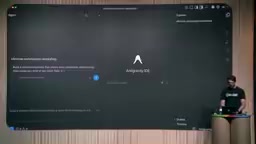
This came from a real pain point: when writing an email and wanting to insert a link, the target page is often already open in another tab. Rather than manually switching, copying the URL, and pasting it back, why not trigger it directly from the editor?
This extension needs to work across three types of text input — and the differences between them run deep in the web platform. Standard <input> and <textarea> elements are form controls with a unified value property and cursor API. contenteditable is an HTML5 attribute that allows any element to become an editable region; Gmail, Notion, Slack, and most major products rely on it heavily. But its content is a DOM tree rather than a plain string — cursor position must be managed through the Selection and Range APIs, and inserting content requires execCommand or the more modern insertText event. Handling all three cases uniformly has historically been a technical challenge for input-enhancement extensions. The fact that the agent automatically identified and handled each one separately reflects the maturity AI coding capabilities have reached in dealing with browser compatibility issues.
During development, Sebastian highlighted Antigravity's most praised feature — the Implementation Plan. After the agent generates a plan, the user can review it line by line and add inline comments. He added two requirements: "Insert a Markdown-format link when Shift+Enter is pressed, using the tab title as anchor text" and "Keep it minimal, IDE-style" — and only then confirmed the build.
The final extension worked correctly across standard <input>, <textarea>, and contenteditable scenarios, and the agent also built its own test page to run comprehensive verification. "A single prompt produced a genuinely useful Chrome extension, and we're pretty confident it works — because the agent verified it directly in Chrome."
Preparing to Publish to the Chrome Web Store
Sebastian also demonstrated the publishing preparation step. After entering "prepare for publishing on the Chrome Web Store," the agent:
- Works through the built-in publishing checklist from the skill pack to ensure all criteria are met;
- Generates a
ChromeWebStore.mdfile containing all the information needed for publishing: name, short description, detailed description, category suggestions, and a single-purpose declaration; - Lists required screenshot and icon specifications (icons are auto-generated; screenshots can be produced separately with a DevTools instruction);
- Provides reviewer-facing justifications for each permission the extension uses;
- Fills out data usage guidelines and drafts a privacy policy.

Sebastian cautioned: don't copy everything verbatim — some information the agent has no way of knowing (for example, the contact email is just a placeholder), so review carefully. That said, it's a solid starting point for publishing.
Advanced: Integrating Chrome's Built-in Prompt API
Near the end of the workshop, Sebastian showed how to make the extension smarter. His pain point: using raw page titles as anchor text for Markdown links produces poor results. So he asked the extension to call Chrome's built-in Prompt API to automatically generate 3-to-10-word precision anchor text based on what's already in the input field.
Chrome's built-in Prompt API is a key part of Google's push toward "native browser AI." Unlike calling a remote LLM service, the Prompt API calls the Gemini Nano model running locally on the device — offering zero latency, offline availability, and no privacy-sensitive data upload. The API is currently available to developers through Chrome's Origin Trial mechanism, meaning its signature and calling conventions are still evolving rapidly. Extensions must declare specific permissions in the manifest and apply to Google for a trial token. This rapid change is the root reason most coding agents get it wrong out of the box — model training data can't keep pace with API evolution, and Modern Web Guidance bridges this gap by injecting the latest specifications directly into the agent's context.
This is yet another place where Modern Web Guidance proved its worth: because the Chrome Prompt API changes frequently across its experimental and trial phases, most coding agents fail when attempting to use it without guidance. But with the latest API specs provided by the skill pack, the agent called it reliably. The resulting anchor text — "Chrome Extension Workshop Setup Guide" — was clearly superior to the raw page title, delivering a meaningful boost in usability.
Summary: Let AI Help You Shape Your Browser
Chrome DevTools MCP gives AI coding agents the ability to genuinely install, run, and debug extensions, closing a critical gap in the automated development loop and making the entire Chrome extension development process smoother than ever before.
But more importantly — extensions give you the power to shape your browser and the web to fit your needs.
"Next time you run into something annoying on a webpage, or the browser doesn't quite do what you need, go build an extension and make your life a little better." That may be the most practical takeaway this workshop left with every developer in attendance.
Key Takeaways
Related articles
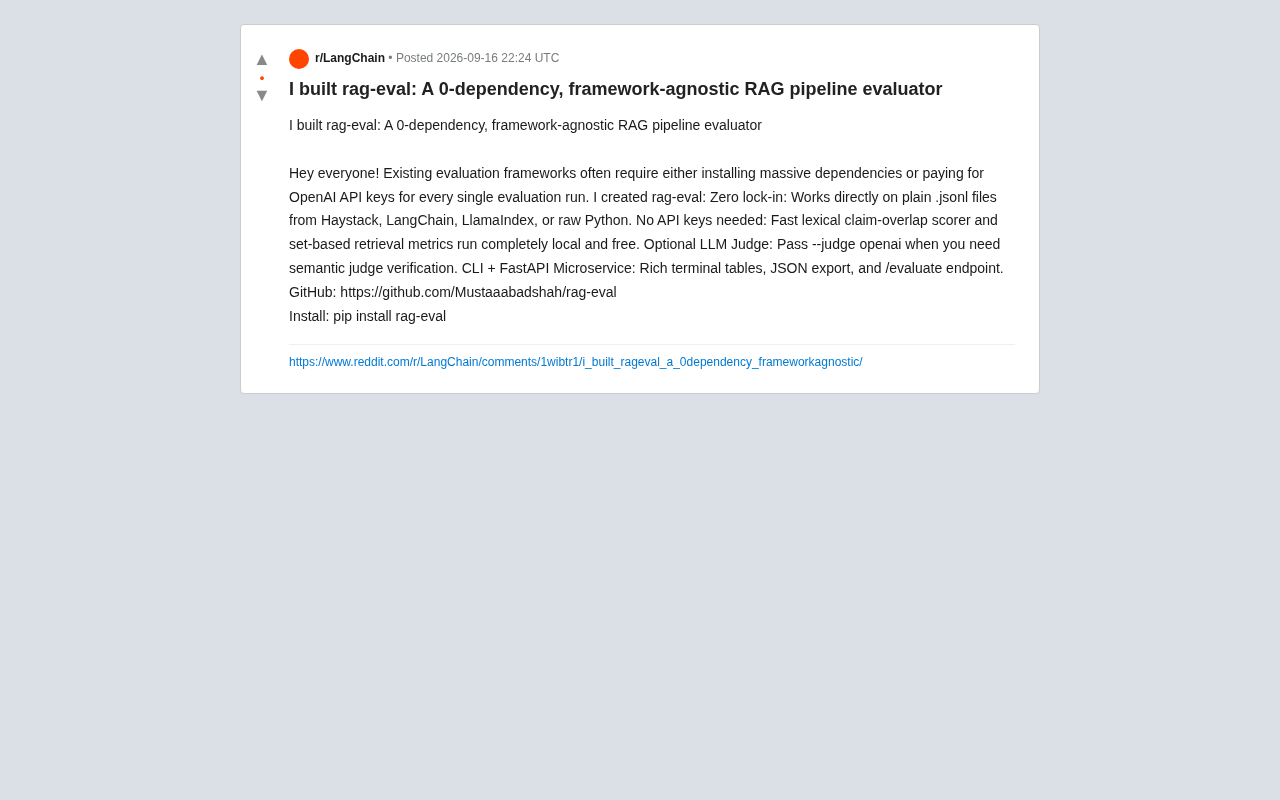
rag-eval: A Zero-Dependency, No-API-Key RAG Evaluation Tool
rag-eval is a zero-dependency, framework-agnostic open-source RAG pipeline evaluation tool. It supports free local lexical and retrieval metrics with no API keys required, and offers optional LLM Judge for semantic validation. Compatible with Haystack, LangChain, and LlamaIndex.
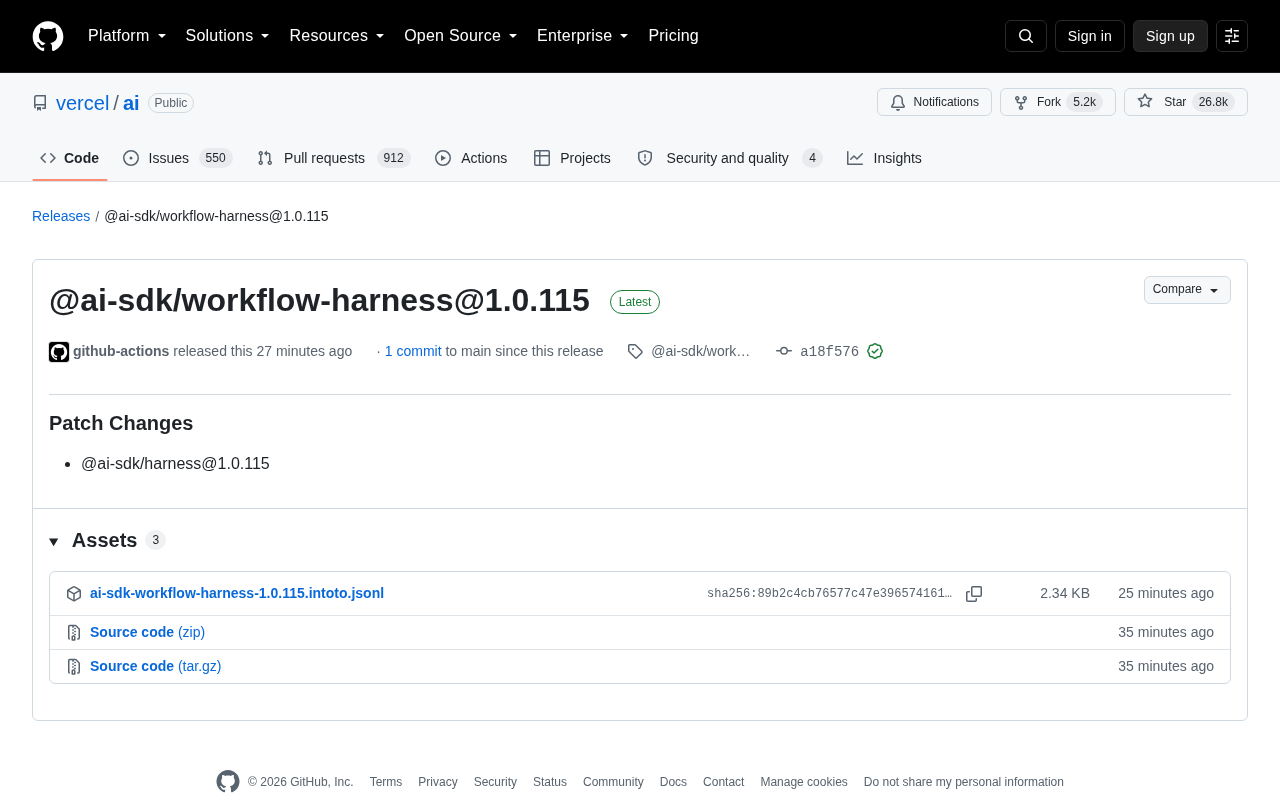
Vercel AI SDK Releases workflow-harness 1.0.115 Patch Update
Vercel AI SDK releases @ai-sdk/workflow-harness 1.0.115 patch update, syncing the @ai-sdk/harness dependency. Learn about the update, release mechanism, and what it means for developers.
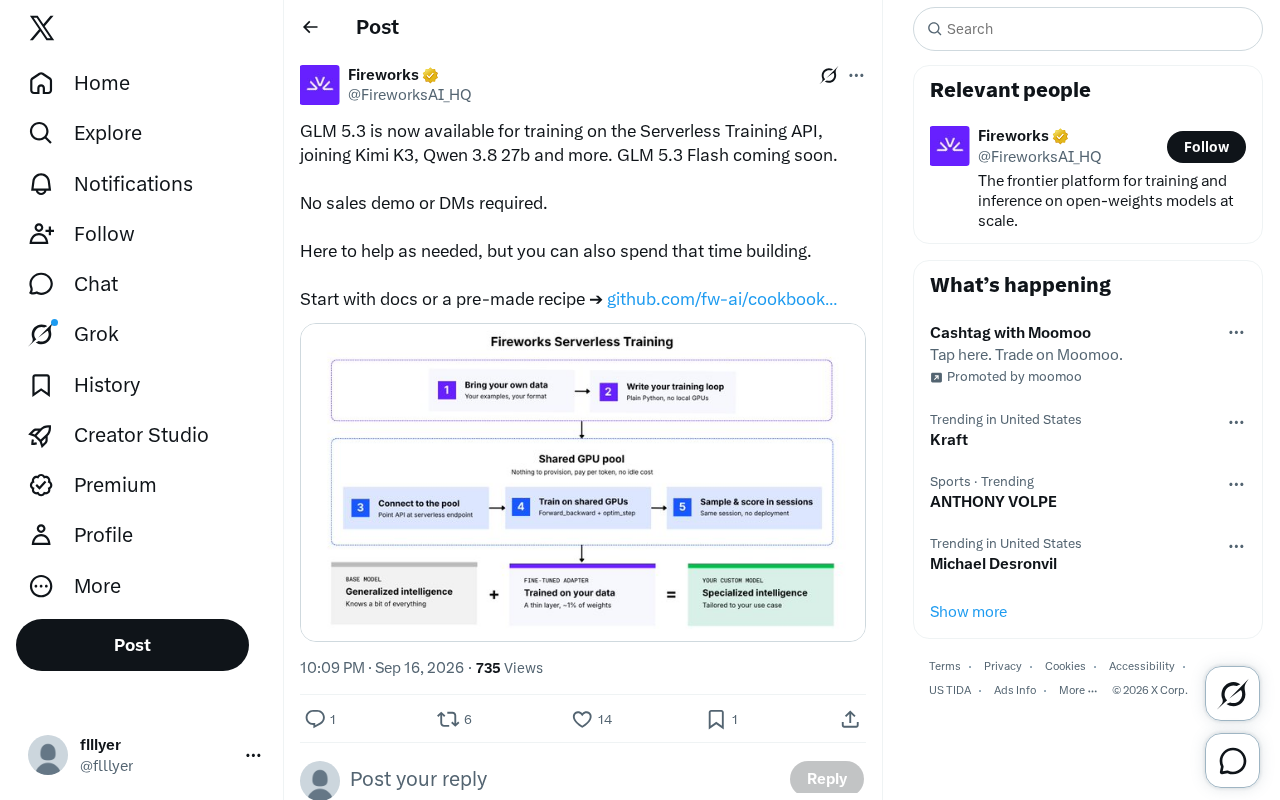
GLM 5.3 Now Available on Serverless Training API — No Sales Process Required
GLM 5.3 is now available on Serverless Training API alongside Kimi K3 and Qwen 3.8 27b. No sales process needed — start fine-tuning directly via docs or pre-made recipes.