BrowserPair: Connect AI Agents to Your Existing Chrome Browser
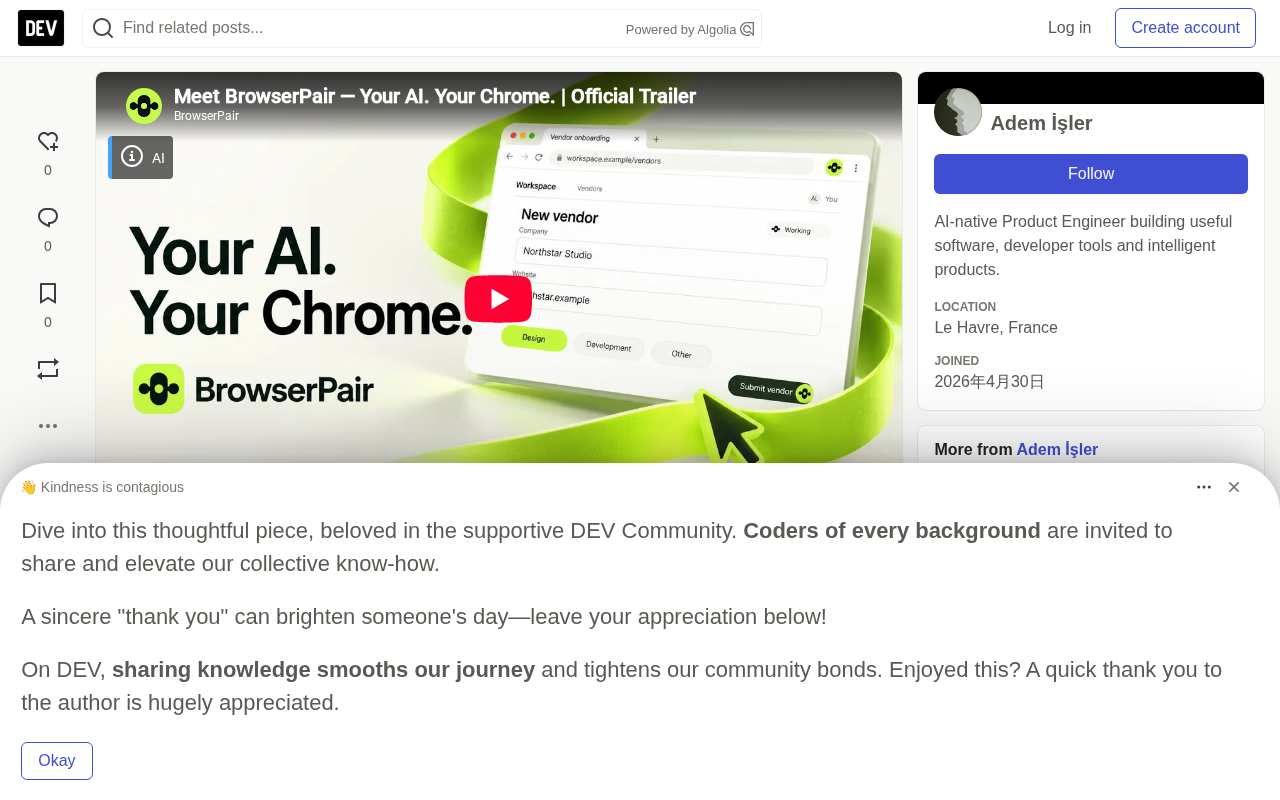
BrowserPair connects AI agents to users' existing Chrome browsers, enabling controllable collaboration through permissions, approvals, and execution evidence.
BrowserPair is an independently developed project that explores connecting AI agents to users' existing Chrome browsers rather than launching brand-new automated browser sessions. It consists of a Chrome extension, a web application for managing tasks and permissions, and integrations for AI clients, and it supports MCP-compatible clients and BYOK mode. Core design elements include reusing logged-in sessions and tabs, scoping access by site and action, requesting human approval for sensitive operations, and preserving execution evidence. The article particularly emphasizes distinguishing "operation failed" from "outcome unknown" to avoid duplicate side effects from blind retries after a form submission disconnects. The architecture is based on Cloudflare Workers, Durable Objects, and D1, and it is positioned as a complement to tools such as Playwright, emphasizing controllable collaboration rather than stronger automation.
Title
BrowserPair: Connect AI Agents to Your Existing Chrome Browser
Meta Description
BrowserPair is an open-source project that connects AI agents to users' existing Chrome browsers. Through a Chrome extension, permission management, and human approval mechanisms, it solves the problem that automated browser sessions cannot leverage already-logged-in states, and focuses on edge cases with indeterminate execution outcomes.
Article Content
AI agents can write code, answer questions, and call tools, but in my own workflow, one thing has always been awkward: getting an AI assistant to work inside the Chrome browser I already have open.
The common approach is to launch a brand-new automated browser. This is useful for testing and isolated automation, but it is not always appropriate for interactive tasks that depend on my existing tabs and logged-in sessions.
I independently developed BrowserPair to explore another path: connecting AI agents to the user's existing Chrome browser, while making permissions and execution boundaries visible.
The problem is not just "clicking"
Driving a web page is only part of agent automation. Before an agent clicks anything, you have to answer several questions:
- Which website is it allowed to access?
- Which actions has the user authorized?
- Do sensitive operations require approval?
- How do we know whether an operation succeeded?
- What happens if the network connection drops after a form is submitted?
The last case is especially critical. Suppose an agent clicks Submit on a form, but the connection drops before confirmation is received. Repeating the operation may create duplicate messages, orders, or records. The system should distinguish between "the operation failed" and "we don't know whether it completed."
This sounds like an engineering detail, but it directly determines whether an agent can be safely used in real business systems. An agent that only knows how to "retry" is a disaster in scenarios such as payments, orders, and messaging.
The distinction between "the operation failed" and "we don't know whether it completed" is known in distributed systems as an indeterminate outcome. A typical scenario is: after the client sends a request, the connection drops or times out; the request may have been processed by the server, or it may never have arrived. Blind retries in this case introduce duplicate side effects under at-least-once semantics, such as duplicate orders or duplicate messages.
There are three common engineering approaches: first, make operations idempotent, meaning that executing the same request repeatedly has the same effect as executing it once, for example by using idempotency keys; second, query the state before executing to confirm whether the operation has already taken effect; third, expose "unknown" as an independent state to the user or upper-layer logic, and let a human or a higher-level policy decide the next action. BrowserPair treats "unknown" as a first-class state, which is exactly how it brings the basic constraints of distributed systems into the browser agent scenario.
What BrowserPair does
BrowserPair consists of three parts: a Chrome extension, an application for managing browser tasks and permissions, and integrations for AI clients.
Its core design choices include:
Use the browser you already have. The extension connects to the user's existing Chrome environment rather than creating a separate browser session for each interaction. This means the agent can directly leverage accounts you are already logged into, tabs you already have open, and existing cookie state.
Keep AI clients interchangeable. MCP-compatible clients can connect to the browser. BrowserPair also provides a bring-your-own-key (BYOK) chat experience so you can use the AI provider of your choice.
Limit the scope of access. The system is designed around site and action permissions rather than granting unbounded browsing access.
Request human approval when appropriate. Sensitive operations can pause and wait for explicit user confirmation.
Preserve execution evidence. Agents should observe actual results rather than assuming that a dispatched click or form submission succeeded. When the outcome is unknown, blindly replaying the same operation is unsafe.
MCP (Model Context Protocol) is a protocol proposed and open-sourced by Anthropic to standardize how AI models connect to external tools and data sources. You can think of it as the "USB interface" of the AI world: clients (such as Claude Desktop and various AI IDEs) describe the tools they can call through a unified protocol, while servers expose capabilities and handle invocation requests. BrowserPair's MCP compatibility means that any AI client supporting the protocol can use the browser as a set of callable tools without developing a separate plugin for each client.
BYOK (Bring Your Own Key) means users call AI services with their own API keys rather than having the platform pay for and proxy everything centrally. For users, this brings cost transparency (billing based on their own usage) and freedom to choose providers; for the product, it avoids the compliance and billing complexity of reselling model calls. By supporting both MCP clients and BYOK chat, BrowserPair essentially reduces the risk of users being locked into a single AI provider.
Architecture and trade-offs
The platform's cloud components use Cloudflare Workers, Durable Objects, and D1. The Chrome extension is the bridge to the browser environment, and the web application gives users a place to manage connections and tasks.
This is not a claim that browser extensions provide a perfect execution sandbox. Permissions, approvals, and evidence each solve different problems. Authorization does not eliminate the risks of interacting with authenticated websites, and approval prompts do not magically make workflows safe.
BrowserPair is also not intended to replace Playwright or cloud browser infrastructure. Those tools are well suited to automated testing, repeatable headless tasks, and isolated environments. This project focuses on a different use case: enabling existing AI assistants to help with real interactive browser work while users retain meaningful control.
In other words, BrowserPair is positioned not as "stronger automation" but as "more controllable collaboration." The two have different design goals and different evaluation criteria.
Cloudflare Workers is a serverless runtime that runs on the edge network and is suitable for low-latency request routing and lightweight logic; Durable Objects provides stateful objects with strong consistency, suitable for coordinating the state of the same browser session or task and preventing concurrent operations from interfering with each other; D1 is Cloudflare's managed relational database based on SQLite, used to store structured data such as task records and permission configurations. A typical pattern combining the three is: Workers handle incoming requests, Durable Objects maintain serialized state and locks for each session, and D1 handles persistence.
It should be noted that a browser extension itself does not constitute a security sandbox. The extension runs in the user's already-logged-in browser environment and has page access permissions, so the permission model, approval flow, and execution evidence are three complementary lines of defense, and none of them alone can be expected to eliminate risk. This is why the original article emphasizes that "authorization does not eliminate the risks of interacting with authenticated websites."
What I am still learning
The interesting engineering problems all arise in edge cases, not in demos of the happy path. For example:
- How fine-grained should permissions be before the interface becomes exhausting?
- Which operations should always require human confirmation?
- How should an agent recover from an unknown outcome without making things worse?
- How can execution evidence be useful to users without overwhelming them?
I built BrowserPair independently and am continuously improving the experience through real browser workflows.
If you have built MCP tools, browser extensions, or agent automation systems, I would love to hear how you handle authorization and indeterminate execution outcomes.
Try BrowserPair: https://browserpair.com
Question: Would you rather connect your existing AI assistant to your current browser, or use a separate AI-controlled browser session?
In-depth analysis: the hidden value of existing-browser access
From a product perspective, BrowserPair targets an overlooked gap. Most AI browser automation tools assume that a "clean environment" is the correct abstraction, but for ordinary users, the truly valuable scenarios often happen in the browser where they are already logged in, already configured, and already have a bunch of tabs open. Logging in again, reconfiguring, and rebuilding context are themselves enormous friction.
From a security perspective, this design also raises sharper questions. Connecting to an existing browser means the agent may reach the user's real accounts and real data, so the permission model cannot be just a binary "allow/deny" switch. BrowserPair scopes sites and actions and requires human approval for sensitive operations, which is a pragmatic direction, but how to balance granularity still needs to be tested in practice.
From an ecosystem perspective, MCP compatibility and BYOK reduce lock-in risk. Users do not have to switch AI providers to use this tool, which helps it be adopted within existing AI workflows rather than requiring users to rebuild their habits.
One detail worth noting is the handling of "unknown outcomes." Traditional automation scripts usually assume that an operation either succeeds or fails, but in real networks, timeouts and disconnections are the norm. BrowserPair explicitly treats "uncertain" as an independent state, which is closer to real-world engineering needs than simple retry logic.
Conclusion
BrowserPair represents a pragmatic approach to deploying AI agents: it does not pursue full autonomy, does not pretend that browser extensions are perfect sandboxes, and instead treats permissions, approvals, and execution evidence as first-class citizens. For users who need to use AI assistants in real browser environments, this "controllable collaboration" may have more long-term value than a "fully automatic black box."
One-line Summary
BrowserPair connects AI agents to users' existing Chrome browsers, enabling controllable collaboration through permissions, approvals, and execution evidence.
Paragraph Summary
BrowserPair is an independently developed project that explores connecting AI agents to users' existing Chrome browsers rather than launching brand-new automated browser sessions. It consists of three parts: a Chrome extension, a web application for managing tasks and permissions, and integrations for AI clients, and it supports MCP-compatible clients and BYOK mode. Core design elements include: reusing logged-in sessions and tabs, scoping access by site and action, requesting human approval for sensitive operations, and preserving execution evidence. The article particularly emphasizes distinguishing "operation failed" from "outcome unknown" to avoid duplicate side effects from blind retries after a form submission disconnects. The architecture is based on Cloudflare Workers, Durable Objects, and D1, and it is positioned as a complement to tools such as Playwright, emphasizing controllable collaboration rather than stronger automation.
Related articles

Chain of Thought Isn't Just for AI: How Humans Can Use CoT to Improve Thinking Quality
Chain of Thought isn't just a prompt trick for large models. Starting from a Hacker News discussion, this article analyzes why CoT works for human thinking too, breaks down actionable ways to transfer it, and highlights the key differences between human CoT and machine CoT.
Cloudflare Teams Up with OpenAI: Closi…
Cloudflare Teams Up with OpenAI: Closing the Loop from Vulnerability Discovery to Defense with AI
Cloudflare uses OpenAI Daybreak to investigate security vulnerabilities and generate reviewable remediation plans, while developers use Codex to boost coding efficiency and quality.

Orca Multi-Agent Orchestration in Practice: A Guide to Parallel Collaboration with Claude and Codex
Orca is Stable AI's free open-source agent workbench supporting 34 agents like Claude Code and Codex in parallel. Learn its Git worktree isolation, multi-model orchestration, and mobile management.