Build a Quote Calculator with Doubao Agent: Stop Guessing Your Freelance Rates

Build a quote calculator with Doubao Agent conversation—freelancers generate professional quotes in one click.
The article shows how Bilibili creator "Biaoge" used Doubao Agent to build a no-code freelance quote calculator via natural-language prompts. Doubao breaks down requirements, implements calculation logic and UI, and delivers a single-file app supporting project type, quantity, timeline, and revisions. Users can request changes in plain language, add rush and buyout rates, and quote on mobile via multi-device sync.
Title
Build a Quote Calculator with Doubao Agent: Stop Guessing Your Freelance Rates
Meta Description
A Bilibili creator uses Doubao Agent to build a no-code quote calculator: enter project type, quantity, and timeline to auto-generate itemized quotes, with rush and copyright buyout rates, one-click copy to send to clients, and mobile quoting on the go.
Article Content
The most painful part of freelancing and taking on gigs often isn't the work itself—it's quoting. Quote too high and you risk losing the job; quote too low and you risk losing money. On top of that, you have to manually organize line items and calculate fees every time, which is time-consuming and error-prone. A Bilibili creator named "Biaoge" built a dedicated quote calculator with Doubao Agent: pick the project type, quantity, and timeline, and it automatically generates a complete quote and itemized breakdown, ready to copy and send to clients. The barrier to entry is lower than you'd think—no coding required, the whole thing is done through natural language conversation.
From a Single Request to an App: The Doubao Agent Workflow
Open Doubao on PC, click "New Work Task" on the left, check your local computer, select "App Generation" from the skills dropdown, and enter a prompt describing the tool's purpose, input fields, calculation rules, output format, and visual style. According to the creator's demo, Doubao didn't just dump out code after receiving the instructions. Instead, it first broke the requirements into a checklist, then progressively wrote the quote calculation logic and generated the app interface, and finally delivered everything as a single file after confirming it was correct. Every step unfolds in real time in the chat area, making the process transparent and traceable.
This "break down first, implement next, deliver last" rhythm feels much safer than one-shot generation. Once the app is generated, it's ready to use. All you need to do upfront is fill in the price range for each project type in the settings. After that, select the project type, work quantity, delivery timeline, and revision rounds, and the system automatically calculates the quote and fee breakdown. The full quote description covers the scope of services, delivery timeline, revision rules, and payment terms—copy it and send it straight to the client, and the professionalism is noticeably higher.
Agent refers to an AI system that can perceive its environment, plan autonomously, and execute multi-step tasks to achieve a goal—distinct from a chatbot that only handles single-turn Q&A. The core capability of Doubao Agent lies in "task decomposition": it breaks a single natural-language request into executable sub-steps (such as a requirements checklist, logic writing, interface generation, and validation/delivery) and maintains transparent interaction with the user at each step. This "plan—execute—verify" loop enables non-programmers to build apps through conversation without needing to understand the underlying code structure.
Single-file Application refers to an app format that packages all HTML, CSS, JavaScript, and other code into a single file for delivery. Its advantages are zero dependencies and no installation—just double-click or open it in a browser, making it ideal for personal small-tool scenarios. For apps like a quote calculator with simple logic and small data volumes, the single-file format is easy to share (you can send it directly to your phone) and easy to replace wholesale during later iterations, avoiding the deployment and path-management hassles of multi-file projects.
Tweak Requirements in Plain Language—No Need to Start Over
What if you finish the tool and then realize you want to add features? The creator's approach is to keep directing Doubao in plain language—even "client-style" requests like "make the logo bigger while also making it smaller" work, and Doubao can still identify what needs to change. According to the video, Doubao first locates the rush-delivery toggle, copyright buyout option, and specific quote calculation rules on the interface, adds the rush fee rate and copyright buyout rate parameters to the global settings, recalculates, and passes syntax validation before delivering the new version.

The updated calculator has two new toggles: "Rush Delivery" and "Copyright Buyout." Turn them on and it automatically factors them into the quote; the scope of services, quote breakdown, and quote description still support one-click copy. The unit price table, rush fee rate, and buyout rate can all be modified at any time at the bottom—changes take effect immediately and are auto-saved. This incremental approach avoids the hassle of starting from scratch every time you make an adjustment.
Incremental Iteration is a common pattern in software development, referring to making local modifications on top of an existing working version rather than rebuilding from zero each time. In AI-assisted development, incremental iteration depends on the model's contextual understanding of the "current state of the code": Doubao needs to first locate the interface elements and calculation functions related to the "rush toggle" and "copyright buyout," then insert new parameters and re-validate the syntax. Compared to "tearing it all down and starting over," incremental iteration preserves already-verified functionality, reduces the risk of introducing new errors, and gives non-technical users the confidence to keep requesting changes.
Multi-Device Sync: Quote on the Go from Your Phone
Quoting often happens when you're out and about—when a client asks for a price on WeChat, you can't exactly carry your computer with you. Doubao supports multi-device sync: click Share in the top-right corner on your computer, send the app to your phone, and open it directly in your phone's browser. Once Doubao on mobile enters Work Task mode, you can also remotely control your own computer or use the app directly to complete a quote.

According to the creator, once quotes are standardized, every job's amount has a basis, and it saves a huge amount of time organizing line items. New users of Doubao PC get a free 30-day trial package; existing users earn credits through daily check-ins and tasks—30 days of check-ins earns more credits than a monthly membership. The creator also compiled the prompts used in the process.
Where Else Can This Approach Be Applied?
The essence of a quote calculator is handing off the "clear rules, repetitive calculations" part to an Agent. Freelance scenarios like design, video editing, copywriting, and development can all borrow this approach: first define the input fields (project type, quantity, timeline), then spell out the calculation rules (price ranges, rush fee rate, buyout rate), and finally agree on the output format (quote breakdown, service description, payment terms). The value of Doubao Agent isn't in making decisions for you—it's in solidifying the quoting logic in your head into a tool, so every quote has a foundation.
For freelancers, this isn't just an efficiency tool—it's also a demonstration of bargaining power. When a quote is clearly structured and complete in its terms, clients perceive professionalism rather than off-the-cuff pricing.
Parametric Quoting refers to the method of breaking a quote down into several configurable parameters (such as base price by project type, quantity multiplier, rush fee rate, buyout rate, and revision-round surcharge) and automatically combining them via a formula to produce the final price. Its value lies in transforming "gut-feel pricing" into "rule-driven pricing": the same set of parameters stays consistent across similar clients, avoiding inconsistency from person to person; adjusting rates only requires changing parameters rather than recalculating every job; and the quote breakdown clearly shows the cost composition, boosting client trust. This is precisely the underlying logic that allows quote calculators to be replicated across design, video editing, copywriting, and other scenarios.
One-line Summary
Generate a quote calculator through Doubao Agent conversation—freelancers produce professional quotes with one click.
Paragraph Summary
The article introduces how Bilibili creator "Biaoge" used Doubao Agent to build a no-code freelance quote calculator through natural-language prompts. Doubao first breaks down the requirements into a checklist, then progressively implements the calculation logic and interface, delivering it as a single file. The app supports inputs like project type, quantity, timeline, and revision rounds, and automatically generates quotes and fee breakdowns. Later, users can request changes in plain language; Doubao locates the modification points, adds rush and copyright buyout rates, re-validates, and delivers a new version. The app supports multi-device sync—share it to a mobile browser for on-the-go quoting, and Doubao on mobile can even remotely control your computer. This method can be replicated across design, video editing, copywriting, and other freelance scenarios, with the core idea being to hand rule-based repetitive calculations off to an Agent.
Related articles
AI Gains Confined to Tech? Non-Tech Industries See Little Payoff
Apollo analysis finds AI's economic returns remain highly concentrated in tech, with no quantifiable payoff yet in non-tech sectors. We break down the key arguments, Hacker News debate, and practical implications for enterprise AI investment and measurement.
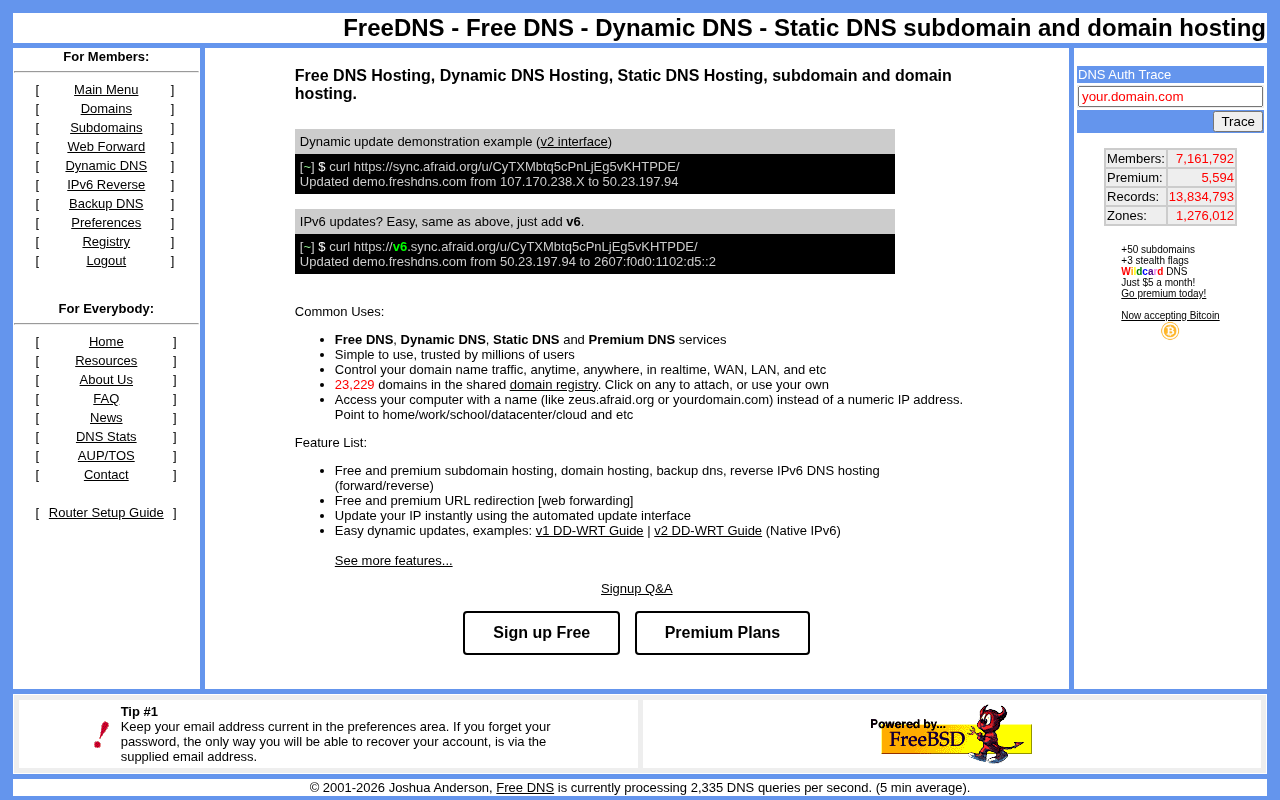
FreeDNS: A Classic Choice for Free Dynamic DNS Services
FreeDNS is a platform offering free dynamic DNS hosting, supporting a shared domain pool and HTTP updates. This article covers its core features, community reviews, use cases, and comparisons with other DNS solutions.

AI Agents on Your Phone: Where's the Line Between Convenience and Privacy?
A developer finds people accept AI agents operating laptops but feel uneasy about phones. This article analyzes the trust gap behind data density, permission models, and observability, exploring the specific task boundaries users are willing to hand to mobile AI agents.