Building a Home Server Portal for the Whole Family: Containerizing Media and Cloud Gaming

A self-hoster built a family-friendly server portal with containerized services and browser-based cloud gaming via Wolf and Moonlight-web.
A Reddit user upgraded their personal self-hosted server into a family-shared platform by containerizing all services, building a unified navigation portal, and using Wolf with moonlight-web for browser-based cloud game streaming — no client installs required. The article uses this case to outline a clear self-hosting growth path: get one service running, organize with containers, lower the barrier with a unified portal, and finally learn networking for secure external access.
From Personal Tinkering to Family-Wide Sharing
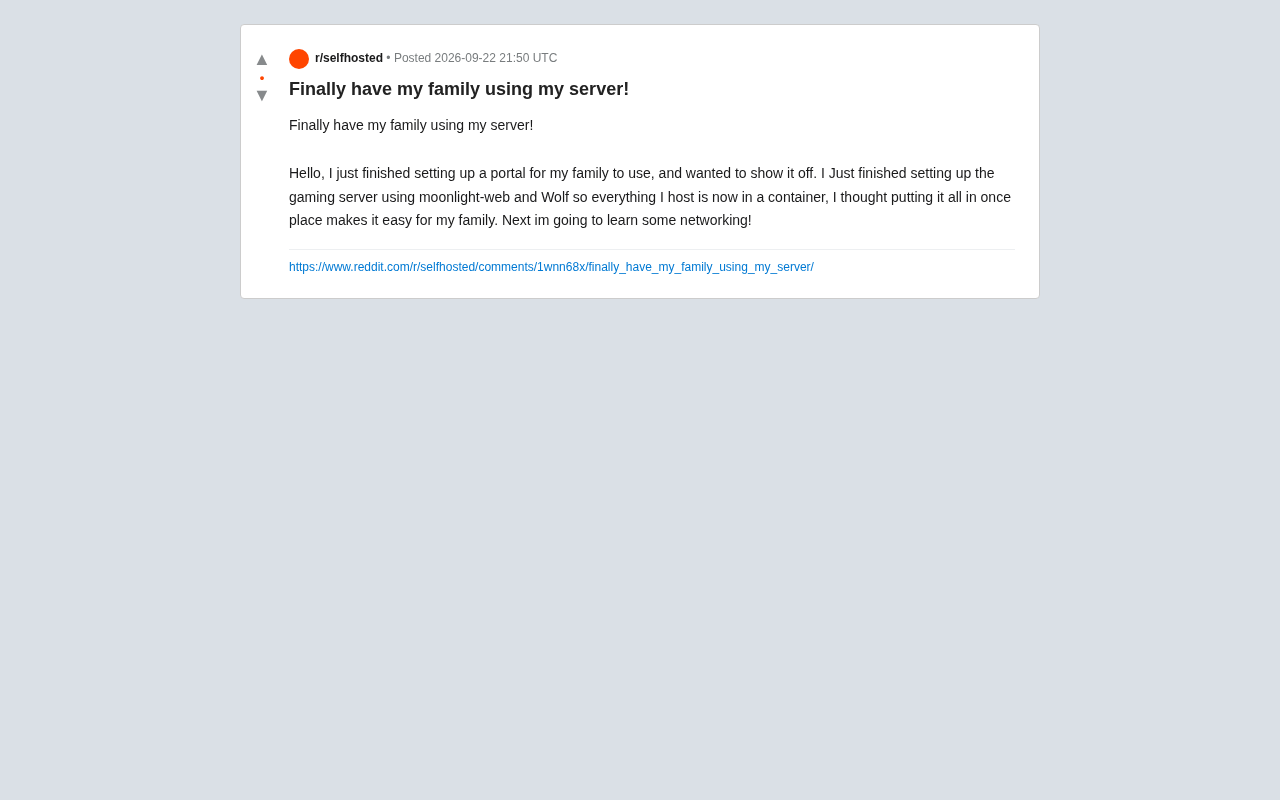
Many self-hosting enthusiasts go through the same phase: the services are up and running, but only they use them. One Reddit user shared a milestone in their journey — building a unified portal page for family members that consolidates all their self-hosted services in one place, making them accessible even to non-technical household members.
This seemingly simple achievement represents a critical shift: moving from a "tech toy" to a genuinely useful tool. When services need to be used by family members, ease of use, stability, and a unified entry point matter far more than piling on features.
Containerization: Keeping Hosted Services Organized
The user mentioned putting everything they host into containers — a mainstream practice in the self-hosting community today. Compared to installing software directly on the host machine, containerization offers clear advantages:
- Environment isolation: Each service runs in its own environment without interfering with others. If one app crashes, it won't take down the rest.
- Consistent deployment: Containers maintain the same running state regardless of which machine they're moved to, eliminating the need to reconfigure everything from scratch.
- Centralized management: Tools like Docker let you view, start, stop, and update all services from a single interface.
For a family-facing setup, the real value of containerization is maintainability. As the number of services grows, a standardized management approach significantly reduces ongoing operational overhead.
Cloud Gaming Setup: Moonlight-web and Wolf
The most interesting part of this share is the newly added game server. The user chose a combination of moonlight-web and Wolf to implement game streaming.
Wolf is an open-source multi-user game streaming server that runs games on the server and pushes the video feed to clients. Moonlight-web provides a browser-based Moonlight client, meaning family members don't need to install any dedicated software — they can just open a webpage and play games running on the server.
This "browser as client" approach directly addresses the project's core goal: lowering the barrier to entry for family members. Instead of teaching parents or kids to install and configure various apps, a single web link covers everything from media to gaming.
Wolf's technical foundation is worth understanding in more depth. It's built on an open-source implementation of the NVIDIA GameStream protocol, relying on GPU hardware encoding (NVENC/VAAPI) to compress game video into a low-latency stream for transmission to clients. Compared to Sunshine (another popular open-source streaming server), Wolf's key differentiator is multi-user session isolation — each user can run an independent game instance simultaneously rather than sharing a single desktop environment, which is exactly why it suits multi-member household scenarios. The Moonlight protocol itself is sensitive to network latency; on a local network, the experience is typically close to native. Remote access over the public internet demands higher bandwidth and lower latency — which is why this user's next step is learning networking. Proper network configuration directly determines whether cloud gaming is actually usable.
Why a Unified Portal Matters
Consolidating all services into a single portal page is one of the most underrated steps in this kind of family self-hosting project. Technical users might be comfortable memorizing various IP addresses and port numbers, but for ordinary family members, these are incomprehensible barriers.
A clean navigation portal — built with tools like Homarr, Homepage, or Heimdall — transforms scattered services into something resembling a "family app store" landing page. Users can find what they need with a few clicks, and that's often the tipping point that gets family members to actually start using the server.
These dashboard tools each have their own strengths. Heimdall is an earlier popular option with a clean interface but relatively static functionality. Homepage is YAML-driven and supports pulling live status from various service APIs (such as download progress and server load), making it better suited for technical users. Homarr sits between the two, offering visual drag-and-drop configuration and a widget system that's more accessible to non-technical users. The right choice often comes down to who the portal is for: if you're primarily checking service status yourself, Homepage's information density is an advantage; if it's a navigation page for family members, the visual clarity of Homarr or Heimdall matters more. All of these tools can themselves be containerized, keeping the overall architecture consistent.
Next Stop: Networking
The user mentioned at the end of their post that they plan to start learning networking next — a very natural progression on the self-hosting journey.
Once services need to be accessed from outside the local network, concepts like reverse proxies, DNS, port forwarding, VPNs, and firewall rules become unavoidable. Safely exposing home services to the internet while guarding against risks requires a solid networking foundation. Mastering networking is the essential path from "it works" to "it works well and securely."
In the home self-hosting context, the reverse proxy is the most worthwhile networking concept to learn first. Tools like Nginx Proxy Manager or Caddy can consolidate multiple services behind ports 80/443, replacing hard-to-remember IP+port combinations with subdomain-based addresses (like jellyfin.home.example.com) while automatically handling HTTPS certificates. For external exposure, Cloudflare Tunnel offers an alternative that doesn't require opening router ports, effectively reducing the risk of directly exposing your home's public IP. VPN solutions like Tailscale or WireGuard are better suited for "access only for specific members, not open to the public" scenarios. The differences in security boundaries and configuration complexity between these two approaches are significant — understanding when to use each is the most critical judgment call during the networking learning phase.
Takeaways for Self-Hosting Beginners
This case study is small in scale but sketches a clear growth path for self-hosters:
- Get a single service running first — understand the fundamentals;
- Organize with containerization — make multiple services manageable;
- Build a unified portal — hand usability over to non-technical family members;
- Fill in networking knowledge — enable secure external access.
The joy of self-hosting isn't just in the technology itself — it's in making that technology part of your family's daily life. When the people you love start relying on something you built, the sense of accomplishment far exceeds simply getting a service online.
Related articles

WorkBuddy Agent Complete Guide: From Beginner to Automation in 7 Days
Based on Bilibili's 256-episode WorkBuddy masterclass, this systematically breaks down Tencent's AI office workbench core capabilities: Agent principles, Skill encapsulation, cross-platform connectors, scheduled automation, knowledge bases, and zero-code development, with learning path recommendations.

8 AI Accounts, 7 Failed: An Honest Review of Using AI to Get Work Done
Only 1 of 8 AI-run Bilibili accounts succeeded. We break down the real difference between "performing AI" and "using AI to get work done."

DeepSeek Harness Step-by-Step Installation Guide: Core Principles and Building Automated AI Applications
Based on Bilibili creator Pan Ge's DeepSeek Harness tutorial, this guide covers Node.js installation, npm global directory and cache configuration, environment variables, and the core principles of Harness with Agents.