Building My First AI Music Video with a Custom MiniMax H3 Workflow
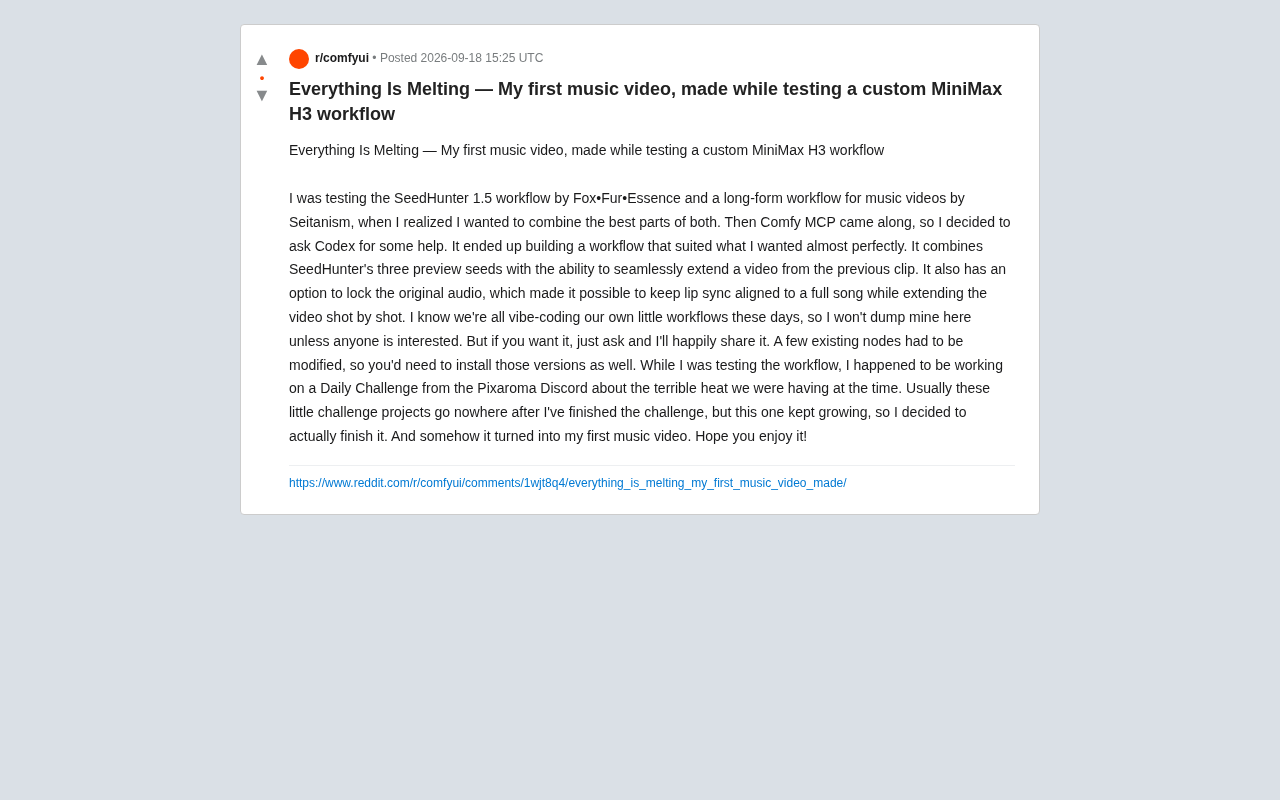
A creator merged two open-source workflows with AI coding help and accidentally made their first AI music video.
A Reddit creator testing a custom MiniMax H3 workflow merged SeedHunter 1.5 with Seitanism's long-video workflow using Comfy MCP and Codex, building a solution that integrates three preview seeds, seamless extension, and audio locking. The audio lock feature solved the core lip sync drift problem in shot-by-shot generation, making AI music video production truly viable. What started as a Pixaroma Discord daily challenge grew into a finished work — a textbook example of the vibe-coding era's creative model: start from existing workflows, use AI to fix pain points, and share on request rather than as a polished release.
A Workflow Experiment That Accidentally Became an AI Music Video
A Reddit creator shared his story: while testing a custom MiniMax H3 workflow, he set out to solve a few pain points in AI video generation — and ended up accidentally completing his first music video, titled Everything Is Melting.
The story itself is a snapshot of today's AI creative ecosystem — tools, workflows, and community challenges interweaving until a small project that might have "gone nowhere" grew into a finished work.
From Two Community Workflows to One Custom Solution
The creator started with two existing community workflows: SeedHunter 1.5 by Fox•Fur•Essence, and Seitanism's long-video workflow designed for music videos. Each had its strengths in practice, which sparked the idea of combining the best of both.
The real turning point was Comfy MCP. Using it, the creator asked Codex to help build the workflow, and the result was a solution that almost perfectly matched his needs. This reflects a broader trend: AI coding assistants are now penetrating the tool-building side of creative pipelines, letting non-developers quickly assemble complex automated workflows.
Three Core Capabilities of the Custom Workflow
The merged workflow integrated several key features:
- Three preview seeds: Inherited from SeedHunter, allowing quick comparison of different random seed outputs before committing to a full generation run — improving hit rate.
- Seamless extension: Generates new clips that continue from the previous segment, ensuring continuity between shots — a long-standing challenge in long-video generation.
- Lock original audio: This is what made the whole thing work. By locking the full song's audio track, the creator could extend the video shot by shot while keeping lip sync aligned with the entire song.
For anyone making AI music videos, that last point is especially critical. Lip sync tends to drift easily when generating scenes segment by segment, and treating the audio as a fixed reference directly solves that problem.
Seed is the core parameter controlling randomness in AI image/video generation. The same prompt paired with the same seed produces identical output every time; a different seed yields completely different results. SeedHunter's "three preview seeds" mechanism essentially runs three low-cost preview generations with different seeds before committing to an expensive full render, letting creators pick the visual style that best matches their vision. This dramatically reduces the cost of trial and error — especially critical for music video projects requiring many shots.
ComfyUI is the most widely used open-source AI image/video generation workflow platform, built around a node-based visual programming interface where users connect AI models and processing steps into directed graphs. Comfy MCP extends ComfyUI with the MCP (Model Context Protocol) layer, enabling large language models like Codex to directly "understand and manipulate" ComfyUI's node structure — allowing creators to describe what they want in natural language and have AI automatically assemble the workflow. MiniMax H3 is a video generation model from MiniMax, known for strong motion fluidity and audio responsiveness, making it one of the leading choices for AI music video generation today.
From a Discord Daily Challenge to a Finished Work
The content's origin is worth noting. The creator was participating in a Pixaroma Discord community "daily challenge" themed around a heat wave he was experiencing. He admitted that these kinds of small challenge projects usually get shelved after the challenge ends and "go nowhere."
This time was different — the project kept growing, getting more complete, until he finally pushed through to the finish line and accidentally ended up with his first music video. The process shows that community challenges aren't just practice; sometimes they can become the seed of a real creative work.
Workflow-Sharing Culture in the Vibe-Coding Era
One line from the creator stood out: "I know everyone is vibe-coding their own little workflows these days." Vibe-coding refers to rapidly building tools that meet your own needs with AI assistance and intuition, rather than pursuing engineering rigor.
He said he wouldn't proactively publish his workflow, but would happily share it if anyone was interested. He did note a caveat: the setup modifies several existing nodes, so users need to install the corresponding modified versions to get it running. This "share on request, handle your own configuration" model is the typical collaboration style in today's open-source AI creative community.
Vibe-coding is a term coined by Andrej Karpathy in early 2025, describing a development paradigm where creators rely entirely on AI coding assistants and only need to express intent in natural language — no need to master the underlying code. In the AI creative tools space, the concept extends further: creators no longer need to deeply understand node logic or model parameters, just describe "what effect I want" to an AI and make intuitive judgments on the output. This contrasts with traditional software engineering culture's emphasis on architectural rigor and code maintainability. Vibe-coding lowers the bar for tool customization, but it also means the end product is often hard for others to directly reuse — which is exactly the practical reality behind the creator's "happy to share, but you'll need to handle the setup yourself" attitude.
What This Case Reveals
Beyond the specific work itself, this story reflects several shifts that are already underway:
First, AI video workflows have moved from single tools toward composable, customizable systems — creators can mix and match capabilities like building blocks. Second, the combination of AI coding assistants (like Codex) and workflow platforms (like Comfy MCP) has dramatically lowered the barrier to building custom setups. Third, the combination of audio locking and shot-by-shot extension is making AI music video production genuinely viable.
For creators looking to get started, the takeaway from this case is simple: begin with community workflows, use AI-assisted modification whenever you hit a pain point, and you may end up building something beyond your original expectations in the process of solving problems.
Related articles

New in Notion 3.8: Your ChatGPT Subscription Now Works Directly in Notion Agent
Notion 3.8 lets Business/Enterprise workspaces connect ChatGPT Plus, Pro, or Go subscriptions to power Notion Agent, replacing Notion credits. Eligibility, setup, MCP risks, and team implications explained.

ChatGPT Agent Mode Quick Start: A Multi-Step Task Automation Tutorial
How to use ChatGPT Agent mode? This guide breaks down the enabling steps: open the Tools dropdown from the Composer, select Agent Mode, and clearly describe multi-step goals, plus browser interaction in the VM, data analysis, file generation, and real-time interrupt controls.

Premiere Pro Meets AI Assistants: Automation Agent Brings Editing Automation
Automation Agent connects ChatGPT and Claude Code to Adobe Premiere Pro, enabling speech-based rough cutting, face pixelation, and more, with built-in FFmpeg and Python local tools and a one-time purchase, no subscription.