ChatGPT Plugin ruOS: Managing Your Desktop and Files Through Conversation

ChatGPT plugin ruOS connects desktop apps, files, and remote computers to conversation for natural language control, but its permissions and security are opaque.
This article introduces ruOS, a ChatGPT plugin that claims to integrate applications, files, and browsers on local or remote computers into ChatGPT conversations, letting users complete cross-application operations through natural language instructions. It analyzes the efficiency advantages and multi-device collaboration potential of conversational desktop management while pointing out significant security risks: the plugin needs access to the file system, apps, and browser, but its permission model, operation logs, and misoperation safeguards are not described. The author recommends testing in isolated environments or on non-critical devices.
When ChatGPT Becomes Your Desktop Butler
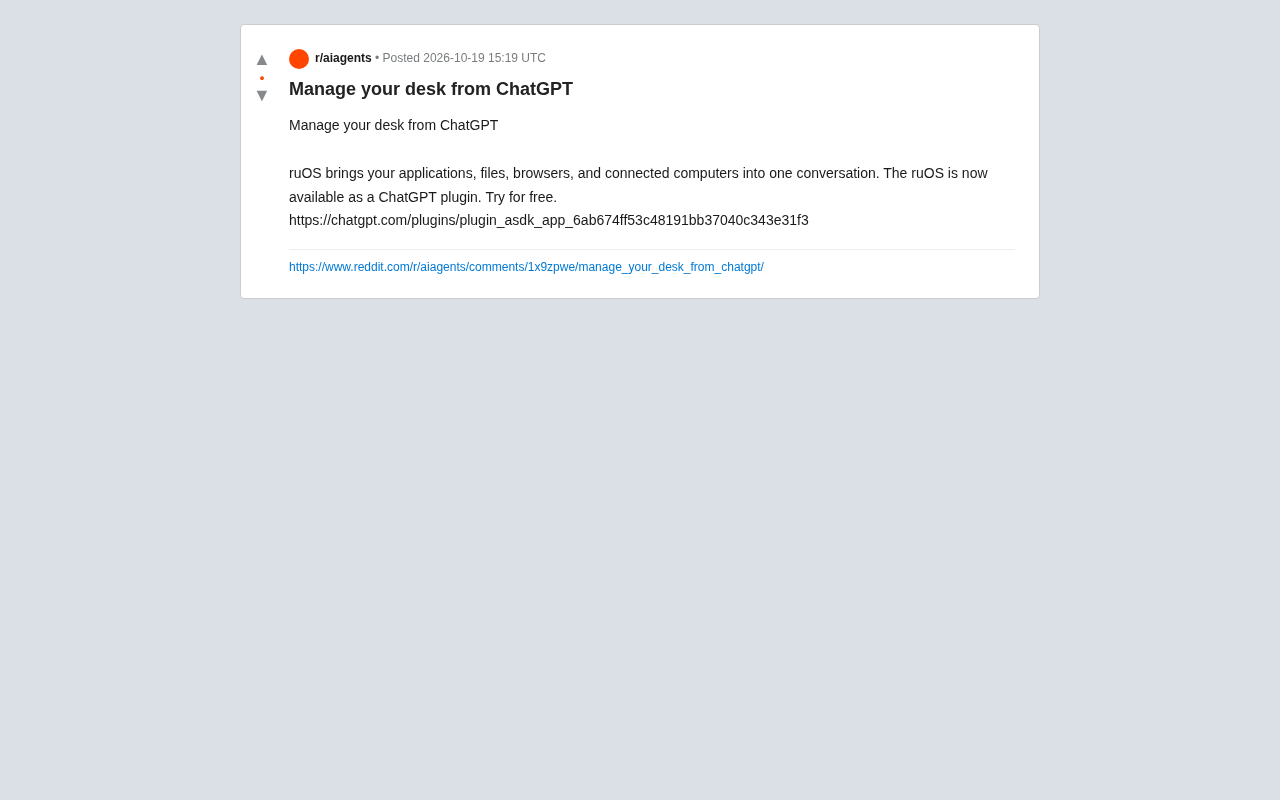
A ChatGPT plugin called ruOS has appeared on Reddit, claiming to integrate your applications, files, browser, and connected computers into a single conversation. According to the plugin description, ruOS lets users manage their desktop environment directly through ChatGPT without switching between multiple windows. It sounds like handing part of your operating system's control over to an AI assistant.
What Is ruOS?
ruOS is not a standalone operating system but a bridge—it exposes resources on local or remote computers to ChatGPT. Users can ask ChatGPT in conversation to open an application, find a file, browse the web, or even operate another connected computer. The plugin page indicates it offers a free trial and can be installed through the ChatGPT plugin store.
This model is fundamentally different from traditional remote desktop tools: users no longer need to manually click icons or type commands but instead describe their intent in natural language. For example, "Help me open the report I modified yesterday and export it as a PDF" could become a single instruction. ruOS is responsible for parsing and executing the corresponding desktop operations.
ChatGPT plugins are an extension mechanism introduced by OpenAI in 2023 that allows third-party developers to connect external tools and services to ChatGPT conversations. Plugins define API interfaces and description files so that the model can invoke these services during conversation—such as querying databases, booking hotels, or performing local operations. The Plugin Store is where users discover and install plugins. Although OpenAI adjusted the plugin ecosystem in late 2023, the plugin model remains an important direction for extending AI assistant capabilities. ruOS leverages this mechanism to package desktop control capabilities as a plugin, letting ChatGPT invoke a local agent program to execute operations during conversation.
The Potential and Concerns of Conversational Desktop Management
The most direct benefit of handing desktop control to an AI assistant is efficiency. For knowledge workers who frequently switch between multiple applications, completing cross-application operations with a single sentence can save significant time. Especially when users need to operate multiple computers simultaneously, ruOS's "connected computers" feature could make remote collaboration smoother.
But this also brings obvious security risks. The plugin needs access to the user's file system, applications, and browser, meaning the large model behind ChatGPT can "see" and "operate" sensitive data. Although discussion under the Reddit post is limited, tools like this naturally raise privacy concerns: Where are the permission boundaries? Are operation logs auditable? If the model misinterprets instructions, could it accidentally delete files or leak information?
Currently, ruOS's plugin description does not detail its permission model or security mechanisms. As an early trial product, users need to assess the risks themselves. It is advisable to test first in an isolated environment or on non-critical devices, avoiding connecting computers containing sensitive information directly.
Permission models are the core security component of desktop automation tools, typically encompassing three layers: permission declaration, user authorization, and permission isolation. Permission declaration requires tools to explicitly list the resources they need to access (such as the file system, camera, or network); user authorization lets users confirm each item through pop-ups or settings pages; and permission isolation limits the tool's actual operational scope through sandboxes, virtual environments, or the principle of least privilege. For plugins like ruOS, an ideal design should: request permissions on demand, require secondary confirmation before operations, provide auditable operation logs, and support one-click revocation. However, the article notes that its plugin description does not detail these mechanisms, meaning users cannot determine whether the plugin follows the principle of least privilege or trace which operations the model performed after the fact—this is precisely the critical gap in security transparency.
Another Experiment in the Plugin Ecosystem
After adjustments, the ChatGPT plugin store remains an important testing ground for extending AI assistant capabilities. ruOS represents one direction: moving AI from "answering questions" to "executing operations." Similar approaches appear in AI coding assistants and automation tools, but plugins that directly control the desktop environment are relatively rare.
From a product experience perspective, ruOS's success depends on three factors: the accuracy of instruction understanding, the reliability of operation execution, and the granularity of permission control. If a user says "organize the desktop," ruOS needs to clarify whether that means moving files, closing windows, or something else. Behavioral consistency under ambiguous instructions will be a key challenge.
For developers, ruOS demonstrates a paradigm for connecting local resources to large model conversations. More tools may explore this direction in the future, bringing professional tools like IDEs, terminals, and design software into conversational workflows. But before that, security and controllability must be fully addressed.
Is It Worth Trying?
If you're curious about the boundaries of AI assistant capabilities and willing to accept some privacy risk, ruOS offers a free trial opportunity. It's suitable for experiencing the prototype of conversational desktop management on a personal test machine. But if you need to handle sensitive data or run critical business operations, caution is advised at this stage—the plugin description lacks sufficient security transparency to confidently hand over full desktop permissions.
Conversational interaction is expanding from information queries to operation execution, and ruOS is an early sample of this trend. Its actual performance and subsequent iterations will tell us whether "managing your computer with ChatGPT" is a gimmick or a productivity breakthrough.
Related articles

Amphibious Transforming Drone: Beyond 100x Power Savings, What Are the Real Needs?
Is the amphibious transforming drone just a gimmick? Starting from the 100x power difference of the M4 Morphobot, explore real application scenarios and thesis topic ideas, analyzing boundary conditions where pure drones and pure ground robots both fail.

Warhound Raises $200 Million: Genetically Engineered "War Dogs" Paired with Anduril Gear
Warhound raises $200M, backed by Ben Lamm and Palmer Luckey, to genetically engineer dogs for military and law enforcement use and equip them with Anduril gear. This article analyzes its technology direction, funding logic, and ethical controversy.

Claude API Comes to Google Cloud: IAM Integration and SDK Access Guide
Anthropic hosts the full Claude API on Google Cloud with IAM-controlled permissions and unified billing. This guide covers the Vertex AI and Anthropic-hosted entry points, IAM role configuration, and SDK access.