ChatGPT Plus Subscription Pitfall Guide: Go/Plus/Pro Tier Comparison and Quick Activation
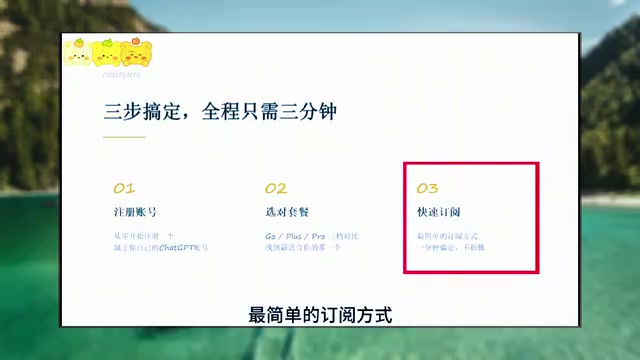
Activate ChatGPT membership in three steps—register, choose a tier, and subscribe—and pick Go/Plus/Pro based on usage intensity.
Based on a video tutorial, this article breaks down ChatGPT membership activation into three steps: registering an account, choosing a plan, and completing the subscription. Registration can be done with a Google account or QQ, 163, or 126 email in minutes, and the age you enter affects available features. It compares Go, Plus, and Pro: Go is a light paid plan between free and Plus, Plus costs about $20/month with full features, and Pro has $100/$200/$500 tiers for heavy professional users, with the $500 tier exclusively offering Ocean mode. The author advises starting with Plus for a month before adjusting, and reminds that third-party recharge channels' stability and security are unverified—prioritize official channels and check the latest pricing.
Why You Need This Subscription Guide
When many people sign up for ChatGPT membership for the first time, they get stuck in three places: unfamiliarity with the account registration process, repeated payment failures, and choosing the wrong tier among Go, Plus, and Pro—wasting money. According to a tutorial from a Bilibili creator, as long as you break the process into three steps—registering an account, choosing the right plan, and completing the subscription—the whole thing can be done in just a few minutes. This article is based on that video and the screenshots, to help you spend your money on the right tier.
Step 1: Register Your Own ChatGPT Account from Scratch
Registering a ChatGPT account is simpler than you might think. You can log in directly with a Google account, and Chinese email providers like QQ Mail, 163 Mail, and 126 Mail also work. The video demonstrates the full process using a Google email as an example: first open the Google account registration page, select personal use, fill in your name and date of birth as prompted, set your email and password, complete phone verification, and your Google account is successfully registered. Then return to ChatGPT and choose to log in with your Google account, select the account you just registered, fill in your name and age, and your account is created.
If you already have a ChatGPT account, you can skip this step. One thing to note: the age information you enter during registration affects the range of features available to you later, so it's best to fill it in truthfully.
Step 2: How to Choose Among Go, Plus, and Pro
The currently available plans are divided into three tiers: Go, Plus, and Pro. The core difference can be simply understood as usage quotas and available capabilities gradually increasing, with prices rising accordingly. According to the comparison in the video, Go is an entry-level paid plan between the free version and Plus. It's suitable for light users who mainly use ChatGPT for chatting, looking up information, translation, or independent learning, and occasionally find the free version's quota insufficient and want to add more usage space at a lower cost.

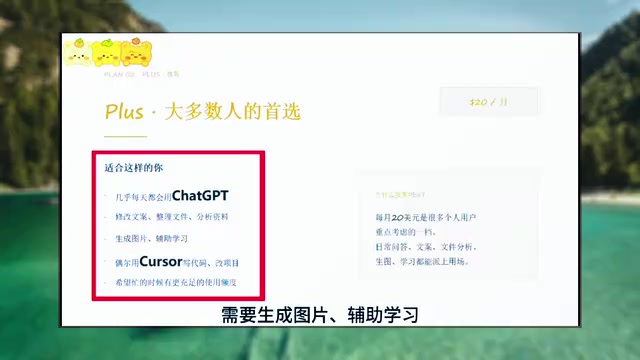
Plus is the most popular tier, at about $20 per month, with comprehensive features. It's suitable for people who use ChatGPT almost every day. Daily Q&A, copy editing, file organization and analysis, image generation, and study assistance all come in handy, and it's enough for occasional use of AI coding tools to learn code or modify projects. The video's advice is: if you're subscribing for the first time and aren't sure which tier suits you, start with Plus for a month, then decide whether to adjust based on your actual usage.
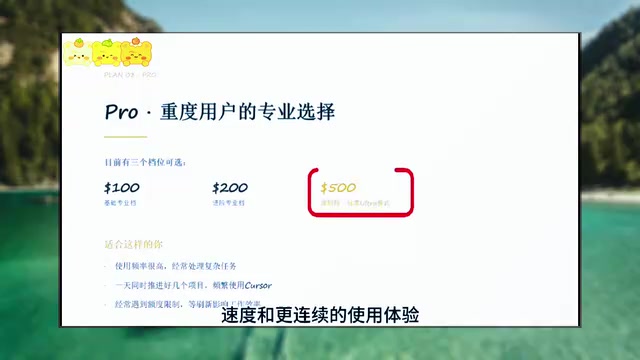
Pro is a professional-grade solution, divided into three price tiers: $100, $200, and $500. It's suitable for heavy users who use it very frequently, often handle complex tasks, or need to work continuously for long periods. Among them, the $500 flagship tier exclusively offers Ocean mode, with stronger performance and lower latency. The video mentions that with the release of new models, the Pro 500 tier also exclusively offers this mode, making it suitable for those with higher requirements for processing speed and continuous usage experience.
ChatGPT's free version (Free) is the prerequisite for understanding the three paid plans. The free version can use the basic model, but has a cap on the number of messages, throttling during peak hours, and restrictions on some advanced features (such as web search, file upload, image generation, and deep reasoning models). Go's positioning is to expand quotas on top of the free version, allowing light users to gain more generous usage space without bearing the full cost of Plus; Plus, meanwhile, unlocks the full model selection and tool permissions. Therefore, the tier differences aren't just about "how much you use" but also "whether you can use a certain capability." When evaluating, it's best to first clarify whether you depend on these advanced features.
Step 3: The Practical Process for Quickly Completing Your Subscription
After choosing your tier, go to the corresponding product page. Taking Plus as an example, click into the recharge interface. First click official login to complete account login; the interface will show that you're currently on the free version. Return to the recharge interface and click to get a Token, which will generate a string of characters including parentheses. Select all and copy it, paste it back into the input box on the recharge interface, verify that the email to be recharged is correct, click confirm, then click proceed to payment to create an order. In the video demonstration, this channel supports WeChat Pay, and after payment, you wait one or two minutes for the recharge to succeed.
After recharging, log in to verify: if the page hasn't refreshed yet, it may still prompt you to get Plus; after refreshing, click your avatar, and if a Plus membership badge appears next to your account image, the subscription is active.
The Token mentioned in the article is a temporary credential used by third-party recharge channels to identify orders. It's usually generated by the channel's system; after the user logs in on the official website, they paste the string containing the account identifier back into the channel page, and the channel completes the "proxy payment" based on it. This differs from OpenAI's official payment process: official subscriptions directly bind a credit card or supported payment method within chatgpt.com for deduction, without needing to paste any string on an external page. Precisely because account information must be handed to a third party, there are risks of credential leakage, abnormal account login, or subscription revocation—which is why the original article repeatedly emphasizes prioritizing official channels.
Selection Advice and Precautions
Judging from the comparison logic in the video, the key to choosing a tier isn't the price but the intensity of use. Choose Go for light use, Plus for daily high-frequency use, and consider Pro only for high-intensity workflows. The video specifically reminds that Pro's three price points correspond to different levels of professional needs, and it's not recommended that Plus users jump directly to the $500 tier without a clear need.
It should be noted that the subscription process cited in this article comes from a demonstration by a single video source. The stability and security of third-party recharge channels have not been cross-verified. Please assess the risks yourself before actual operation and prioritize official channels. Price information is based on the time the video was published; it's recommended to check the latest pricing before subscribing.
"Ocean mode" can be understood as a high-performance operating configuration exclusive to Pro's top tier, whose core selling points are lower response latency and stability better suited for long continuous tasks. For ordinary Q&A or copywriting needs, this difference isn't noticeably perceptible; only when tasks involve long-context processing, multi-turn continuous reasoning, batch generation, or workflows sensitive to waiting time will the improvements in latency and stability translate into actual efficiency. Therefore, when evaluating whether the Pro 500 tier is worth paying for, you should use "how many tasks can be completed per unit of time" rather than "single-response quality" as the measuring standard.
Related articles
GPT-6.2 Sol/Astra Released! A Step-by-Step ChatGPT Plus Subscription Guide and Tier Comparison
GPT-6.2 Sol/Astra is out—here's a ChatGPT Plus subscription guide: register an account, compare Go/Plus/Pro tiers, and subscribe in a minute.
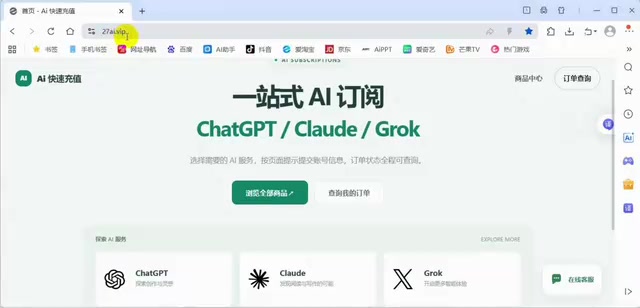
Comparing Three Channels for Subscribing to GPT Plus in China: Is Website Top-Up the Easiest?
How to subscribe to GPT Plus in China? This article compares website top-up, credit card, and mobile top-up channels—process, cost, and risk—with steps and tips to help you choose wisely.
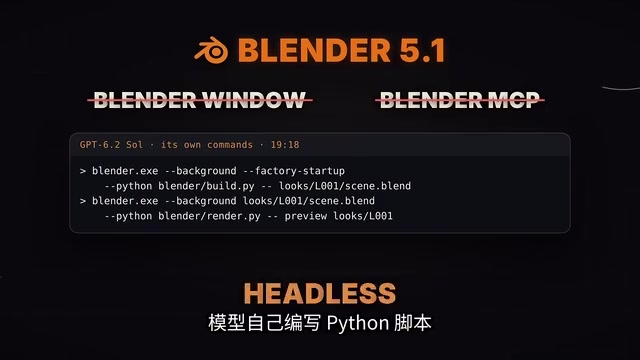
GPT-6.2 Dual-Model Hands-On Test: Astra Burns $419, Sol Just $5
OpenAI GPT-6.2 Astra vs Sol tested on Blender clock, neon shooter, and Formula racing. Astra costs $419, Sol $197, cheapest clock under $5. Cost comparison and selection advice.