Claude Code Adds Code Mode: One Call Saves a Large Number of Tokens

Claude Code's Code Mode replaces multiple rounds of tool calls with a single JavaScript orchestration, significantly saving tokens.
Claude Code has launched Code Mode, whose core is to stop having the model issue tool calls one by one and instead have it generate a piece of JavaScript that orchestrates all calls at once, returning only the final result. Traditionally, each tool call in an agent requires a round trip, intermediate results keep piling up in the context, and token consumption rises linearly with the number of calls. Code Mode lets intermediate artifacts be digested within the code execution environment, so the model only sees filtered results, while also compressing repeated reasoning overhead. The real-world test cited in the material is 11 tool calls completed within a single 6-second step. The benefits are most obvious for tool-intensive tasks that require chaining multiple data sources and batch queries, but reviewing generated code, permission control, and execution boundaries still need to be handled by developers themselves.
Claude Code recently rolled out a new capability called Code Mode. The core idea is straightforward: instead of having the model issue tool calls one by one, it writes a piece of JavaScript that bundles all the required tool calls into a single execution and returns only the final result to the model.
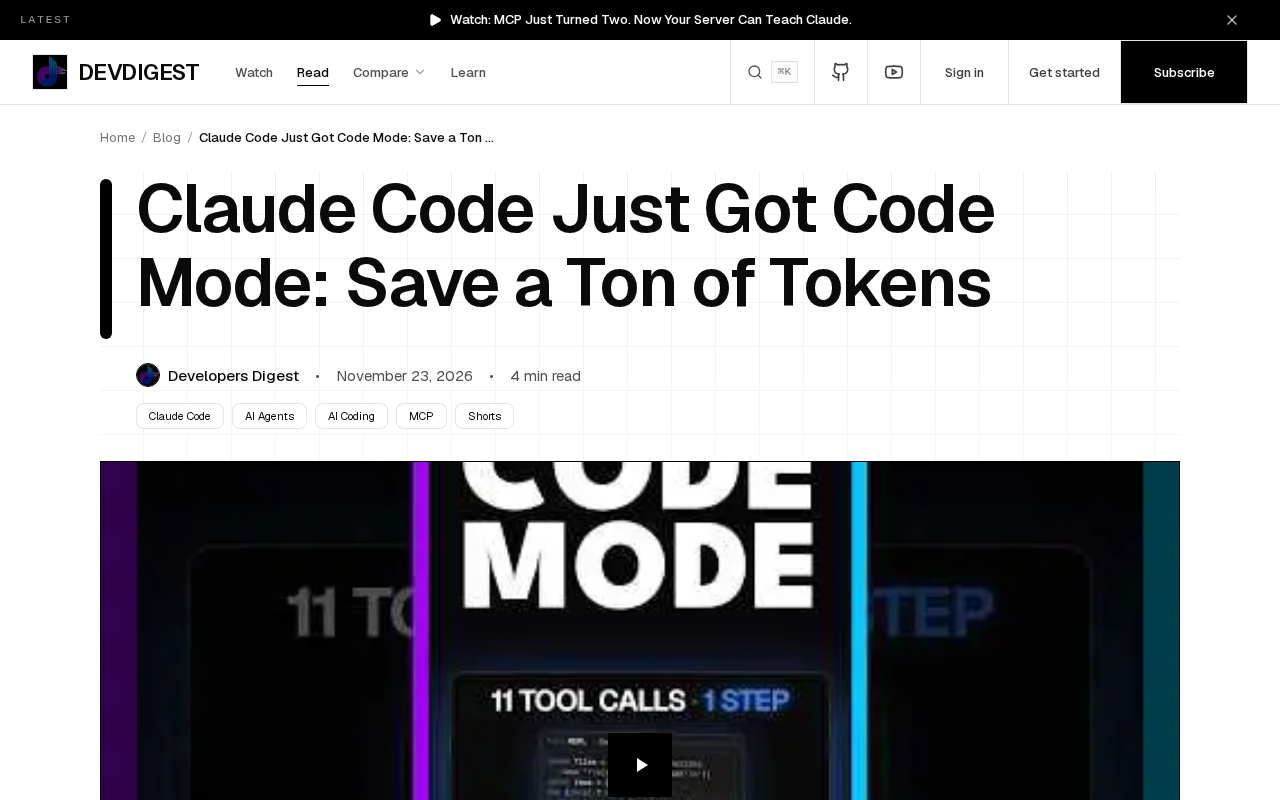
What Code Mode Actually Changes
In a traditional agent workflow, every time the model needs external information, it has to make a round of tool calls, wait for the results, and then decide the next step. As the number of calls grows, the context fills up with intermediate results and repeated descriptions, and token consumption rises accordingly.
Code Mode compresses this step into "writing code": the model generates a piece of JavaScript that lays out all the tool calls at once, the runtime executes them together, and only the data that is actually needed is sent back. According to the source material, this amounts to merging multiple round trips into a single step.
11 Tool Calls Completed in a Single 6-Second Step
The real run record cited in the material is this: 11 tool calls were completed within a single 6-second step. The significance of this number is not "how fast 6 seconds is," but that the calls were folded into the same execution unit—the model does not need to re-read the context and re-reason about the next step between each call, and the intermediate artifacts do not repeatedly enter the token bill either.
The traditional tool use mechanism is the prerequisite for understanding Code Mode. In mainstream agent frameworks, the model interacts with the outside world through a structured tool-calling protocol: the model outputs a tool call request with parameters, the runtime executes it and appends the result back to the conversation history as a new message, and the model then decides the next step based on the updated context. The key constraint of this mechanism is the "round trip"—each call requires a full model inference and a full context re-read. When a task requires dozens of calls, the conversation history grows linearly, and the model pays tokens for the entire history on every inference. Code Mode essentially bypasses this one-call-at-a-time round-trip protocol by having the model output executable code, with the runtime scheduling tools in batches, thereby reducing multiple "model–tool" interactions to a single "model–code–result" loop.
Why It Saves So Many Tokens
There are two main sources of token savings.
The first is that intermediate results no longer all enter the context. With one-by-one calls, whatever each tool returns stays in the conversation; under Code Mode, that content is digested inside the code execution environment, and the model only sees the filtered results.
The second is reduced repeated reasoning overhead. Multiple rounds of calls mean the model has to repeatedly confirm "where am I now, what is still missing," and one-shot orchestration eliminates this kind of repeated description. For tool-call-intensive tasks, these savings scale up as the number of calls increases.
The relationship between the context window and token billing determines the real value of saving tokens. LLM context windows have limited capacity, and most APIs bill by input tokens, so the longer the history, the higher the cost per call. Under the one-by-one tool-calling mode, the raw data returned by each tool (such as full JSON, web page body text, or logs) stays permanently in the conversation history, and is recounted in every subsequent round of inference. This not only drives up costs but may also dilute key information and distract the model's attention due to an overly long context. Code Mode lets this intermediate data be filtered, trimmed, and aggregated inside the code execution environment, with only the final summary entering the context—equivalent to performing a round of "context compression" at the execution layer, which is especially critical for cost control in long-running tasks.
What It Means for Developers
Code Mode effectively shifts part of the "tool orchestration" work from natural language reasoning into code. This affects developers in two ways:
- Complex tasks are better suited to Code Mode: scenarios that require chaining multiple data sources, batch queries, or aggregating before judging benefit the most.
- Debugging changes: problems may lie in the generated JavaScript logic rather than only in the model's single-step decisions, so troubleshooting requires looking at both the code and the execution results.
Boundaries Still Worth Noting
The material does not specify the scope of application for Code Mode, the details of permission control, or comparative data against other modes. JavaScript executing locally means the composition logic of tool calls is generated by the model, and reviewing the generated code remains necessary in practice. In addition, completing 11 calls in 6 seconds is a specific case, and it cannot be directly inferred that all tasks will perform the same way in terms of time.
The code execution sandbox is the security cornerstone of Code Mode-style solutions. Letting the model generate and run JavaScript means the code will actually touch the file system, network, or tool interfaces; without isolation, malicious or misled generated code could cause unauthorized access, data leakage, or resource abuse. Common industry practice is to execute within a restricted sandbox (limiting network egress, file scope, execution duration, and memory) and to apply whitelisting and permission checks to tool calls. For developers, evaluating such capabilities should focus on: whether the execution environment is isolated, whether tool permission granularity is configurable, whether generated code is auditable, and whether there are rollback and timeout protections on failure. These boundaries determine whether it can be used in production more directly than "how many seconds faster" it is.
Summary
Code Mode's value proposition is clear: replace multiple rounds of tool round trips with a single code orchestration, spending tokens on the results that are actually needed rather than on process records. The real-world test of compressing 11 calls into a single 6-second step shows that this path is indeed viable for tool-intensive tasks. For developers who often use Claude Code for multi-step tasks, this is a direction worth trying.
One-line Summary
Claude Code's Code Mode replaces multiple rounds of tool calls with a single JavaScript orchestration, significantly saving tokens.
Paragraph Summary
Claude Code has launched Code Mode, whose core is to stop having the model issue tool calls one by one and instead have it generate a piece of JavaScript that orchestrates all calls at once, returning only the final result. Traditionally, each tool call in an agent requires a round trip, intermediate results keep piling up in the context, and token consumption rises linearly with the number of calls. Code Mode lets intermediate artifacts be digested within the code execution environment, so the model only sees filtered results, while also compressing repeated reasoning overhead. The real-world test cited in the material is 11 tool calls completed within a single 6-second step. The benefits are most obvious for tool-intensive tasks that require chaining multiple data sources and batch queries, but reviewing generated code, permission control, and execution boundaries still need to be handled by developers themselves.
Related articles

A 19-Year-Old's Rental Horror Story: Ceiling Collapse, Bug Infestation, and the Lessons It Taught Me
At 19, my first off-campus rental brought bug infestations, no heat, a collapsed ceiling, and a ruined laptop with no renter's insurance. Here are the hard-won lessons for first-time student renters.

Veda Nurse's Cranial Nerve Exam: Why ASMR Role-Play Is Going Viral
Bilibili creator Veda's cranial nerve exam ASMR video goes viral, blending humor and sensory triggers through nurse role-play. This article analyzes its unique appeal and the audience psychology behind ASMR role-play.

LG Cinebeam AI Review: 120-Inch Giant Screen + 3000 Lumens, a New Choice for the Living Room Theater
LG Cinebeam AI projector review: 3000 ANSI lumens, 4K, 100 inches from about 8 cm and 120 inches from about 18 cm. Built-in webOS, AI Concierge voice recommendations, AI Sound Pro 11.1.2 virtual surround, and Game Optimizer—positioned for fixed living room installation, complementing the portable Cinebeam S.