Claude Code v2.1.273 Update: Permission Vulnerability Fixes and Enhanced Remote Control
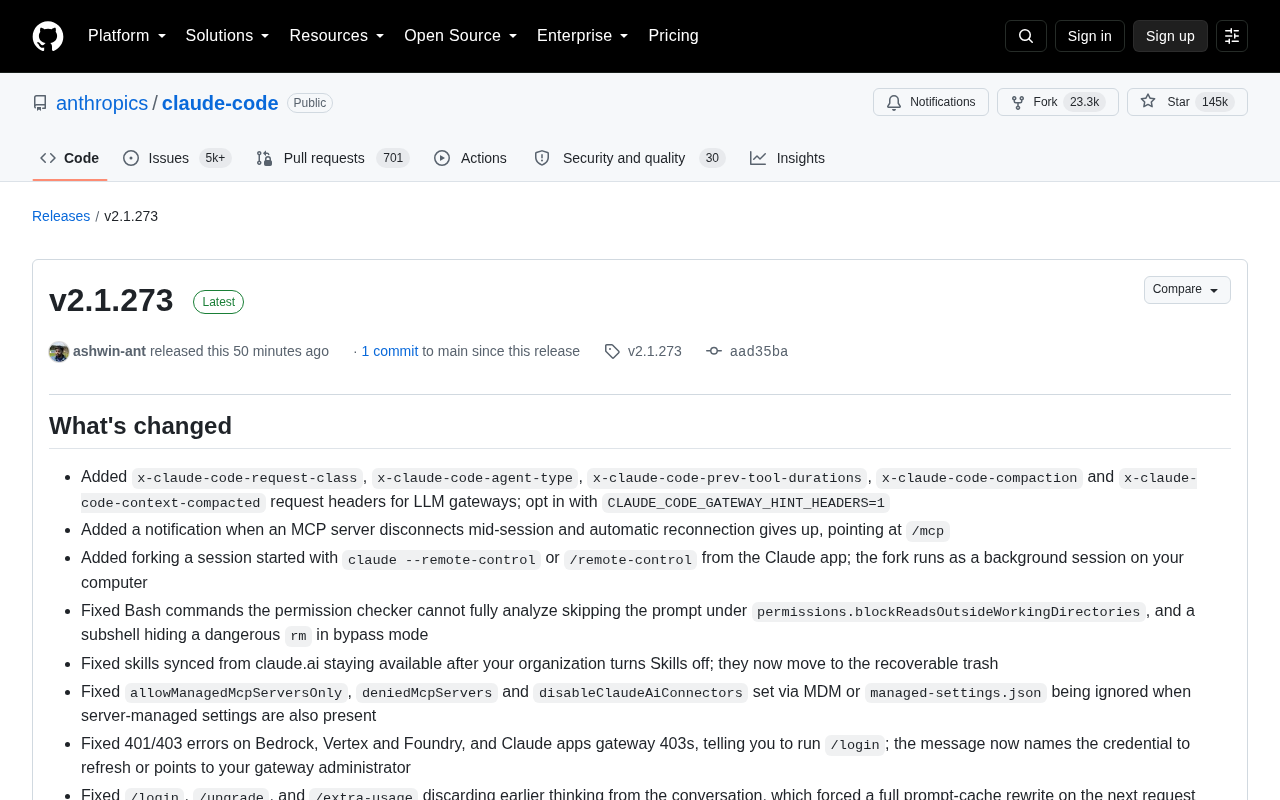
Claude Code v2.1.273 patches permission bypass vulnerabilities and improves remote control, error messaging, and long-session performance.
Claude Code v2.1.273 is a maintenance release centered on stability and security. Key highlights include fixes for subshell permission bypass vulnerabilities, resolved enterprise MDM configuration overrides, and new support for forking local background tasks from the Claude app in remote control mode. Long-session performance improves with a fix to advisor-tool context double-counting that caused premature auto-compact triggering. Error messages for Bedrock/Vertex credentials, SSL certificates, and MCP reconnection are significantly more readable. Slack integration silent scheduling failures and redundant full code re-reviews have also been resolved.
Anthropic's AI coding tool Claude Code has released version v2.1.273. This release is primarily focused on bug fixes, covering permission security, remote control, MCP services, Slack integration, and code review modules. For engineers who rely on Claude Code in their daily development workflow, several security fixes and experience improvements are worth particular attention.
Permission & Security Fixes: Closing Bypass Detection Vulnerabilities
The most critical changes in this update relate to permission check fixes. Previously, when a Bash command couldn't be fully analyzed by the permission checker, it would skip prompting under the permissions.blockReadsOutsideWorkingDirectories rule. Worse, subshells could hide dangerous rm commands in bypass mode — meaning potentially destructive operations could execute silently. This behavior has now been fixed.
The blockReadsOutsideWorkingDirectories setting has also been further tightened: memory directories specified by repository settings are no longer loaded into prompts, retrieved, indexed, or used for memory extraction, preventing accidental exposure of sensitive content outside the working directory. Additionally, a bug where allowManagedMcpServersOnly, deniedMcpServers, and disableClaudeAiConnectors configured via MDM or managed-settings.json were being ignored when server-side managed settings coexisted has also been resolved — this is particularly important for enterprise management scenarios.
Notably, the team also rolled back a change introduced in 2.1.268 that applied Read and Edit deny rules to Bash lines the permission checker couldn't analyze (such as eval and env -C), which caused commands like time -p make build to be incorrectly rejected. These commands now revert to prompting for confirmation rather than being blocked outright.
blockReadsOutsideWorkingDirectories is a security policy in Claude Code that restricts the AI tool to reading only files within the current working directory (and explicitly authorized paths), preventing access to sensitive data elsewhere on the system (such as ~/.ssh or /etc/passwd). A subshell refers to a nested shell environment launched within the current shell process via $(...), eval, or parenthesis grouping — the commands it executes are essentially a "black box" to the outer permission checker, which couldn't inspect the actual command content and would simply allow them through. This was the root cause of the vulnerability. MDM (Mobile Device Management) is commonly used in enterprise settings to uniformly push device policies, while managed-settings.json serves as Claude Code's centralized configuration entry point for IT administrators. Together they ensure compliance control over AI tool behavior in enterprise environments — this fix ensures these enterprise-level restrictions are no longer accidentally overridden when server-side settings are present.
Remote Control and Cloud Session Capability Expansion
This release adds the ability to fork sessions from the Claude app for sessions started via claude --remote-control or /remote-control. Forked sessions run as background tasks on your local machine, further bridging the collaboration chain between mobile devices and local development environments.
Several pain points with cloud sessions have also been addressed: the issue where remote control clients attached to Claude Desktop, VS Code, or JetBrains sessions were denied when requesting session context window usage has been resolved; when cloud sessions fail to create due to an expired or revoked Claude login, error messages now explicitly instruct users to run /login.
On the Claude Code web side, the team removed the full-page desktop app download screen that new users on Mac and Windows previously encountered, allowing users to proceed directly into the setup flow. The routine detail page has also been redesigned, consolidating the toggle, Run now button, and run history into a more logical layout.
claude --remote-control is a remote operation mode provided by Claude Code that allows users to send instructions to a locally running Claude Code instance via the Claude mobile app or web interface, enabling cross-device collaborative development. "Forking" in this context means deriving an independent local session from the current cloud conversation context, which runs as a background task on the user's local machine. It retains the original conversation context while not blocking the main interface interaction. This design has practical value for workflows where you "start an idea on your phone and let local compute execute it asynchronously" — especially for time-consuming build, test, or code generation tasks — allowing work to continue locally without needing to maintain an active cloud session connection.
MCP, Error Messages, and Long Session Performance
MCP service reliability has improved. When an MCP server disconnects mid-session and automatic reconnection is abandoned, the system now sends a notification and points to /mcp. When MCP server authentication expires mid-session, error messages now explain how to re-authenticate.
Improving error message readability is a consistent thread throughout this update. 401/403 errors on Bedrock, Vertex, and Foundry now name the credentials that need refreshing or point to the gateway administrator; SSL certificate and proxy connection errors now explicitly provide error codes and remediation steps (such as configuring NODE_EXTRA_CA_CERTS for untrusted enterprise CAs); failure messages for commands like /autofix-pr and /web-setup have been upgraded from generic exit codes to specific reason descriptions.
Long session responsiveness has also been optimized: hook progress and sub-agent activity no longer reprocess the entire conversation on every update. Additionally, the context meter and auto-compact previously counted the context size of advisor-tool turns as roughly double, causing auto-compact to trigger when the actual window was only about half full — this measurement error has been corrected.
MCP (Model Context Protocol) is an open protocol introduced by Anthropic that allows Claude to connect to external tools and data sources through a standardized interface, such as database queries, file system operations, or third-party API calls. MCP servers run as independent processes, and Claude communicates with them via this protocol during sessions. When a server unexpectedly disconnected, previous versions would fail silently, making it difficult for engineers to notice that a tool was unavailable. Auto-compact is Claude Code's context compression mechanism: when a conversation's token usage approaches the model's context window limit, the system automatically compresses a summary of the conversation history to free up space for continuing long sessions. In the measurement bug that was fixed, turns produced by the advisor-tool (an internal helper role in Claude Code used for planning and evaluating tasks) were being double-counted, causing compression to trigger when only about half the context was actually used — resulting in unnecessary information loss and performance overhead.
Slack Integration and Code Review Refinements
Fixes for Claude Tag (Slack integration) are quite extensive. Scheduled tasks set up in private Slack channels shared with organizations were previously silently never sent — this has been fixed. Replying to an older Slack thread while Claude was executing a task sometimes caused the task to restart from scratch and lose unpushed work — this has also been resolved. On the AWS connectivity side, signature issues with regionless endpoints (such as Budgets and WAF Classic) and OAuth connection failures that returned lowercase token types have both been fixed.
Improvements to the Code Review module focus on reducing unnecessary full re-reviews. When merging a base branch into a PR containing "Additional findings," a complete re-review was previously triggered — such pushes now only perform a lighter follow-up review. The issue of empty pushes being re-reviewed repeatedly when repository owner or repository names contained uppercase letters has also been fixed. /ultrareview --post now ensures only a single comment is posted after GitHub error retries, with the reviewed commit annotated.
Summary
Claude Code v2.1.273 is a typical stability maintenance release — no groundbreaking new features, but substantial practical polish across permission security, enterprise configuration management, remote control collaboration, and error message readability. For developers using Claude Code in production environments or team collaboration settings, upgrading promptly can mitigate several security risks involving command execution and directory reads, while also enjoying a clearer troubleshooting experience.
Related articles
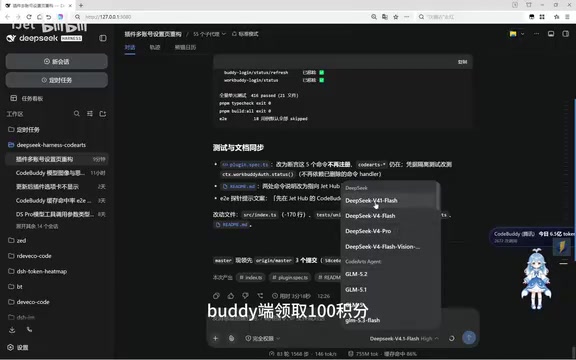
Free DeepSeek V4.1 Flash via DSH: Bulk Point Collection & International WorkBuddy Tested
DSH project update tested: WorkBuddy now offers 100 points per claim, rate limits raised beyond 80M tokens with faster resets, and international WorkBuddy supports free Hunyuan 4 and DeepSeek V4.1 Flash.
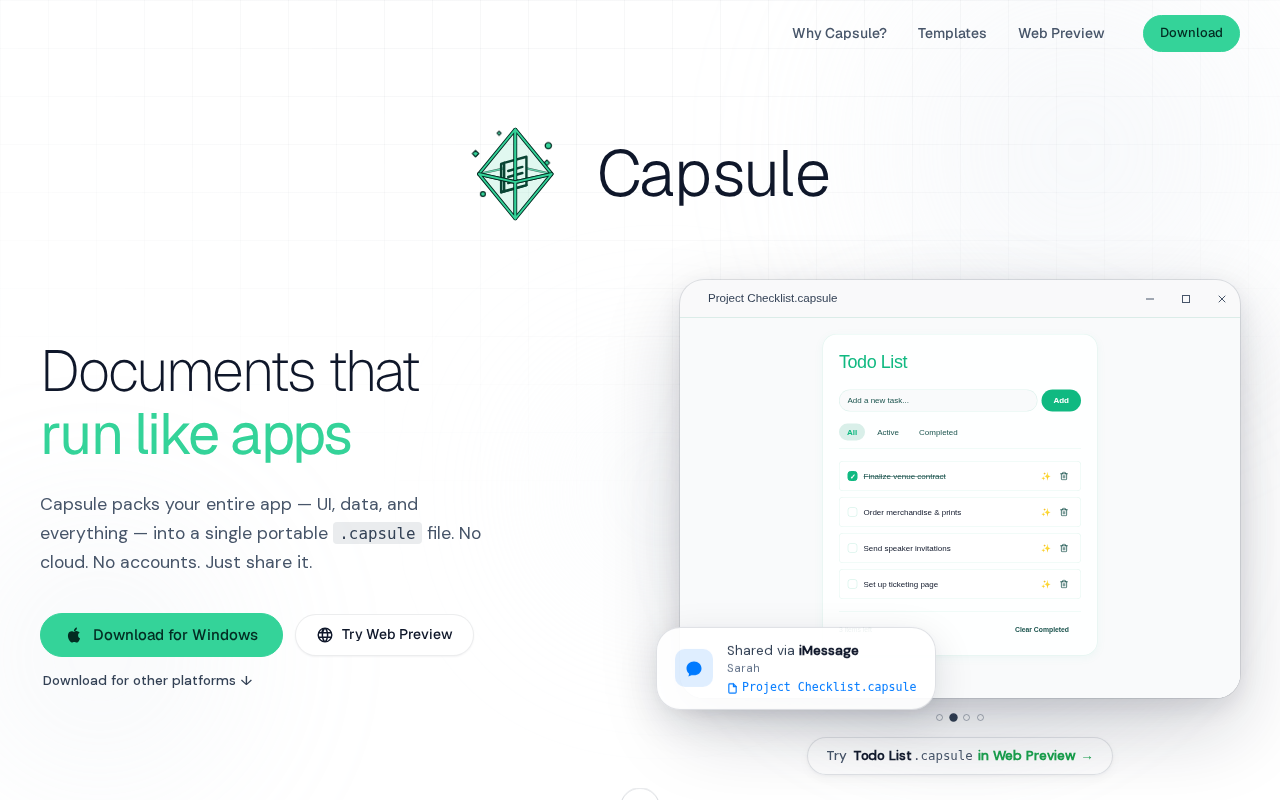
Capsule: Pack Web Apps and Data into a Single SQLite File
Capsule is a Rust/Tauri 2.0 tool that packs HTML web apps and data into a single SQLite file — privacy-first, local storage, portable sharing, with AI support.
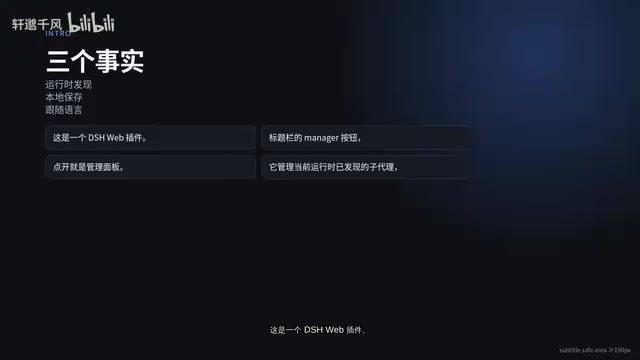
DSH-SUBAGENT-UI Plugin: The Ultimate Sub-Agent Manager for DeepSeek Harness
DSH-SUBAGENT-UI is a DeepSeek Harness browser plugin offering sub-agent overview, search, local categorization, and completion snapshots — install with one command.