Claude Console IP Allowlist Test: Binding Keys to Networks

Claude Console's Beta IP allowlist locks API keys to specific networks, reducing leak abuse risk.
Claude Console is testing a Beta IP allowlist that restricts API key usage to specific networks. Each organization can configure up to 1,000 IPv4/IPv6 ranges, enforced across Messages, Batches, Files, and Admin APIs. By adding a network-location constraint, leaked keys won't work outside trusted networks—a low-cost defense-in-depth measure beyond key rotation, though it can't prevent abuse within trusted networks. The article highlights risks: confirm real egress IPs, note the Admin API is also constrained and may lock admins out, reserve subnets for CI/CD and temporary environments, and enable in stages. Dynamic-IP and frontend direct-connect apps shouldn't enable it directly.
Claude Console is testing a new security feature: the IP Allowlist. This feature lets organizations lock API key usage to specific networks, reducing the risk of abuse if a key is leaked. The feature is currently in Beta, and this article outlines its scope, configuration essentials, and the lockout traps to watch out for.
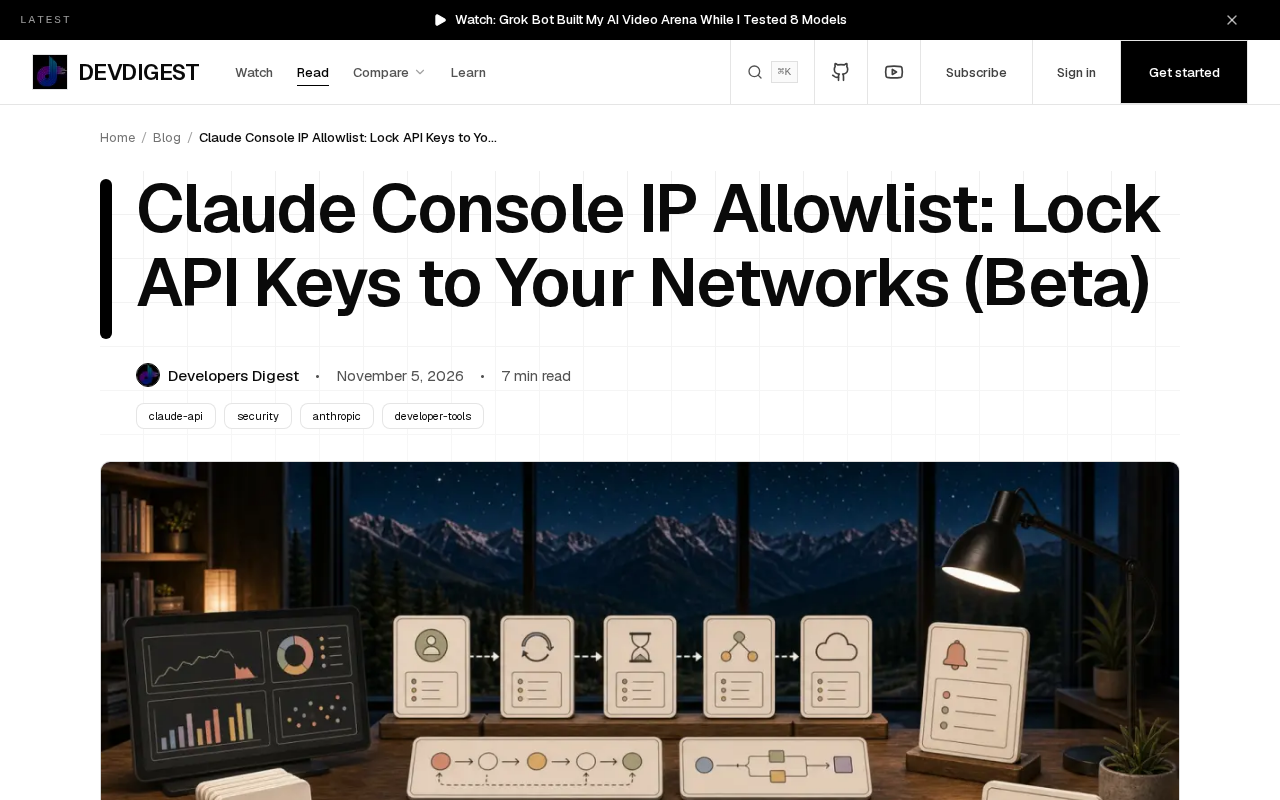
What the IP allowlist can do: 1,000 rules across four API surfaces
According to the official documentation, each organization can configure up to 1,000 IPv4 or IPv6 address ranges. This capacity is more than enough for most enterprise network environments—whether it's office network egress, cloud VPC subnets, or the fixed IPs of CI/CD pipelines, all can be managed in CIDR form.
The allowlist is enforced across four API surfaces:
- Messages API: the core interface for conversation and completion calls
- Batches API: the entry point for submitting batch jobs
- Files API: file upload and management interface
- Admin API: organization management interfaces
This means that once enabled, requests from outside the allowlist will be rejected on these interfaces—even if an attacker has obtained a valid key. Compared with passive defenses that rely solely on key rotation, an IP allowlist stacks two conditions—"holding the key" and "network location"—significantly raising the bar for exploitation.
CIDR (Classless Inter-Domain Routing) notation is the basic syntax for configuring an IP allowlist, in forms such as 192.168.1.0/24 or 2001:db8::/32, where the number after the slash indicates the network prefix length. Compared with listing individual IPs one by one, CIDR lets a single rule cover an entire address range, which is why 1,000 rules are enough to manage a complex enterprise network. Note that the wider the range (the shorter the prefix), the larger the network you let through, and the lower the security benefit; the narrower the range, the more likely you are to break legitimate calls due to changes in cloud providers' elastic IPs. When planning an allowlist, you usually need to strike a balance between "covering all legitimate egress" and "tightening the permitted surface as much as possible," while leaving some address headroom for core business subnets.
On the other hand, the allowlist is determined by the request's source IP, so when the call chain includes a reverse proxy, CDN, or load balancer, the source address that ultimately reaches the API gateway may be that of the proxy node rather than the real client. Before configuring, you need to confirm which hop along the chain will be recognized by the server as the source; otherwise you'll encounter "rejected even though I'm clearly on the allowlist."
Why you need network-layer locking
API key leakage is one of the most common risks in AI application security. Keys can appear in frontend code, log files, CI environment variables, or third-party tool configurations. The traditional approach is to rotate keys regularly, but rotation has a window period, and key updates in distributed systems often lag.
The IP allowlist takes a different approach: it doesn't change the key itself but attaches contextual constraints to it. Even if a key leaks, it won't work as long as the request doesn't originate from a trusted network. For teams integrating the Claude API into internal systems, SaaS backends, or automated pipelines, this is a low-cost yet directly beneficial defense-in-depth measure.
It should be noted that an IP allowlist cannot replace key management best practices. It guards against the scenario of "a key being copied and used elsewhere," but it cannot prevent abuse within the allowlisted network—for example, requests made after a trusted server is compromised.
Defense in Depth is a classic principle in security engineering: rather than relying on a single line of defense, layer independent security controls at multiple levels so that a single point of failure doesn't lead to total compromise. In API security, common layers include key management (least privilege, regular rotation, per-environment isolation), transport security (TLS), network-layer constraints (IP allowlists, private network access), rate limiting, and audit logs. The value of an IP allowlist lies in its independence from the key mechanism—if the key is correct but the source network doesn't match, the request is still rejected, and an attacker must breach both dimensions at once to succeed. This also explains why it cannot cover the case of "compromise within a trusted network": at that point both conditions are already met, and you need runtime monitoring, anomaly detection, and least privilege to fall back on.
The lockout traps most easily hit during configuration
Beta features often come with operational risks, and this is especially true for IP allowlists: a single misconfigured rule can lock you out of your own door.
Confirm egress IPs before enabling. In many teams, server egress IPs differ from office network IPs, and NAT gateway addresses in cloud environments may also change dynamically. Before enabling the allowlist, you should confirm the egress IP from the machine that actually makes API calls and reserve a sufficiently wide address range.
Pay attention to the special nature of the Admin API. Management interfaces are also subject to the allowlist, which means that if an administrator tries to change settings from the wrong network, they may be unable to call both the business APIs and adjust the allowlist itself. It's advisable to ensure at least one management channel is on a trusted subnet before enabling.
Leave room for CI/CD and temporary environments. Automated pipelines, data migration scripts, and temporary debugging instances may all make requests from different IPs. Although the 1,000-rule limit is generous, you need to plan subnet allocation in advance to avoid frequent rule additions after launch.
Roll out in stages. If the Console supports observe-then-enforce, run in monitoring mode for a period first to collect real traffic sources, then switch to enforce.
Monitor mode (Dry-run) and Enforce mode are common practices for rolling out security policies gradually. In monitor mode, the system lets all requests through as usual but logs fields such as the source IP and whether the allowlist was matched, making it easier for teams to understand their real traffic profile without affecting the business. When "not matched" records during the observation period are zero or only known temporary sources remain, switching to enforce minimizes the risk of accidental lockout. If the Console doesn't yet offer this mode, a fallback is to enable the allowlist in a staging environment first and run the full call chain through it, while keeping an independent emergency management channel to ensure you still have a way to recover if the configuration goes wrong.
Suitable scenarios and considerations
The IP allowlist is clearly valuable for the following scenarios: internal enterprise knowledge base Q&A systems, SaaS product backends deployed in fixed cloud regions, and compliance-sensitive applications that require strict access control.
But there are also unsuitable cases. Applications that rely on end-user devices connecting directly to the API (such as pure frontend calls), distributed crawlers using dynamic IPs, or edge functions may all be interrupted by the allowlist. Such scenarios need to consider introducing a fixed-egress proxy layer or holding off on the feature for now.
As a Beta feature, it's advisable to validate the full chain in a staging environment before fully enabling it in production, and to record the network sources of all current legitimate callers. The value of a security configuration lies in controllability, not in creating new single points of failure.
One-line Summary
Claude Console's Beta IP allowlist can lock API keys to specific networks, reducing the risk of abuse if they leak.
Paragraph Summary
Claude Console is testing a Beta IP allowlist feature that lets organizations restrict API key usage to specific networks. Each organization can configure up to 1,000 IPv4/IPv6 address ranges, enforced across the Messages, Batches, Files, and Admin APIs. By adding a network-location constraint, the feature ensures that leaked keys won't work outside trusted networks—a low-cost defense-in-depth measure beyond key rotation, though it cannot prevent abuse within trusted networks. The article highlights configuration risks: confirm actual egress IPs first, note that the Admin API is also constrained and may lock administrators out, reserve subnets for CI/CD and temporary environments, and enable in stages. Dynamic-IP scenarios and frontend direct-connect applications are not suited to enabling this feature directly.
Related articles
 Tech Frontiers
Google Omni 1.2 Flash: 15-Second AI Video at Just $0.07 per Second
Google DeepMind releases Gemini Omni 1.2 Flash: 15-second video, 720p at $0.07/sec (30% cheaper), multi-turn editing without regeneration, draft upscaling to 4K.
 Tech Frontiers
No AI Ghostwriting: Writer's Quarter Reinvents Novel Writing with a Visual Workbench
The Writer's Quarter is an AI-free novel writing and planning tool that unifies character building, story planning, and manuscript writing in one visual workbench. This article analyzes its positioning, target users, and differentiated value amid the rise of AI writing tools.
 Tech Frontiers
Fleeep: A Unified Inspiration Collection Notes App for Creatives
Fleeep is a notes app for creatives that unifies screenshots, bookmarks, saved posts, and inspiration into one calm, cross-device, offline-capable space. This article analyzes its positioning, differentiation, and target users.