Claude vs Claude Code: What's the Difference and Which Should You Use?
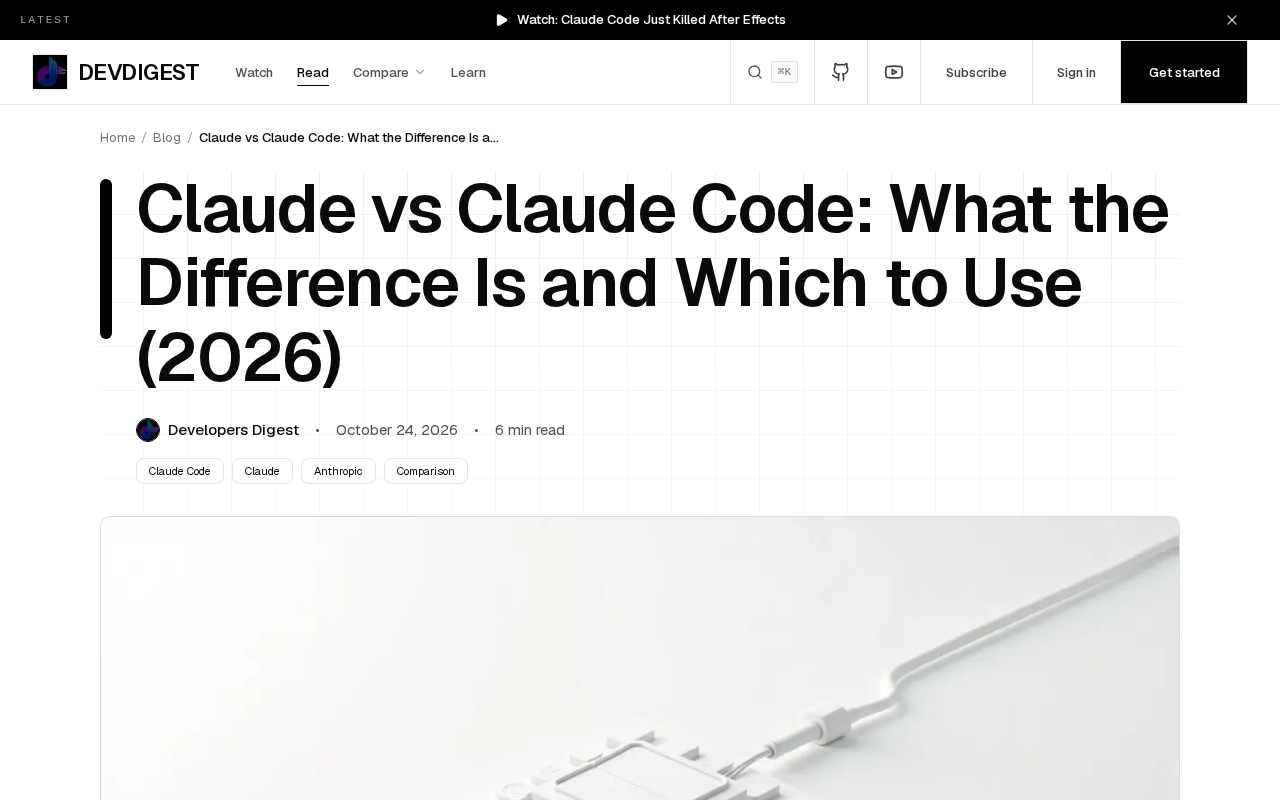
Claude is a conversational app, Claude Code is a coding agent—choose by task type, not cost.
The article distinguishes Claude and Claude Code: the former is a conversational app for chat, documents, and general text work; the latter is a coding agent that enters your codebase, reads files, and makes changes. They share the same model family and subscription quota, so cost isn't the decision variable—task type is. Pure text tasks and one-off snippet questions suit Claude; tasks requiring understanding project structure, cross-file changes, and batch operations on a codebase should use Claude Code. It also notes common misconceptions, such as treating Claude Code as a 'more advanced Claude' or underestimating Claude's simple coding assistance, and stresses that the criterion is whether a task requires 'entering the project,' not whether it's 'code-related.'
Two Products, Two Sentences
Claude and Claude Code both come from the same Anthropic model family and share usage quotas across subscription plans, but their positioning is completely different: Claude is a conversational app for chat, documents, and general work, while Claude Code is a coding agent built for your codebase. The former is like an all-purpose assistant; the latter is more like an engineer who can step directly into your project and get to work.
Understanding this distinction helps you make smarter choices before starting a task, rather than mixing the two tools together and then complaining about running out of quota.
Claude: A General-Purpose Workspace for Conversation and Documents
Claude's core scenario is conversation. Writing emails, polishing copy, analyzing documents, summarizing meeting notes, answering research questions—these all fall within Claude's comfort zone. Its interaction model is a chat window: you paste in content, it returns a result, and you follow up as needed.
This approach suits tasks where input and output are primarily text-based and don't depend on an external code repository. For example, if you need to compress a long report into a three-page summary, or have the model help you identify risk points in a contract, Claude's experience is direct and low-friction.
For users who don't write code or only write it occasionally, Claude basically covers all their needs.
Claude Code: An Agent That Works Directly on Your Codebase
Claude Code takes an entirely different form. It's not a chat window but a coding agent that runs directly in the developer's working environment, capable of reading project files, understanding code structure, and making changes. You can think of it as Claude "with hands and feet": it doesn't just tell you how to change something—it goes ahead and makes the change.
This agent form suits coding tasks that require multi-file coordination and strong contextual dependencies. The original framing is "one agent for your codebase," and the key phrase is "your codebase"—it's centered around a real, existing project rather than an isolated code snippet.
The test is simple: if your task requires the model to understand project structure, make cross-file changes, and follow existing code conventions, you should use Claude Code rather than pasting files one by one into a chat box.
Coding Agent is the key concept for understanding Claude Code. Unlike traditional "code completion" or "chat-style programming assistants," an agent means the model has the ability to autonomously execute multi-step operations: it can proactively read files, search the codebase, run commands, and adjust its next action based on intermediate results until the goal is achieved. This paradigm typically relies on a tool use mechanism—the model interacts with the development environment by calling tools for file reading/writing, terminal execution, and more, rather than merely outputting text. An agent's strength lies in handling tasks that require continuous decision-making, but on simple, isolated requests it may feel cumbersome due to multi-round planning and environment exploration.
Same Model Family, Same Quota
Both products share the same model family and subscription plan quotas, and this point deserves its own explanation. It means you don't need to agonize over "which one is more cost-effective"—the quota is the same, only the way it's consumed differs.
The real decision variable is task type, not cost. Putting work that requires manipulating a codebase into a Claude chat window forces you to do a lot of manual copy-pasting and context shuffling, and the efficiency loss far outweighs the quota you save. Conversely, using Claude Code to handle an email or a piece of copy is like using a sledgehammer to crack a nut.
Usage Limits are a constraint users often notice in practice. Anthropic's subscription plans (such as Pro and Max) typically provide a certain message/request quota within a time window, and the design of Claude and Claude Code sharing this total means: if you have lots of conversations on the web, you may hit the limit sooner, which in turn affects the availability of Claude Code. Conversely, running a complex multi-file refactor in Claude Code consumes multiple rounds of model calls, which may also affect your chat quota. Therefore, understanding the shared quota mechanism helps you plan your work rhythm and avoid being constrained before a critical coding task because of excessive chat usage.
How to Choose: Route by Task Type
Here's how to boil the division of labor down to a few common scenarios:
- Pure text tasks (writing, summarizing, Q&A, document analysis) → Claude
- Tasks involving project code (refactoring, bug fixing, cross-file changes) → Claude Code
- One-off code snippet questions (e.g., "what does this regex mean?") → Claude is enough; no need for the agent
- Tasks requiring batch, continuous operations on a codebase → Claude Code; the agent form's advantages are most obvious here
The original summary is concise: same model family and shared plan limits, different jobs. Same model, shared quota, different kinds of work.
Common Misconceptions
One easy pitfall is treating Claude Code as a "more advanced Claude." It's not an upgraded version but a different interaction paradigm. The agent form means the model needs more environmental context and more steps to complete a task, which can actually feel clunky on simple tasks.
Another misconception is underestimating Claude's coding-assistance capabilities. Writing a script, explaining an algorithm, or reviewing a short piece of code—Claude is fully capable, no agent required.
The criterion should be whether a task requires "entering the project," not whether a task is "code-related."
One-line Summary
Claude is a conversational app; Claude Code is a coding agent—choose by task type, not cost.
Paragraph Summary
The article clearly distinguishes between Claude and Claude Code: the former is a conversational app for chat, documents, and general text work, while the latter is a coding agent that can enter your codebase directly, read files, and make changes. Both share the same model family and subscription plan quotas, so cost isn't the decision variable—what really matters is task type. Pure text tasks and one-off code snippet questions suit Claude; tasks requiring understanding of project structure, cross-file changes, and batch, continuous operations on a codebase should use Claude Code. The article also points out common misconceptions, such as treating Claude Code as a "more advanced Claude" or underestimating Claude's capabilities for simple coding assistance, and emphasizes that the criterion is whether a task requires "entering the project," not whether it's "code-related."
Related articles
AWS Launches Official Agent Toolkit: Letting AI Agents Directly Build and Manage AWS Applications
AWS launches the official Agent Toolkit, letting AI coding agents directly build and manage AWS apps across CDK, CloudFormation, Serverless, Bedrock Agents, and DevSecOps.
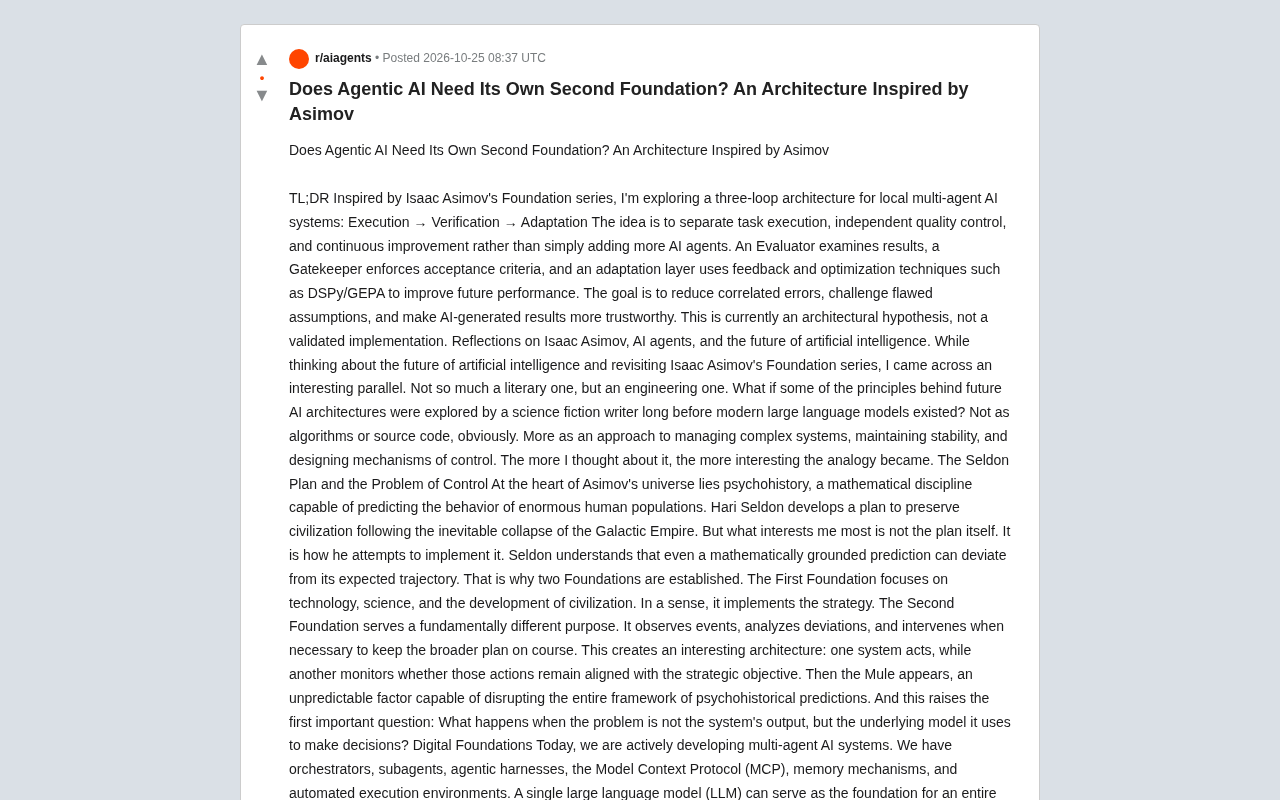
Does Agentic AI Need Its Own "Second Foundation"? A Three-Loop Architecture Explored
Inspired by Asimov's Foundation series, a multi-agent AI architecture hypothesis proposes execute, verify, and adapt control loops to reduce correlated errors and improve trust in AI results.
Rewriting a Commercial Engine in Jai: The Trade-off Between Performance and Productivity
Exploring the engineering practice of rewriting a commercial game engine in Jai: compile-time metaprogramming and data-oriented design advantages, plus ecosystem maturity and learning curve challenges.