Cline UI SDK 0.2.2 Released: A Low-Key Version Iteration

Cline's UI component package @cline/ui releases patch version 0.2.2, tagged by an automated process.
The article introduces the release of version 0.2.2 of @cline/ui, the UI component package for the AI coding assistant Cline. This version appears as the Git tag sdk/ui/v0.2.2, automatically tagged by the github-actions bot, but the release page does not include a changelog or feature description, so specific changes need to be confirmed in the repository's commit history. The article analyzes that this is a typical patch-level silent release with low risk; it also notes that Cline splitting the UI layer into an independent SDK and releasing it separately reflects an engineering approach of decoupling the interface from core logic, and the automated release process indicates that the project's version management is relatively standardized. Overall, this update is more a signal of project activity and engineering maturity.
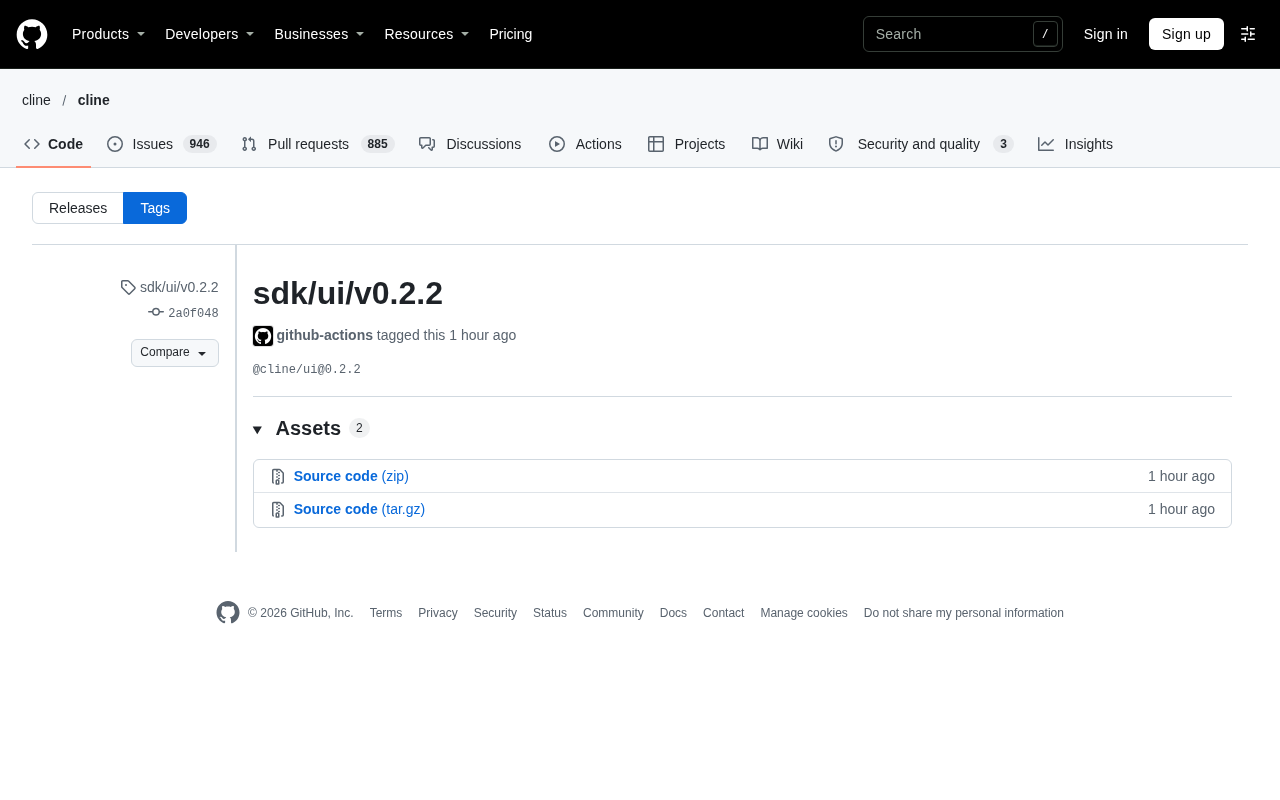
@cline/ui, the UI component package for the AI coding assistant Cline, has released version 0.2.2. This update appears on GitHub as a tag, with commit hash 2a0f048, automatically tagged by github-actions—a typical automated release process. For developers following the AI coding tool ecosystem, the version number itself reveals limited information, but given Cline's position in the open-source AI coding space, it's still worth examining its significance.
Basic Release Information
From the release page, @cline/ui@0.2.2 corresponds to the sdk/ui/v0.2.2 tag in the repository. The page provides tag comparison and asset download links, but the original content does not include a changelog, change description, or specific feature details. This means we cannot directly determine from this release which issues were fixed, which components were added, or which interfaces were adjusted.
Such "silent releases" are not uncommon in open-source projects, especially for packages like UI component libraries that are primarily consumed internally. Cline's UI SDK mainly serves its VS Code extension and related interfaces. A change in the third digit of the version number typically indicates minor patches or dependency synchronization rather than breaking changes.
The Position of Cline UI SDK in the Ecosystem
Cline is an open-source AI coding assistant that runs as a VS Code extension and supports connecting to various large models to perform tasks such as code generation, file editing, and terminal operations. As its UI layer encapsulation, @cline/ui is responsible for UI component reuse and interaction consistency.
Splitting the UI into an independent SDK and releasing it separately is a noteworthy engineering decision. It means the Cline team wants to decouple the UI layer from the core logic to facilitate independent iteration and testing. For developers who want to build secondary development or integrated experiences based on Cline, the existence of such SDKs lowers the barrier to reuse.
Engineering Practices Behind Automated Releases
This release was tagged by the github-actions bot, reflecting that the project has adopted automated version management and release pipelines. Such practices are relatively common in mature open-source projects and can reduce version number confusion and release omissions caused by manual operations. Although no changelog was included this time, the automated process itself indicates that the project's engineering standards are relatively well-established.
SDKs, Component Libraries, and Semantic Versioning
SDK (Software Development Kit) typically refers to a set of tools for developers to integrate and use. In UI scenarios, it often manifests as a component library plus accompanying type definitions and build artifacts. @cline/ui is released as an npm package, meaning it follows Semantic Versioning (SemVer) conventions: major version changes represent breaking changes, minor version changes represent backward-compatible feature additions, and patch numbers (the last digit in 0.2.2) represent backward-compatible bug fixes. When the major version is still 0, the API is considered unstable, and maintainers may introduce breaking adjustments in minor versions as well; therefore, patch releases for 0.x versions usually only make minimal-risk changes. Understanding this helps explain why this update is unlikely to change existing interfaces.
Git Tags and GitHub Actions
The sdk/ui/v0.2.2 shown on the release page is a Git tag, an immutable reference pointing to a specific commit, commonly used as a version anchor for checkout, comparison, and archiving. Being tagged by the github-actions bot indicates that the project has configured GitHub Actions workflows: after code merge or manual trigger, the pipeline automatically performs version number increment, build, tagging, and even publishing to the package manager. Such processes often also rely on tools like changesets or semantic-release to infer version numbers from commit messages. The absence of a changelog is often because the log generation step has not yet been integrated, or the logs are stored in the repository's CHANGELOG file rather than on the Release page.
How to View This Update
For ordinary users, a patch version like 0.2.2 will bring almost no perceptible changes. For developers who depend on @cline/ui, it is recommended to check the repository's commit history directly to confirm specific changes rather than relying solely on the release page information.
From a broader perspective, Cline's continued maintenance of an independent version line for the UI SDK indicates that the project is evolving from a "single extension" to a "reusable platform." Competition in AI coding tools has extended from model capabilities to engineering experience, and the stable iteration of component libraries is a microcosm of this trend.
Summary
@cline/ui@0.2.2 is a routine patch release, and the lack of public change notes limits its informational value. However, it confirms Cline's continued investment in the UI layer and the operation of its automated release process. Developers following the Cline ecosystem can view it as a signal of project activity, while specific technical details still need to be found in the code repository.
Related articles

A 19-Year-Old's Rental Horror Story: Ceiling Collapse, Bug Infestation, and the Lessons It Taught Me
At 19, my first off-campus rental brought bug infestations, no heat, a collapsed ceiling, and a ruined laptop with no renter's insurance. Here are the hard-won lessons for first-time student renters.

Veda Nurse's Cranial Nerve Exam: Why ASMR Role-Play Is Going Viral
Bilibili creator Veda's cranial nerve exam ASMR video goes viral, blending humor and sensory triggers through nurse role-play. This article analyzes its unique appeal and the audience psychology behind ASMR role-play.

LG Cinebeam AI Review: 120-Inch Giant Screen + 3000 Lumens, a New Choice for the Living Room Theater
LG Cinebeam AI projector review: 3000 ANSI lumens, 4K, 100 inches from about 8 cm and 120 inches from about 18 cm. Built-in webOS, AI Concierge voice recommendations, AI Sound Pro 11.1.2 virtual surround, and Game Optimizer—positioned for fixed living room installation, complementing the portable Cinebeam S.