CodeGraph: Give AI a Code Map to End Blind Searching in Large Repositories

CodeGraph dramatically cuts AI agent exploration costs in large codebases via local semantic indexing
When AI agents analyze large codebases, most tokens and tool calls are spent on file exploration rather than generating answers. CodeGraph addresses this by pre-building a local code semantic index (symbol relationships, call graphs, module structures) and exposing it to AI coding tools via the MCP protocol, enabling agents to precisely locate code regions instead of searching blindly. Benchmarks show approximately 35% cost reduction and 70% fewer tool calls in large repositories, though benefits are strongly correlated with repository size.
The Most Expensive Part of Large Repos Isn't the Answer — It's Finding the Way
When you ask an AI assistant to analyze a large codebase, the real cost usually isn't the final step of generating an answer — it's the lengthy "exploration" process that precedes it. You ask a perfectly normal question — like "How do these two core modules communicate?" — and the AI starts with grep, then glob, then read, cycling through a dozen rounds of file reads without ever reaching the point.
To understand the severity of this problem, you need to understand the cost structure of AI agents. Current mainstream LLMs (like Claude and GPT-4) typically price their APIs based on input tokens and output tokens, with input tokens often costing more. When an agent performs exploration tasks in a large codebase, every read_file, grep, and glob call injects file contents into the context window, and these contents are billed as input tokens for subsequent calls. More critically, the context window has a capacity limit (typically 128K to 200K tokens) — once filled, the model either truncates earlier content or triggers more expensive long-context pricing tiers. Therefore, reducing ineffective file reads isn't just about saving money — it's about protecting the context window as a scarce resource.
The larger the repository, the worse this problem gets. Token consumption, tool call counts, and context window usage are like paying tolls to navigate the file system. Worse still, these exploration paths are often unstable — run the same question twice and the agent might take completely different search routes.
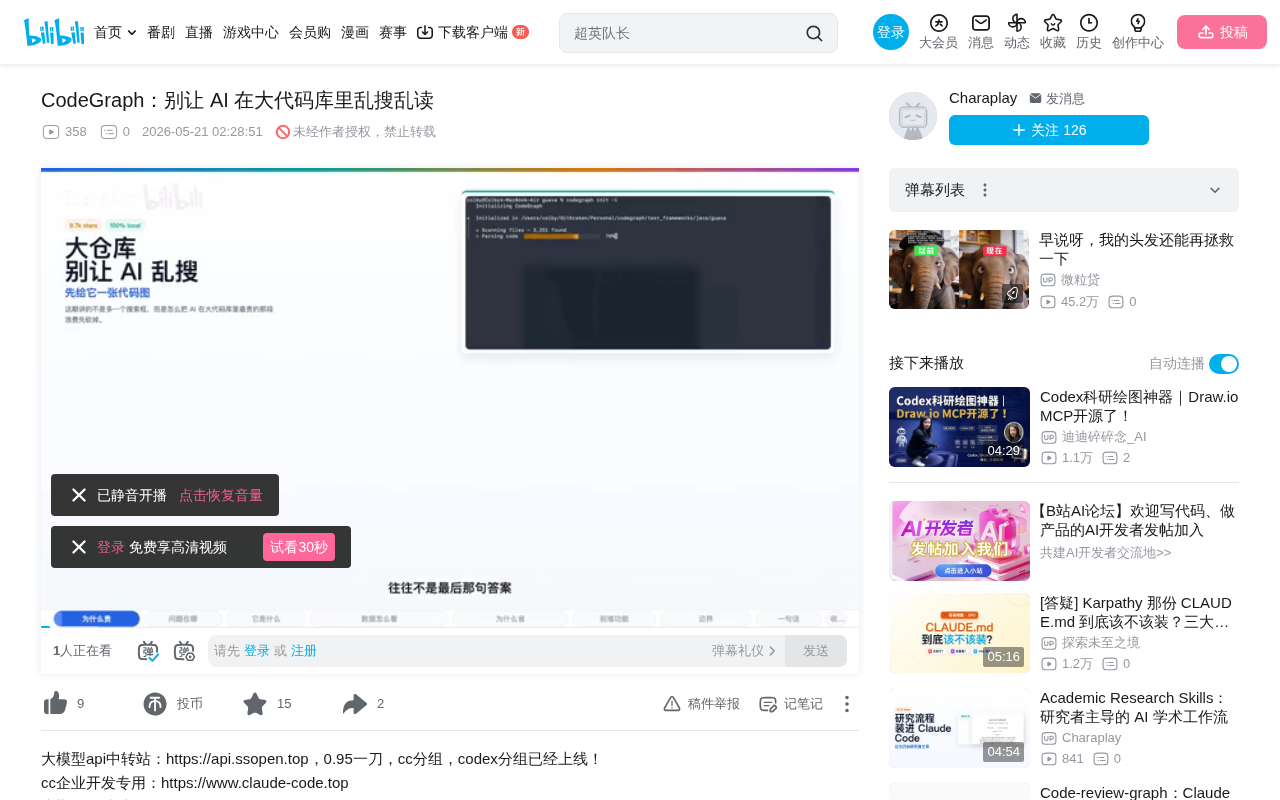
The most valuable aspect of the CodeGraph project is that it directly confronts this real-world problem: Don't let AI burn through its budget just finding its way around a large repository.
What CodeGraph Is: Local Semantic Indexing + MCP Interface
In simple terms, CodeGraph is a local code semantic indexing tool with an MCP (Model Context Protocol) interface layer designed for AI coding agents. It pre-organizes symbol relationships, call graphs, and module structures from the code and stores them in a local SQLite database.
MCP Protocol Background: MCP is an open protocol standard released by Anthropic in late 2024, aimed at solving the fragmentation problem of integrating AI models with external tools and data sources. Before MCP, every AI tool needed to define its own interface specification, resulting in a highly fragmented ecosystem. MCP's core idea is to provide AI agents with a unified "tool-calling language" that allows models to access file systems, databases, APIs, and other external resources in a standardized way. CodeGraph's choice of MCP as its interface layer means it can be directly called by mainstream AI coding tools that support MCP — such as Claude Code and Cursor — without requiring separate adaptation for each platform.
The Technical Foundation of Code Semantic Indexing: Code Semantic Indexing is a classic technique in the static analysis domain. Its core approach is to extract symbol definitions, reference relationships, and call chains by parsing the AST (Abstract Syntax Tree) without executing the code. The Call Graph is one of the most important data structures in this space — it records function call relationships in the form of a directed graph and serves as the foundation for impact analysis, refactoring assistance, and architecture comprehension. Traditional IDEs like IntelliJ and VS Code have built-in similar capabilities, but these capabilities typically serve human developers' interactive operations and aren't exposed as structured interfaces consumable by AI agents. CodeGraph's innovation lies in repackaging this mature set of static analysis capabilities into a toolset that AI agents can directly call via the MCP protocol.
The Engineering Logic Behind the Storage Choice: CodeGraph's choice of SQLite as its local storage backend is a typical "good enough is best" engineering judgment. SQLite is the most widely deployed database engine in the world, known for its single-file format, zero configuration, and high read performance — making it particularly suitable for local tool scenarios. For read-heavy, write-light workloads like code indexing, SQLite's full-text search extension (FTS5) and JSON support are sufficient for most query needs. Compared to introducing PostgreSQL or a specialized vector database, the SQLite approach offers advantages in: no additional service processes needed, database files that can migrate with the project, and minimal resource consumption on developer machines. This aligns perfectly with CodeGraph's "100% local execution" positioning — no dependency on any cloud services, with code data staying entirely local.
When an agent comes asking "How does this module connect to that module," "Who's calling this function," or "What will be affected if I change this?" — it no longer needs to rummage through the entire repository first.
Positioning First, Not Replacing Reading
This positioning is crucial — CodeGraph isn't replacing "reading code" itself, but transforming code reading from "searching for a needle in a haystack" to "locate first, then dive in." For large codebases, this difference is extremely significant.
Specifically, with the index in place, the AI agent's workflow becomes:
- First use
codegraph_contextto locate relevant code regions - Then use
codegraph_exploreto retrieve key code segments - Then directly answer the question
Without the index, agents tend to spend most of their budget on the "discovery phase" — first finding files, then finding symbols, then reading implementations, and sometimes even spawning sub-agents to continue searching.
Benchmark Data: 35% Cost Reduction, 70% Fewer Tool Calls
The project README provides a set of benchmark test results. The testing methodology involved having Claude Code Headless answer architecture questions across 7 real open-source codebases (spanning 7 programming languages), comparing the differences between enabling and disabling CodeGraph MCP. Both sides retained built-in tools like read, grep, and bash, with each repository running 4 times per side and taking the median.
Under these conditions, the average results were:
| Metric | Improvement |
|---|---|
| Cost | ~35% reduction |
| Token consumption | ~5% reduction |
| Response speed | ~49% improvement |
| Tool calls | ~70% reduction |
Benefits Are Strongly Correlated with Repository Size
However, the README also makes it very clear: benefits are closely tied to repository scale.
- For repositories as massive as VSCode, the agent might need just a few calls — even achieving zero file reads — making the advantage extremely significant.
- But for repositories like some small projects with only about 150 files, where native search is already inexpensive, CodeGraph's advantage narrows considerably.
So these numbers should be treated as "evidence that the approach works," not as a "guaranteed win for all tasks."
Related articles
 Product Reviews
The Programmer's Desk Setup Guide: Building a Workspace That Feels Like Home
Discover how programmers build productive, comfortable workspaces. From multi-monitor setups to ergonomic design, explore the desk philosophy that drives focus and flow.
 Product Reviews
Qoder vs Cursor Real-World Comparison: Which $20/Month AI IDE Is Better?
Hands-on comparison of Qoder vs Cursor AI IDEs: Agent autonomy, human interaction count, and architecture decisions. Qoder needed only 2 interactions vs Cursor's 8.
 Product Reviews
Cursor Cloud Agent Demo: Eliminating Bottlenecks Across the Entire Software Development Lifecycle
Deep analysis of Cursor's Cloud Agent demo showing how cloud VMs, automated test artifacts, and a full-chain control plane systematically eliminate human bottlenecks across the software development lifecycle.