Codex in Practice: Building a Lecture Whiteboard App from Scratch — A Complete Walkthrough

Build a lecture whiteboard app from scratch with OpenAI Codex — a full Vibe Coding walkthrough.
This article documents a hands-on AI programming course using OpenAI Codex, following the development of a lecture whiteboard app from idea to near-launch. The core methodology covers MVP scoping, plan-first prompting, plain-language Git version control, multimodal testing loops, and progressive disclosure UI design. The instructor candidly acknowledges that feature development is only 80% of the journey — productization, localization, and App Store submission are where the real difficulty lies, and where most AI coding tutorials stop short.
Can someone with zero programming experience build a real, usable app? This hands-on course centered on OpenAI Codex gives a resounding yes. The instructor — a developer who has already shipped 10 apps using Vibe Coding — chose a genuine personal need as the teaching example: a hand-drawn whiteboard tool designed specifically for recording lectures. The goal is to build it from scratch and publish it on the Apple App Store for sale. The entire process demonstrates how AI-assisted programming can help ordinary people turn ideas into products.
Start by Thinking Through the Problem — Before Writing a Single Line of Code
One of the most valuable aspects of this course is that it doesn't jump straight into coding. Instead, it emphasizes that development should begin with one question: "What problem am I solving?" The instructor's pain point is concrete: when recording lectures, he likes to sketch ideas on a drawing tablet, but traditional whiteboard tools clear the canvas after each page — there's no way to save or replay them like slides.
The requirement became clear: a whiteboard app where you can draw while you talk, save each page with a tap of "next," and eventually export everything as a course deck. The instructor repeatedly stressed that whether it's your own need or a client's, the first step is always to think the problem through completely — because "software is, at its core, a tool that helps people solve problems."
This approach of starting from a personal pain point is also what the instructor sees as the opportunity for indie developers. Many successful apps started from a tiny personal need. If polished well enough, hundreds of thousands — even millions — of users might share that same need. With the right pricing, that translates into real revenue.
Use the MVP Approach to Control Scope
With the idea in hand, the instructor introduced the MVP (Minimum Viable Product) concept. He described it as "setting up a street stall before opening a full hot pot restaurant" — skip the bells and whistles, keep only the most essential functionality.
For the whiteboard app, the core features of version one were defined as: brush tool, color selection, eraser, drag-and-drop image import, page add/remove, and either an infinite canvas or a fixed-size canvas. Background options and multi-language support were explicitly put aside for later.
The instructor highlighted a common beginner mistake: once you have an idea, it's easy to let scope creep in during development until the product spins out of control. The whole point of an MVP is to build and validate the core value first — not to chase perfection from day one.
The MVP (Minimum Viable Product) concept was systematically articulated by Eric Ries in The Lean Startup. Its core principle is to validate product assumptions at the lowest possible cost, avoiding wasted effort on features that haven't been market-tested. For indie developers, this is especially critical: time and energy are scarce, and spending 80% of your effort on the 20% of features that matter most is the shortest path from idea to deliverable product. In practice, the most effective way to define MVP scope is to keep asking: "If this feature didn't exist, could users still complete the core task?" Any feature where the answer is "yes" can be deferred to a later version. This framework applies equally to AI-assisted development — the more focused your instructions to the AI, the higher the quality and predictability of the generated code, and the lower the chance of unexpected drift.
First Engagement with Codex: Plan First, Code Later
On tool selection: the instructor noted that Codex has been integrated into the ChatGPT app — whichever you download, it's the same software. Pricing: Free at $0, Go at $8, Plus at $20, Pro at $100. He recommends beginners go with Plus, as it's the minimum tier that unlocks actual Codex functionality — the Go tier only offers web access.
The key insight came at the prompting stage. The instructor admitted that the polished-looking prompts he uses are actually just rambling voice recordings fed into ChatGPT for cleanup. "The truth is, AI can understand your messy spoken language just fine."
More importantly, he shared the strategy for the first round of interaction: don't ask the AI to implement features directly. Instead, ask it to "analyze the requirements, outline the core features for version one versus future versions, and recommend an implementation approach." In other words: get the plan first, then talk execution. Once the plan is generated, review it item by item — does the AI's understanding match your intent? Is anything overcomplicated? The instructor stressed that any misalignment at the planning stage must be caught and corrected there, before a single line of code is written.

OpenAI Codex is a model built on the GPT architecture, fine-tuned specifically for code generation. It was originally released in 2021 as the engine behind GitHub Copilot, and has since been integrated into the ChatGPT ecosystem. The term "Vibe Coding" was coined by OpenAI co-founder Andrej Karpathy in early 2025 to describe a development paradigm where you describe what you want in natural language, the AI generates and iterates on the code, and the human's role is primarily to review and steer direction. Compared to traditional programming, this approach dramatically lowers the technical barrier — but introduces new challenges: developers need the ability to articulate problems clearly, the judgment to recognize when AI output doesn't match expectations, and the awareness to intervene when the AI goes off track. These are precisely the core skills this course sets out to train.
File Management and Practical Git Version Control
The instructor shared a practical tip from real-world experience: don't let the AI dump files directly into the root directory. Instead, establish a clear folder structure — keep planning documents, development docs, and source code in separate locations. As long as you specify the root directory conventions upfront, the AI will automatically place architecture notes, development logs, and test acceptance documents in the right folders, essentially giving your project a long-term memory.
On Git, the instructor used a simple analogy: it's like a tree that keeps growing — a version control system. The main trunk holds v1, v2, v3 in sequence; if development goes wrong, you roll back. And like a tree, it branches — just as Linux spawned Android, HarmonyOS, and others. For everyday users, there's no need to memorize commands. Just tell the AI in plain language: "initialize this for me," "save a version" — it understands and executes the corresponding git init, git commit, git push operations accordingly.
Git was created by Linux creator Linus Torvalds in 2005 and is now the world's most widely used version control system. Its core mechanism saves each set of code changes as a "commit," forming a traceable history chain; the branch feature allows parallel development of new features or experiments without affecting the main line. For AI-assisted development, Git's value goes beyond backup — when AI-generated code produces unexpected errors, being able to roll back instantly to the last working version is the most important safety net for managing development risk. GitHub and GitLab are the most common remote hosting platforms — think of them as cloud storage for your code. Sync your local repository with
git pushand you get offsite backup plus multi-device collaboration.
A Surprising Showcase of Codex's Multimodal Capabilities
The most striking moment in the actual development session was Codex's multimodal capability in action. It first sketched a conceptual wireframe based on the requirements, then began building the source code. The instructor noted: if you spot the sketch or reasoning going off track, hit pause and type a correction immediately — don't wait for it to finish.
Even more impressive: Codex can control its own browser to run tests. It automatically opens the web version of the app and actually draws a few strokes itself to verify that the brush tool works. The instructor described this as a complete loop — "from project kickoff to development to testing" — calling it one of the most remarkable demonstrations of how far AI Agents have come.
Once the first MVP was complete, the core brush functionality was working — and exceeded expectations. When connected to a drawing tablet, it supported pressure sensitivity: light strokes looked different from heavy ones. The chalk brush even had a grainy texture that was perfect for simulating blackboard writing.

Iterating on the Fly and Progressive Disclosure in UI Design
During the iteration phase, the instructor demonstrated a highly practical feature — annotation mode — where you can circle a specific area directly on the interface and attach a modification request. This avoids the confusion that comes from describing a location in text. Through several rounds of changes, the app gradually gained dark mode, dot-grid overlays, chalkboard backgrounds, chalk brush effects, multi-page management, and image paste-to-import.
On UI design, his advice was to avoid over-polishing the interface early on — ideas evolve constantly during development, so building and adjusting in parallel is the smarter approach. He also introduced a professional UI principle: Progressive Disclosure — rather than spreading every button across the screen at once, show only the core entry points first, then reveal secondary menus on tap. This keeps the interface clean and the user experience smooth. The instructor criticized the common Vibe Coding pattern of "the entire screen covered in buttons," calling it a serious failure in human-computer interaction and UX.
Progressive Disclosure is a classic design principle in human-computer interaction, first proposed by IBM researchers John Carroll and Caroline Carrithers in 1984, and later widely adopted by Apple, Google, and others in their design guidelines. Its core logic: layer features by frequency of use and cognitive complexity, exposing only the highest-frequency core actions at the first level, with secondary and advanced features accessible through expansion, long-press, or sub-menus. This matters because human working memory is limited — Miller's Law suggests people can hold roughly 7 chunks of information at once — and an overloaded interface directly increases user decision cost and error rate. In AI-generated interfaces, since AI tends to "implement everything," developers need to actively intervene and trim down to move a product from "functional" to "genuinely good."
The Difficulty Curve: From Feature Development to Productization
The instructor was candid: in terms of features, the app is roughly 80% done — but the real inflection point is the productization phase. He compared feature development to "growing apples in your backyard for yourself," while productization is "packaging those apples as retail goods for a supermarket" — the workload scales up fast.
Productization involves a long list of unglamorous tasks: desktop packaging (a web app can be wrapped as a Mac or Windows client), multi-language support (say, 12 languages), Apple App Store review, pricing strategy, and storefront presentation. This is also why so many tutorials "build a demo and disappear." The instructor's goal is to walk through the entire process — development, submission, and sale — from start to finish.

One final note worth mentioning: Codex's usage quota system. Plus users face two tiers of limits — a 5-hour interval quota and a weekly quota, tracked as a percentage. This particular lesson ended when the quota ran out, which incidentally illustrates just how much development work $20/month can realistically support.
For anyone looking to get started with AI-assisted programming, the value of this course isn't in technical showmanship. It's in how clearly it breaks down the complete thought process of going from idea to real product: define the problem first, scope the MVP, let the AI plan before it codes, manage docs and versions carefully, iterate as you go, and then push toward productization.
Related articles
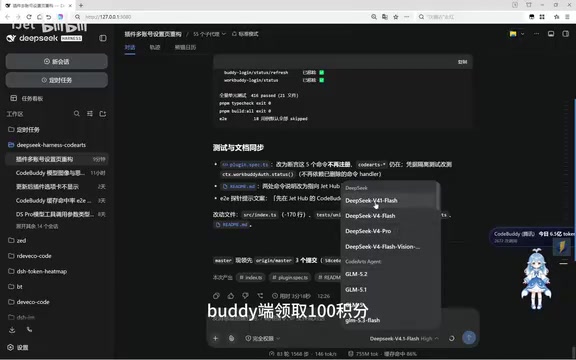
Free DeepSeek V4.1 Flash via DSH: Bulk Point Collection & International WorkBuddy Tested
DSH project update tested: WorkBuddy now offers 100 points per claim, rate limits raised beyond 80M tokens with faster resets, and international WorkBuddy supports free Hunyuan 4 and DeepSeek V4.1 Flash.
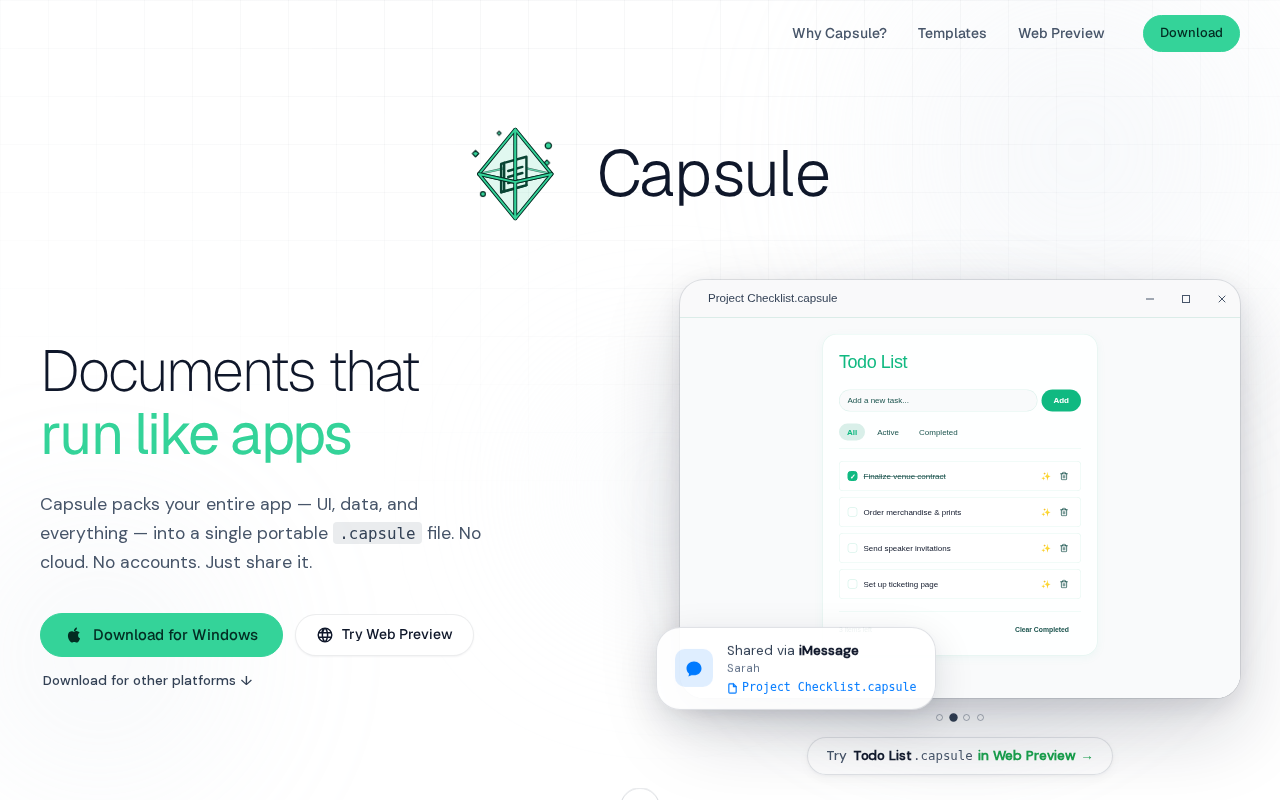
Capsule: Pack Web Apps and Data into a Single SQLite File
Capsule is a Rust/Tauri 2.0 tool that packs HTML web apps and data into a single SQLite file — privacy-first, local storage, portable sharing, with AI support.

DSH-SUBAGENT-UI Plugin: The Ultimate Sub-Agent Manager for DeepSeek Harness
DSH-SUBAGENT-UI is a DeepSeek Harness browser plugin offering sub-agent overview, search, local categorization, and completion snapshots — install with one command.