ComfyUI Video Workflow Showdown: MiniMax H3 vs LTX 2.5 Ripple
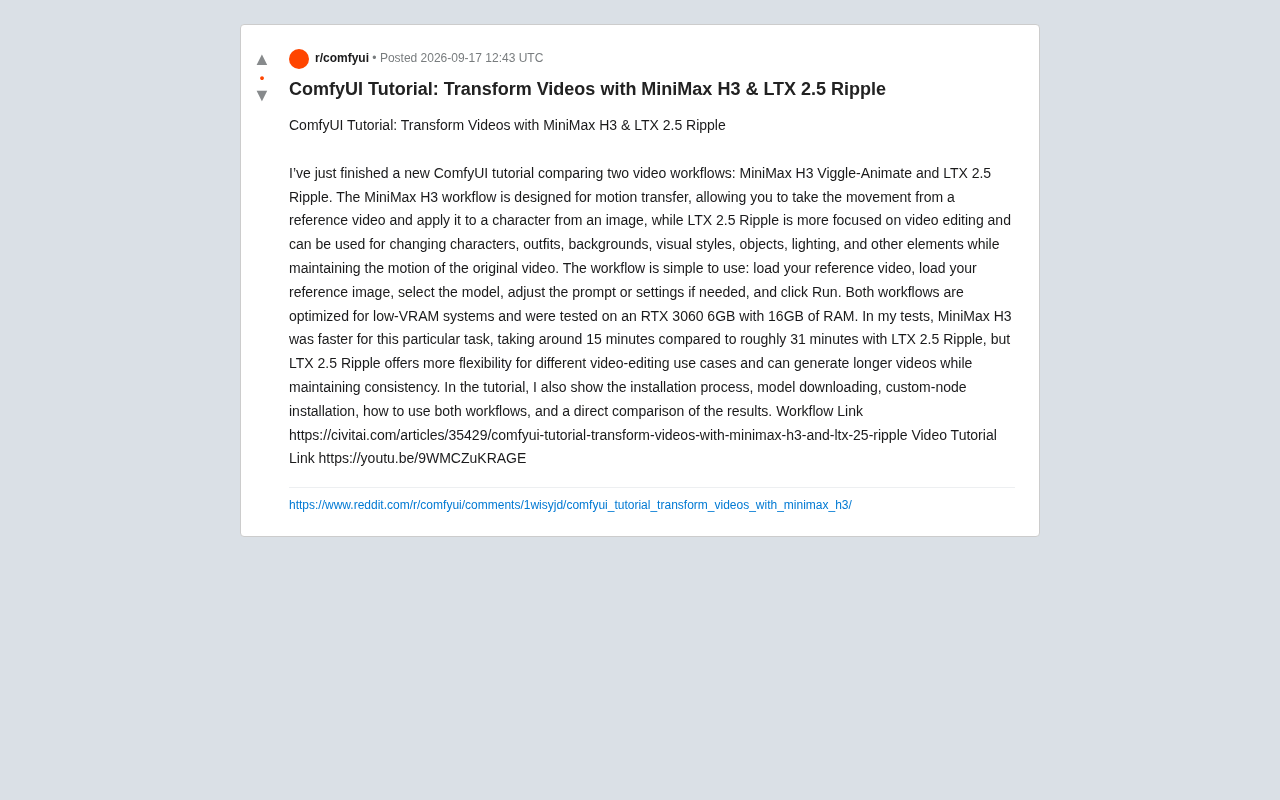
ComfyUI tutorial comparing MiniMax H3 motion transfer and LTX 2.5 Ripple video editing, both tested on an RTX 3060 6GB.
This article breaks down a ComfyUI video tutorial optimized for low-VRAM hardware, comparing two distinct workflows. MiniMax H3 Viggle-Animate focuses on motion transfer — applying movement from a reference video to a static character image — completing tasks in ~15 minutes on an RTX 3060 6GB. LTX 2.5 Ripple targets video editing, replacing characters, backgrounds, and styles while preserving original motion, offering greater flexibility but taking ~31 minutes. Both follow a simple load-select-run pattern and cover full setup steps. Choose MiniMax H3 for fast motion transfer; choose LTX 2.5 Ripple for complex edits or longer video output.
In the world of AI video generation, motion transfer and video editing have always been two of the hottest directions. A ComfyUI creator recently shared a comprehensive tutorial comparing two distinctly different video workflows — MiniMax H3 Viggle-Animate and LTX 2.5 Ripple — with optimization testing focused on low-VRAM hardware. This article breaks down the core content of that tutorial to help you understand the differences between the two approaches and when to use each.
Two Workflows, Two Different Goals
Both are ComfyUI workflows for video processing, but MiniMax H3 and LTX 2.5 Ripple were designed with entirely different objectives in mind.
MiniMax H3 Viggle-Animate is focused on motion transfer. Its core logic is to extract motion information from a reference video, then apply that movement to a character in a static image. In short: give it a portrait photo and a dance video, and it will make the person in the photo perform the same dance. This mirrors the approach of tools like Viggle — ideal for quickly bringing static characters to life.
LTX 2.5 Ripple leans more toward video editing. It can replace characters, clothing, backgrounds, visual styles, objects, and even lighting in a video — all while preserving the original motion trajectory. Rather than generating movement from scratch, it performs deep "re-skinning" edits on top of existing footage, offering far greater flexibility.
Motion Transfer is a core technique in computer vision. It works by extracting skeleton keypoints or optical flow from a source video and using those motion signals to drive animation of a target image. Early tools like DensePose and OpenPose handled pose estimation; later models like Viggle and AnimateAnyone integrated this pipeline end-to-end, letting everyday users produce "image + motion video → animation" results without needing to understand the underlying algorithms. MiniMax H3 follows this same philosophy, encoding the motion from a reference video into the generation process for a static character image — either through cloud inference or a local model.
Video Editing differs fundamentally from motion transfer: instead of generating new movement from a static image, it uses an existing video as the foundation for content replacement. Solutions like LTX 2.5 Ripple typically leverage diffusion model inpainting or conditional generation capabilities to re-render visual content while preserving the original motion trajectory. This approach is closely related to mechanisms like ControlNet and IP-Adapter — motion information acts as a control signal constraining the generation direction, while text prompts or reference images determine the final visual appearance.
A Simple Enough Workflow
Based on the tutorial, both workflows have a low barrier to entry and follow the same basic operational pattern:
- Load a reference video
- Load a reference image
- Select the corresponding model
- Adjust prompts or parameters as needed
- Click Run
This linear "load → select → run" flow reduces the complexity of ComfyUI's node-based interface, making it fairly beginner-friendly. The tutorial author also walks through the full installation process, model downloads, and custom-node setup — the steps where most users actually get stuck during real-world deployment.
Low-VRAM Friendly: RTX 3060 6GB Benchmarks
One of the most noteworthy aspects of this tutorial is its optimization for low-VRAM systems. The author's test setup is an RTX 3060 6GB GPU with 16GB of system RAM — a pretty entry-level configuration. Getting video generation workflows to run on hardware this modest is a big deal for creators on a tight budget.
In terms of speed, the two workflows differ noticeably:
- MiniMax H3: ~15 minutes to complete the same task
- LTX 2.5 Ripple: ~31 minutes
For the motion transfer task tested, MiniMax H3 is nearly twice as fast as LTX 2.5 Ripple. That said, speed isn't the only metric — LTX 2.5 Ripple supports a broader range of video editing use cases and can generate longer videos while maintaining consistency. This makes the two workflows complementary rather than straightforwardly better or worse than each other.
Video generation is far more VRAM-intensive than static image generation, primarily because the model must process multiple frames simultaneously, and temporal attention mechanisms scale VRAM usage significantly as frame count increases. Most mainstream video generation models require 12GB or even 24GB+ of VRAM at full precision. Common optimizations for low-VRAM devices include reducing model weight precision from FP32 to FP16 or BF16, enabling model offloading to shift temporarily unused modules into system RAM, and using efficient attention implementations like xformers or Flash Attention. Within the ComfyUI ecosystem, the --lowvram and --cpu launch flags — along with quantized loading options provided by certain custom nodes — are concrete implementations of these strategies. The fact that an RTX 3060 6GB can run both workflows indicates the tutorial has integrated solid VRAM management practices, though the tradeoff is longer generation times — which explains why LTX 2.5 Ripple takes roughly 31 minutes to finish.
Choosing Between Them: Speed vs. Flexibility
Overall, the right choice depends on your actual needs.
If your goal is clear — applying the motion from a reference video to a character image, and you want results efficiently — then MiniMax H3 is the better pick. Its speed advantage is significant.
If you need more precise, multi-dimensional video editing — swapping backgrounds, changing styles, replacing objects, or producing longer videos that stay coherent — then the flexibility of LTX 2.5 Ripple delivers more value, at the cost of longer generation times.
For readers who want to try this hands-on, the author provides complete workflow files (via Civitai) and a video tutorial (on YouTube) covering everything from environment setup to result comparisons. This kind of hands-on, benchmarked tutorial is far more useful than a purely feature-level overview — especially for creators building a local AI video generation pipeline.
Conclusion
MiniMax H3 and LTX 2.5 Ripple represent two distinct paths in AI video processing: the former centered on motion transfer and optimized for speed; the latter centered on video editing and optimized for flexibility. Both have been adapted for low-VRAM hardware, making local video generation accessible even on entry-level setups like an RTX 3060. For ComfyUI users, having both workflows in your toolkit covers a remarkably wide range of creative scenarios.
Related articles
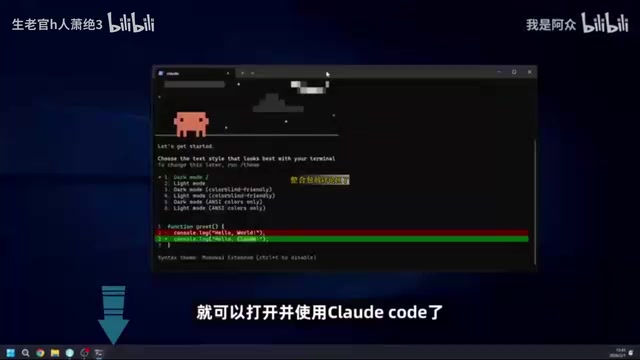
Using Claude Code for Free in China: A Complete Guide to Connecting Free Domestic Models
A step-by-step guide for China-based users to run Claude Code for free by connecting Meituan's open-source LongCat model API — no paid subscription needed.
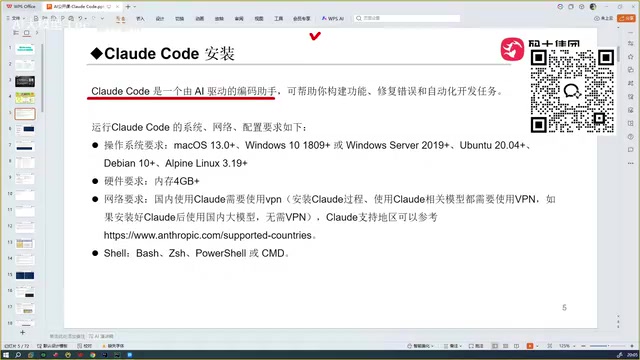
Getting Started with Claude Code: A Beginner's Guide to AI-Powered Coding
Claude Code is a locally-run AI coding agent that reads your entire project and auto-debugs code. Compare it with Copilot, Cursor, TRAE, and Codex to see why it leads the pack.

14K Stars Open-Source Desktop App cc-haha: 5 AI Agents That Divide and Conquer on Their Own
cc-haha, the open-source Claude Code desktop app with 14K Stars, adds Agent Teams: 5 AI agents autonomously divide tasks, with a 99% cache hit rate on 40M tokens.