ComfyUI Workflow V6.1: A Practical Guide to Inserting Characters into Specific Video Regions

ComfyUI workflow V6.1 adds two mask nodes to insert characters into specific regions of existing videos.
Reddit developer roycho87 has released ComfyUI workflow V6.1, targeting a core pain point in AI video generation: precisely editing specific regions and inserting characters into empty areas of existing footage. The update introduces two key nodes — an Upload Mask Node for importing masks from tools like After Effects, and a Mask Creation Node for drawing selections directly in ComfyUI. Built on MiniMax capabilities and compatible with SAM (Segment Anything Model) for smarter auto-masking, the project is open-sourced on GitHub. Known bugs from earlier versions, including a disabled mask option and a workflow-breaking error, have been fixed in V6.1.
An Open-Source Workflow for Local Video Editing and Character Insertion
In the world of AI video generation, generating entire videos from scratch is nothing new. The real challenge has always been local editing — modifying only a specific region of a scene, or inserting a new character into an empty area of an existing video without disturbing the rest of the frame. A developer on Reddit (r/StableDiffusion) named roycho87 has released ComfyUI workflow V6.1, built specifically around this pain point.
According to the author's post, this workflow is built on MiniMax capabilities, with the core goal of letting users precisely target any region of a video for modification and insert characters into empty spaces. The project is open-sourced on GitHub (roycho87/minimax_wf), and a video tutorial has been released alongside it.
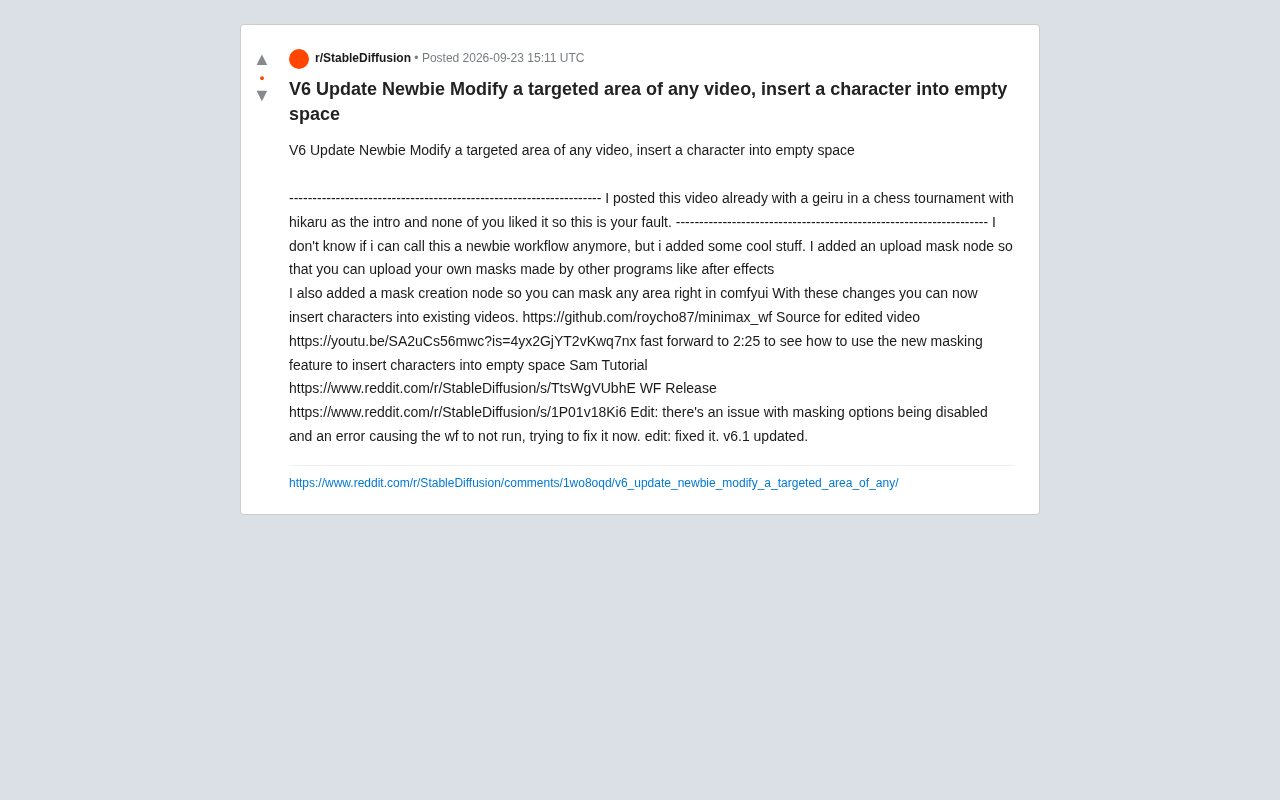
What's New in V6.1
Compared to earlier versions, two key new nodes in this update are worth highlighting:
Upload Mask Node
The author has added an upload mask node that allows users to import masks created in external software, such as finely crafted masks made in After Effects. This means professional users can stay within their existing toolchain — create high-quality masks in AE first, then bring them into ComfyUI to drive generation. For commercial-grade projects that demand precision, this kind of cross-tool workflow is genuinely useful.
Mask Creation Node
For those who prefer not to use external software, V6.1 also includes a built-in mask creation node that lets users draw a selection directly inside ComfyUI. Simply outline the region you want to modify or fill, and the workflow processes that area accordingly. This lowers the barrier to entry, making local editing accessible even to users unfamiliar with professional video tools.
Together, these two nodes deliver what the author describes as the core feature: inserting characters into existing video footage.
How to Insert a Character into Empty Space
The author provides complete demonstration materials. He references a YouTube video as the subject being edited (source link: youtu.be/SA2uCs56mwc) and specifically points viewers to skip to 2:25 to see the new masking feature in action — inserting a character into an empty area of the frame.
In terms of workflow, the typical usage looks something like this: identify an empty region of the video with no subject matter, use the mask node to select it, then let the workflow generate and blend the target character into that space. The key to the whole process is mask precision — the more accurate the mask, the more naturally the inserted character blends with the original video at the edges.
The author also links to a SAM (Segment Anything Model) tutorial, hinting that this workflow can be paired with a segmentation model to generate masks more intelligently, rather than relying purely on manual selection.
About SAM (Segment Anything Model): SAM is a general-purpose image segmentation model released by Meta AI in 2023. It can automatically identify and precisely outline the edges of any object in an image based on clicks, bounding boxes, or text prompts. Compared to hand-drawn masks, SAM can generate pixel-accurate segmentation masks in milliseconds, dramatically reducing the manual effort required for complex scene cutouts. When integrated into a ComfyUI workflow for local video editing, users simply click or draw a rough selection on the target frame, and the model automatically generates the mask for that region — eliminating the need to hand-paint masks frame by frame. This advantage is especially pronounced when the insertion area has irregular edges, such as human silhouettes or furniture contours. The ComfyUI community already has several mature SAM node plugins available, and when combined with the mask nodes in this workflow, they form a complete pipeline of "auto-segmentation → refinement → generation."
A Community Aside on "Responsibility"
Worth noting is the author's slightly tongue-in-cheek introduction. He mentions having previously shared a video that opened with Hikaru (a well-known chess grandmaster) and placed a character into a chess match scene — but "you all didn't like it, so that's your fault." This kind of self-deprecating humor is common in Reddit tech-sharing posts, and it also hints at one of the most typical use cases for this kind of local editing workflow: seamlessly "casting" a character into a real, existing video.
From a technical standpoint, this capability has both creative entertainment value and unavoidable ethical implications around deepfakes. The tool itself is neutral — how it's used is up to the creator, and that's worth keeping in mind.
About Deepfakes: Deepfake technology traces its origins to around 2017, when GAN (Generative Adversarial Network)-based face-swapping experiments first emerged. It refers to using AI models to seamlessly replace a person's face or body characteristics in a video, making it difficult for viewers to detect the manipulation. As diffusion models and video generation technology have matured, the barrier to creating deepfakes has continued to fall, expanding from professional teams to everyday users. Multiple countries and regions have now enacted legal restrictions on unauthorized deepfake content, and platforms like YouTube and TikTok require disclosure of AI-generated material. The ability to "insert a character into real video" has legitimate applications in creative entertainment and visual effects — but the same technology can be misused to fabricate false events or violate an individual's likeness rights. For users of open-source tools like this one, understanding local regulations and obtaining clear consent from anyone being synthesized should be the first considerations before use.
Known Issues and Fixes
The author has been transparent about stability. In the original post, he acknowledged two bugs: the mask option being disabled, and an error that prevented the workflow from running. A subsequent edit confirmed both issues had been resolved, bumping the version to V6.1.
This "release → surface issues → quick fix → version bump" cycle is standard practice for open-source community tools. If you want to try it out, pull the latest version directly from GitHub to avoid running into already-fixed problems.
Practical Tips for Getting Started
If you're planning to try this workflow, keep the following in mind:
- Mask quality determines results: Whether you import from AE or use the built-in node, the finer the mask edges, the better the blending.
- Leverage SAM for segmentation: Combining with Segment Anything can save significant manual selection work, especially when dealing with complex subjects.
- Start at 2:25 in the tutorial: The author explicitly identifies this timestamp as where the core character insertion operation is demonstrated — it's the fastest way to get up to speed.
- Use V6.1 specifically: Earlier versions contain errors that have since been fixed; always use the latest release.
Overall, this is a practical open-source workflow for ComfyUI users focused on local video editing. It turns the "select region → insert character" use case into a relatively reusable node combination, offering clear value for anyone looking to do secondary creative work on existing video footage.
Related articles

Amphibious Transforming Drone: Beyond 100x Power Savings, What Are the Real Needs?
Is the amphibious transforming drone just a gimmick? Starting from the 100x power difference of the M4 Morphobot, explore real application scenarios and thesis topic ideas, analyzing boundary conditions where pure drones and pure ground robots both fail.

Warhound Raises $200 Million: Genetically Engineered "War Dogs" Paired with Anduril Gear
Warhound raises $200M, backed by Ben Lamm and Palmer Luckey, to genetically engineer dogs for military and law enforcement use and equip them with Anduril gear. This article analyzes its technology direction, funding logic, and ethical controversy.

Claude API Comes to Google Cloud: IAM Integration and SDK Access Guide
Anthropic hosts the full Claude API on Google Cloud with IAM-controlled permissions and unified billing. This guide covers the Vertex AI and Anthropic-hosted entry points, IAM role configuration, and SDK access.