Complete Codex Practical Guide: From Getting Started to Enterprise-Grade AI Programming

A complete guide to Codex — from CLI basics to enterprise-grade AI development workflows.
This guide covers the full Codex learning path: core capabilities, CLI setup, slash commands, AGENTS.md architecture, MCP protocol integration, multi-agent coordination, and enterprise plugin development. It concludes with a hands-on RAG customer service system case study to tie everything together.
Why Learn Codex
As large language models continue to evolve, AI coding assistants have transformed from simple code completion tools into agents capable of independently delivering full projects. There's a clear technical logic behind this shift: traditional AI tools operate on a "single request-response" model, whereas agent systems can autonomously plan, call tools, perceive their environment, and iterate toward results. The core technical pillars include the ReAct (Reasoning + Acting) framework — which allows models to interleave reasoning steps with action commands — and the Tool Use / Function Calling mechanism, which lets models dynamically call external APIs, execute code, or retrieve information. OpenAI's Codex is a flagship product of this trend. It doesn't just understand natural language requirements; it can autonomously plan, write, and debug code, and even handle complex enterprise-level tasks through multi-agent coordination.
This article provides a systematic learning path — from environment setup to enterprise deployment. Whether you're new to AI-assisted programming or a developer looking to integrate Codex into your engineering workflow, you'll find a clear progression here.
Codex's Core Capabilities and Engineering Design
To truly understand Codex, you need to understand its positioning. Codex is not a simple "Q&A-style" code generator — it's an agent system designed around engineering-grade development. Its core capabilities operate on three levels:
First, natural language to code translation. Developers describe what they need in plain language, and Codex translates that into executable code logic. Second, context engineering. Context Engineering is a central technical discipline in modern LLM application development. It refers to the careful design of the information fed into a model — including system prompts, conversation history, retrieval results, and tool outputs — to maximize task execution quality. Compared to "Prompt Engineering," context engineering places greater emphasis on the systematic management of the entire information flow: how to fit the most critical project information into a limited context window, how to dynamically update state information, and how to prevent noise from interfering with the model's judgment. This is precisely what enables Codex to understand an entire project's structure and dependencies, rather than processing individual files in isolation. Third, autonomous task execution. Starting from an ambiguous requirement, Codex can independently break down the task, implement the solution, run validation, and close the full development loop.
This engineering-oriented design philosophy makes Codex feel less like a code snippet generator and more like an "AI engineer" who understands the complete picture of your project.
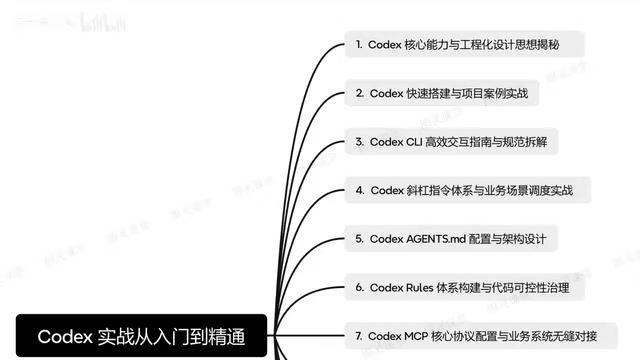
Quick Installation and Project Setup
For beginners, the first step is getting the Codex environment up and running. This typically involves installing the Codex CLI (command-line tool), configuring authentication, and connecting it to your local development environment.
Once your environment is ready, it's recommended to start with a small "zero-to-one" project. By getting hands-on, you'll quickly understand Codex's working rhythm — how to issue instructions, how to review generated code, and how to correct course when something goes wrong. Project-driven learning is far more effective than reading documentation alone.
Efficient CLI Interaction Guide
The Codex CLI is the primary interface for interacting with Codex, and mastering effective interaction patterns is essential. Clear, structured instructions significantly improve output quality, while vague descriptions tend to push Codex off course.
In practice, it's worth developing the habit of "issuing tasks incrementally": start by describing the overall goal, then progressively refine toward specific implementation details. Also take advantage of Codex's contextual memory, allowing it to maintain a continuous understanding of your project's state across a conversation.
Slash Commands and Business Scenario Integration
Codex has a built-in system of Slash Commands, which are key tools for boosting development efficiency. These commands cover code generation, debugging, project management, and more, forming a complete operational framework.
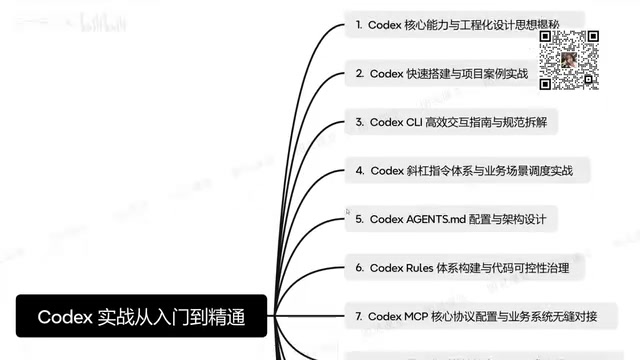
More importantly, the slash command system can be deeply integrated into specific business scenarios. In real project development, you can use targeted commands to quickly invoke common development workflows, seamlessly embedding Codex's capabilities into your working habits. Understanding and mastering these commands is the true dividing line between "using" Codex and "using it well."
AGENTS.md Architecture Design
Within Codex's engineering system, AGENTS.md plays an important role — it functions as a "behavioral specification" for Codex within a project, configuring how the agent works, establishing project conventions, code style preferences, and more.
A well-designed AGENTS.md helps Codex more accurately understand project intent, significantly reducing the cost of repeated clarification. A sound architecture should cover: project background, technology stack conventions, development standards, and the agent's scope of responsibility. At its core, this is context engineering applied at the project level — by providing structured, persistent context, Codex can start every interaction from the right cognitive baseline. Learning to write high-quality AGENTS.md files is foundational to building a maintainable AI development workflow.
MCP Protocol and Business System Integration
Configuring the MCP (Model Context Protocol) is a critical step in enabling enterprise-grade Codex deployments. MCP is a standardized protocol proposed and open-sourced by Anthropic in late 2024, designed to solve the fragmentation problem in integrating AI models with external tools and data sources. Before MCP, every AI application had to write custom integration code for different data sources — databases, APIs, file systems, and so on — resulting in extremely high maintenance overhead. MCP solves this by defining a unified client-server communication standard, allowing any MCP-compatible model or application to plug into any MCP server out of the box. Its architecture has three layers: the MCP Host (an AI application like Codex), the MCP Client (the protocol communication layer), and the MCP Server (a service that wraps specific tools or data sources).
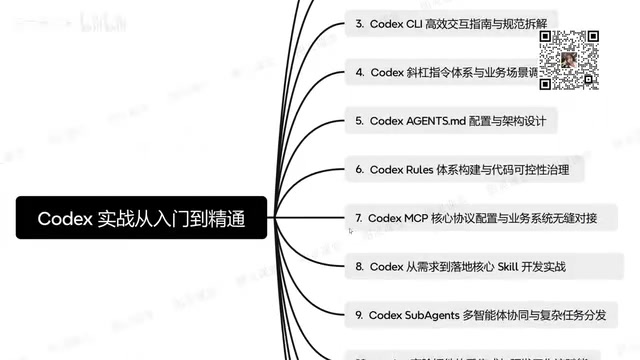
Through the MCP protocol, Codex can access databases, call internal APIs, and read business data — allowing it to genuinely participate in real enterprise development workflows. This means Codex is no longer an isolated coding tool, but an intelligent engine capable of deeply transforming existing business systems.
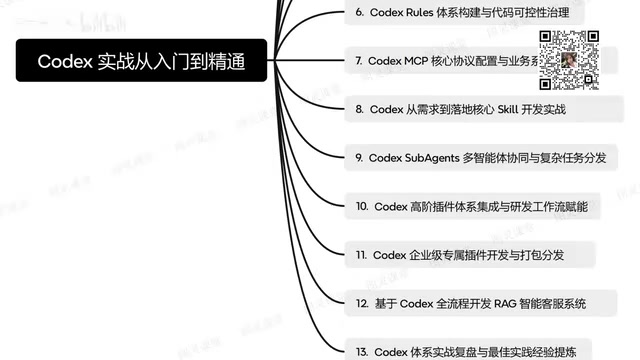
For teams looking to deploy Codex in an enterprise environment, mastering MCP configuration is a prerequisite for breaking down the barrier between AI capabilities and business systems.
Multi-Agent Coordination and Complex Task Distribution
For complex enterprise-level development tasks, a single agent often falls short. Codex supports a multi-agent (Sub-Agents) coordination mechanism that can decompose complex tasks and distribute them to multiple specialized agents.
The core idea behind multi-agent systems is to use an "Orchestrator" to break down large tasks that exceed the capacity of a single model into multiple subtasks, then distribute these to specialized sub-agents for parallel or sequential execution. The advantages of this architecture include: overcoming the limitations of a single context window, enabling specialized division of labor, and improving overall efficiency through parallel processing. Common coordination patterns include the master-worker model (one primary agent schedules multiple worker agents), the pipeline model (agents pass task outputs along a chain), and the debate model (multiple agents cross-validate result quality).
This architecture resembles a development team composed of multiple specialists: some agents handle requirements analysis, others handle code implementation, and others handle testing and validation. Through thoughtful task distribution and coordination, Codex can tackle large-scale projects far beyond the capacity of a single agent.
Enterprise Plugin Development and Workflow Integration
Advanced Codex applications depend on the plugin ecosystem. Through high-level plugins, developers can integrate Codex into existing engineering workflows, enabling continuous capability enhancement and extension.
Enterprises can also develop custom proprietary plugins, package them, and distribute them for use in web environments or across team members. This complete plugin development, packaging, and distribution workflow provides a standardized deployment path for enterprise-level AI development.
Case Study: RAG Intelligent Customer Service System
As a comprehensive practical exercise, building a RAG (Retrieval-Augmented Generation) intelligent customer service system from scratch using Codex is the best way to validate your learning. RAG was formally proposed by Meta AI Research in 2020. Its core idea is to retrieve the most relevant document fragments from an external knowledge base before the model generates a response, then feed those fragments as context into the model. This allows the model to generate answers grounded in the most current and accurate private data, overcoming the limitations of a model's training cutoff date and mitigating hallucinations. A typical RAG system tech stack includes: document parsing and chunking, embedding models, vector databases (such as Pinecone, Weaviate, or Chroma), semantic retrieval algorithms, and the generation model itself. This case study covers the full lifecycle — requirements analysis, system design, code implementation, and plugin integration — helping developers connect all the knowledge points covered in previous sections.
Summary and Best Practices
From understanding core capabilities to environment setup, mastering commands, configuring protocols, multi-agent coordination, and enterprise deployment — Codex represents a complete AI-assisted development system.
For developers, the value of learning Codex goes beyond improving point-in-time coding efficiency. It's about reshaping the entire engineering workflow. When AI can autonomously close the loop from requirements to deployment, the developer's role will gradually shift from "code writer" to "architect and decision-maker in collaboration with AI." This may well be the most significant underlying transformation of the AI programming era.
Key Takeaways
Related articles
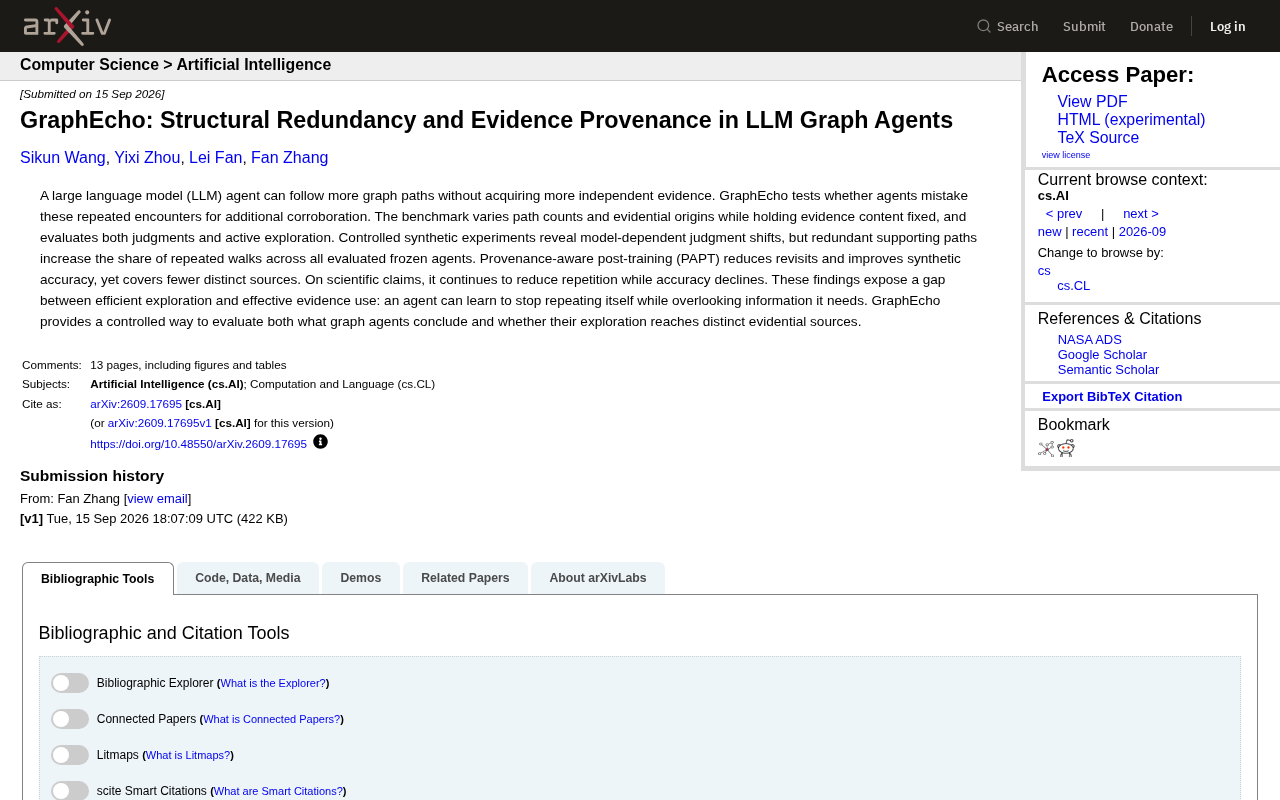
GraphEcho: Exposing the Evidence Redundancy Trap in LLM Graph Agents
GraphEcho benchmark reveals LLM graph agents mistake redundant paths for independent corroboration. New research evaluates PAPT's limits and the gap between efficient exploration and effective evidence use.
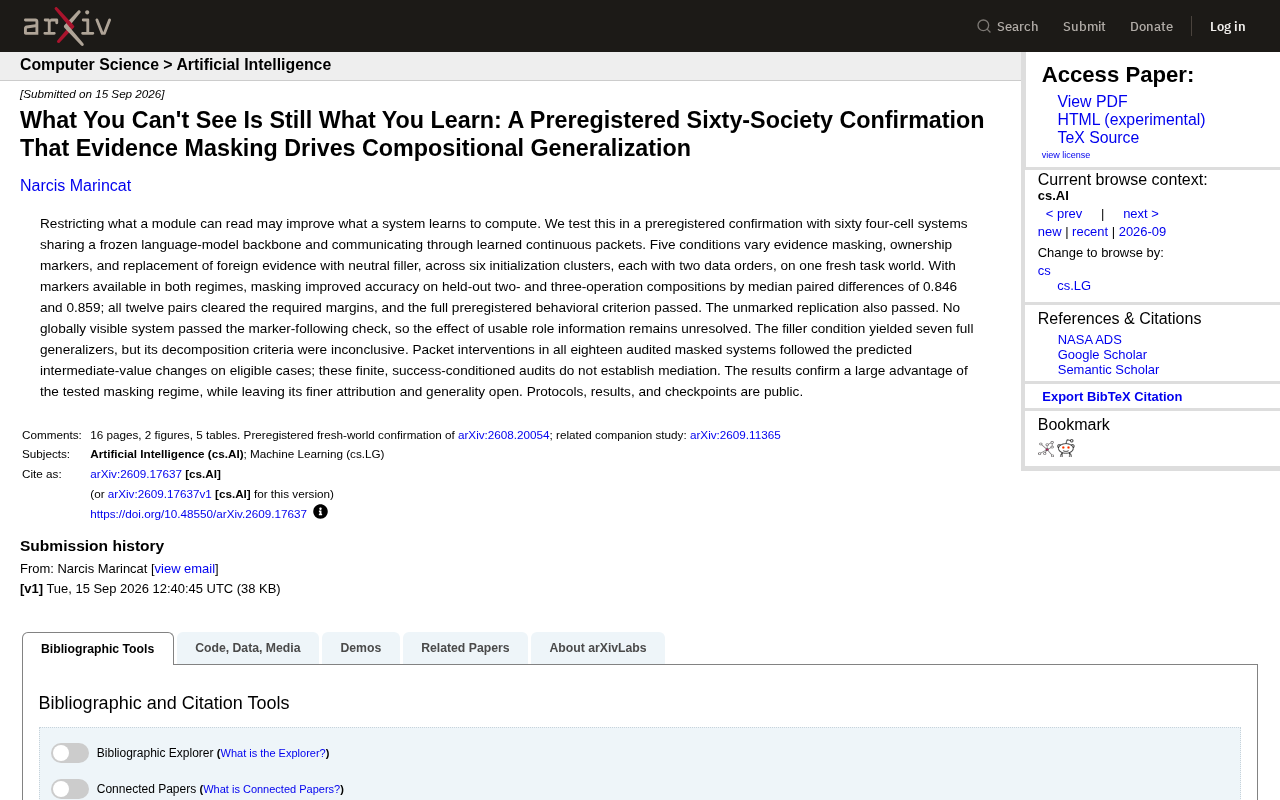
How Evidence Masking Improves Compositional Generalization in AI: Insights from 60 Preregistered Four-Cell System Experiments
A preregistered arXiv study using 60 four-cell systems shows that "evidence masking" — restricting module access to information — significantly boosts compositional generalization in AI, with accuracy gains of 0.846 and 0.859.
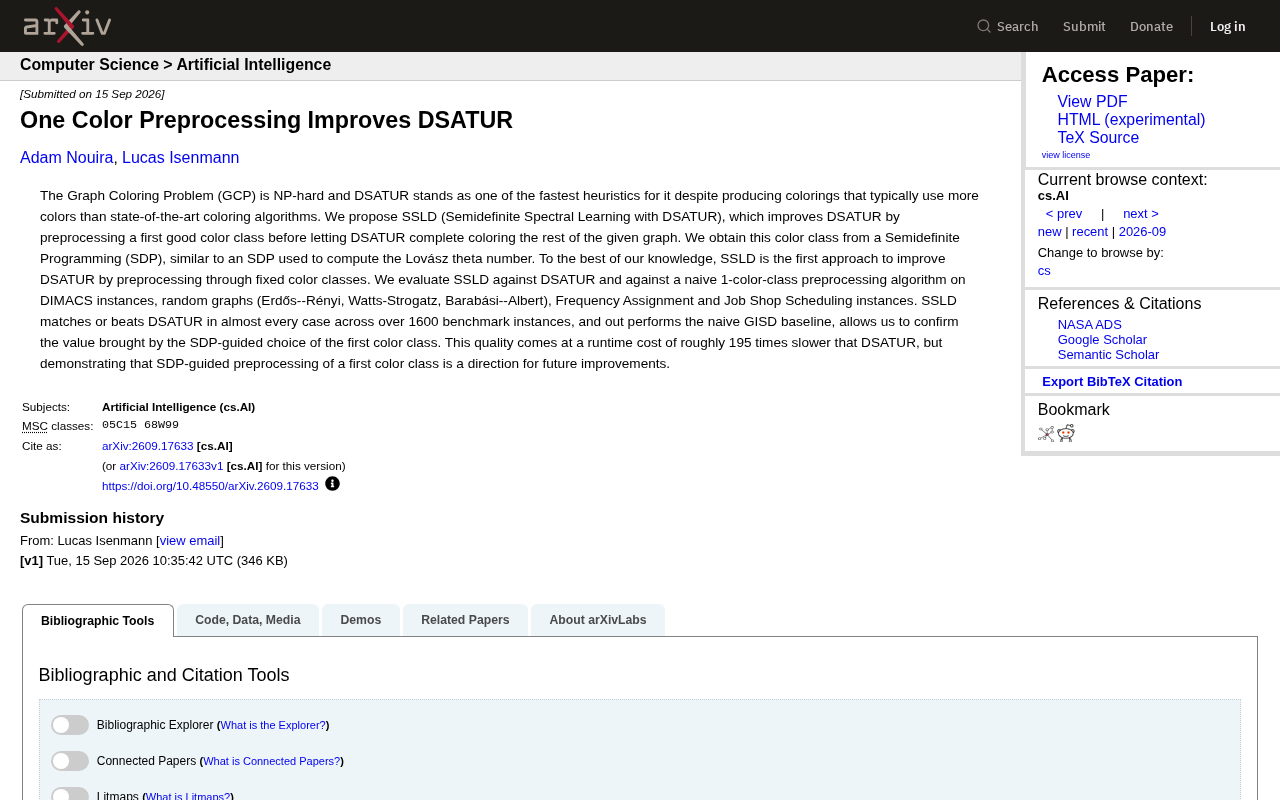
SSLD: Improving the DSATUR Graph Coloring Heuristic via Semidefinite Programming Preprocessing of a Single Color Class
A new arXiv paper proposes SSLD, which improves classic DSATUR graph coloring by preprocessing the first color class via SDP. Tested on 1,600+ benchmarks, SSLD matches or beats DSATUR at ~195× runtime cost.