Coze 3.0 Beginner's Guide: A Complete Overview of Agents and AI Applications
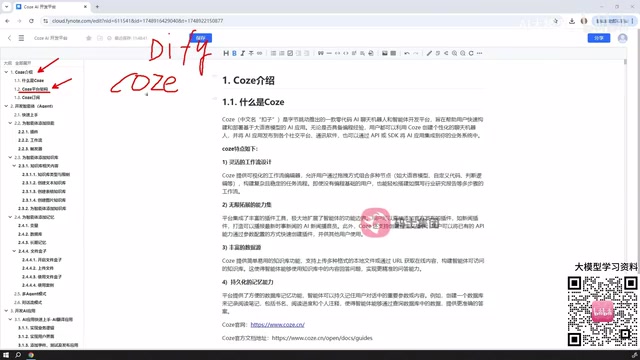
Coze is ByteDance's AI development platform featuring rich workflow nodes, visual drag-and-drop, and multi-agent collaboration.
Coze is ByteDance's AI development platform, similar in positioning to Dify but not open source, available as a free Personal plan or paid Enterprise plan. It offers two building paths: Agents (supporting tool-calling, knowledge bases, memory, and multi-agent collaboration) and AI Applications (adding visual drag-and-drop UI for complete frontend products). Workflows are the core engine across both paths, with a large and flexible node library spanning logic, databases, image processing, and plugins. Coze also supports custom plugins and API-based agent integration via Python or Java, making it ideal for rapid prototyping and building end-user-facing AI applications.
What Is Coze: ByteDance's AI Application Development Platform
Coze is an AI tool platform launched by ByteDance, positioned similarly to Dify — both are development platforms that let users quickly get started building all kinds of AI applications. If you've worked with Dify before, you'll notice many conceptual parallels: both support agents, workflows, conversational flows, and more.
The most fundamental difference between the two comes down to open source. Dify is an open-source project, while Coze is not. So when this article discusses Coze's "platform architecture," it's not a source-code-level analysis — it's an explanation of the terminology, hierarchy, and logical framework involved in building AI applications within the platform. Understanding this conceptual system is the first hurdle for beginners getting started with Coze.
On the subscription side, Coze offers a Personal (free) plan and an Enterprise plan. The free tier provides a daily usage quota that's sufficient for learning and lightweight use. For higher-frequency usage or enterprise-scale scenarios, you'll need to upgrade to the paid Enterprise plan.
Two Ways to Build: Agents and AI Applications
This is one of the more notable differences in product design between Coze and Dify. Dify supports a wider variety of AI application types — chatbots, agents, text generation apps, workflows, and conversational flows. In Coze, there are only two paths for building AI applications: Agents and AI Applications.
Fewer paths doesn't mean weaker coverage, though. An agent is essentially an AI entity that can call tools — you can add skills, a knowledge base, and memory to it, enabling it to autonomously complete tasks around a specific goal. AI Applications go a step further: in addition to supporting embedded workflows, they also offer visual interface capabilities, allowing users to drag and drop UI components to build an interactive frontend where end users can chat, generate images, create presentations, and more.
In other words, agents lean toward lightweight "conversation + tool-calling" interactions, while AI Applications lean toward building a complete product. The two may seem to differ in complexity, but AI Applications are no less demanding to develop — their complexity primarily comes from the embedded workflows.
Taking Agents Further: From Single-Agent to Multi-Agent Collaboration
Agents are the centerpiece of the Coze learning journey. Beginners typically start with a quick hands-on example, then gradually dive deeper into adding and configuring skills, knowledge bases, and memory.
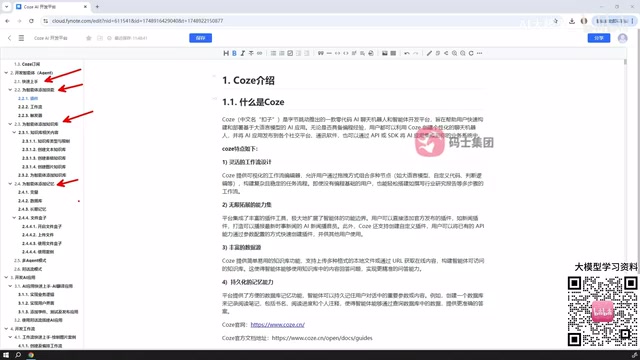
The more important thing to understand is the agent orchestration model. Coze agents support both single-agent mode and multi-agent mode, as well as multi-conversation mode. Single-agent is best for scenarios with a single, well-defined responsibility. Multi-agent mode allows multiple agents to collaborate, each taking on different roles and working through a task chain via a scheduling mechanism. For users looking to build AI systems with division-of-labor capabilities, multi-agent is a core skill worth mastering.
Each concept is typically paired with a small hands-on case, and this "concept + practice" combination effectively lowers the barrier to understanding abstract terminology.
Technically, multi-agent mode is typically built on an "orchestrator-executor" architecture: a primary controller agent (Orchestrator) is responsible for breaking down tasks and dispatching instructions, while multiple sub-agents each focus on a specific domain (e.g., search, writing, code execution) and return results, which the orchestrator then aggregates into a final output. The core advantage of this division-of-labor mechanism is that it breaks through the limitations of a single context window by splitting complex tasks into chunks, while allowing each sub-agent to carry its own dedicated knowledge base and toolset, improving precision on individual tasks. In practice, multi-agent setups are commonly used for tasks requiring parallel research, multi-step reasoning, or cross-system operations — such as automated market research or generating reports from multiple data sources. Compared to single-agent setups, multi-agent systems are harder to debug, with the main challenges being task boundary definition, unifying inter-agent communication formats, and handling edge-case failures gracefully.
Workflows: The Core Engine of Coze's Capabilities
Workflows deserve special attention because they run through both building paths — they can be embedded in agents and in AI Applications alike.
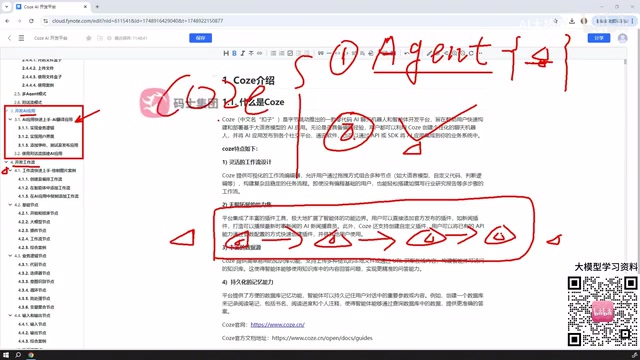
A workflow is essentially a set of nodes connected in a specific logical order, according to the user's intent, forming a pipeline that processes data or drives a large language model to execute tasks. It's not limited to data processing — it can also be used for content generation, multi-turn interactions, and many other scenarios.
Coze's workflow node library is extensive — far larger than Dify's — and highly flexible, even supporting nodes submitted by third-party users. Common node types include:
- Basic nodes: The skeleton of a workflow
- Business logic nodes: Handle conditional branching, loops, and other logic
- Input/output nodes
- Database nodes
- Knowledge and data nodes
- Image processing nodes
- Plugin nodes
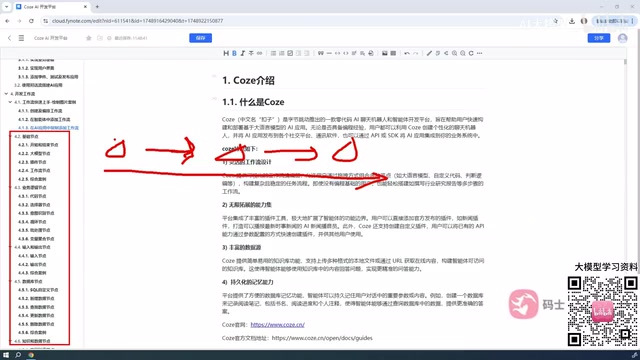
Given the sheer number of nodes, no tutorial can cover them all. The more sustainable approach is to master the common foundational nodes, then search the platform for the right nodes to combine when new requirements arise.
Under the hood, a workflow is essentially a Directed Acyclic Graph (DAG): each node represents an atomic operation, edges represent data flow, and the execution engine triggers each node in topological order. This design naturally supports parallel branches — when two nodes have no dependency on each other, they can execute simultaneously to reduce overall latency. Compared to writing code directly, visual workflow orchestration lowers the development barrier, but it also introduces debugging complexity: when a node's output format doesn't match what a downstream node expects, tracing the issue through the chain can be tedious. When building complex workflows, it's best to start with the minimum viable path (keeping only the core nodes) to validate the overall logic, then gradually add error handling, conditional branches, and other nodes — rather than building an overly large pipeline all at once, which makes problems hard to pinpoint.
Plugins and Code Integration: Extending and Connecting
Plugins are another major extension capability in Coze. Within workflows, nodes can take the form of plugins; within agents, you can specify which plugins the agent should call when completing a task. Coze supports plugins from official sources, plugins submitted by other users, and user-defined custom plugins. When off-the-shelf plugins can't meet your needs, custom plugins become the key solution.
On the integration side, a completed agent doesn't have to stay inside the platform. Coze supports calling agents via code — you can write invocation logic in Python or Java to enable programmatic conversations with an agent, making it easy to embed AI capabilities into your own application systems.
The ability to call an agent via code is essentially an API interface exposed by Coze (typically REST-style). After generating an Access Token on the platform, developers can send user messages to the Coze server via HTTP requests from their own applications and receive either streaming or non-streaming model responses. Typical use cases for this integration include: embedding AI customer service into a company's own app, triggering AI analysis workflows in internal tools, or using webhooks to pass third-party events (such as new orders or alert notifications) to an agent for automated handling. Keep in mind that API calls consume the platform's token quota — in high-concurrency scenarios, pay attention to rate-limiting policies and error retry mechanisms to ensure service stability.
Coze vs. Dify: How to Choose
As two similarly positioned AI development platforms, Coze and Dify each have their ideal use cases. Dify's biggest advantage is being open source, making it well-suited for teams that need private deployment and deep customization. Coze, backed by the ByteDance ecosystem, offers a richer and more flexible node and plugin ecosystem, a friendly learning curve, and is well-suited for rapidly validating ideas and building AI applications for end users.
For beginners, Coze's visual drag-and-drop interface, extensive ready-made nodes, and plugins can significantly shorten the path from idea to finished product. The most effective way to truly get started is still to build along with hands-on examples, developing an intuitive understanding of how agents, workflows, and plugins work together through practice.
Related articles
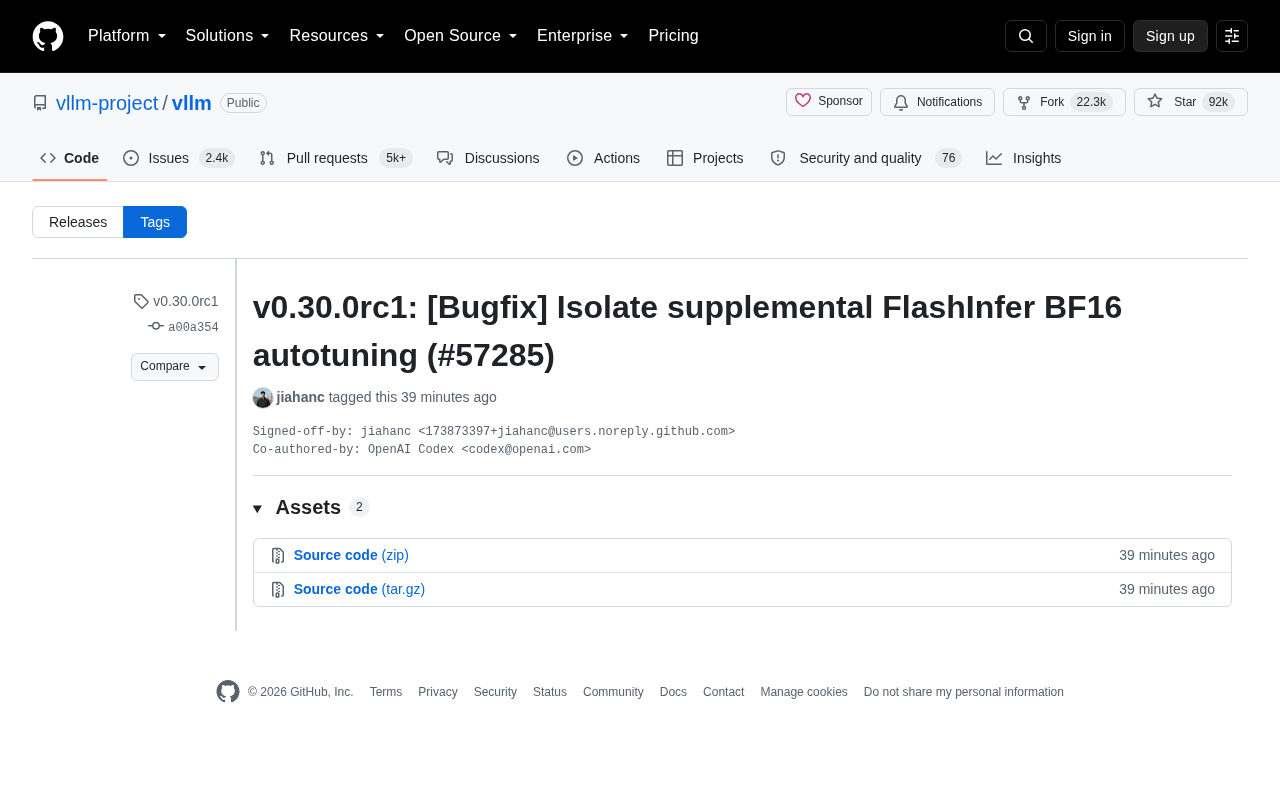
vLLM v0.30.0rc1 Released: Isolates FlashInfer BF16 Autotuning Logic
vLLM v0.30.0rc1 release candidate fixes FlashInfer BF16 autotuning isolation (PR #57285). Learn the technical background and its impact on inference deployment.
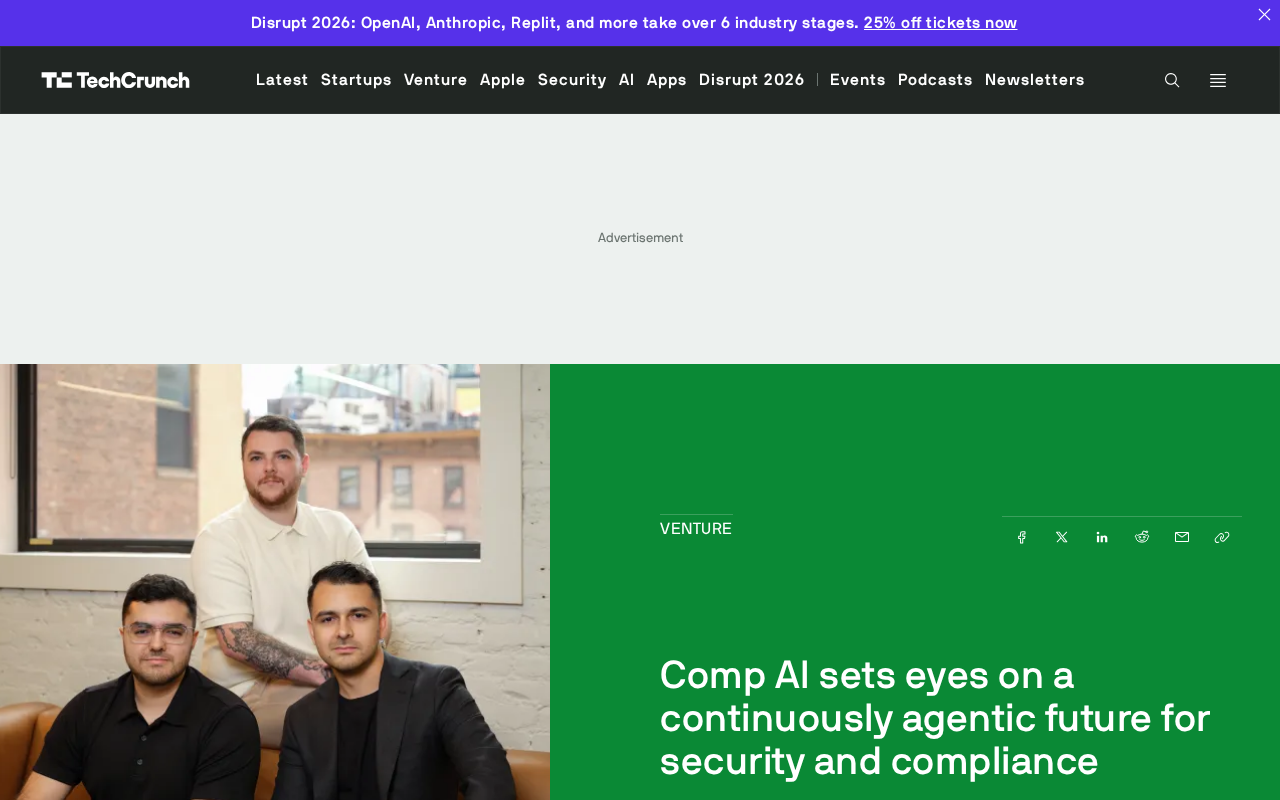
Comp AI Raises $34M Series A, Bets on Agentic Security Compliance
Comp AI raises $34M Series A led by Roo Capital and Grand Ventures, betting on "continuously agentic" AI to transform compliance from periodic audits into real-time monitoring.
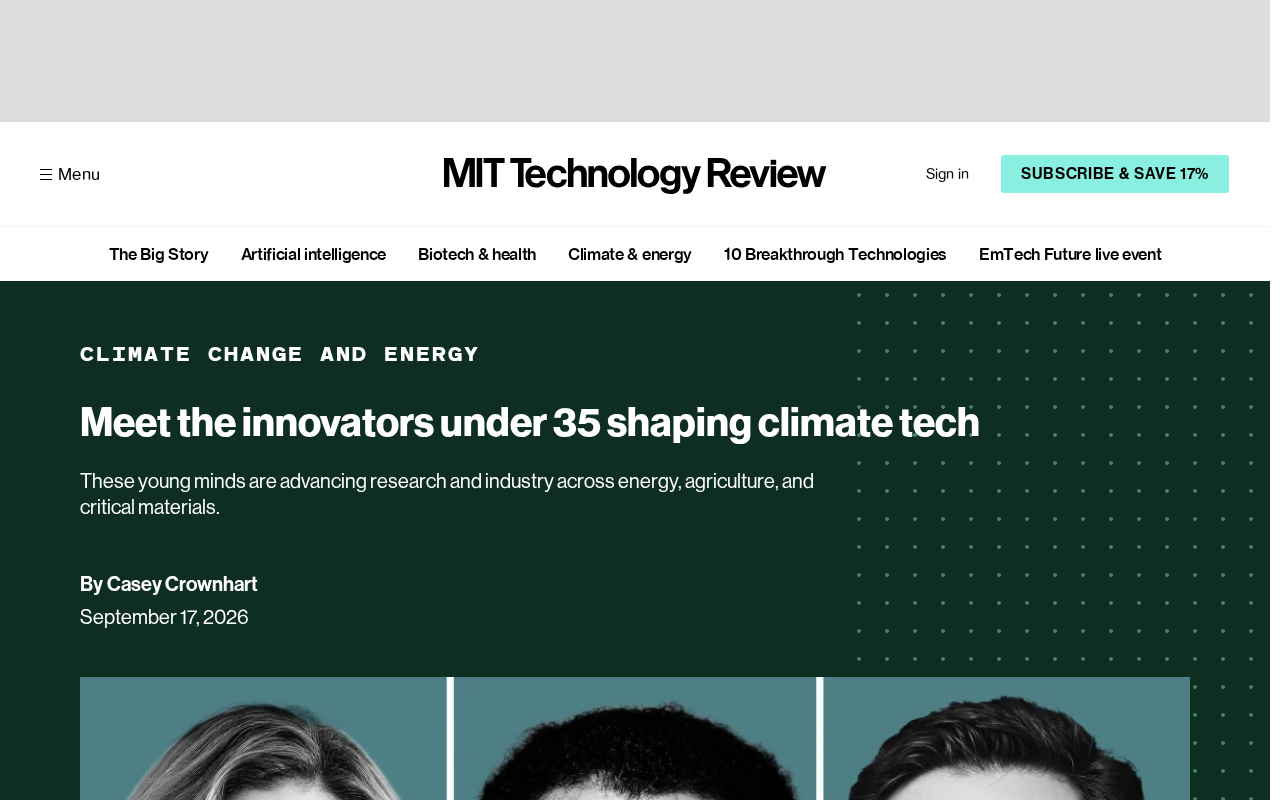
MIT Technology Review's 35 Innovators Under 35: A Climate Tech Edition Explained
MIT Technology Review's latest 35 Innovators Under 35 list focuses on climate tech, spotlighting nine young global innovators. Here's what the list means and why it matters.