Cursor Usage Dropped Overnight? A Deep Dive Into the Auto Quota Anomaly

Why did a Cursor user's plan usage drop overnight? Four possible explanations explored.
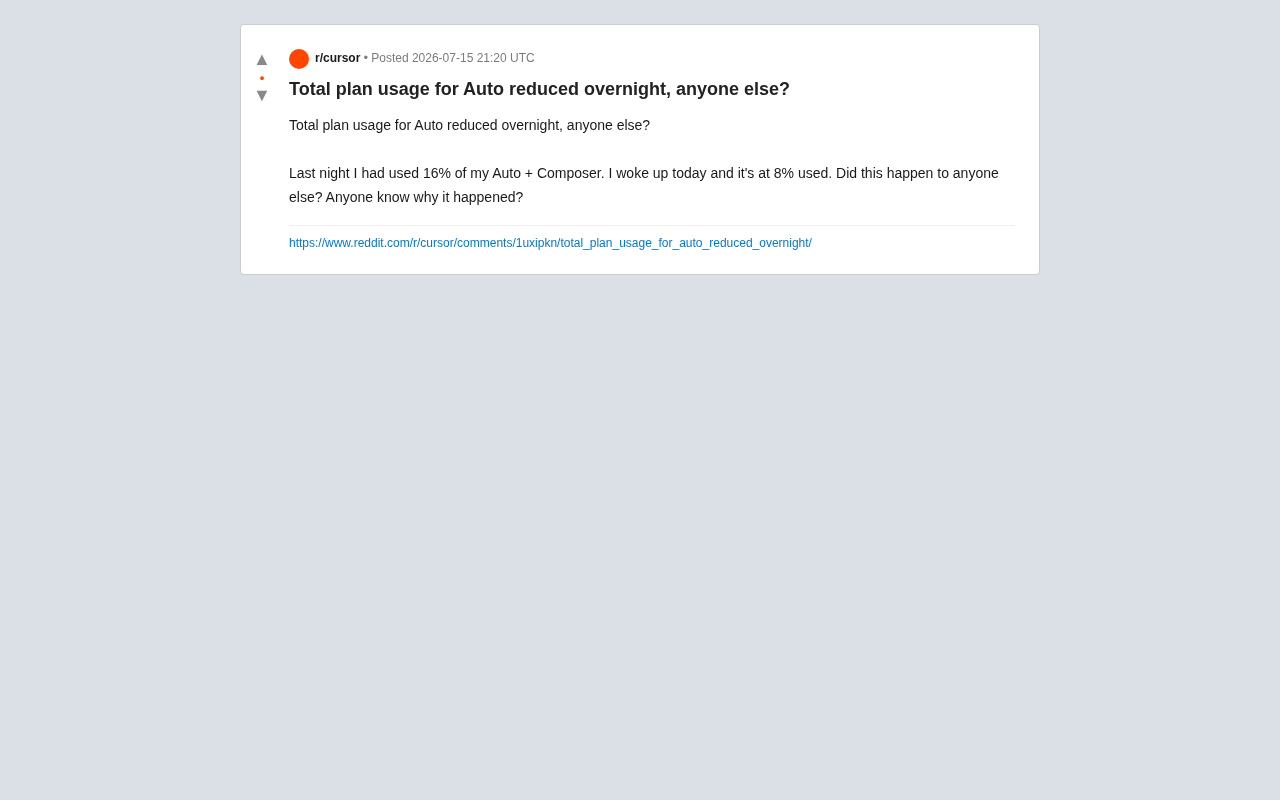
A Cursor user noticed their Auto + Composer plan usage mysteriously dropped from 16% to 8% overnight. This article analyzes four likely causes — billing cycle resets, silent backend billing rule adjustments, automatic refunds for failed requests, and frontend display bugs — while highlighting broader concerns about billing transparency in AI coding tools.
An Unexpected Drop in Usage
Recently, a Cursor user posted on Reddit describing a puzzling phenomenon: the night before, their Auto + Composer plan usage showed 16%, but when they woke up the next morning, it had dropped to 8%. Usage had gone down instead of up — nearly cut in half. The user immediately asked: "Has anyone else experienced this? Does anyone know why?"
This might seem like a minor incident, but for developers who rely on Cursor daily, the transparency and predictability of plan quotas directly affects how they plan their work. An overnight quota "refill" — is it a good thing or a warning sign? This article breaks down Cursor's billing mechanism to explore the possible explanations behind this phenomenon.
Understanding Cursor's Auto and Composer Billing
What Is Auto Mode?
Cursor's Auto mode is an automatic model routing mechanism — the system automatically selects the underlying model based on task complexity, so users don't need to specify one manually. The design intent is to strike a balance between cost and performance: lightweight models handle simple tasks, while more powerful models are called in for complex ones.
This type of routing technology is well-established across large AI platforms. The routing layer analyzes dimensions such as request token length, code context complexity, and whether multi-file operations are involved to decide whether to call GPT-4o, Claude 3.5 Sonnet, or a lighter local model. At its core, this tiered scheduling is cost-efficiency optimization: high-compute model API calls can cost 10 to 20 times more than lightweight models, and routing can significantly reduce operational costs while delivering a relatively consistent user experience.
Composer is Cursor's core feature module responsible for multi-file editing and code generation. Usage for both is typically aggregated into a "Total plan usage" figure — the percentage number mentioned in the post.
How Is the Usage Percentage Calculated?
The usage percentage represents the proportion of quota consumed within the current billing cycle relative to the total plan quota. In theory, this number only goes up and resets to zero when a new billing cycle begins. So seeing a "rollback" within the same cycle is genuinely anomalous and worth investigating.
Possible Explanations
1. A Billing Cycle Reset Occurred
The most straightforward explanation is that the billing cycle happened to roll over that night. If the user's billing date resets in the early hours, the 16% usage would reset to zero and re-accumulate to 8%, making it look like usage "dropped by half" on the surface. However, this scenario usually comes with a clear cycle notification that attentive users would typically notice.
2. A Silent Backend Billing Rule Adjustment
A more noteworthy possibility is that Cursor quietly adjusted the usage conversion weights on the backend. In the SaaS industry, dynamic billing weight adjustments are a common but controversial operational practice. The underlying logic is this: the API costs of underlying AI models fluctuate with vendor pricing changes — every time OpenAI or Anthropic adjusts their prices, the cost structure for downstream products shifts accordingly. In Cursor's case, if the cost of calling Claude Sonnet drops, Cursor might correspondingly reduce the "quota coefficient" charged per such request, and users would see their usage appear to "recover" on paper.
This mechanism is similar to airline dynamic mileage redemption rates: it makes commercial sense, but without transparent communication, it easily triggers user frustration. Competitors like GitHub Copilot and Amazon CodeWhisperer have faced similar community backlash. These silent adjustments are rarely announced proactively, yet they directly affect how quota is displayed.
3. Automatic Refunds for Erroneous Requests
A third possibility is that the system detected a previous billing error and automatically corrected it. For example, some requests that timed out or returned errors without actually completing may have been identified after the fact and credited back. This kind of error-correction mechanism is not uncommon in mature billing systems and represents normal backend reconciliation.
4. A Frontend Display Bug
Of course, a simple UI display issue can't be ruled out. Usage data calculation and rendering involves multiple steps — cache refresh, frontend-backend synchronization, and more — and an error in any one of them could cause the displayed value to diverge from the actual value. Either the 16% from the previous night or the 8% the next day could have been the incorrect reading.
What This Means for Users
Billing Transparency Is the Core Pain Point
Regardless of the specific cause, this incident reflects a systemic pain point around billing transparency in AI coding tools — not a problem unique to Cursor. Users who pay by plan or by usage deserve to know exactly where every unit of consumption goes.
Usage-based pricing models have long been criticized in the cloud services era, and in the AI era, the invisibility of token consumption has only deepened user anxiety. Mature SaaS platforms like Stripe and AWS typically provide granular billing breakdowns and usage alert mechanisms, while most AI coding assistants currently only offer an aggregated percentage with no per-request consumption records. This gap is pushing the industry to improve: some users and enterprises have already started demanding Audit Log functionality from AI tools to track the actual cost of each AI call — and this will become an important differentiator in the B2B market.
When usage numbers fluctuate in ways that can't be explained, user trust in the tool erodes. For a rapidly iterating product like Cursor, frequently adjusting billing weights has its commercial rationale, but the lack of proactive communication leaves users confused — unable to accurately estimate remaining quota and therefore unable to properly plan their development workflow.
What to Do When You Encounter Anomalies
If you run into a similar situation, here are some practical steps:
- Take screenshots: Save screenshots of the usage before and after the change as evidence for future communication
- Check official announcements: Review Cursor's changelog or community announcements to see if any billing rule changes were noted
- Contact official support: If the fluctuation is significant and unexplained, submit a support ticket and request a clear explanation
From a user interest perspective, a drop in usage means more available quota, which is a short-term benefit. But from a product reliability standpoint, any unexplained data change is worth keeping an eye on.
Conclusion
This seemingly minor "Cursor usage halved overnight" incident touches on a core question in AI tool billing design: predictability and transparency. As more and more developers integrate AI coding assistants into their daily workflows, every adjustment vendors make to their billing model will be scrutinized closely by users.
For Cursor, a single clear official explanation can often transform user confusion into product trust. And for users, making a habit of tracking usage and monitoring official announcements is the most pragmatic way to navigate this kind of uncertainty.
Key Takeaways
Related articles

Alibaba Launches Happy Shrimp: AI-Powered One-Click Complete Song Generation
Alibaba launches Happy Shrimp, an AI music generation tool that creates complete songs with lyrics, melody, arrangement, and vocals from natural language descriptions. In-depth analysis of its core features, differentiation from competitors like Suno, and industry impact.
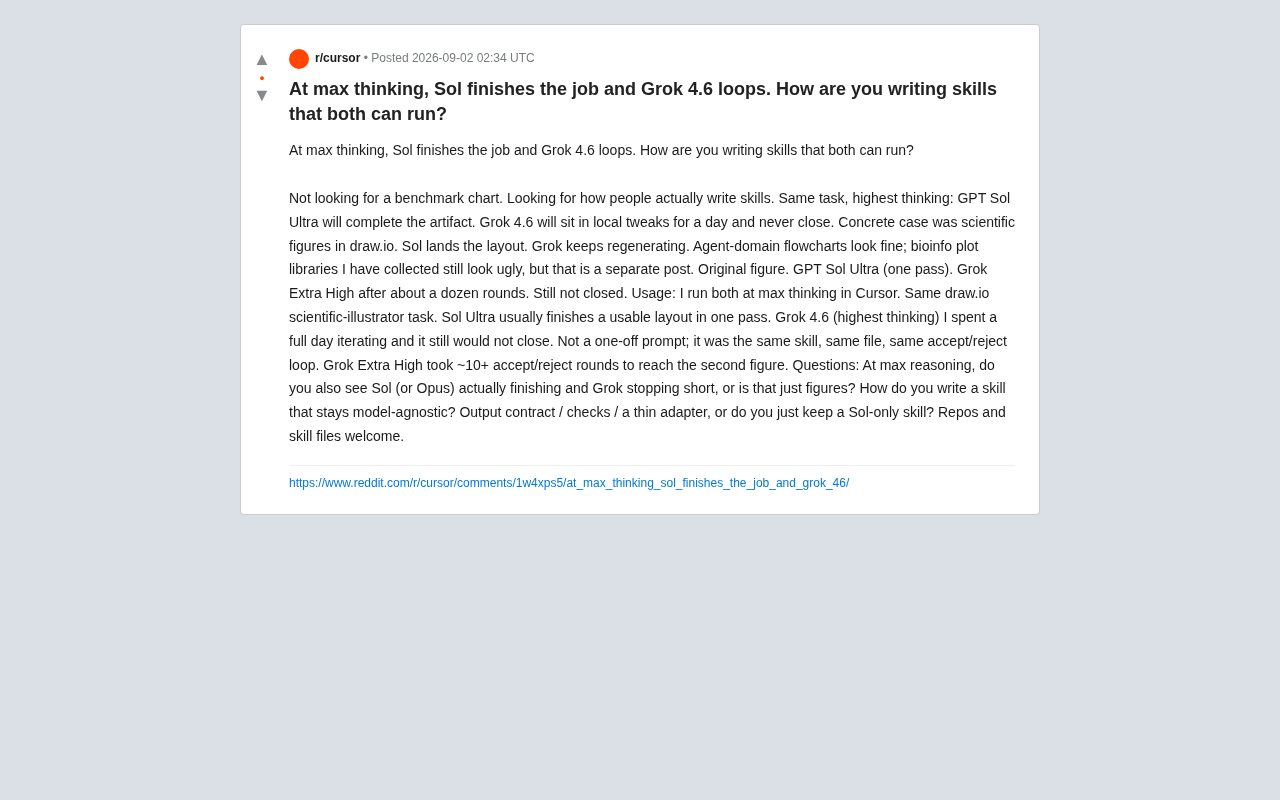
GPT Sol Ultra vs Grok 4.6: Real-World Task Completion Benchmark in Reasoning Mode
Developer benchmark reveals GPT Sol Ultra completes draw.io scientific diagrams in one iteration while Grok 4.6 fails to converge despite maximum reasoning mode, exposing that reasoning depth ≠ task delivery capability.
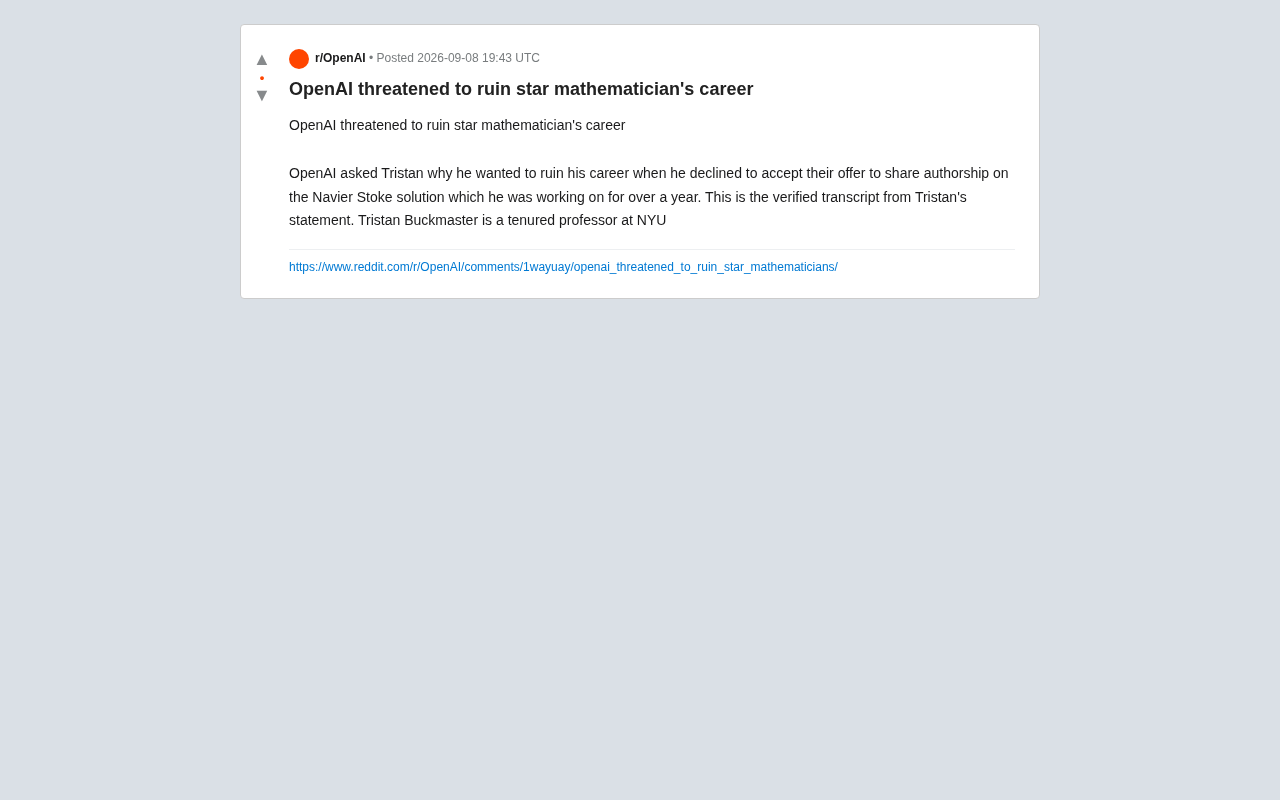
OpenAI Authorship Dispute: The Battle Over Academic Boundaries in the AI Era
OpenAI disputes authorship with mathematician Tristan Buckmaster over Navier-Stokes research, raising ethical questions about AI involvement in science.