Deployed Yet? Real-Time Menu Bar Monitoring for Vercel, Cloudflare, and GitHub Deployments

Deployed Yet? aggregates multi-platform deployment status into the Mac menu bar with three instant-feedback symbols.
Deployed Yet? is a free, open source Mac menu bar app that aggregates deployment status from Vercel, Cloudflare (Workers and Pages), and GitHub Actions into a persistent icon, using ?, ✓, and ! for building, live, and failed. Users can add multiple accounts and pick projects to monitor. Notifications fire only on failures or production releases, tokens live in the macOS Keychain and go only to provider APIs, and the code is open source and auditable.
Developers often need to check deployment status during their daily work: after pushing code, did Vercel build successfully? Is Cloudflare Workers live? Did the GitHub Actions pipeline fail? Constantly switching browser tabs to check deployment dashboards interrupts flow and wastes time. A Mac menu bar app called Deployed Yet? aims to solve this pain point by aggregating deployment status from multiple platforms into the menu bar and providing instant feedback with simple symbols.
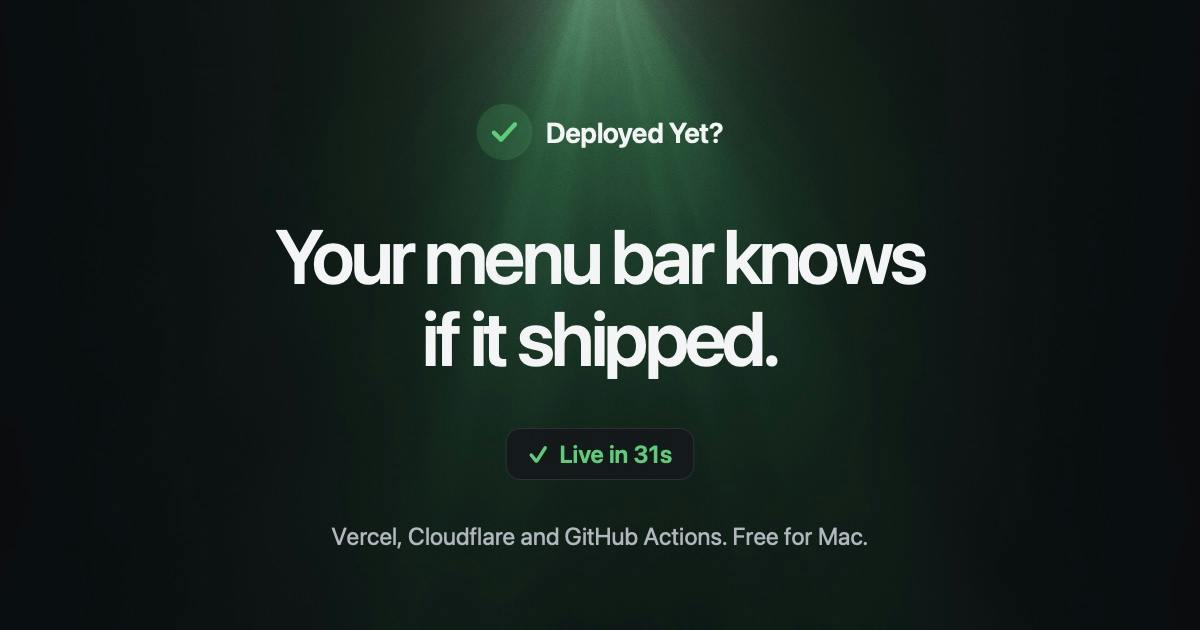
One menu bar icon, aggregating three major deployment platforms
Deployed Yet?'s core design is very restrained: a persistent icon in the Mac menu bar that displays the deployment status of currently monitored projects in real time. According to its Product Hunt page, it supports three types of deployment services: Vercel, Cloudflare (including Workers and Pages), and GitHub Actions. Users can add any number of accounts and select which projects to monitor.
Status indication uses three symbols: a question mark (?) means building, a checkmark (✓) means live, and an exclamation mark (!) means deployment failed. This minimalist visual language lets developers judge the overall situation at a glance at the menu bar without opening any window. For developers maintaining multiple projects and deploying across platforms, this aggregated view significantly reduces cognitive load.
The app received 74 upvotes on Product Hunt, ranking 15th for the day, categorized under open source, developer tools, GitHub, and menu bar apps. Although the vote count isn't explosive growth, it precisely hits a high-frequency need in developers' daily workflows.
Notification mechanism: only alert at critical moments
Deployed Yet? isn't always silent. When a deployment fails or a production environment goes live, it proactively pushes notifications. The logic behind this design is worth examining: building status is continuously visible through the menu bar icon, so no extra reminder is needed; failure and production release are two critical nodes—the former requires immediate intervention to fix, and the latter may involve business impact, making it worth interrupting current work.
This combination of "silent monitoring + critical event notifications" fits developers' tolerance for interruptions better than notifying on everything. Many CI/CD tools send notifications for all build results by default, leading to notification fatigue, and developers eventually choose to turn them all off. Deployed Yet? uses the menu bar for routine information and notifications for exceptional information—a more refined information layering strategy.
Notification fatigue refers to users gradually becoming desensitized to notifications because they receive too many low-value alerts, eventually choosing to turn notifications off or habitually ignore them, so that truly important reminders get drowned out. In CI/CD scenarios, if a notification is pushed for every build success, failure, and cancellation, developers quickly lose trust in the notification channel. The mitigation strategy is information layering: put routine information in a low-interruption persistent interface (such as a menu bar icon), and escalate only events that require immediate action or involve business impact (deployment failure, production release) to proactive notifications. Deployed Yet?'s "silent monitoring + critical event notifications" is a concrete practice of this strategy.
Security design: tokens stored only in local Keychain
For tools that need to connect to multiple platform accounts, credential security is the primary concern. Deployed Yet? makes a clear commitment here: access tokens are stored in the macOS Keychain and only sent to the corresponding service provider's API. This means the app itself does not relay through third-party servers, reducing the risk of token leakage.
This design is especially important for privacy-conscious developers. The open source nature further enhances credibility—the code is publicly auditable, and security commitments can be verified. The Product Hunt page categorizes it as an open source tool, with Andy Feliciotti as the maker.
macOS Keychain is Apple's built-in encrypted credential storage service, used to centrally manage sensitive information such as passwords, access tokens, and certificates. It protects data through system-level encryption (deriving keys from the user's login password), and apps must obtain user authorization to read and write entries. Compared with writing tokens in plaintext to configuration files or UserDefaults, Keychain can effectively resist reading by other processes and disk leakage risks. For tools like Deployed Yet? that need to store API tokens for multiple platforms, using Keychain is a baseline choice consistent with platform security best practices; open source code allows users to verify that tokens indeed only flow to service provider APIs, not to the app author's servers.
Why the menu bar is the ideal place for deployment monitoring
Menu bar apps have always had a unique position in the macOS ecosystem: they are persistently visible, don't take up Dock space, and offer lightweight interaction. Putting deployment status in the menu bar essentially turns "environment health" into ambient information, like system battery or network status—perceivable without actively checking.
Compared with existing options: browser bookmarks require actively opening them; CI/CD platform dashboards are comprehensive but buried deep; Slack bot notifications are easily drowned out in the message stream. Deployed Yet? sits between these—more persistent than notifications, lighter than dashboards. It doesn't try to replace a full deployment management platform, but rather serves as a layer of status aggregation and alerting.
From a product strategy perspective, choosing the Mac menu bar as the sole form factor also means the team can focus on a single interaction scenario and perfect the experience. For indie developers and small teams, such small and beautiful tools often fit actual work rhythms better than large, all-encompassing platforms.
Ambient information is a concept in interaction design referring to status information that is continuously presented in a low-interference way without requiring users to actively query it, such as system battery, clock, or network signal. Its design principle is "glanceable": information is presented with minimalist symbols, users can grasp status with peripheral vision, and only need to focus attention when something is abnormal. Deployed Yet? maps deployment status to three symbols—?, ✓, !—persistently in the menu bar, precisely turning CI/CD environment health into ambient information: normal status consumes almost no cognitive resources, while abnormal status naturally attracts attention through symbol changes, maintaining awareness of the overall deployment situation without interrupting flow.
Who is it for?
Deployed Yet?'s most direct target users are developers who use Vercel, Cloudflare, and GitHub Actions simultaneously, especially full-stack engineers, indie developers, or technical leads of small teams who need to frequently confirm deployment results. If your deployment process is concentrated on a single platform, the official dashboard may already be sufficient; but once you go cross-platform, the value of aggregated monitoring becomes apparent.
The free and open source positioning lowers the barrier to trying it. However, note that the app currently only supports macOS, so Windows and Linux users cannot use it. In addition, it monitors deployment status rather than deployment content, and does not provide log viewing or rollback operations—the functional boundaries are clear but relatively limited.
For Mac developers pursuing a minimalist workflow, Deployed Yet? offers a low-friction deployment visibility solution. Its emergence also reflects a trend: developer tools are shifting from "feature stacking" to "scenario refinement," carrying more precise information with a smaller interface.
One-line Summary
Deployed Yet? aggregates multi-platform deployment status into the Mac menu bar, providing instant feedback with three symbols.
Paragraph Summary
Deployed Yet? is a free, open source Mac menu bar app that aggregates deployment status from Vercel, Cloudflare (Workers and Pages), and GitHub Actions into a persistent icon, using a question mark, checkmark, and exclamation mark to indicate building, live, and failed respectively. Users can add multiple accounts and select projects to monitor, and grasp the overall situation at a glance at the menu bar. The app pushes notifications only when a deployment fails or a production environment goes live, avoiding notification fatigue. Access tokens are stored in the macOS Keychain and only sent to the corresponding service provider's API, and the open source code is auditable. The product received 74 votes on Product Hunt, ranking 15th, currently supports only macOS, and is positioned as a lightweight status aggregation layer rather than a full deployment management platform.
Related articles

AI Coding Enters the Team Collaboration Era: Interpreting Three Major Moves from Meta, GitHub, and Mistral
Meta acquires Conductor, GitHub Copilot Fusion becomes available, Mistral opens Large 4 weights—three moves show AI coding shifting from code generation to organizing development workflows. This article explains task orchestration, model collaboration, and cost control for developers.

Building a RAG Assistant with Dify: A Practical Guide to Knowledge Bases, Workflows, and Agent Nodes
How should knowledge bases, workflows, and Agent nodes connect in a Dify RAG assistant? We break down the division of labor and wiring logic for a shippable app.
 Tech Frontiers
The AI Industry Doesn't Lack Marketing—It Lacks Good Products
AI faces market selloffs and public skepticism—is marketing really the problem? This analysis of market signals and product experience argues the core困境 is incomplete products and a gap between promises and experience; the only way to change perceptions is to ship better products.