Devin's Slack Etiquette: How an AI Agent Fits Into Team Communication
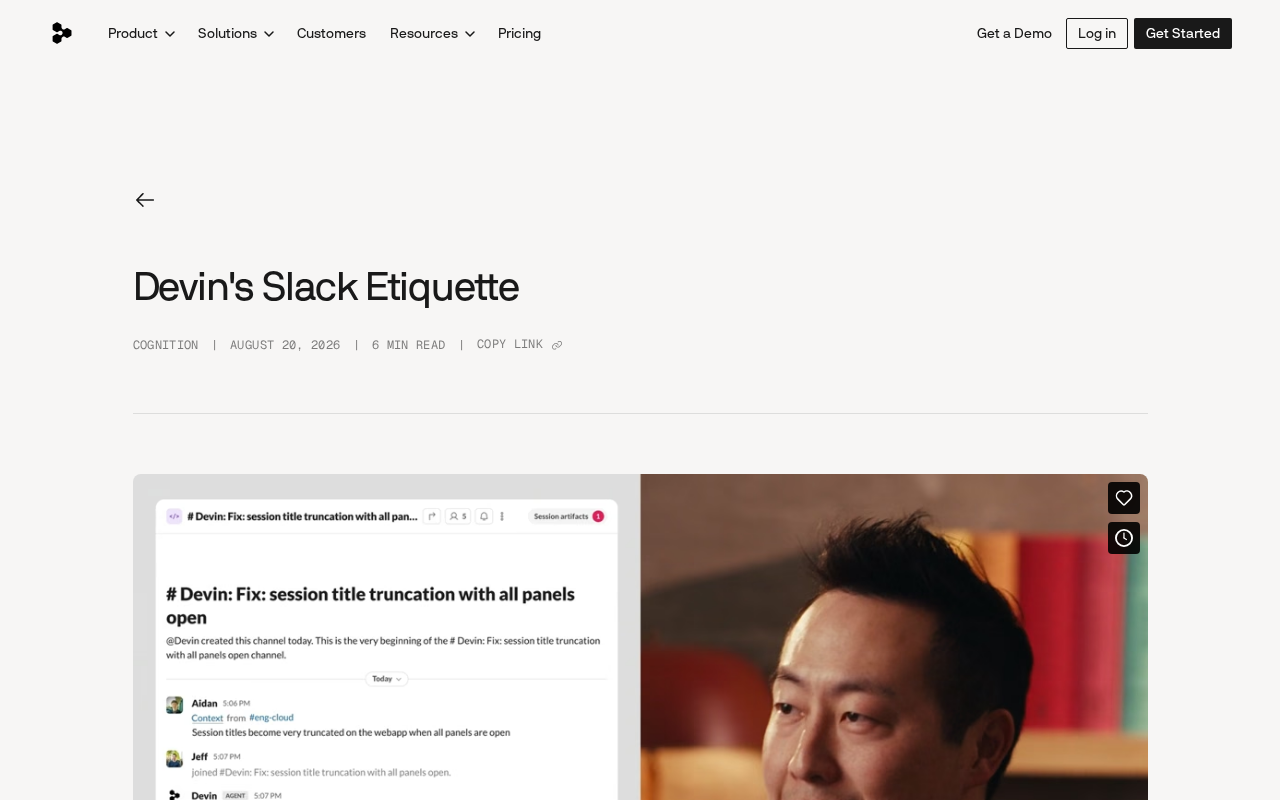
Cognition spent a year refining Devin's Slack etiquette, showing that AI agent UX matters as much as technical capability.
Cognition spent a year systematically optimizing how their AI software engineer Devin behaves on Slack, working across three layers: prompts, execution harness, and Slack API usage. The article argues that an AI agent's "social behavior" — things like knowing when to use thread replies, avoiding channel flooding, and staying concise — matters as much as its underlying technical ability. As AI coding assistants converge in capability, graceful interaction design is becoming the new competitive frontier, and behavior tuning is a long-term, data-driven process that can't be rushed.
AI Agents Enter the Team Collaboration Space
When AI coding agents move beyond isolated development environments into team collaboration platforms, a long-overlooked question comes to the surface: how should an AI behave gracefully alongside human colleagues in tools like Slack? The Cognition team spent the past year systematically refining how their AI software engineer, Devin, behaves on Slack — working across three layers: prompts, Devin's execution harness, and how the Slack API is used.
This may sound like a minor engineering detail, but it touches on a core challenge in bringing AI agents to production: beyond raw technical capability, how can an AI participate in real human-AI collaboration without being intrusive, overstepping boundaries, or missing the mark?
Why "Slack Etiquette" Deserves Its Own Optimization
Communication Experience Determines an AI Assistant's Usability
How an AI agent behaves on Slack directly shapes whether a team embraces or rejects it. If Devin's replies are too verbose, it floods channels with messages, chimes in on the wrong thread, or responds at the wrong cadence — no matter how strong its underlying coding ability, it will quickly erode the team's trust and patience.
In other words, an AI agent's "social behavior" matters just as much as its technical capability. Cognition emphasizes that fine-tuning Devin's behavior has been an ongoing effort spanning a full year — which itself signals that truly integrating an AI assistant into human workflows is far more than a one-time deployment. It's a continuous product engineering process.
Slack, as a collaboration platform, offers several features purpose-built for multi-person conversations — and these take on special significance in the context of AI agents. Thread replies keep discussions scoped to a specific message, preventing main channels from being flooded. Emoji reactions convey acknowledgment, progress, or sentiment at extremely low information density without disrupting the conversation. Message editing allows in-place updates rather than sending redundant follow-up messages. For an AI agent that may need to report status frequently, blindly posting a stream of messages to the main channel creates noise and erodes team members' willingness to engage with the channel at all. Making proper use of these native features is a foundational requirement for an AI to fit into human communication norms.
Optimization Across Three Layers
According to Cognition's write-up, improvements to Devin's Slack behavior are distributed across three mutually reinforcing layers:
- Prompts: Carefully designed system prompts that constrain when Devin speaks, how it structures replies, and the appropriate tone and length.
- Harness (execution framework): The framework governing how Devin perceives context and decides on actions. Changes at this layer can fundamentally reshape the agent's behavior patterns.
- Slack API usage: How Devin calls Slack's interfaces — for example, using thread replies, emoji reactions, and message edits instead of repeatedly posting new messages — directly determines whether Devin's presence in a channel feels appropriate.
All three layers working in concert are what allow an AI agent to behave like a capable team member in a group chat, rather than a mechanical bot.
The harness is a key concept for understanding Devin's behavior. Unlike traditional software, an AI agent's harness is the execution environment wrapped around the model — responsible for managing perceptual inputs (e.g., reading Slack messages, fetching repository state), action outputs (e.g., calling tools, sending messages), and the memory and planning loop for multi-step tasks. The harness determines what the agent can see, what it can do, and when it should pause and wait for a human — making it a more fundamental behavioral constraint mechanism than prompts alone. For a coding agent like Devin that needs to run autonomously over extended periods, the harness must also handle task interruptions, progress reporting, and error recovery. Its design details directly determine whether the agent is reliable in complex collaborative environments.
Implications for AI Agent Productization
Crossing the Gap from Capability to Experience
Devin's experience reflects an important trend in current AI agent products: the competitive battleground is shifting from "can it do the job" to "does it do the job gracefully." As more and more AI coding assistants reach comparable baseline capabilities, the differentiating factor is often these invisible interaction details.
An AI that knows how to use thread replies, understands when to stay quiet, and can report progress in concise language will meaningfully reduce the friction of working with it. These "etiquette" optimizations may not be as headline-grabbing as model capability upgrades, but they are often the deciding factor in whether a product actually sticks in users' workflows.
Continuous Iteration Is the Norm
Notably, Cognition frames this optimization work as something that has taken "the past year." This is a reminder that tuning an AI agent's behavior in real-world environments is a long, gradual process that depends heavily on feedback from genuine usage data. Any team hoping to deploy an AI assistant in one shot will likely underestimate just how much ongoing refinement is required.
Practical Takeaways for Development Teams
For teams evaluating or already using AI coding assistants, Devin's experience offers a few practical lessons:
Pay attention to how your AI assistant interacts within collaboration tools — not just the quality of its code output. Treat prompt and harness tuning as ongoing operational work, not a one-time setup task. Take advantage of native platform features (threads, emoji reactions, message edits) to make the AI's involvement feel natural to your team.
As AI agents become more deeply embedded in everyday enterprise workflows, "how to make AI a well-mannered colleague" will become an increasingly important product design challenge. Devin's etiquette journey on Slack is a telling preview of where this is all heading.
Related articles
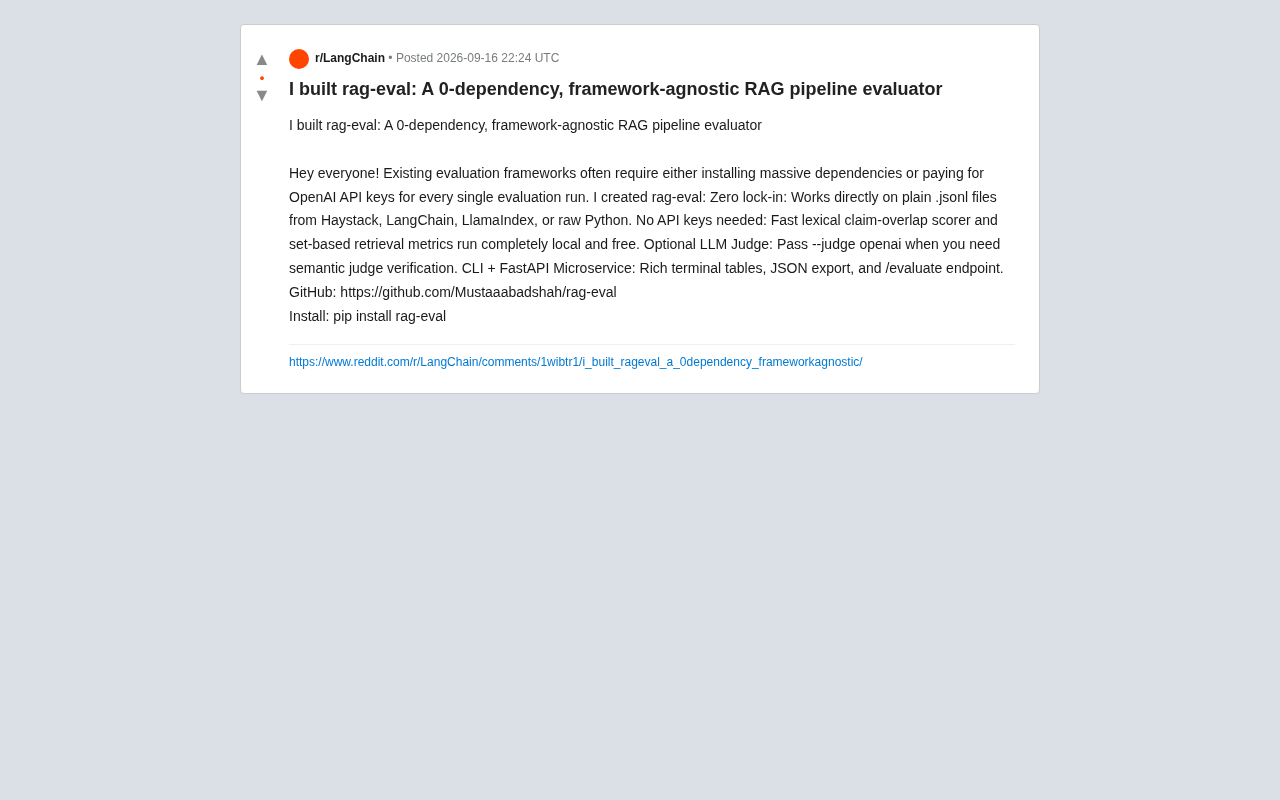
rag-eval: A Zero-Dependency, No-API-Key RAG Evaluation Tool
rag-eval is a zero-dependency, framework-agnostic open-source RAG pipeline evaluation tool. It supports free local lexical and retrieval metrics with no API keys required, and offers optional LLM Judge for semantic validation. Compatible with Haystack, LangChain, and LlamaIndex.
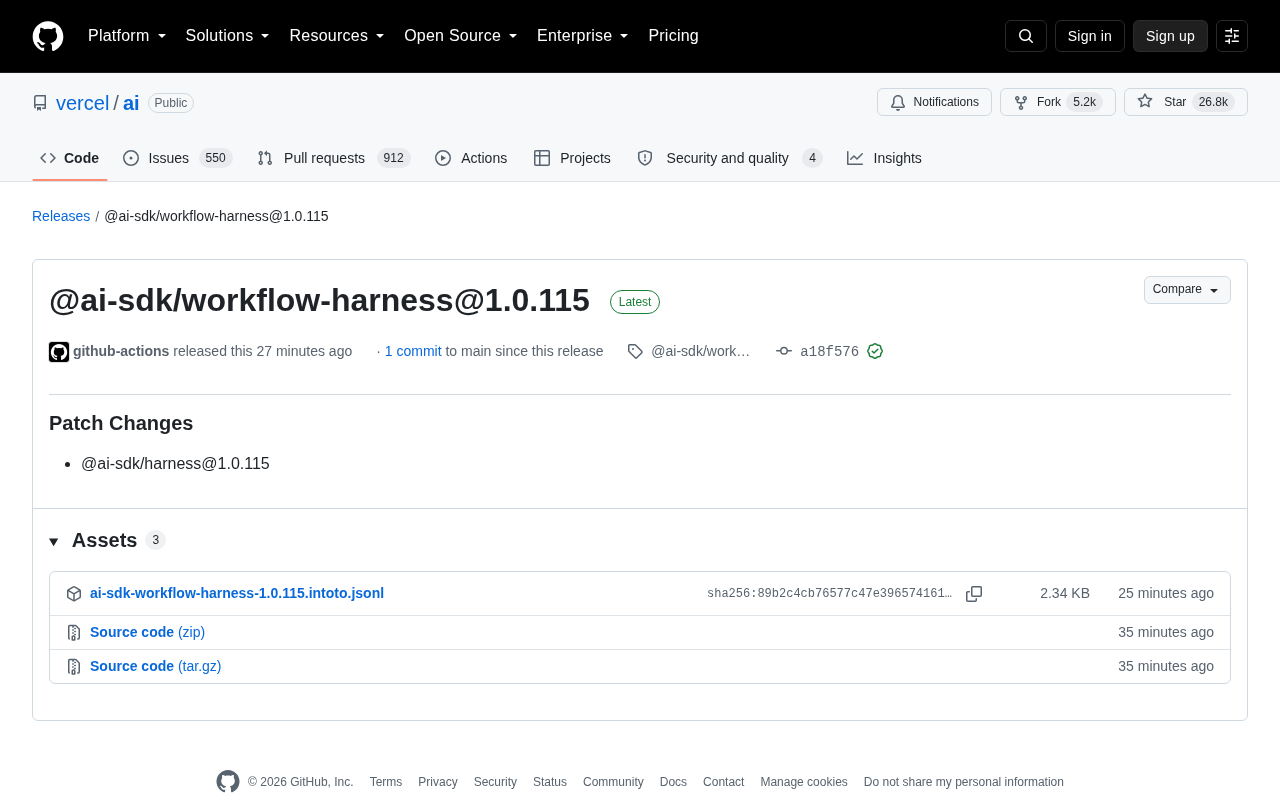
Vercel AI SDK Releases workflow-harness 1.0.115 Patch Update
Vercel AI SDK releases @ai-sdk/workflow-harness 1.0.115 patch update, syncing the @ai-sdk/harness dependency. Learn about the update, release mechanism, and what it means for developers.
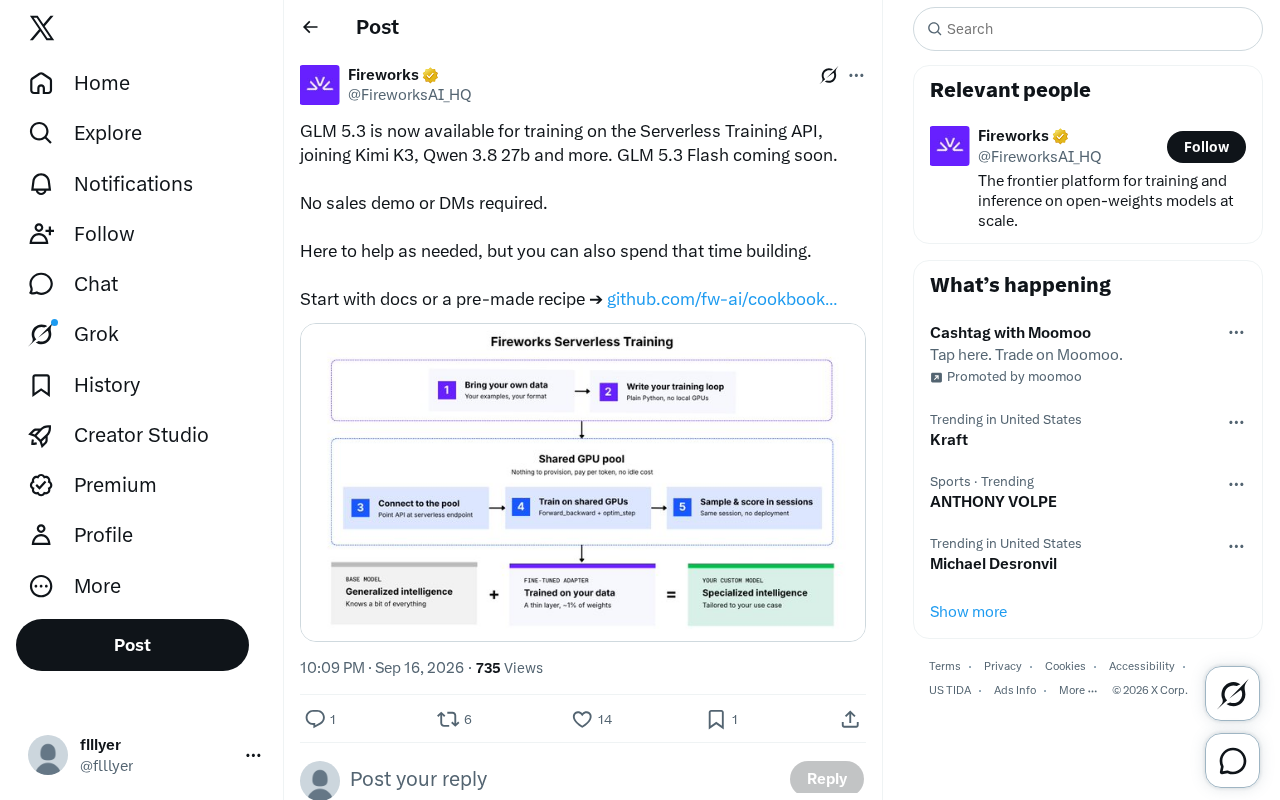
GLM 5.3 Now Available on Serverless Training API — No Sales Process Required
GLM 5.3 is now available on Serverless Training API alongside Kimi K3 and Qwen 3.8 27b. No sales process needed — start fine-tuning directly via docs or pre-made recipes.