Dify from Beginner to Production: A Complete Learning Roadmap for Building AI Applications
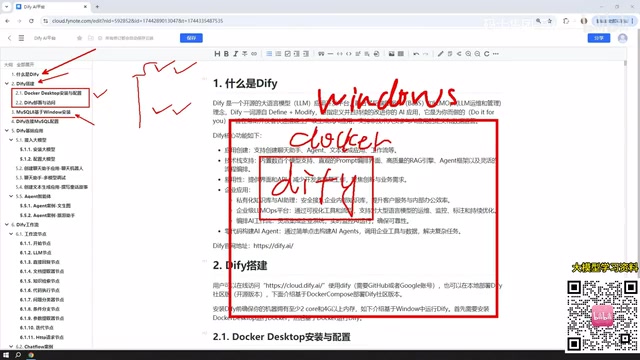
A complete Dify learning roadmap from Docker deployment to building and publishing five types of AI applications.
Based on a Bilibili Dify tutorial series, this article gives beginners a structured roadmap for AI application development. Dify is a low-code platform that abstracts away LLM engineering complexity through visual modules. The article covers deployment options (recommending Windows + Docker), Dify's five application types (Chat Assistant, Text Generation, Agent, Chatflow, Workflow), cost-effective model integration strategies (prioritizing affordable APIs like DeepSeek), and how to publish finished apps as public web pages or embed them in existing websites.
What Is Dify: A Low-Code AI Application Platform
Dify is a platform designed for AI application development. Its core value lies in enabling developers to quickly build all kinds of AI applications without writing complex code from scratch. It's suitable for both enterprise-level projects and personal use cases.
The significance of platforms like this is that they lower the barrier to deploying large language model (LLM) applications. In the past, integrating an LLM into a real business workflow meant dealing with a whole stack of engineering challenges — model invocation, context management, tool orchestration, and more. Dify abstracts all of that into visual, drag-and-drop modules, so developers can focus purely on business logic.
This article is based on a comprehensive Dify tutorial series on Bilibili. It distills a complete learning roadmap — from environment setup to application deployment — to help beginners build a clear mental framework.
Environment Setup: Choosing Between Three Deployment Options
Dify can be deployed in three main ways: local deployment via Docker, deployment from source code, or simply using the official hosted web platform.
The tutorial recommends Windows-based Docker deployment. The key reason for choosing local deployment is that in production and enterprise environments, AI applications often need access to local databases or internal network resources. If you use the official hosted platform, any app that needs to call a local database will require a reverse tunneling tool to expose your machine's IP to the public internet — which is unnecessarily complex.
Why Install MySQL 8 Separately
The tutorial includes a dedicated section on installing MySQL 8 on Windows. The reason: the AI applications you'll build later need to interact with a database — reading data, performing AI-driven analysis, and so on.
It's worth noting that database placement is flexible: you can install MySQL directly on your Windows host, deploy it via Docker, or even run it inside a VMware virtual machine. Once Docker is up and running, Dify's network can communicate with MySQL on the Windows host as well as services inside a VM.
If you're already comfortable with MySQL installation, you can skip this section and focus on the part about configuring Dify to connect to MySQL.
When Dify is deployed via Docker, network communication between containers and the host machine requires some attention. By default, containers can't reach the host using localhost. You typically need to use the host's actual LAN IP (e.g., 192.168.x.x), or use the special hostname host.docker.internal in Docker Desktop for Windows. This is precisely why Dify can communicate with both a Windows-hosted MySQL and services inside a VM — as long as the IP is routable and the port is open, the container can reach it. For beginners, two common pitfalls when configuring MySQL are: setting bind-address to 0.0.0.0 to allow external connections, and opening port 3306 in the firewall.
Dify's Five Core Application Types
When you create a new application in Dify, you'll see five application types — these form the functional backbone of the entire platform.
Chat Assistant is the most basic form: a conversational interface for interacting with an AI model.
Text Generation is designed for one-shot content creation — writing articles, generating documents, drafting story content, and similar tasks.
Agent is the most capable of the three foundational types. The key distinction from Chat Assistant and Text Generation is that an Agent can invoke tools to systematically carry out user instructions. For example, you can have it first scrape a webpage, then analyze the content — multi-step tasks like this are exactly where Agents shine.
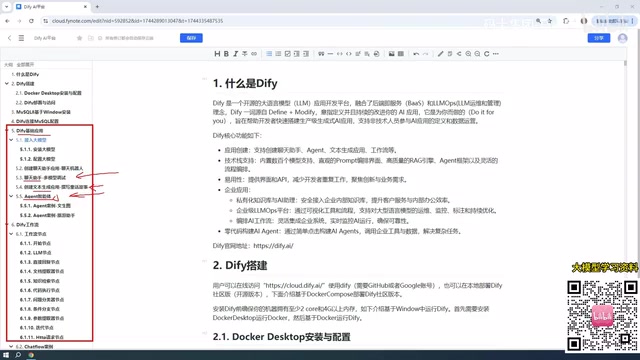
These three are Dify's foundational application types. The remaining two represent more advanced workflow capabilities.
Chatflow vs. Workflow: What's the Difference
Workflows are one of the most important application types in Dify, and they come in two flavors: Chatflow and Workflow.
The core difference is straightforward: Chatflow supports multi-turn conversational interaction on top of a workflow structure, while Workflow is more suited for one-shot execution — you provide an input and get an output directly, with no back-and-forth dialogue. Once you understand this distinction, choosing the right type comes down to whether your use case requires continuous conversation.
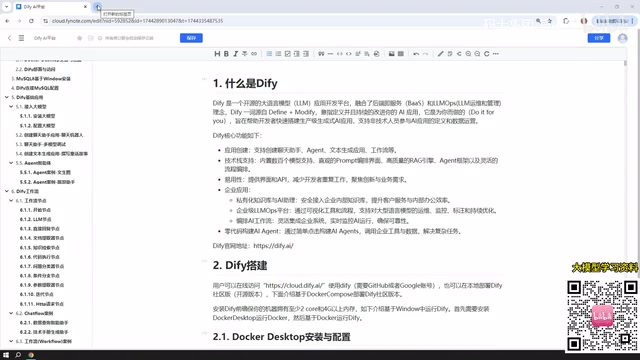
Building workflows requires understanding the concept of nodes. Both Chatflow and Workflow are assembled from individual functional modules (nodes) that chain together to form a complete pipeline. Dify provides a rich library of node types, and mastering the most commonly used ones is the foundation for building complex workflows.
Model Integration: Paid APIs vs. Local Models
Every AI application needs to interact with a large model, so model integration is an unavoidable step.
The tutorial recommends starting with paid external models like DeepSeek or ChatGPT, or opting for Chinese platforms like Baidu ERNIE or Alibaba Qwen, which often offer free token quotas upon registration. These platforms typically provide millions of tokens for free — more than enough for learning purposes.
Cost concerns are largely overblown. Taking DeepSeek as an example, API pricing is extremely affordable — a 10 RMB top-up can last a very long time, given how slowly tokens are consumed during development.
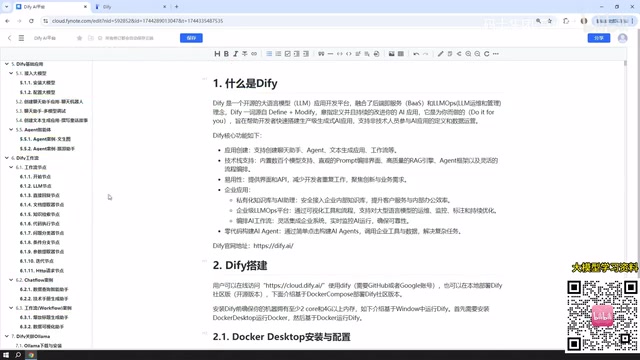
The tutorial takes a more conservative stance on local models. While Dify supports integrating locally-deployed models via Ollama, models that run on typical consumer hardware tend to have fewer parameters and often deliver mediocre results.
That said, there are exceptions: in enterprise cluster environments with sufficient hardware, you can absolutely run large-parameter models. For instance, DeepSeek's largest open-source release weighs in at over 400 GB — models at that scale can produce excellent results and are well-suited for enterprise-grade applications.
LLMs are billed by tokens — roughly 1–2 tokens per Chinese character. When calling an API, both the input (prompt) and output (completion) are charged separately, with input typically priced lower than output. DeepSeek's pricing is significantly lower than GPT-4 series models, and with the limited request volumes typical of a learning project, actual costs are minimal. Beyond price, it's also worth paying attention to a model's context window size — this determines how much text can be processed in a single session, which matters greatly for applications that need to handle long documents or extended conversation histories.
Publishing Applications: Taking Your AI App Beyond the Local Environment
Applications built in Dify aren't limited to internal use within the platform. Dify provides several publishing options.
The most direct approach is publishing the application as a public web page — generating a shareable link that anyone can access. Keep in mind that for a locally-deployed Dify instance to be accessible over the internet, you'll still need to configure a reverse tunnel.
Alternatively, your finished application can be embedded into your own website — integrated via iframe or similar methods into existing business systems. This transforms Dify from a development tool into a genuinely deliverable product.
Learning Roadmap Summary
Overall, this tutorial series traces a clear progression from fundamentals to advanced topics: start with Docker deployment and database configuration, then work through the three foundational application types (Chat Assistant, Text Generation, and Agent), dive deeper into Chatflow and Workflow along with their node systems, and finally tackle model integration and application publishing.
For anyone looking to quickly get started with AI application development, low-code platforms like Dify genuinely lower the entry barrier. Combined with hands-on case-based practice, you can relatively quickly turn LLM capabilities into working, real-world applications.
Background: How Agents Work Under the Hood
The underlying mechanism powering Dify's Agent is either the ReAct (Reasoning + Acting) pattern or Function Calling: the model reasons about whether it needs to invoke an external tool, calls it if needed, incorporates the result into its context, and continues reasoning until the task is complete. Dify Agents can integrate tools such as search engines, code executors, HTTP requests, and database queries — giving them task execution capabilities far beyond ordinary chat. Understanding this mechanism helps when designing an Agent's tool configuration and prompts: clear task descriptions and a sensible combination of tools are the key to reliable Agent performance.
Related articles
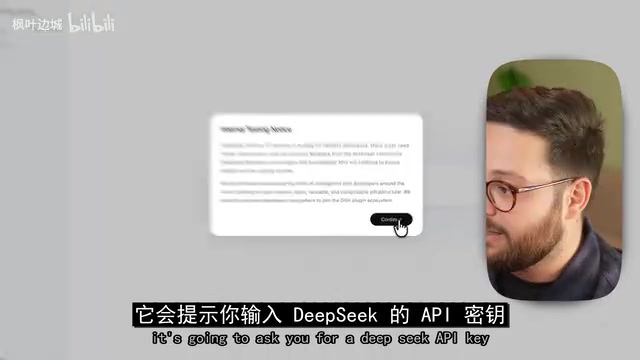
DeepSeek Harness Hands-On: Build Your Own Coding Agent for Free
DeepSeek Harness hits 190K GitHub stars as a free Claude Code alternative. This hands-on review covers installation, plugin models, full traceability, and driving Claude Code as a subprocess.
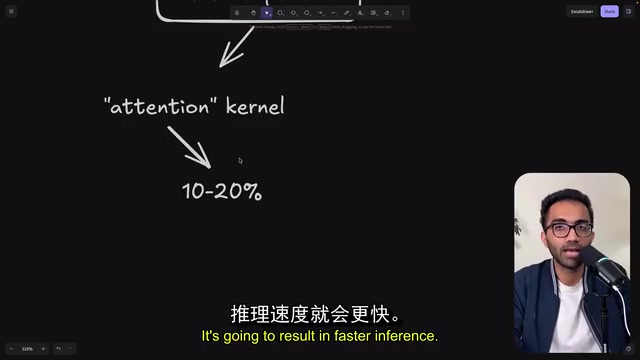
A DeepSeek Kernel Engineer's Confession: Being Replaced by the AI I Trained
A DeepSeek kernel engineer reveals how AI evolved from a doc-lookup assistant to a kernel master in one year — and why he's accelerating his own replacement.
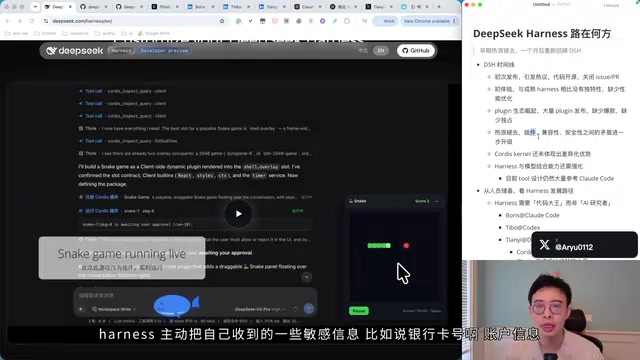
DeepSeek Harness One-Month Retrospective: Highlights, Risks, and the Road Ahead
DeepSeek Harness one-month retrospective: Plugin ecosystem, Codex Kernel, supply chain risks, talent strategy, and the cloud Agent path ahead.