Dux: A Free, Open-Source Wayland Desktop Shell with Built-in File Manager and Theming System
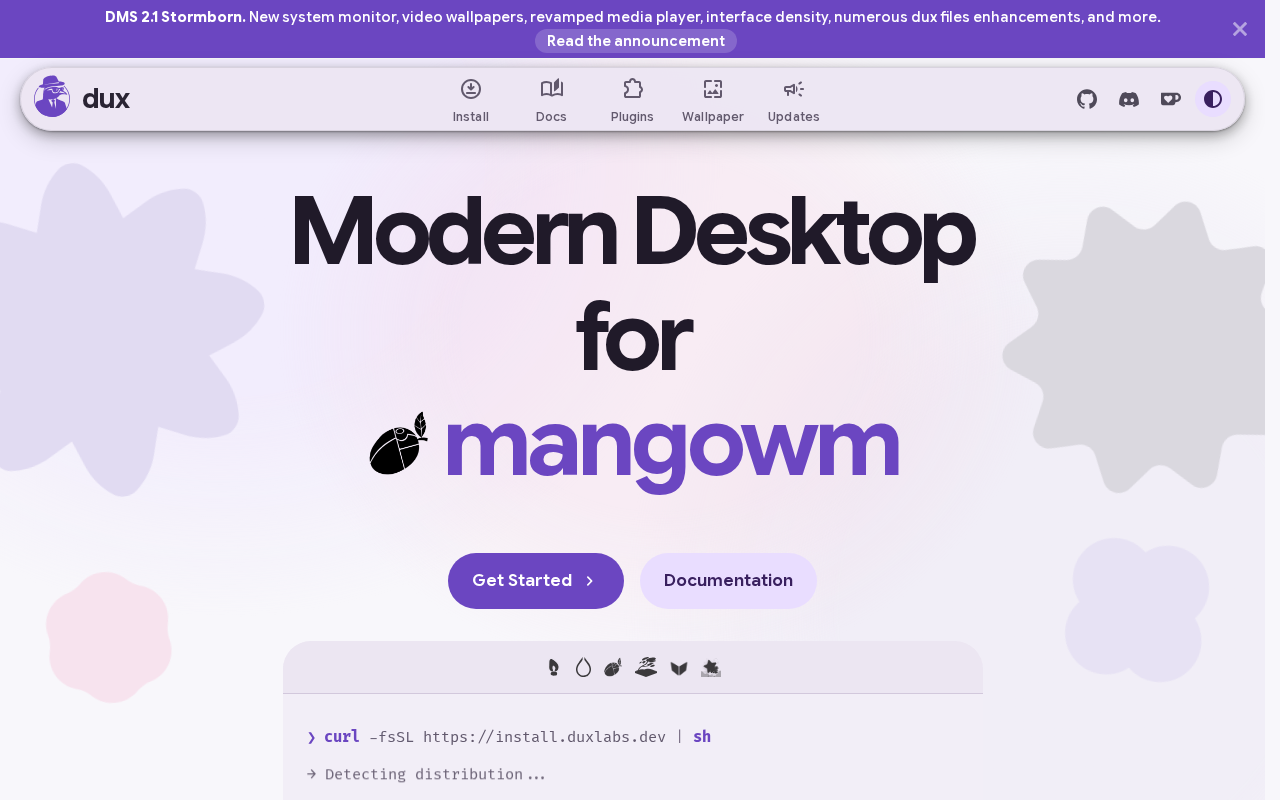
Dux is an open-source Wayland desktop shell with a built-in file manager and theming system — lightweight in positioning but yet to prove its maturity.
Dux is a free, open-source Wayland desktop shell, not a full desktop environment. It focuses on the interaction layer — panels, launchers, window management integration — and integrates a file manager and theming system directly into the shell. The article analyzes why the Wayland era needs new shells: X11-era shell implementations are deeply coupled with the protocol and costly to rewrite, while Dux is designed from scratch according to Wayland's model. The built-in file manager attempts to solve the disconnect between desktop and file system, while the built-in theming system targets the legacy pain point of theme fragmentation from the X11 era. The project received 191 points and 60 comments on Hacker News, having entered the view of technical communities but not yet reached mass adoption. The article also cautions that desktop shells have high maintenance costs, with input methods, multi-monitor, HiDPI, screen sharing, and accessibility support all being long-term challenges. At this stage, it is better suited for technical users to try in a virtual machine or on a spare device.
Linux desktop environments have long been dominated by GNOME and KDE, but the Wayland era is giving rise to a wave of lightweight new alternatives. Dux is one of them — a free, open-source Wayland desktop shell that integrates a file manager and theming system directly into the desktop layer.
What Dux Is: A Desktop Shell, Not a Full Desktop Environment
Based on its positioning, Dux is not another all-in-one desktop environment, but rather focuses on the shell layer — the layer users interact with most frequently: panels, launchers, window management integration, and desktop widgets. This design approach is becoming increasingly common in the Wayland ecosystem.
Traditional desktop environments tend to package applications like file managers, terminals, and settings panels as separate components, whereas Dux chooses to build the file manager directly into the shell. This means file browsing is no longer about "opening another window" but rather an organic part of the desktop experience. The same applies to the theming system — it is treated as a first-class citizen of the shell, not an accessory that requires an additional toolchain to modify.
Why Wayland Needs New Shells
The transition from X11 to Wayland has been underway for years, but desktop shell migration has been noticeably slower than the underlying protocol. The reason is not hard to understand: shell implementations accumulated during the X11 era (panels, window decorations, global shortcuts, etc.) are deeply coupled with the protocol, making rewrites costly.
The value of projects like Dux lies in designing shells from scratch according to Wayland's model, rather than patching old architectures. For developers and early adopters, such projects offer a sample of what a "Wayland-native desktop" should look like.
The core difference between Wayland and X11 lies in the architectural model. X11 uses a client-server model where the window manager, compositor, and shell are relatively independent and can be replaced separately; Wayland, on the other hand, treats the compositor as the core of the display server, often merging window management, input handling, and screen rendering into a single process (the compositor). This means that shells under Wayland typically need to work closely with the compositor, even existing as compositor plugins or companion protocol clients, and cannot be freely mixed and matched as in the X11 era. This also explains why Wayland-native shells are difficult to port directly from old implementations — the protocol-level restructuring of responsibility division and communication methods forces developers to redesign the interaction boundaries between shell and compositor.
File Manager and Theming: Two Pragmatic Entry Points
Building the file manager into the shell appears to be functional integration on the surface, but it actually addresses an old problem: the disconnect between the desktop and the file system. When users migrate between different desktop environments, file management is often one of the areas with the biggest experience differences. By incorporating it into the shell layer, Dux essentially redefines the interaction paradigm of "the desktop as the file entry point."
The theming system, meanwhile, is a traditional pain point of open-source desktops. The X11 era had multiple parallel mechanisms — GTK themes, Qt themes, window decoration themes, and so on — and these were not automatically unified under Wayland. By building theming capabilities into the shell, Dux at least eliminates the problem of "theme fragmentation" within the project itself.
The fragmentation of theming mechanisms in the X11 era had its roots in toolkits and desktop environments each going their own way: GTK applications used the GTK theme engine, Qt applications used QSS or QStyle, window decorations were controlled separately by the window manager, and icon and cursor themes followed freedesktop.org specifications but had varying implementations. After the transition to Wayland, these mechanisms were not unified — GTK and Qt still maintain their own theming systems, and the responsibility for drawing window decorations shifted to the compositor or client, making cross-toolkit consistency even more difficult. By building the theming system into the shell layer, Dux essentially bypasses multiple parallel mechanisms and establishes a unified theme description and rendering path within the shell, achieving visual consistency within the project's scope. However, this also means its theming approach may only apply to Dux's own ecosystem and is unlikely to directly benefit external applications.
Community Attention and Project Maturity
On Hacker News, Dux's discussion thread received 191 points and 60 comments. This magnitude indicates that the project has entered the view of some technical communities, but it is still a ways from mass adoption. For open-source desktop projects, early discussion buzz is an important signal — it reflects both that demand exists and that the project will be subject to stricter scrutiny.
What needs to be viewed calmly is this: a desktop shell is a category with long cycles and high maintenance costs. Input methods, multi-monitor support, HiDPI, screen sharing, and accessibility support — each of these is a deep pit that can consume enormous developer effort. How Dux's current positioning and maturity measure up requires hands-on testing to judge.
The long-term maintenance cost of a desktop shell mainly comes from the continuous evolution of the Wayland protocol ecosystem. Input methods depend on the text-input and input-method protocols, multi-monitor support involves output management and fractional scaling protocols, HiDPI requires correctly handling scale factors and buffer sizes, screen sharing relies on xdg-desktop-portal and PipeWire integration, and accessibility support requires interfacing with assistive technology stacks such as AT-SPI. Most of these protocols are still being iterated upon, and implementation approaches for some features (such as fractional scaling and input method popup positioning) under Wayland are not yet fully stable. For independent shell projects, every protocol update may involve architectural adjustments, and users have extremely low tolerance for basic experience issues like input methods, multi-monitor, and scaling — any missing feature directly hinders daily use.
Who Should Try It
If you are a technical user interested in Wayland desktop implementations, or are looking for a lightweight alternative to GNOME/KDE, Dux is worth watching. But if you need an out-of-the-box productivity desktop with a complete ecosystem, you may still want to wait — open-source shell projects typically take years to mature.
The project homepage provides direct access. It is recommended to try it first in a virtual machine or on a spare device before deciding whether to use it as your primary desktop.
Related articles

Seven Years of Evolution: How Far Has the Foldable Come From the First Generation?
From the first foldable to today's latest models, what has seven years changed? Shallower creases, higher brightness, thinner bodies, and smoother software migration—has the foldable crossed the chasm from enthusiasts to ordinary users? This article discusses the question based on a video comparison.

When Did Humans Start Eating Salt? A 10,000-Year History of Salt
When did humans start eating salt? From salt use at the dawn of agriculture 11,000 years ago to ancient seawater evaporation and rock salt mining, and on to the salt trade, salt taxes, and Gandhi's Salt March, this article traces salt's key role in human civilization.
Microsoft Paza Research: How African Language Speech Recognition Breaks Through Architecture and Data Bottlenecks
Microsoft's Paza research evaluates 53 speech models across 39 African languages, revealing architecture choice matters more than pre-training coverage, 200-300 hours is the practical data threshold, and language typology deeply influences recognition performance.