ESP32 Desktop Robot: 3D-Printed Shell and Wiring Design Analysis

Maker shares ESP32 + 3D-printed desktop robot, focusing on wiring and maintainability challenges.
This article introduces a desktop robot project shared by a Reddit maker, using a 3D-printed shell, ESP32 main controller, and Seeed head module. It analyzes the mechanical layout, identifies cable routing around moving parts and fastener accessibility as key design pain points, and discusses the advantages of the ESP32's wireless capabilities and modular hardware pairing. The author publicly displays the internal layout to seek community feedback, embodying open-source hardware collaboration and providing a reference for enthusiasts moving from prototype to usable product.
Project Overview: When ESP32 Meets 3D Printing
On the Reddit community, a maker shared his desktop robot project: the body is 3D-printed, the core controller is an ESP32, and the head uses a Seeed development device. From the images, the robot consists of a base, servo mechanism, circuit board, and a detachable head, with a compact overall design. After removing the printed shell, the author showed the internal layout and specifically asked for feedback on cable management around moving parts and fastener accessibility.
This project represents a common design approach in the maker community: using low-cost, easily accessible hardware (ESP32) and rapid prototyping technology (3D printing) to build a personalized robot. The ESP32 comes with Wi-Fi and Bluetooth, and its computing power is sufficient to handle sensor data and simple control logic, making it very suitable for desktop-level interactive devices. The Seeed device as the head may integrate a display or sensors, adding interactive capabilities to the robot.
ESP32 is a low-cost, low-power system-on-chip (SoC) launched by Espressif Systems, integrating dual-mode Wi-Fi and Bluetooth wireless communication, using an Xtensa dual-core processor (some models are single-core), with a main frequency typically at 160–240 MHz, and rich peripheral interfaces (GPIO, I2C, SPI, UART, PWM, etc.). In robot projects, the ESP32 is often used as the main controller because it can directly drive servos (via PWM signals), read sensor data, and enable remote control or cloud interaction through wireless connectivity. Its development ecosystem is mature, supporting Arduino IDE, ESP-IDF, and MicroPython, with abundant community resources, making it very suitable for rapid prototyping.
Mechanical Layout and Wiring Challenges
The author highlighted two design pain points: cable routing around moving parts and accessibility of fasteners after assembly. This is precisely the key to taking a desktop robot from prototype to a usable product.
From the first image, after the shell is removed, the servo and its transmission mechanism are installed in the base, with cables extending from the circuit board to the servo and head. In a limited space, cables need to move with the moving parts, which can easily cause wear, pulling, or even breakage. Reasonable practices include using flexible flat cables, reserving cable slack, adding wire channels, or using spiral wraps for protection.
Fastener accessibility is equally important. Once the shell is snapped together, if screws are hidden inside, repair or upgrades require complete disassembly. The author may have adopted a modular approach in the design: the head is detachable and the shell can be opened independently. This aligns with the iterative needs of maker projects—rapid debugging and part replacement.
Servo is a common actuator in desktop robots, containing a DC motor, reduction gear set, position feedback potentiometer, and control circuit. It precisely controls the angle of the output shaft (typically 0–180 degrees) by receiving PWM signals. In limited space, the servo's movement causes cables to bend repeatedly, so cable management requires special attention: using multi-strand flexible wires (such as silicone wire) is more resistant to bending than single-strand rigid wire; reserving a service loop at joints can absorb movement displacement; spiral wraps or braided mesh sleeves provide additional mechanical protection. In addition, the layout of fasteners (such as M2/M3 screws) should avoid being obstructed by moving parts; using countersunk holes or heat-set brass inserts can improve the reliability of repeated assembly and disassembly.
Hardware Selection: Pairing ESP32 with Seeed
The ESP32 as the main controller is a highlight of this project. It is inexpensive, has rich community support, comes with wireless connectivity, and can easily enable smartphone remote control, OTA updates, or cloud service connection. The Seeed device as the head suggests a modular design: the head may be an independent display or sensing unit that communicates with the main board via a ribbon cable. This division of labor reduces the burden on the main controller and facilitates future upgrades to the head's functions without modifying the body.
However, the original text did not disclose specific models and parameters, so we can only infer from the images and description. For enthusiasts who want to replicate it, they need to choose suitable servos, power supplies, and Seeed development boards themselves.
Seeed Studio is a well-known open-source hardware manufacturer with products such as the Grove sensor system, Xiao series micro development boards, and Wio Terminal. In robot projects, Seeed devices are often used as display or sensing modules. For example, the Wio Terminal integrates a screen, buttons, microphone, and accelerometer, and can communicate with the ESP32 via I2C or UART. This architecture of separating the main controller from functional modules allows the head to be upgraded independently without affecting the body, while also reducing the real-time burden on the main controller. For replicators, attention should be paid to level matching of the communication interface (typically 3.3V) and power supply capacity to avoid module malfunctions due to insufficient current.
Inspiration from Open Design
The author publicly displayed the internal layout and sought feedback, embodying the collaborative spirit of open-source hardware. This kind of sharing is valuable to the community: beginners can learn how to plan space and route wires; experienced developers can offer improvement suggestions. For example, for wiring, one could suggest using drag chains or fixed points at moving joints; for fasteners, clips or magnetic attachment could replace screws to improve assembly efficiency.
The desktop robot itself is also an interesting platform. Combined with the ESP32's wireless capabilities, it can enable voice interaction, remote control, expression display, and other functions. 3D printing allows highly free shell forms, enabling users to customize the appearance according to their preferences.
Open Source Hardware refers to hardware projects whose design files (including circuit diagrams, PCB layouts, mechanical structures, firmware, etc.) are publicly available, allowing others to learn, modify, and distribute. In the maker community, platforms such as Reddit, GitHub, and Hackaday are the main venues for sharing and collaboration. Publicly displaying the internal layout and seeking feedback not only helps the author discover design blind spots but also builds community reputation and attracts collaborators. Common open-source hardware licenses include CERN OHL, TAPR OHL, etc., which specify the rights and obligations of derivative works. For desktop robot projects, open-source design can accelerate iteration and allow more people to conduct secondary development based on the same platform.
Summary and Outlook
This project demonstrates the potential of the ESP32 in the desktop robot field: low cost, networked, and extensible. 3D printing solves the problem of structural customization, while wiring management and maintainability are essential lessons from a work to a product. We look forward to the author optimizing the design based on community feedback, and to more similar projects emerging, driving personal robot creation toward maturity.
One-line Summary
Maker shares ESP32 + 3D-printed desktop robot, focusing on wiring and maintainability challenges.
Paragraph Summary
This article introduces a desktop robot project shared by a Reddit maker, using a 3D-printed shell, ESP32 main controller, and Seeed head module. The article analyzes the project's mechanical layout, points out that cable routing around moving parts and fastener accessibility are key design pain points, and discusses the advantages of the ESP32's wireless capabilities and modular hardware pairing. The author publicly displays the internal layout to seek community feedback, embodying the collaborative spirit of open-source hardware and providing a reference for enthusiasts moving from prototype to usable product.
Related articles
 Tech Frontiers
Google Omni 1.2 Flash: 15-Second AI Video at Just $0.07 per Second
Google DeepMind releases Gemini Omni 1.2 Flash: 15-second video, 720p at $0.07/sec (30% cheaper), multi-turn editing without regeneration, draft upscaling to 4K.
 Tech Frontiers
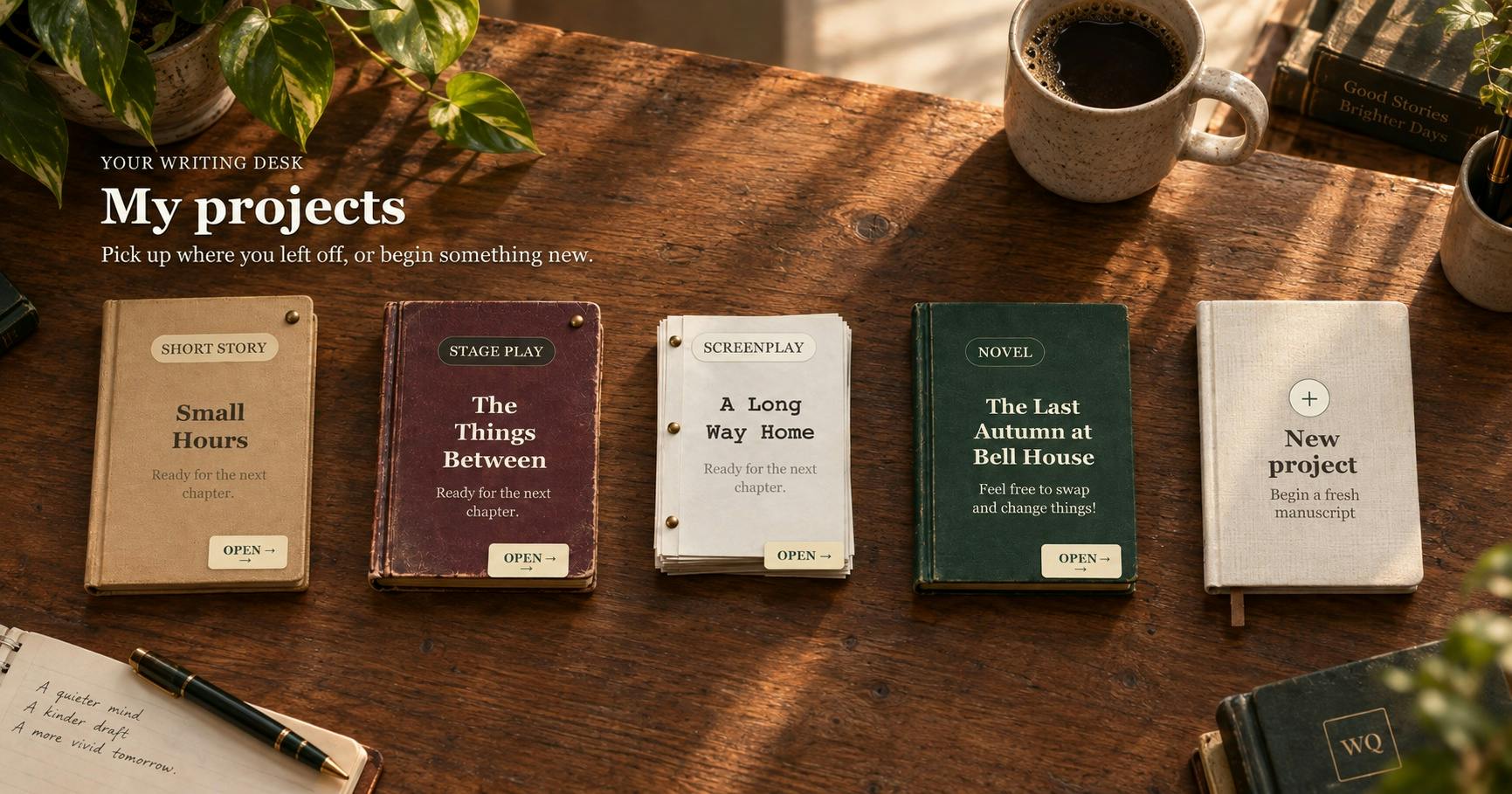
No AI Ghostwriting: Writer's Quarter Reinvents Novel Writing with a Visual Workbench
The Writer's Quarter is an AI-free novel writing and planning tool that unifies character building, story planning, and manuscript writing in one visual workbench. This article analyzes its positioning, target users, and differentiated value amid the rise of AI writing tools.
 Tech Frontiers
Fleeep: A Unified Inspiration Collection Notes App for Creatives
Fleeep is a notes app for creatives that unifies screenshots, bookmarks, saved posts, and inspiration into one calm, cross-device, offline-capable space. This article analyzes its positioning, differentiation, and target users.