Firmware Update Bricks Samsung Smart Fridges: Spoiled Food Sparks User Outrage
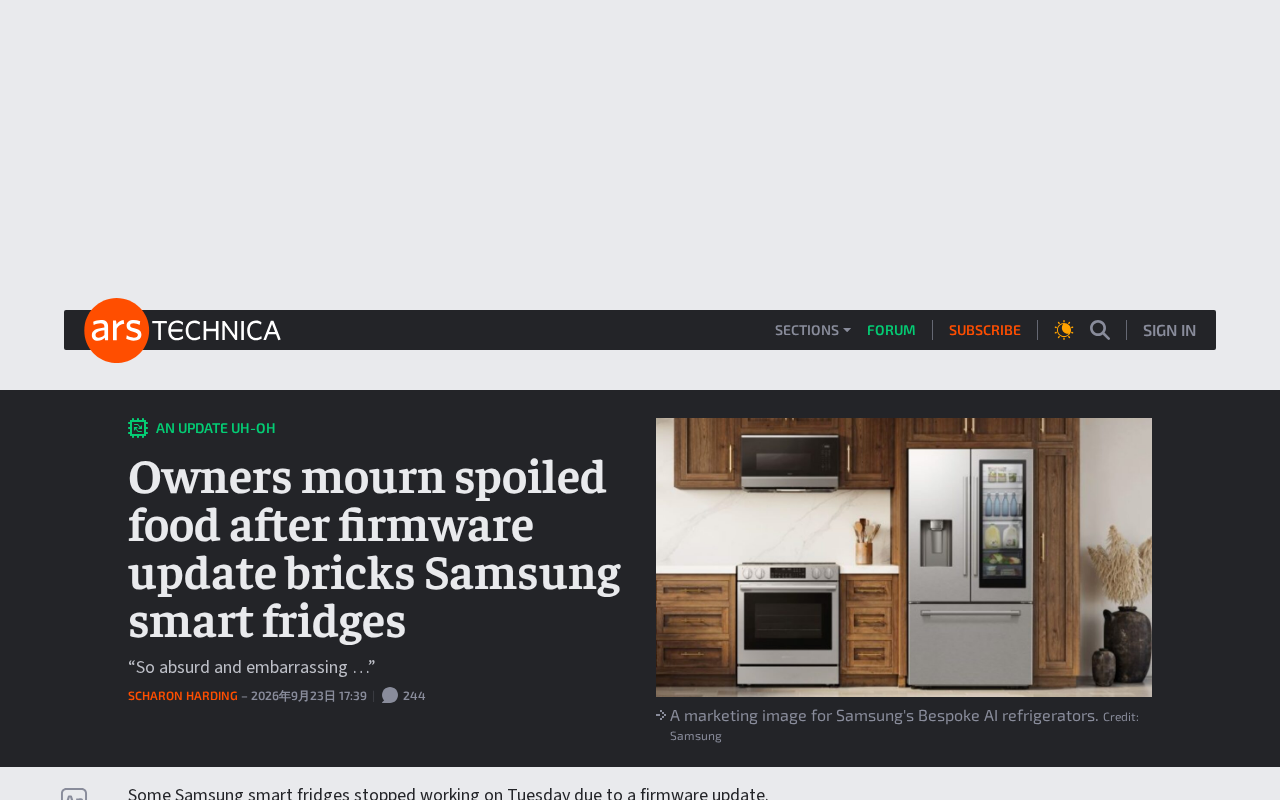
A Samsung smart fridge firmware update bricked devices, killed cooling, and spoiled food — exposing deep risks in smart appliances.
Samsung smart fridges bricked en masse after an official firmware update, with failed cooling causing widespread food spoilage. The technical root cause lies in overly tight coupling between the software layer and core hardware functions like cooling, with no fail-safe for software crashes. On the user rights front, mandatory OTA updates mean manufacturers retain control over sold devices, leaving users unable to refuse updates or self-repair — a "purchased but not in control" dilemma that sparked fierce backlash. The industry consensus: smart appliance makers urgently need to decouple core functions, adopt staged rollouts with rollback support, guarantee update transparency, and establish clear compensation paths.
A firmware update meant to improve the user experience has turned into a nightmare for many Samsung smart fridge owners: devices bricked, cooling stopped, and food inside spoiled. After tech outlet Ars Technica broke the story, it quickly went viral and climbed to the top of Hacker News (246 points, 238 comments), once again putting the reliability of "smart appliances" squarely in the spotlight.
What Happened: One Update, a Whole Fridge Full of Wasted Food
According to reports, some Samsung smart fridges developed serious faults after receiving an official firmware update pushed by the manufacturer — touchscreens stopped responding, systems became unresponsive, and most critically, cooling functionality failed entirely. For an appliance that needs to run 24/7, a cooling failure has immediate consequences. When owners opened their fridges, they found thawing meat, spoiled dairy, and entire stocks of food they had no choice but to throw away.
For ordinary households, this wasn't just a case of "device broke" — it was direct financial loss and serious disruption to daily life. What made it even more infuriating was that the fault wasn't caused by user error, but by a software update actively pushed by the manufacturer. Users bore the full cost of a failed update without ever requesting it, and without any way to refuse.
How Does a Fridge Get "Bricked" by Firmware?
A traditional refrigerator is a purely electromechanical device — as long as the compressor and circuitry work, it will reliably do its job for decades. A "smart fridge" layers on top of that a touchscreen, a network module, an operating system, and an entire software stack. While this software stack enables features like home management dashboards, screen displays, and voice control, it also introduces the kinds of risks common to consumer software into what should be an extremely stable appliance.
The core issue is tight coupling. A well-designed system should completely decouple critical functions like cooling from value-added features like networking and display — even if the touchscreen OS crashes, the compressor should continue operating independently. But this incident shows that in some smart fridges, the software is too deeply coupled with hardware controls. A single firmware anomaly was enough to paralyze the entire unit, leaving it unable to perform even its most basic function: keeping food cold.
This exposes an engineering principle that has been overlooked amid the wave of "smart everything": the more critical a core function is, the more it needs a fail-safe mode that operates independently of software.
What does "bricking" mean? "Bricking" is a common term in embedded systems — it refers to a device that, due to corrupted firmware or a failed flash write, can no longer boot normally and is effectively as useful as a brick. Smart fridges typically run embedded systems based on trimmed-down versions of Linux or Android. Firmware updates require writing a new image to flash memory; if the process is interrupted, image verification fails, or the new firmware has a bootloader-level bug, the device may be unable to complete the boot sequence. Unlike smartphones, fridges lack a standard recovery mode entry point, making it nearly impossible for users to intervene themselves. They're left entirely dependent on the manufacturer for an in-person repair or remote recovery — making the cost of failure extremely high.
User Fury: A Battle Over Ownership and Control
In the Hacker News discussion, a large number of comments zeroed in on a deeper issue — when you buy an appliance, does it actually still belong to you? Through mandatory or semi-mandatory OTA updates, manufacturers effectively retain ongoing control over devices they've already sold. When an update goes wrong, users can't roll back, and they have almost no way to fix it themselves in the short term.
This state of "purchased but not in control" is at the heart of the growing backlash against smart devices. Unlike smartphones that can be flashed or computers that can be reinstalled, users of appliances like fridges and washing machines have virtually no technical fallback. Once a manufacturer's servers or push logic goes wrong, users become passive victims.
What is OTA? OTA (Over-The-Air) refers to the mechanism by which manufacturers remotely push firmware or software updates to devices over a network, without requiring any physical access to the device. OTA is an efficient tool for improving products and patching security vulnerabilities — but it also gives manufacturers ongoing intervention capability over devices they've already sold. Legally, most countries currently have no clear requirement that manufacturers must obtain explicit user consent before forcing an OTA update; consumer agreements often bury "automatic updates" clauses in fine print. This power imbalance has been widely discussed in the Right to Repair movement: advocates argue that users should have the right to fix, modify, and manage devices they've purchased, rather than being unilaterally locked into a manufacturer's software ecosystem.
What Smart Appliance Makers Need to Rethink
This incident is a wake-up call for the entire smart appliance industry. Several directions deserve serious attention from manufacturers:
Decouple core functions from software. Functions like cooling and temperature maintenance — which directly affect food safety and users' basic interests — must be able to operate independently when anything goes wrong at the software layer. They cannot be allowed to fail because of a firmware update.
Staged rollouts and rollback mechanisms. Before a large-scale push, updates should be validated in a small test group first. If any anomaly is detected, the rollout should be halted immediately. Devices should also retain the ability to roll back to the last stable version, preventing failures from spreading to millions of users.
Informed consent and the right to choose. Users should be clearly informed of what an update contains and what potential risks it carries, and should have the right — within reasonable limits — to defer or choose, rather than being forced to accept updates passively.
Accountability and compensation for failures. When food spoils or devices go down due to a manufacturer-pushed update, there should be a clear after-sales and compensation path — not a situation where users have to bear all the consequences alone.
What is a staged rollout? A staged rollout (also called a Canary Release) is standard software engineering practice for reducing the risk of large-scale updates: the new version is first pushed to a small subset of users (e.g., 1%), crash rates and anomaly metrics are monitored, and then the rollout is gradually expanded — with an immediate halt and rollback if issues are detected. Leading smartphone manufacturers and cloud service providers treat staged rollouts as a baseline engineering standard, but software engineering maturity in the appliance industry generally lags behind, and some manufacturers still use a blunt all-at-once push model. Related to this is the A/B partition update mechanism: the device reserves two system partitions; the update is written to the backup partition, and only switches over after a successful boot is confirmed — ensuring that if an update fails, the device can automatically fall back to the old version. This is currently the most effective hardware-level safeguard against bricking.
"Smart" Shouldn't Come at the Cost of Reliability
An appliance's job is to be reliable. The most important thing a refrigerator does — now and always — is keep food cold, steadily and dependably. Not display the weather on a screen. Not play videos. When "smart" add-on features end up threatening a device's most fundamental purpose, that kind of intelligence has gone in the wrong direction.
For consumers, this incident is also a reminder: when shopping for smart appliances, look beyond the flashy features and pay close attention to a manufacturer's approach to software update policies, fail-safe design, and after-sales support. After all, a fridge that can be bricked is far less reassuring than an old fridge that does nothing but keep things cold — and never gets it wrong.
Related articles

Amphibious Transforming Drone: Beyond 100x Power Savings, What Are the Real Needs?
Is the amphibious transforming drone just a gimmick? Starting from the 100x power difference of the M4 Morphobot, explore real application scenarios and thesis topic ideas, analyzing boundary conditions where pure drones and pure ground robots both fail.

Warhound Raises $200 Million: Genetically Engineered "War Dogs" Paired with Anduril Gear
Warhound raises $200M, backed by Ben Lamm and Palmer Luckey, to genetically engineer dogs for military and law enforcement use and equip them with Anduril gear. This article analyzes its technology direction, funding logic, and ethical controversy.

Claude API Comes to Google Cloud: IAM Integration and SDK Access Guide
Anthropic hosts the full Claude API on Google Cloud with IAM-controlled permissions and unified billing. This guide covers the Vertex AI and Anthropic-hosted entry points, IAM role configuration, and SDK access.