From Reference Image to Character Design: Testing the Gemma + Krea Automated Workflow
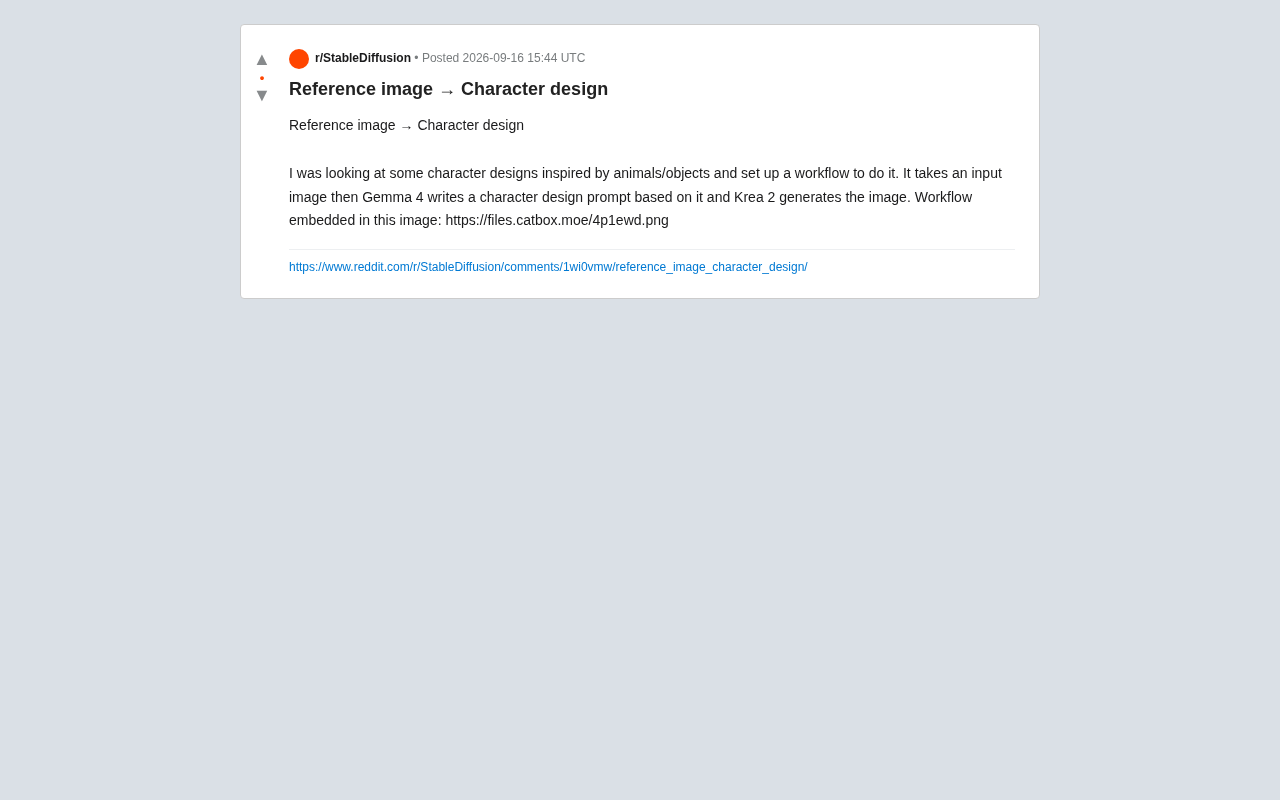
Gemma reads a reference image, Krea renders the result — a two-model pipeline for automated character design.
A Reddit user shared an AIGC character design automation workflow: the user inputs a reference image (e.g., an animal or object), Gemma's vision-language model analyzes its features and writes a character design prompt, then Krea generates the final design from that prompt. The core value of this image-to-text-to-image chain lies in the text prompt acting as an interpretable, editable middle layer — allowing creators to tweak results without starting over, offering far more control than black-box image-to-image approaches. The author embedded the complete workflow in the shared image's metadata for easy community reproduction.
From a Single Reference Image to a Complete Character Design
In the world of character design, turning inspiration into a finished piece typically involves rounds of ideation and trial-and-error. Recently, a Reddit user shared an automated workflow that aims to simplify this process: feed in a reference image (such as an animal or object), and the system automatically produces a character design inspired by it.
The core logic isn't overly complex, but the combination is clever — it chains two different AI models together, linking "visual understanding" and "image generation" into an automated pipeline.
Workflow Breakdown: Two Models, Two Roles
According to the original author, the entire process involves three steps:
Step 1: Input a Reference Image
The user provides an image as a source of inspiration. The original post focuses on "character designs inspired by animals/objects" — a common creative approach that extracts features from nature or everyday items and transforms them into anthropomorphized or stylized characters.
Step 2: Gemma Generates the Design Prompt
The key insight here is that the reference image isn't sent directly to an image generator. Instead, it's first handed to a Gemma model to "read and understand." The author describes using Gemma to write a character design prompt based on the input image.
This step is effectively the "brain" of the entire workflow. The vision-language model analyzes the reference image's characteristics — form, color, texture, and mood — then translates that visual information into structured text descriptions. Compared to manually writing prompts, letting the model handle this translation saves time and can capture details that humans might overlook.
Gemma is an open-source large language / multimodal model series released by Google DeepMind, with vision-language capabilities (meaning it can process both image and text inputs simultaneously). It shares lineage with the Gemini family but is designed to be lightweight and locally deployable, with parameter sizes ranging from 2B to 27B. In this workflow, the model used is most likely a multimodal variant with image understanding (such as PaliGemma or a vision-enabled Gemma variant) that can directly accept images and output text descriptions. Because Gemma can run locally or in private environments, it's a popular choice for building automated creative pipelines — no need to upload assets to third-party services, which is friendlier for copyright-sensitive creative work.
Step 3: Krea Generates the Final Image
Once Gemma outputs the prompt, the Krea model takes over for actual image generation, producing the final character design.
Notably, the author embedded the complete workflow directly into the shared image's metadata ("Workflow embedded in this image") — a common practice in the community. Other users can download the image and import it directly into a node-based workflow tool to reproduce the entire pipeline.
Krea is an AI image generation platform aimed at creators, known for real-time generation and style consistency control, powered by diffusion model technology under the hood. Compared to tools like Midjourney or Stable Diffusion, Krea emphasizes a WYSIWYG interactive experience — users can see generated results update in real time on the canvas as prompts change. Calling Krea within a node-based workflow (such as ComfyUI) typically works via its API, passing in a prompt and retrieving the generated image, enabling seamless integration with upstream model output. Embedding a workflow into image metadata is a standard ComfyUI community convention — ComfyUI supports writing complete node graph configurations in JSON format into a PNG file's Exif data, and other users can drag and drop the file to restore the full workflow.
The Value of "Chaining Models" Like This
This workflow is relatively small in scope, but it reflects an important trend in AIGC creation: no single model does everything well. Instead, complex tasks are accomplished by combining multiple specialized models.
Vision-language models excel at "reading" and "describing"; diffusion-based generative models excel at "drawing." Connecting the two creates an Image → Text → Image closed loop — one image drives the creation of another, with the text prompt serving as an interpretable, adjustable bridge in between.
For creators, the benefit of this pattern is that every step is open to intervention. If you're unhappy with the result, you can directly edit Gemma's output prompt without starting from scratch. Compared to black-box image-to-image approaches, this path offers much greater controllability.
The Image → Text → Image paradigm is a classic application of multimodal chaining in technical terms. Its core advantage lies in decomposing the otherwise opaque "image-to-image" process into two interpretable steps: the text prompt in the first step acts as an intermediate representation that can be reviewed and modified by humans, while also providing structured semantic input for the downstream generation model. This design philosophy echoes the "Chain-of-Thought" concept from the large language model world — explicit intermediate steps not only improve controllability but also make debugging and iteration far more intuitive. For commercial character design scenarios, the editable prompt layer also means designers can inject specific brand tones or stylistic requirements while preserving the visual characteristics of the reference image.
Practical Value and Limitations
Based on the workflow described in the original post, this kind of pipeline is well-suited for scenarios that require batch production of character concept drafts or rapid exploration of design directions. Designers can feed a large number of reference images into the process, quickly generate a batch of stylized drafts, and then select the most promising directions for further development.
That said, its limitations deserve honest acknowledgment. The original author only shared the workflow's construction approach and one example — no large-scale comparison or stability testing was provided. The quality of automatically generated prompts depends heavily on how accurately the vision model interprets the reference image, and the usability of the final output still hinges on the generation model's own performance. Any deviation at either step can push results away from the intended outcome.
For readers who want to try it out, the most direct path is to obtain the workflow file the author embedded in the image, reproduce it in your own environment, and swap out models or adjust prompt templates based on your specific needs.
Summary
This case is just a single community share, but it clearly demonstrates a complete Reference Image → Auto Prompt → Generated Image pipeline. For anyone interested in AIGC creative workflows, it offers a modular approach worth referencing: rather than chasing one all-powerful model, use the right model for the right job, then connect them elegantly with a workflow.
Related articles
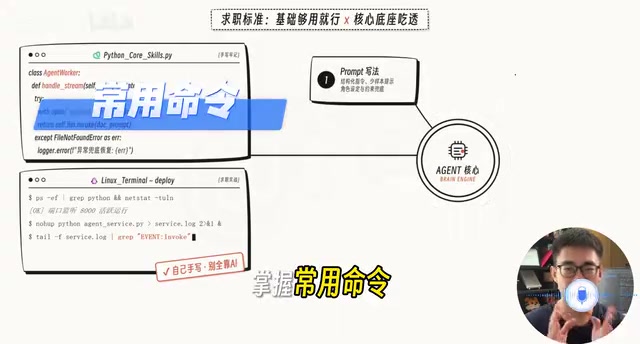
AI Agent Developer Job Hunt Guide: Four Hard Standards to Clear Before You Apply
A practical guide for landing AI Agent developer roles: four measurable standards — project runs, problems debuggable, solution explainable, interviews survivable.
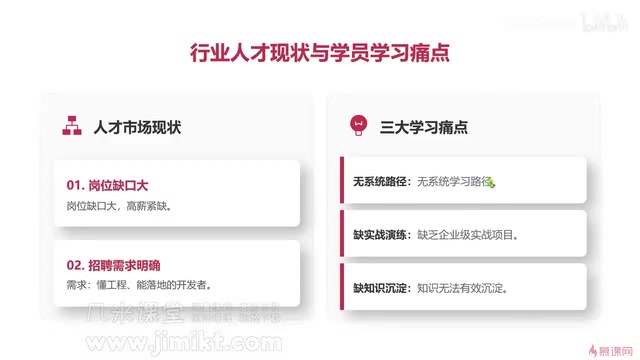
Multi-Agent Development Guide: From Monolithic AI to Team Collaboration in Practice
A beginner's guide to multi-agent development covering core advantages, common learning pain points, enterprise tech stacks, and engineering methodology for AI developers.
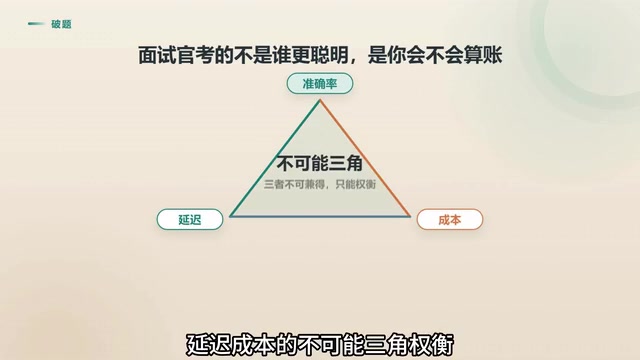
Agent Skill Routing: Retrieval vs. LLM vs. Two-Stage Architecture Compared
Retrieval or LLM for Agent skill routing? Compare coarse-filter vs. fine-select architectures on latency, accuracy, and cost — with 4 key production considerations.