FSAtlas: An Open-Source, Self-Hostable Real-World Route Finder for Flight Sim Enthusiasts

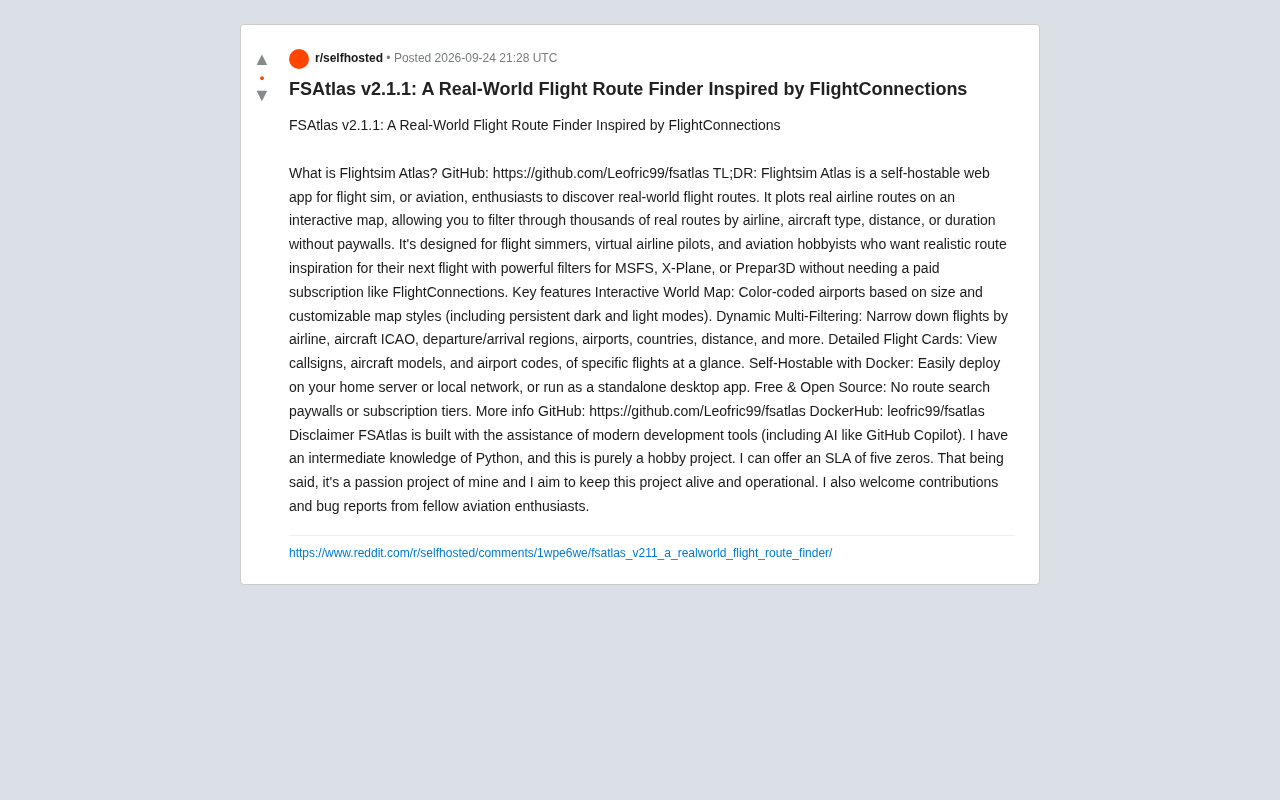
FSAtlas is a free, open-source, self-hostable real-world route finder built for flight sim enthusiasts.
FSAtlas (Flightsim Atlas) is an open-source web app by developer Leofric99 that lets flight simulation players and aviation enthusiasts visualize and search real-world airline routes. Key features include an interactive world map, dynamic multi-dimensional filtering by airline, aircraft type, and distance, and detailed flight cards showing callsigns and ICAO codes. It supports Docker self-hosting or standalone desktop use, with all features completely free and no paywall — a direct alternative to FlightConnections. Notably, the project was built by a hobbyist with intermediate Python skills using AI coding tools like GitHub Copilot, demonstrating how AI is lowering the bar for indie developers to ship real, usable products.
An Open-Source Flight Route Map Built for Flight Sim Enthusiasts
For flight simulation players and aviation enthusiasts, finding real-world route inspiration has always been a hassle. Tools like FlightConnections are powerful, but the best features tend to sit behind a paywall. Developer Leofric99's open-source project FSAtlas (Flightsim Atlas) v2.1.1 was built precisely to address this pain point — it's a self-hostable web app that lets users browse thousands of real airline routes on an interactive map, completely free of charge.
FSAtlas has a well-defined target audience: simulation pilots flying MSFS (Microsoft Flight Simulator), X-Plane, or Prepar3D; virtual airline pilots; and anyone with a general interest in aviation. The core idea is to visualize routes actually operated by real-world airlines, giving you a well-grounded reference for your next simulated flight.
Core Features: Real-World Routes on an Interactive Map
FSAtlas is designed around one core need — finding routes — and several key capabilities are worth exploring in depth.
Interactive World Map
The app provides an interactive world map where airports are color-coded by size, making it easy to quickly distinguish major hubs from regional airports. The map style is customizable and includes persistent dark and light modes — a thoughtful quality-of-life detail for users who spend long sessions planning routes.
Dynamic Multi-Dimensional Filtering
This is FSAtlas's most practical feature. Users can combine filters across multiple dimensions — airline, aircraft ICAO code, departure/arrival region, specific airport, country, flight distance, and more — to pinpoint exactly the routes they're looking for from a massive dataset of real-world flights. Want a route operated by a specific carrier, flown with a particular aircraft type, and within a comfortable flight duration? Combining filters lets you zero in fast, without wading through irrelevant data.
Detailed Flight Cards
Each filtered route is presented as a flight card, clearly displaying key details such as callsign, aircraft type, and airport codes. For simulation pilots chasing realism, these details map directly to in-game settings.
ICAO codes are the standardized identifier system established by the International Civil Aviation Organization, used to uniquely identify airports (e.g., ZBAA for Beijing Capital International Airport) and aircraft types (e.g., B738 for the Boeing 737-800). Compared to the more commonly known IATA three-letter codes (e.g., PEK, 737), ICAO codes are more widely used in professional aviation and flight simulation, since flight plans, ATC communications, and professional charts all use the ICAO standard. A callsign is the identifier an aircraft uses in radio communications, typically composed of an airline code plus a flight number — for example, "China Southern 3101." In flight simulators, correctly setting the aircraft ICAO code and callsign is an important part of recreating an authentic flying experience, which is exactly why FSAtlas providing these details is so useful.
Deployment: Docker Self-Hosting and Desktop Use
FSAtlas gives users considerable flexibility in how they deploy it. It supports self-hosting via Docker, so you can run it on a home server or local network, or use it as a standalone desktop application. The project is available on GitHub (Leofric99/fsatlas) and DockerHub (leofric99/fsatlas), with a relatively low barrier to getting started.
The biggest advantage of self-hosting is that data and services stay in your own hands — no dependency on third-party service availability, and no risk of sudden subscription restrictions. For technically minded players who enjoy running a homelab, this model fits naturally into their existing setup.
Docker is a containerization technology that packages an application and all its dependencies into a standardized "container," allowing it to run consistently on any Docker-supported system without manual environment configuration or dependency conflicts. For a web app like FSAtlas, Docker deployment means users can get it running with just one or two commands, with no need to worry about Python versions, database configuration, or library installations. Homelab enthusiasts who already run self-hosted services like Nginx or Nextcloud on their local network can naturally add FSAtlas as another container in their existing Docker Compose stack, accessible via a LAN IP or custom domain within the home network.
Free and Open Source, Going Head-to-Head with FlightConnections
FSAtlas's most prominent positioning is that it's "free and open source." It explicitly targets FlightConnections — which offers a similar route-browsing experience but locks core search functionality behind a paid subscription. FSAtlas has no paywall on route searching, no tiered subscriptions — all features are open to everyone.
This open-source model also means the community can contribute. The developer welcomes contributions and bug reports from fellow aviation enthusiasts, allowing the project to keep evolving.
An AI-Assisted Hobby Project: An Honest Self-Assessment
Worth noting is the developer's candid description of the project's nature. Leofric99 describes himself as having intermediate Python knowledge, calls FSAtlas a pure hobby project, and acknowledges that it was built with the help of modern AI development tools including GitHub Copilot. He even half-jokingly notes that he can only offer a "five nines of zero" SLA — meaning no uptime guarantees whatsoever.
This reflects an increasingly common phenomenon: with AI coding assistants, hobbyists with moderate programming skills can independently build fully functional, genuinely usable open-source tools. AI tools are lowering the barrier for indie developers to turn ideas into real products. Though the author humbly calls it a "passion project," he also makes clear he intends to keep it active and usable.
Wrapping Up
FSAtlas is a sharply focused niche tool: it provides a free, open-source, self-hostable real-world route browsing experience for flight sim and aviation enthusiasts. Through its interactive map, multi-dimensional filtering, and detailed flight information, it replaces the core functionality of paid subscription tools. For players who want authentic, real-world-inspired flights without paying for the privilege, it's well worth trying. And the fact that it was built with AI assistance is itself a telling illustration of how AI coding tools are genuinely empowering independent developers.
Related articles

macOS Is No Longer UNIX: Apple Didn't Renew Certification, But the Technology Is Unchanged
Apple did not renew macOS's UNIX certification, and the Open Group has removed Apple's entry. This article analyzes the technical reality behind the expiration, Apple's possible intentions, and the practical impact on developers.

Building Stateful Multi-Agent Systems with Azure Cosmos DB
Based on the official Azure Cosmos DB tutorial, this article explains how to use the Agent Memory Toolkit to add shared persistent memory to a multi-agent travel planner, covering short-term, long-term, episodic, and semantic memory plus cross-session state continuity.

Production AI Agent Operations: A Three-Step Framework for Observing, Evaluating, and Optimizing
Azure Cosmos DB team proposes a three-step framework for production AI Agent operations: observe trace tracking, evaluate with LLM as a judge and regression testing, optimize cost across RU, retrieval, memory, and LLM layers.