Gemini Comes to Windows Desktop: Summon Your AI Assistant with Alt+Space
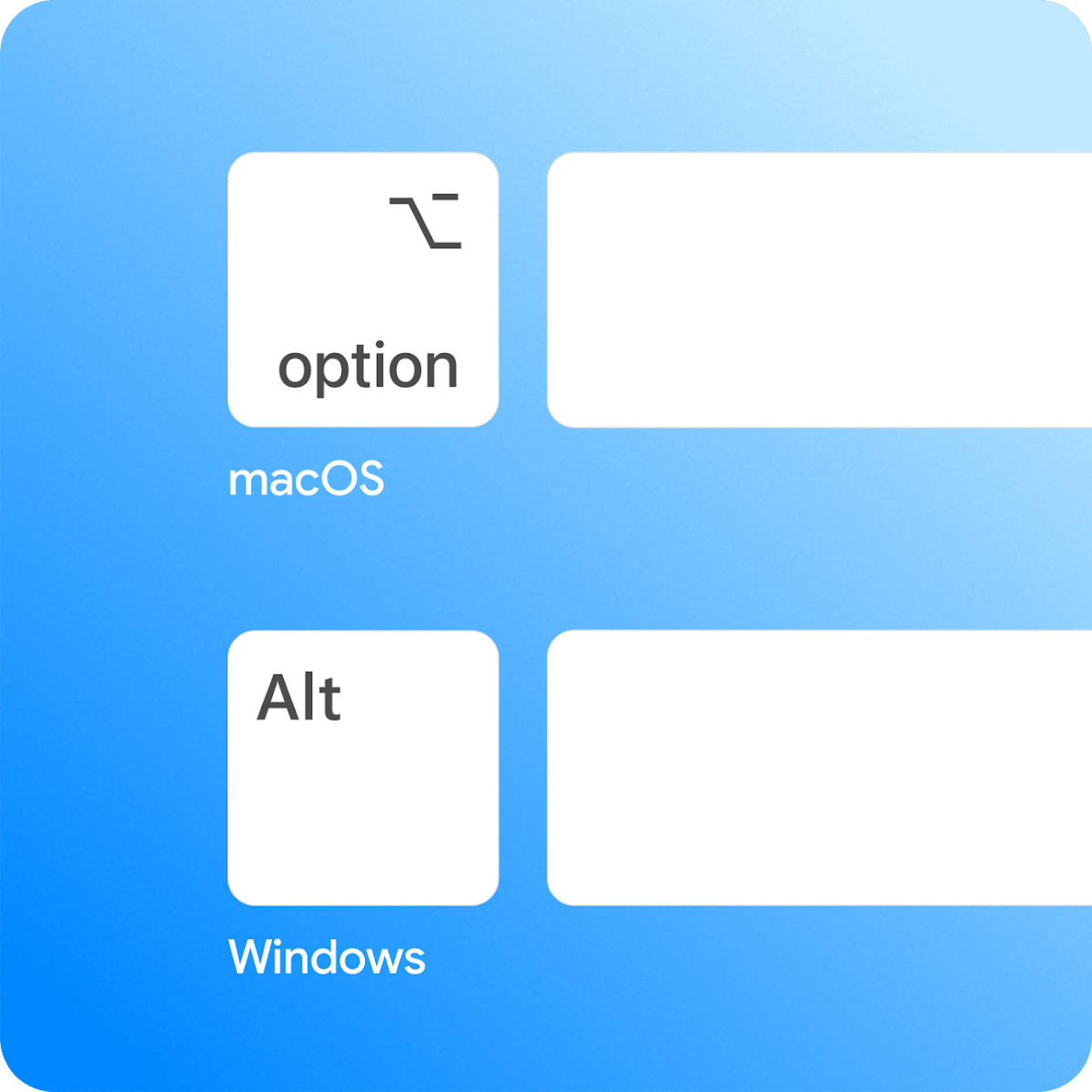
Google's native Gemini app for Windows lets you summon AI instantly with Alt+Space, deeply integrated with Google Workspace.
Google has officially released a native Gemini desktop app for Windows 10/11, centered on an Alt+Space global hotkey that surfaces an AI overlay without switching windows. It offers three core capabilities: instant text drafting, agentic tasks via Gemini Spark (where AI autonomously plans and executes multi-step operations), and direct context retrieval from Gmail, Docs, and Google Drive. Launching on Microsoft's home turf is widely seen as a strategic move to capture the "default AI assistant" mindset, competing directly with Copilot and OpenAI's desktop client.
Google has officially launched a native Gemini desktop app for Windows 10 and 11. The core value proposition is straightforward and practical: no matter what you're working on, just press Alt + Space and Gemini instantly floats over your current screen, ready to assist.
The Product Philosophy Behind a Single Shortcut
Launching an AI assistant via a global hotkey overlay isn't a new concept — from macOS Spotlight to various command palette tools, Alt + Space and similar key combos have long been standard interactions in productivity software. Gemini for Windows brings this same logic to the Windows platform, meaning users no longer need to switch browser tabs or open a separate window just to have an AI conversation.
This "always available" design reduces friction. Previously, invoking an AI typically involved a full chain: stop what you're doing → open a browser → log in → type your query. A hotkey collapses that process to near-instant. For knowledge workers who frequently need to look things up, polish text, or handle scattered tasks, shortening the interaction path often determines whether an AI tool actually gets used — and used often.
Three Core Capabilities
According to the official listing on Product Hunt, Gemini for Windows is built around three functional pillars:
Instant Text Drafting
Users can invoke Gemini in the middle of any ongoing task to draft text. Whether you're replying to an email, writing a paragraph in a document, or sketching out a content outline, the assistant handles it within the overlay — minimizing context-switching and keeping your train of thought intact.
Agentic Tasks via Gemini Spark
The app integrates Gemini Spark for executing "agentic tasks." This type of functionality means AI is no longer just passively answering questions — it can autonomously plan and execute a series of steps to accomplish more complex goals. This reflects Google's broader push across the Gemini product line toward automation and agent-based AI.
What are "Agentic Tasks"? This represents an important paradigm shift in AI. Traditional AI assistants are centered on Q&A — you ask, the model answers, and the interaction ends there. In agentic mode, AI can break a high-level goal into multiple sub-steps, sequentially calling tools, retrieving information, and executing actions to complete tasks that would otherwise require multiple manual interventions. For example, if you say "Summarize all emails about Project A from this week," the agent will autonomously access Gmail, filter relevant messages, and extract key information — no step-by-step guidance needed. Gemini Spark is Google's component designed specifically for these scenarios; its name hints at its role in the Gemini family as the "trigger and execute" layer. How well this capability actually performs will directly determine whether Gemini for Windows can transcend the "chat box" category and become a genuine workflow automation entry point.
Cross-Service Context from Google's Ecosystem
Perhaps the clearest expression of Google's ecosystem advantage: Gemini can pull context directly from Gmail, Docs, and Google Drive. When you ask about a specific email or document, the assistant understands the relevant content without requiring you to manually copy and paste anything. For users deeply embedded in Google Workspace, this native integration is a moat that third-party AI tools can't easily replicate.
A note on the technical side: This cross-service context retrieval relies on Google's deep API access to its own services, as well as Gemini's long-context processing capabilities (the Gemini 1.5 series supports context windows in the millions of tokens). For users, the practical value is eliminating the friction of "information hauling" — the old workflow of copying email content and pasting it into an AI chat box is replaced by direct referencing. Worth noting: this deep integration also means users need to authorize Gemini to access their Gmail and Drive data, so privacy boundaries and transparency will be a consideration for some. For enterprise users, Google Workspace admin permission structures will largely determine the actual scope of this feature.
Why Build a Native Desktop App
Google's long-standing AI distribution strategy has favored browsers and the web. Launching a standalone native Windows app carries a clear signal. Desktop clients enable global hotkeys, background persistence, faster response times, and deeper system-level integration — all things that pure web-based solutions struggle to deliver.
This move is also a snapshot of the broader AI assistant competitive landscape. Microsoft has deeply embedded Copilot into Windows, and OpenAI has its own desktop app. Google choosing to launch a native Gemini app on Windows — Microsoft's home turf — is, in a sense, a battle for the mental real estate of "which AI do I reach for first." Whoever owns the most convenient shortcut is most likely to become the user's default choice.
Early Market Reception
To be transparent: the product's early numbers on Product Hunt are modest — 7 upvotes and 1 comment at the time of listing, ranking 15th. These figures reflect initial launch visibility more than the product's actual value. For a company like Google with a massive existing user base, Product Hunt vote counts rarely reflect true adoption scale.
For users already living in the Google ecosystem who also use Windows daily, this app is worth trying. It transforms an AI assistant from "a tool you have to deliberately open" into "a capability always within reach" — and that improvement in accessibility is precisely what determines whether today's AI products can genuinely integrate into everyday workflows.
Related articles

LLM Application Development: A High-Paying Career Guide for Ordinary People
LLM application development offers fresh graduates up to 35K/month, with SP offers reaching 600K. This article explains the core skills, how to break in, and how ordinary people can seize AI opportunities through learning by doing.

Say Goodbye to AI Influencer Faces: A Complete Guide to Creating Visual Assets for AI Comic Dramas from Scratch
Bilibili creator shares a full workflow for zero-basics AI comic drama visual assets: use Doubao Work skills with script-first, visual references, and real-person texture to escape AI influencer faces, then lock character and scene consistency with asset sheet layouts, weapon detail images, scene nine-grids, and cinematic color palettes.

The AI Production Pipeline Behind Great Videos: From Research to Agent Validation
AI video production isn't just a model race. This article breaks down a transferable four-step pipeline: researching professional workflows, organizing a skill checklist, configuring agents, and experimental validation—and explains how general-purpose LLMs like DeepSeek can replace paid tools to run the entire process.