Gemini Generates Overly Glossy Anime Images? Practical Solutions Explained

Practical fixes for Gemini's overly glossy anime image generation through refined prompt engineering.
Google Gemini tends to produce excessively glossy anime images due to its Imagen-based architecture optimized for photorealism. This article analyzes the root cause — a conflict between HDR rendering defaults and anime's flat aesthetic — and provides solutions including specific style descriptors (cel shading, flat coloring, matte finish), negative prompts, iterative dialogue adjustments, and when to consider dedicated anime models like those in the Stable Diffusion ecosystem.
The Problem: Gemini's "Oily Sheen" Issue with Anime-Style Images
Recently on the Reddit community, numerous users have reported a common issue: when using Google Gemini to generate anime-style images, even when explicitly specifying art styles in their prompts, the results still exhibit an excessively glossy, oily-looking visual effect. In comparison, the same requests on ChatGPT (DALL-E) produce results much closer to the expected anime aesthetic.
This isn't an isolated case. One Reddit user stated bluntly in their post: "I want to generate anime-style images with Gemini, but for some reason they always look too smooth, even when I specify an art style. It works fine on ChatGPT though. Is there any way to fix this?"
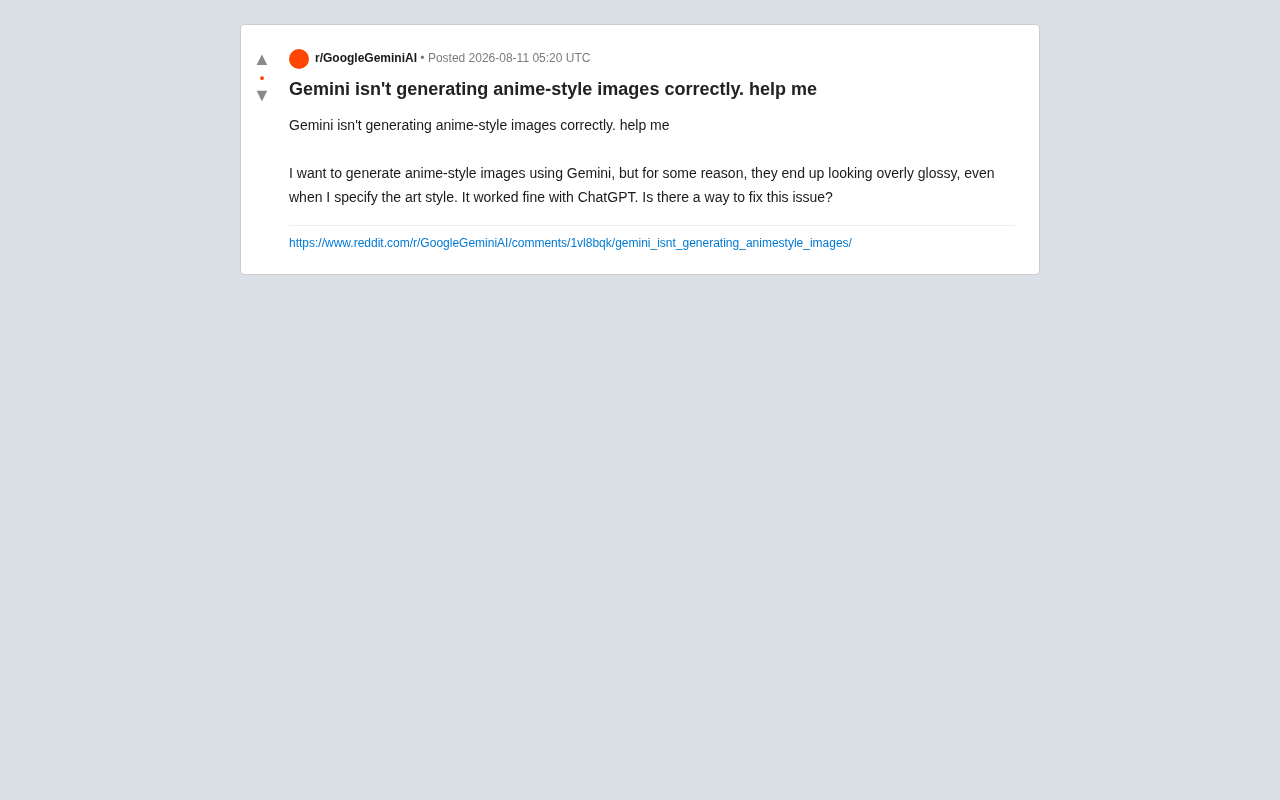
This actually reflects deep differences between AI image generation models in terms of training data, aesthetic tendencies, and default rendering styles.
Why Do Gemini's Anime Images Look "Too Shiny"?
The Model's Default Aesthetic Tendencies
Different image generation models are exposed to different data distributions during training, which directly determines their "default aesthetics." Gemini's image generation module (based on the Imagen series) tends toward high dynamic range, strong lighting, and dimensional texture during rendering. This makes it excellent at generating photorealistic images, but when handling anime styles that require "flatness" and a "hand-drawn feel," it tends to over-apply highlights and gradient shadows, making the image look oily and plasticky.
To understand this phenomenon, you need to know Imagen's technical background. Imagen is a text-to-image diffusion model series launched by Google Research in 2022. Its core architecture uses large language models (such as T5-XXL) as text encoders, combined with Cascaded Diffusion Models for image generation. Unlike OpenAI's DALL-E series, which uses discrete token prediction or diffusion hybrid approaches, Imagen places greater emphasis on depth of text understanding and image fidelity. The image generation capability integrated into Gemini is based on Imagen 3, which has significant improvements in high fidelity, lighting reproduction, and detail expressiveness. However, this optimization for "realism" is precisely the root cause of the anime style generation bias.
The Fundamental Conflict Between HDR Rendering and Anime Aesthetics
High Dynamic Range (HDR) rendering aims to reproduce real-world lighting levels as faithfully as possible, with fine representation from deep shadows to blinding highlights. This is an advantage in photography-grade image generation but creates a fundamental conflict with anime aesthetics. The visual tradition of Japanese anime emphasizes "subtractive aesthetics" — conveying emotion and atmosphere through omission and simplification. Too much lighting information and overly precise material representation actually undermines this aesthetic intent. When Gemini's default rendering pipeline forces subsurface scattering effects on anime character skin or anisotropic highlights on hair, it produces the "oily sheen" that community users describe.
Differences in Prompt Weight Interpretation
Even when users explicitly write "anime style," Gemini's response strength to such style keywords may be weaker than DALL-E's. This means the model doesn't sufficiently "suppress" its default photorealistic rendering tendency, instead treating anime style as an effect layered on top of a realistic base, ultimately producing a bizarre hybrid of two styles.
This involves differences in how different AI image generation systems parse prompts. DALL-E tends to interpret style keywords as global constraints — when it detects "anime style," it switches rendering paradigms fairly thoroughly. Models based on the Imagen architecture use encoders like T5 for text understanding, and their handling of style words is closer to "attribute stacking" — incorporating anime characteristics as additional attributes while maintaining the base rendering logic. This mechanism difference means users on Gemini need to use stronger, more specific style descriptions to "override" the default rendering behavior, rather than relying solely on simple style labels.
Practical Solutions
Use More Specific Style Descriptors
Simply writing "anime style" is too vague. It's recommended to add more refined style anchors in your prompts, such as:
- Specific rendering qualities:
flat coloring,matte finish,cel shading - Explicit exclusions:
no glossy,no 3D render,not realistic,avoid shiny highlights - Reference specific styles: such as
90s anime aesthetic,ghibli style,manga illustration
Cel Shading deserves special explanation. This term originates from traditional animation production techniques — in the film animation era, animators drew characters and foregrounds on transparent celluloid sheets, coloring with limited color steps, typically using only base colors and one or two shadow layers, with clear boundaries between color blocks rather than smooth transitions. This technical limitation created a distinctive visual style: flat imagery, vivid colors, and concise yet powerful light-shadow contrast. In AI image generation, specifying cel shading can effectively suppress the model's tendency to generate continuous lighting gradients, forcing it to output discretized tonal effects that more closely approximate traditional anime's visual language.
Terms like "matte" and "flat coloring" can effectively counteract Gemini's default highlight rendering tendencies.
Explicitly Specify Line and Shadow Styles
The core of anime style lies in clear outlines and simplified shadow layers. You can add to your prompts:
clean line artsimple flat shadows2D illustration
These descriptions help guide the model to reduce excessive three-dimensional rendering.
Iterative Adjustment and Negative Prompts
If the first generation isn't satisfactory, you can use an iterative approach, directly telling Gemini in follow-up conversation: "The image is too glossy, please make it flatter and more like traditional hand-drawn anime." Gemini's conversational interaction is precisely its advantage over one-shot generation tools — leverage this to gradually approach the ideal result.
A Deeper Perspective: Choosing the Right Tool Matters More Than Forcing Adjustments
Different AI Image Models Excel at Different Things
The user's mention that "it works fine on ChatGPT" reveals an important truth: no single AI model is optimal for all tasks. DALL-E's tuning for illustration and stylized images indeed better matches the public's imagination of "anime," while Gemini/Imagen has stronger advantages in photorealistic, photography-grade images.
For users committed to anime style, if repeated adjustments in Gemini still aren't satisfying, consider:
- Dedicated anime models: Such as Anything, NovelAI, and others in the Stable Diffusion ecosystem — these models are specifically trained on anime content and far outperform general-purpose models.
- Combined workflows: Use Gemini for composition and creative drafts, then use specialized tools for stylized rendering.
Regarding dedicated models, it's worth elaborating further. Stable Diffusion, as a representative open-source diffusion model, has its greatest advantage in the community's freedom to fine-tune and release specialized models. In the anime domain, the Anything series (such as Anything V5), NovelAI's models, and subsequent models like Counterfeit and MeinaMix are all results of fine-tuning on large quantities of high-quality anime illustrations (from tagged databases like Danbooru). The training data for these models consists almost entirely of anime works, so their "default aesthetic" is already the flat anime style — users don't need complex prompts to fight against the model's photorealistic tendencies. This is why dedicated models often perform better than general-purpose large models for professional anime image generation needs.
Models Iterate Rapidly, and Issues May Be Fixed
Interestingly, AI image generation models update and iterate extremely quickly. Google's optimization of Gemini's image capabilities is ongoing, and the current "excessive glossiness" issue may well be improved in subsequent versions. When users encounter problems, they can also follow official update logs.
Summary
The "excessive glossiness" issue in Gemini's anime image generation is fundamentally a mismatch between the model's default aesthetic tendencies and user expectations. Through refined prompt engineering (emphasizing flat coloring, matte finish, line art, 2D), combined with negative prompts and iterative adjustment, results can be significantly improved in most cases. However, if you have high standards for anime quality, choosing dedicated anime models is often the more hassle-free approach.
This also reminds us: in the era of AI creation, understanding each tool's characteristics and limitations is more important than blindly pursuing a single tool's omnipotence.
Key Takeaways
Related articles

WorkBuddy Full Tutorial: Build an AI Office Automation Agent from Scratch
A complete WorkBuddy tutorial: installation, three working modes, multimodal picture book video practice, expert team agent building, and workflow configuration for low-cost AI office automation.

WorkBuddy Agent Complete Guide: From Beginner to Automation in 7 Days
Based on Bilibili's 256-episode WorkBuddy masterclass, this systematically breaks down Tencent's AI office workbench core capabilities: Agent principles, Skill encapsulation, cross-platform connectors, scheduled automation, knowledge bases, and zero-code development, with learning path recommendations.

8 AI Accounts, 7 Failed: An Honest Review of Using AI to Get Work Done
Only 1 of 8 AI-run Bilibili accounts succeeded. We break down the real difference between "performing AI" and "using AI to get work done."