Gemini Lands on Mac: AI Can Now Operate Your Desktop Apps Directly

Gemini lands on macOS with computer use for multi-step cross-app tasks.
Google's Gemini app has officially launched on macOS with computer use, upgrading it from a chat window to an agent that can directly operate local files, desktop apps, and the web. Google's typical scenarios include accelerating cross-app workflows, auto-filling forms, creating presentations, and organizing item listings—all multi-step and requiring cross-app switching. The article notes this marks AI assistants extending from conversation interfaces to the OS level, distinguishing them from browser- or chat-only products. But letting AI operate the computer directly raises permission and privacy concerns; Google hasn't disclosed control details, and whether users can take over or undo operations mid-task will determine real usability. The article also argues computer use is becoming a new battleground for AI assistants, with its value depending on desktop coverage.
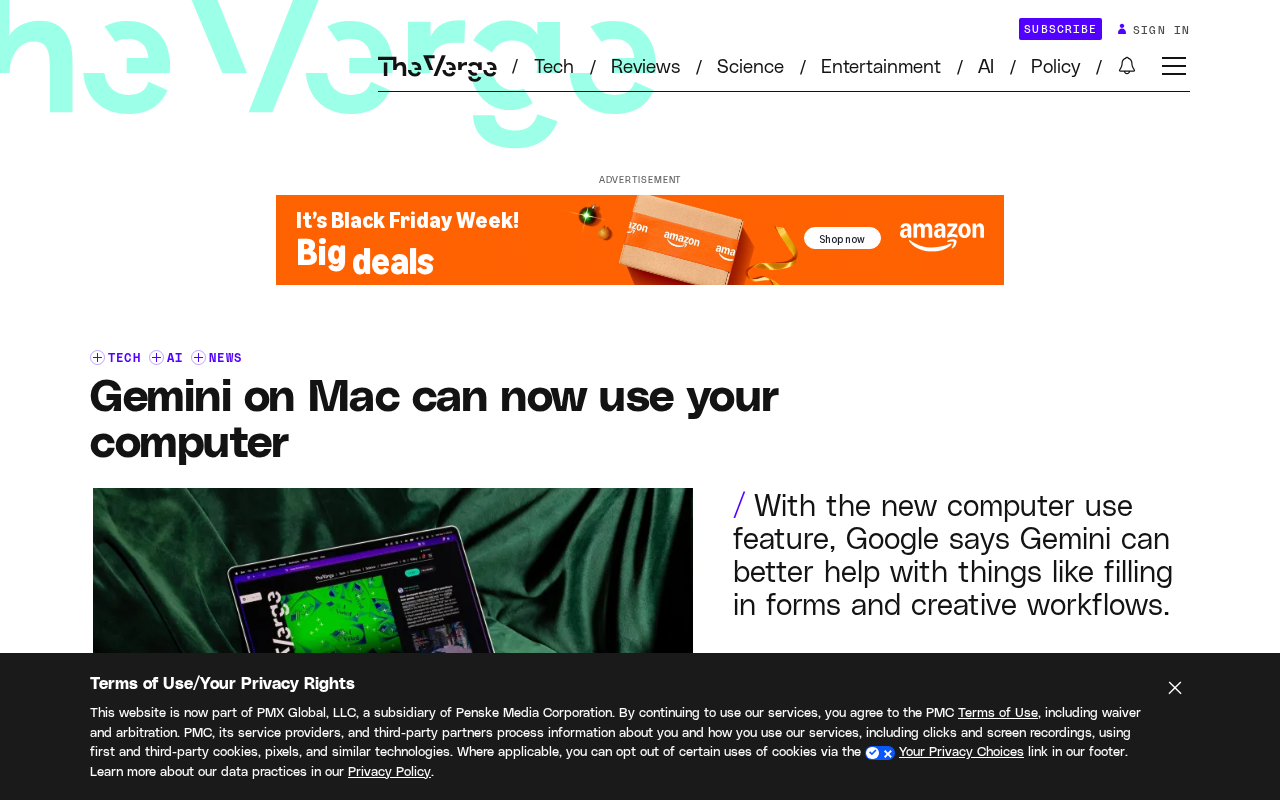
Google's Gemini app has officially arrived on macOS, bringing a key capability: computer use. This means it's no longer just a chat window — it can now execute multi-step tasks directly across your local files, desktop apps, and the web.
What is computer use?
According to Google, this feature lets Gemini "complete multi-step tasks across local files, desktop apps, and the web." In other words, you no longer need to manually switch between multiple apps, copy and paste, or repeatedly click — the AI can do it on your behalf.
This is fundamentally different from AI assistants that were previously confined to browser or conversation interfaces. Computer use extends AI's reach to the operating system level, enabling the model to perceive and control the desktop environment.
The term "computer use" was first introduced by Anthropic in late 2024 with the upgraded version of Claude 3.5 Sonnet. It refers to a model recognizing screen content via screenshots, then outputting mouse clicks and keyboard input commands to operate a graphical interface. Its technical foundation typically includes visual understanding (converting interface pixels into an interpretable structure), action planning (breaking high-level tasks into atomic operations like clicks, input, and scrolling), and an execution loop (observing results and correcting the next step). Because the model doesn't rely on APIs provided by applications, in theory any software that can be displayed on screen can be operated. This is the fundamental difference from traditional RPA (robotic process automation) scripts — the latter depend on fixed interface coordinates or control selectors, and may break as soon as the interface changes.
What can it do for you?
Google offered several typical scenarios:
- Accelerating workflows: Hand off repetitive cross-app operations to Gemini for automatic completion
- Filling out forms: Automatically identify form fields and fill in information
- Creating presentations: Organize content and generate slides in local apps
- Listing items for sale: Help you organize item information into product listings
What these scenarios share is that they are "multi-step" and "cross-app." Single-step tasks can be handled by traditional automation tools, but multi-step tasks often require humans to make judgments and switch contexts in between — and that's exactly the part Gemini wants to take over.
What does this mean for Mac users?
Mac users can now experience Google's computer use capability directly on their own computers, without waiting for updates to the web or mobile versions. For those who frequently switch between Finder, browsers, and office suites in their daily work, this could significantly reduce operational friction.
However, letting AI directly operate your computer also raises permission and privacy considerations. Users need to clearly understand which files and apps Gemini can access, and how to take over or undo operations mid-task. Google did not elaborate on these details in its announcement, and the granularity of control in actual use will determine how usable this feature really is.
Letting AI operate the desktop involves two types of macOS system permissions: Accessibility and Screen Recording. The former allows apps to simulate clicks and keystrokes, while the latter allows reading screen content for visual recognition. Users typically grant these individually in "System Settings → Privacy & Security" and can revoke them at any time during operation. Additionally, such features generally need to run in some "visible" way — for example, displaying a floating control bar or highlighting the current operation area — so users can interrupt at any time. When assessing control granularity, several dimensions are worth noting: whether step-by-step confirmation is supported, whether there's an operation log, whether the range of accessible folders can be restricted, and whether sensitive operations (such as deleting files or submitting forms) trigger a second confirmation.
Competitive landscape
Computer use is becoming the new battleground for AI assistants. Teaching models to "use a computer" rather than merely "answer questions" is a necessary path toward more general agents. Gemini bringing this capability to macOS shows that Google is moving experimental features into real user environments.
For developers and power users, what's worth watching is the degree to which this feature is opened up — whether it's limited to specific apps or covers the entire desktop. This will directly affect whether it can truly replace human effort in completing end-to-end tasks.
Summary
Gemini for macOS's computer use feature pushes the AI assistant from "conversation" to "operation." Whether it can deliver on the promise of "multi-step task automation" depends on actual control precision and user trust. Mac users can now start putting that to the test.
Background
From a technical standpoint, computer use features and "function calling" are two complementary paths. Function calling relies on applications actively exposing structured interfaces; execution is precise, but coverage is limited to services that have been integrated. Computer use, meanwhile, falls back on simulating human operations to handle legacy software and web pages that lack APIs. The trade-off is lower reliability — interface changes, pop-up interference, and loading delays can all cause actions to fail, so such systems typically require failure retry and state verification mechanisms. The industry generally believes that in the short term the two approaches will be used in combination: prioritizing API calls, and falling back to interface operations when integration isn't possible. This also explains why "degree of openness" and "coverage" become core metrics for evaluating such features.
Related articles
Aphasia Discourse Analysis: Language Metric Differences Across Tasks
A study of 61 adults with aphasia found that narrative, descriptive, and procedural discourse tasks yield non-interchangeable language metrics. Total words and lexical diversity show a gradient; disfluency is higher in narrative tasks. Each metric must be labeled by task type and compared only within the same task.
Must-Read for Quality Engineers: A Practical Guide to Structured Data Extraction with Generative AI
A paper shows how quality engineers use LLMs and VLMs for structured data extraction, validated through two web apps, with R and Python implementations.
CocoonBench: Can Multilingual Search Agents Break Out of the Language Information Cocoon?
CocoonBench evaluates whether multilingual search agents can escape the language information cocoon. Tests show 10 advanced models range from 33.8% to 69.7% accuracy, with the strongest system still below 70%, revealing key challenges in connecting cross-lingual evidence.