Generating 3D Gaussian Splatting Models from AI Video: A Practical Guide with Minimax + COLMAP
Turn AI-generated orbit video into interactive 3D Gaussian Splatting models using Minimax and COLMAP.
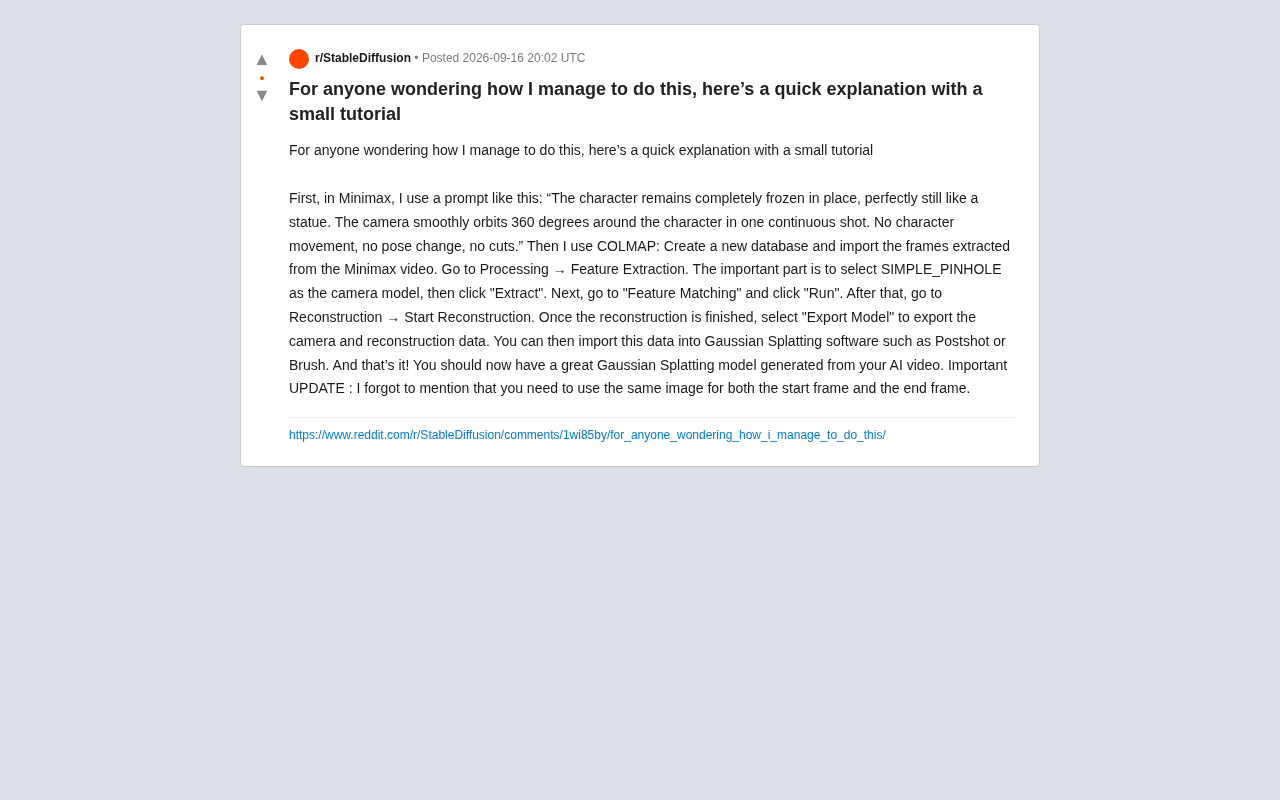
This article covers a low-cost 3D modeling workflow shared by a Reddit creator: generate a 360° orbit video with Minimax (character frozen, first/last frame identical), extract frames and run them through COLMAP with the SIMPLE_PINHOLE model for sparse reconstruction, then import the results into Postshot or Brush to produce a real-time interactive Gaussian Splatting model — all without any physical filming equipment.
A Clever Path from AI Video to 3D Model
In the world of 3D content creation, producing high-quality 3D models at the lowest possible cost has always been a top concern for creators. Recently, a Reddit user shared a remarkably clever workflow: using the AI video generation tool Minimax to capture a 360-degree orbit shot of a character, running it through COLMAP for camera pose estimation, and finally importing the result into Gaussian Splatting software to produce an interactive 3D model.
The core idea is straightforward — traditional Gaussian Splatting requires photographing a real object from multiple angles, but this workflow cleverly replaces that physical shoot with an AI-generated "pseudo-orbit video." For creators who lack professional filming equipment, or who want to convert virtual characters into 3D assets, this is a genuinely inspiring shortcut.
Step 1: Generate a Stable Orbit Shot with Minimax
The quality of the entire pipeline depends on the video generation stage. The author's prompt is carefully crafted to ensure the character stays absolutely still while only the camera moves:
"The character remains completely frozen in place, perfectly still like a statue. The camera smoothly orbits 360 degrees around the character in one continuous shot. No character movement, no pose change, no cuts."
The key phrases here are worth breaking down: frozen in place, like a statue, one continuous shot, and no cuts. Together, these constraints ensure the consistency required for 3D reconstruction — COLMAP relies on images of the same static scene from different viewpoints, and any character movement or jump cut will break feature matching.
A Critical Detail That's Easy to Miss
In a follow-up update, the author highlighted one crucial point that's extremely easy to overlook: the starting frame and ending frame must use the same image. This is essential for video generation models — it forces the model to produce a truly closed 360-degree orbit, so the first and last frames align seamlessly in perspective, creating a complete, unbroken loop. Without this step, the orbit shot is likely to have angular gaps or character distortion.
Step 2: Camera Pose Estimation with COLMAP
Once you have the orbit video, you'll need to extract a frame sequence from it and then process it with COLMAP, an open-source Structure-from-Motion (SfM) tool. The author's workflow is as follows:
- Create a new database and import the frames extracted from the Minimax video.
- Go to Processing → Feature Extraction. The key here is to select SIMPLE_PINHOLE as the camera model, then click "Extract."
- Go to Feature Matching and click "Run."
- Go to Reconstruction → Start Reconstruction.
- After reconstruction is complete, choose Export Model to export the camera and reconstruction data.
The reason for choosing the SIMPLE_PINHOLE camera model is that AI-generated video frames typically don't exhibit the lens distortion found in real cameras. Using the simplest pinhole model actually yields more stable reconstruction results, avoiding estimation errors introduced by unnecessary parameters.
COLMAP is an open-source Structure-from-Motion (SfM) tool developed by Johannes Schönberger and others, and it is currently one of the most widely used camera pose estimation frameworks in both academia and industry. Its core principle is to extract feature points from multiple images taken from different viewpoints (using SIFT by default), match those features across images, and then use Bundle Adjustment to simultaneously optimize camera intrinsics, extrinsics, and 3D point coordinates — ultimately outputting the camera position and orientation ("pose") for each image, along with a sparse 3D point cloud. For Gaussian Splatting, COLMAP's output is indispensable initialization data — the Gaussian Splatting algorithm needs to know the position and angle from which each training image was captured in order to correctly optimize the position and appearance of Gaussian ellipsoids in 3D space. In other words, COLMAP is responsible for "telling" the Gaussian Splatting algorithm the geometric structure of the scene, which the latter then uses as a foundation for learning how to represent the scene's appearance details with Gaussian distributions.
Step 3: Import into Gaussian Splatting Software to Generate the Model
The camera poses and sparse point cloud data exported from COLMAP can be imported directly into Gaussian Splatting software. The author recommends either Postshot or Brush. After this step, you'll have a high-quality Gaussian Splatting 3D model generated entirely from AI video.
Gaussian Splatting has attracted significant attention in recent years as a 3D reconstruction technique. Compared to traditional NeRF, it offers clear advantages in rendering speed and real-time interactivity. Combining it with AI video generation essentially chains "generative AI" and "reconstructive AI" together into a complete creative pipeline.
3D Gaussian Splatting (3DGS), proposed by Bernhard Kerbl et al. in 2023, quickly became a popular technique in 3D reconstruction and novel view synthesis. Unlike NeRF (Neural Radiance Fields), which uses an implicit neural network to represent a scene, 3DGS explicitly represents the scene as millions of 3D Gaussian ellipsoids, each with attributes for position, rotation, scale, opacity, and color (expressed via spherical harmonics). During rendering, these Gaussian ellipsoids are projected ("splatted") onto the 2D image plane and blended in depth order — a fully differentiable process that allows end-to-end optimization of all parameters by comparing rendered outputs against training images. The main advantages of 3DGS include: training speeds several to over ten times faster than NeRF, real-time rendering at tens to hundreds of FPS, and the ability to export scenes directly as point cloud assets for editing. Both Postshot and Brush are GUI tools built on 3DGS principles — the former is more commercially polished, while the latter is an open-source implementation. Both wrap the complete training pipeline from COLMAP data to a final model, making them far more accessible to non-technical users.
The Value and Limitations of This Workflow
The biggest strength of this approach is its low barrier to entry and high creative freedom: creators need no physical filming equipment — as long as you can generate a stable orbit video, you can turn any character or concept art into an interactive 3D asset. For game prototyping, virtual showcases, digital collectibles, and similar use cases, this opens up a rapid experimentation path.
That said, its limitations deserve honest acknowledgment. AI video inevitably produces detail drift and lighting inconsistencies during the orbit, which directly impacts COLMAP's feature matching quality and the final model's accuracy. Factors like camera model choice, frame count, and video resolution will all significantly affect the end result. Additionally, since this workflow comes from a single creator's experience, actual success rates will vary — readers should expect to iterate and tune based on their own source material.
For creators looking to try this out, it's recommended to start with simple characters that have even lighting and rich surface texture, and to strictly follow the "same image for first and last frame" rule to achieve the best reconstruction results.
Related articles

Charging AI Agents Per Web Page: I Watched Claude Pay a Penny Per Visit
A developer charged AI agents one cent per page and watched Claude pay automatically. This experiment reveals new possibilities for micropayments, agent economics, and content monetization.
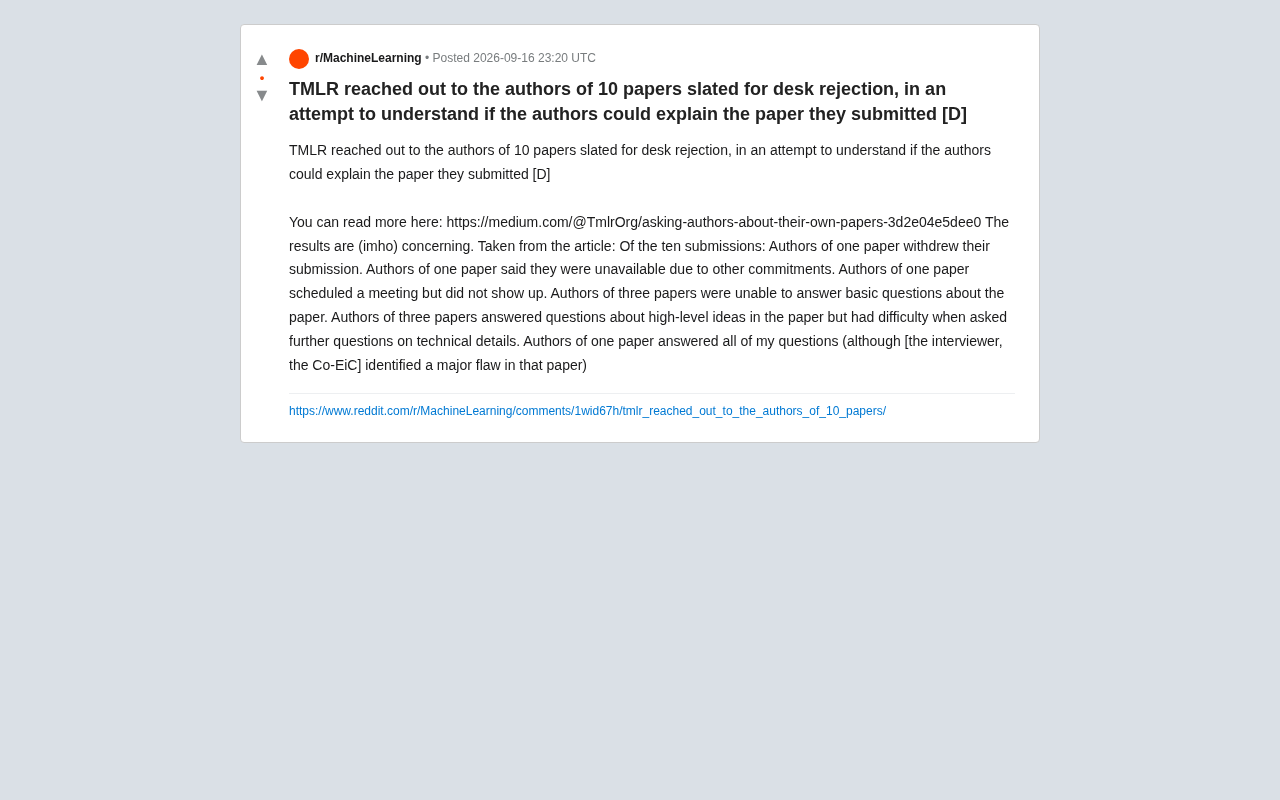
TMLR's Bold Experiment: Asking Authors to Explain Their Own Papers — The Results Are Alarming
TMLR contacted authors of 10 desk-rejected papers and asked them to explain their submissions. The results were alarming — none passed. A wake-up call on AI-era academic integrity.
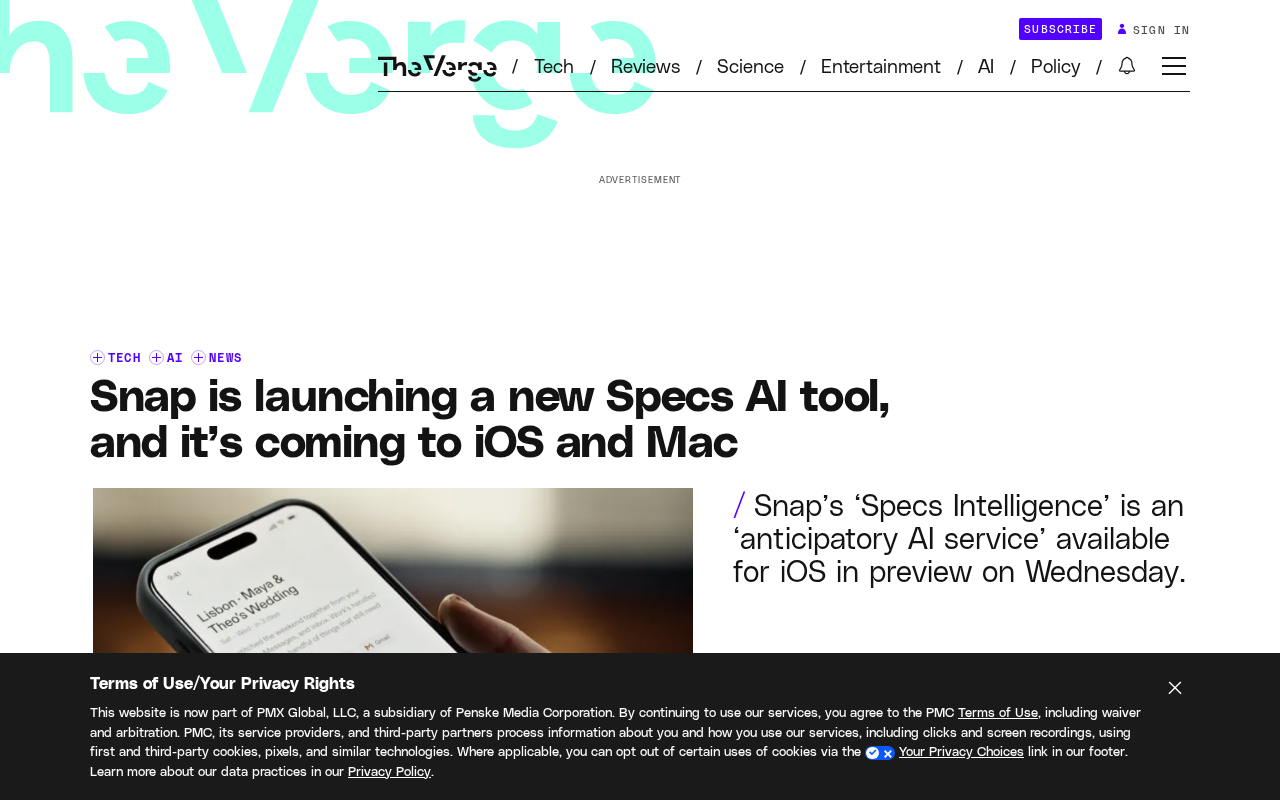
Snap Launches Specs Intelligence: A Cross-Platform AI Assistant Coming to iOS and Mac
Snap launches Specs Intelligence, an anticipatory AI assistant connecting digital accounts for work and travel, coming to iOS and Mac to compete with Meta Muse and Gemini Spark.