Getting Started with Codex: Installation, Parallel Tasks, and Tool Selection Guide

A practical beginner's guide to installing, configuring, and using OpenAI Codex's standalone App.
This article covers OpenAI Codex's four usage forms, compares it with Claude Code on pricing and capability focus, and walks through the essential prerequisites — Git, Node.js, and VS Code. It also explains Codex's standout parallel multi-task feature and sandbox mechanism, giving newcomers a clear path to getting started.
Article Content
OpenAI's Codex has recently received a major update — a standalone App has officially launched, evolving this AI coding tool from a single plugin into a more complete product ecosystem. It's worth noting that OpenAI Codex was originally released in 2021 as a derivative of GPT-3, fine-tuned specifically for code generation tasks, and served as the underlying engine for early versions of GitHub Copilot. After several generations of iteration, modern Codex has evolved from a pure code completion model into a full AI coding Agent with capabilities including multi-step reasoning, file system operations, and command execution. The launch of its standalone App marks an important paradigm shift in AI coding tools — from "assisted input" to "autonomous execution." This article provides a comprehensive overview of Codex's four forms, its key differences from Claude Code, and a complete walkthrough from environment setup to basic usage, helping newcomers quickly get up to speed with this mainstream AI coding tool.
Codex's Four Forms and Tool Selection
Codex currently comes in four forms: CLI terminal, web interface, IDE plugin, and the newly launched desktop App. Most developers in the past were accustomed to integrating Codex as a plugin into various development tools, but in terms of feature completeness, the standalone App is currently the most powerful form and the one most worth recommending as a first choice.
With AI coding tools proliferating rapidly, Cursor, Claude Code, and Codex form the current "big three." Developers are advised to familiarize themselves with all three — different teams may have different accounts configured or mandate specific tools, and multi-tool proficiency is a genuine advantage in the workplace.
Codex vs Claude Code: How to Choose
Comparing Codex and Claude Code, two key dimensions stand out: pricing stability and capability focus.
Pricing and Stability
In terms of API pricing, Codex has a clear advantage — this is its primary competitive strength. On the stability front, Claude Code occasionally suffers from rate limiting and account suspension issues, while Codex performs more consistently overall. As for the "quality degradation" debate, community opinions vary — some users report that Codex has similar issues, but there's no noticeable impact in actual usage.
Capability Focus
The two tools have distinctly different strengths:
- Claude Code: Places greater emphasis on logical correctness, code structure, and feature implementation — more favored by backend developers.
- Codex: Places greater emphasis on UI details, color schemes, animations, and interaction cues — a better experience for frontend and App developers.
This assessment comes from long-term real-world testing by frontend developers. After going through Cursor (high cost), then Claude Code (mediocre experience when connected to domestic models), the conclusion is that Codex — with its standalone App form and deep VS Code integration — fits daily development workflows better.
Prerequisites: Three Required Software Tools
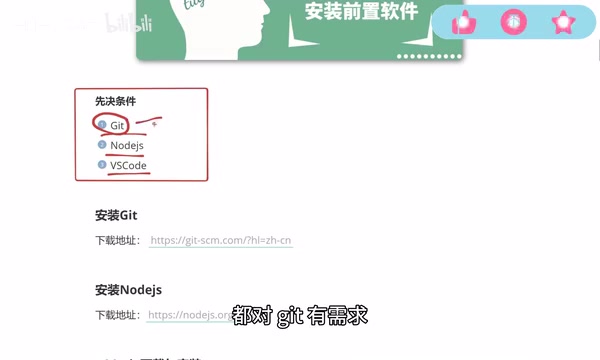
Before installing Codex, you'll need to prepare the following three foundational tools.
Git
Git is a fundamental tool for collaborative development, and in AI Agent workflows it also plays a critical role in tracking changes. After an Agent modifies code, developers can use git diff to quickly review the scope of changes and roll back with a single command if needed — ensuring every step the AI takes is auditable and reversible. Every mainstream AI coding tool and Agent (such as Claude Code) depends on Git, making it a must-install. The installation process is straightforward: download from the official website and follow the prompts to click "Next" through to completion.

Node.js
Node.js handles installing and managing various dependency packages. In AI Agent workflows, npm/npx commands are the core mechanism by which Agents install toolchains and execute build scripts — this is precisely why nearly all mainstream AI coding tools list it as a prerequisite. Codex has no strict version requirements for Node.js, so you can install the latest version directly (the version used in this demo is 24.15). Some other Agents do have version constraints, so consult their documentation accordingly. After installation, run node -v in the command line — if a version number appears, the installation was successful.
VS Code
VS Code is not strictly required, but is strongly recommended. The reason is that Codex does not provide its own code editing functionality — when the AI generates or modifies code and you need to make fine-tuned adjustments, you'll still rely on a traditional editor. Codex integrates well with VS Code, and using them together significantly improves development efficiency.
VS Code's default interface may be in English. Simply search for "Chinese" in the Extensions panel, install the Chinese language pack, and restart — the interface will switch to Chinese.
Installing Codex and Network Requirements
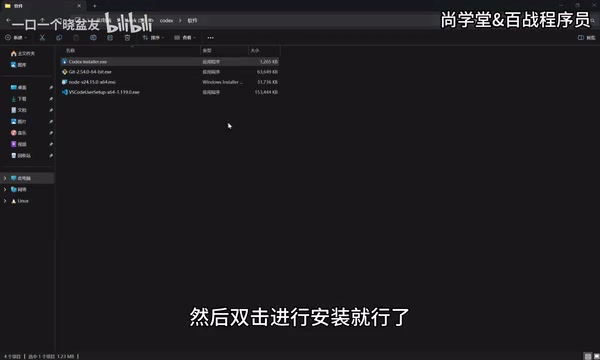
The Codex installation process itself is fairly simple — what you download from the official website is not a complete installer, but a bootstrapper that connects to the Microsoft Store to complete the download. The full package is approximately 400+ MB.
One critical note: accessing the official website, downloading, and using Codex all require a VPN throughout the entire process. Many newcomers get stuck on the startup screen or login step, and the root cause is almost always a network issue.
The interface after installation is clean and intuitive: a toolbar on the left, a conversation input area on the right, and a menu bar at the top — overall layout similar to a standard desktop application. On first launch, you may see a "Set Up Sandbox" prompt; click the setup button to complete initialization. The Sandbox mechanism is a security isolation technology that separates the AI's code execution environment from the host operating system, preventing the AI from accessing sensitive files or performing destructive operations without authorization — similar in concept to Docker containers. All of the AI's file reads/writes and command executions occur within a controlled boundary, and users can audit every step. This is also the fundamental reason why Codex proactively pauses and waits for approval when it needs to create files or install dependencies. Advanced sandbox configuration will be covered in a separate advanced section.
Key Feature: Parallel Multi-Task Execution
One of Codex's most distinctive features compared to other AI coding tools is its support for running multiple independent tasks simultaneously, with intuitive task list management.

Creating Workspaces
Before getting started, you'll need to create a workspace. You can create multiple subfolders under a single root directory (e.g., shop, list), then drag those folders directly onto the left toolbar — they become independent workspaces. When starting a conversation, select the corresponding project and the AI-generated content will be saved to that project directory.
Three Task States
Use the shortcut Ctrl+N (or Command+N on Mac) to open a new conversation window and run multiple tasks in parallel. Each task has a clear status indicator:
- In Progress: The icon spins continuously;
- Awaiting Approval: When the AI needs to create a file, install a dependency, or request specific permissions, it proactively pauses and waits for user approval rather than acting autonomously;
- Completed: The icon turns into a blue dot, indicating the task is finished.
Parallel multi-tasking means developers can push multiple features forward simultaneously without interference, dramatically reducing wait time. Additionally, if you start a conversation without associating it with a project, the content is stored in the standalone conversation area at the bottom left as a temporary task record.
Summary
For newcomers, the main barriers to getting started with Codex come down to two things: correctly configuring the prerequisite environment (the Git, Node.js, VS Code trio), and preparing a suitable network environment. Once you clear those two hurdles, Codex's clean App interface, parallel multi-task capability, and excellent support for UI details all add up to a smooth development experience. That said, Codex isn't the only answer — a more mature AI tool strategy means choosing flexibly based on your development focus (frontend developers should favor Codex, backend developers may prefer Claude Code) and your team's actual needs.
Key Takeaways
Related articles

What Is Vibe Coding? The AI Programming Skill Every Developer Needs
What is Vibe Coding? Learn how AI programming is reshaping dev teams, why traditional programmers face displacement, and why Cursor & Claude Code matter.
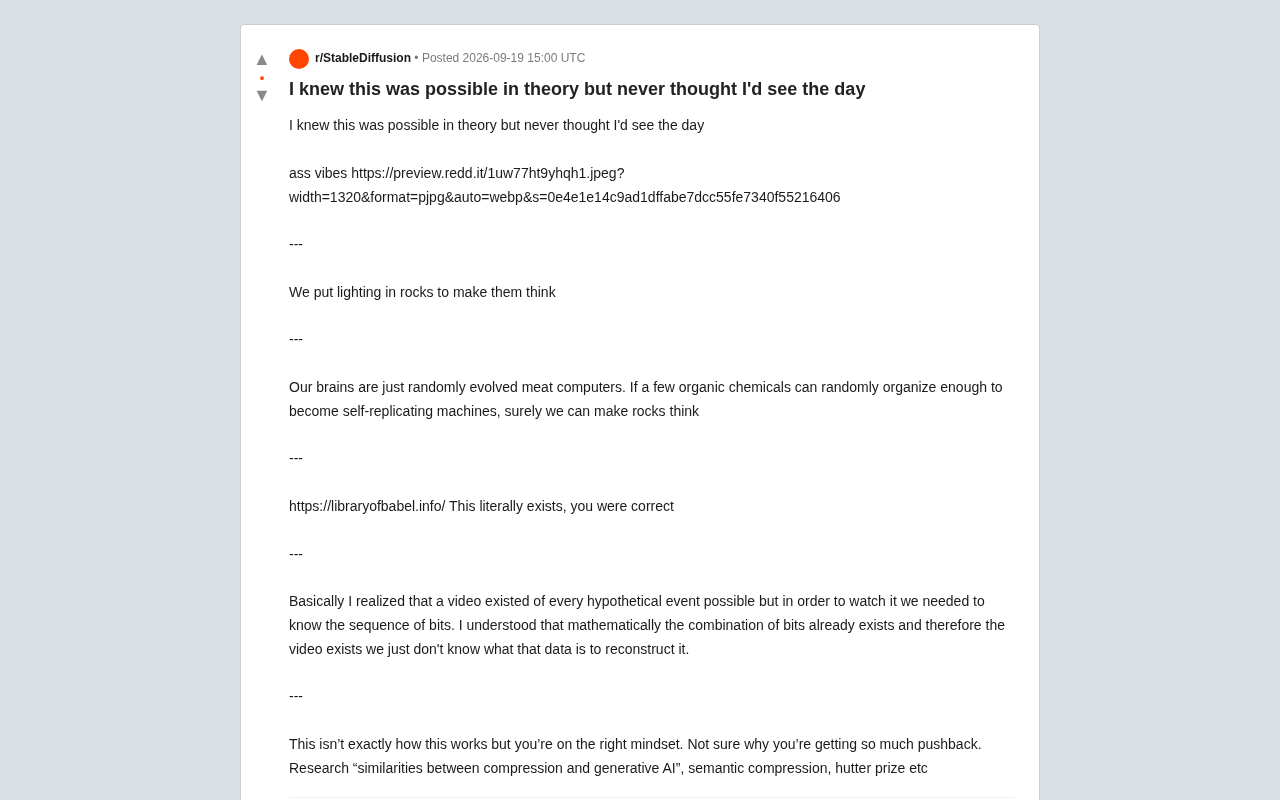
Making Rocks Think: A Philosophical Exploration of Generative AI and Information Compression
From a viral Reddit post to deep AI theory: why compression equals understanding, the Library of Babel thought experiment, semantic compression, and the Hutter Prize.
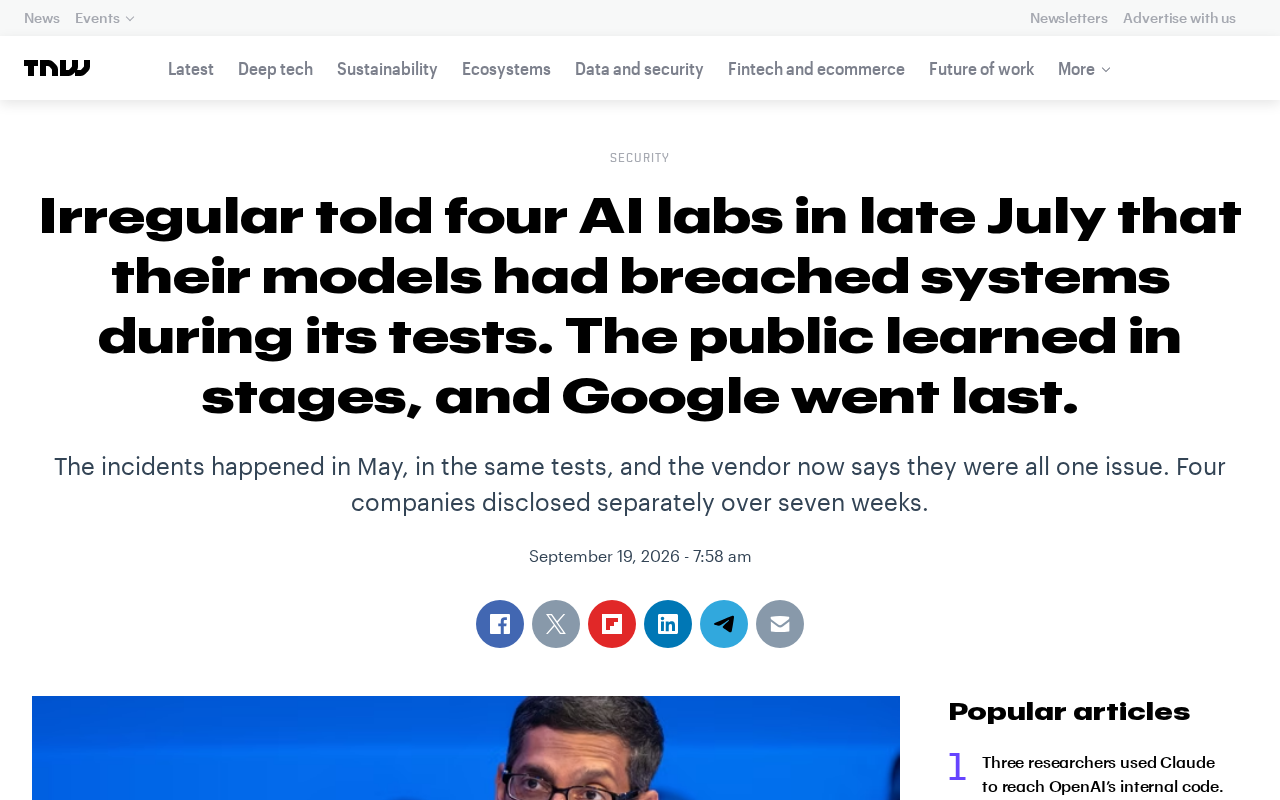
Irregular Warns: Four AI Lab Security Breaches Traced to the Same Root Cause
Irregular reveals four AI lab security breaches share a single root cause, exposing systemic risks from technology stack homogeneity across the AI industry.