Getting Started with GitHub Copilot Canvas: Building Custom Workflows with Natural Language

GitHub Copilot Canvas generates updatable "live surfaces" from plain English, redefining how developers interact with tools.
GitHub Copilot's Canvas feature extends AI coding assistance beyond code completion into workflow interface generation. Users simply describe what they need in plain English, and an AI agent builds a "live surface" — an interface that can be used and continuously updated in real time. The core logic inverts the traditional human-tool relationship: instead of developers learning and configuring tools, tools generate themselves on demand and evolve with user intent. Explicitly positioned as beginner-friendly, Canvas dramatically lowers the barrier to custom workflows and signals a broader shift from AI as passive assistant to AI as active work environment builder.
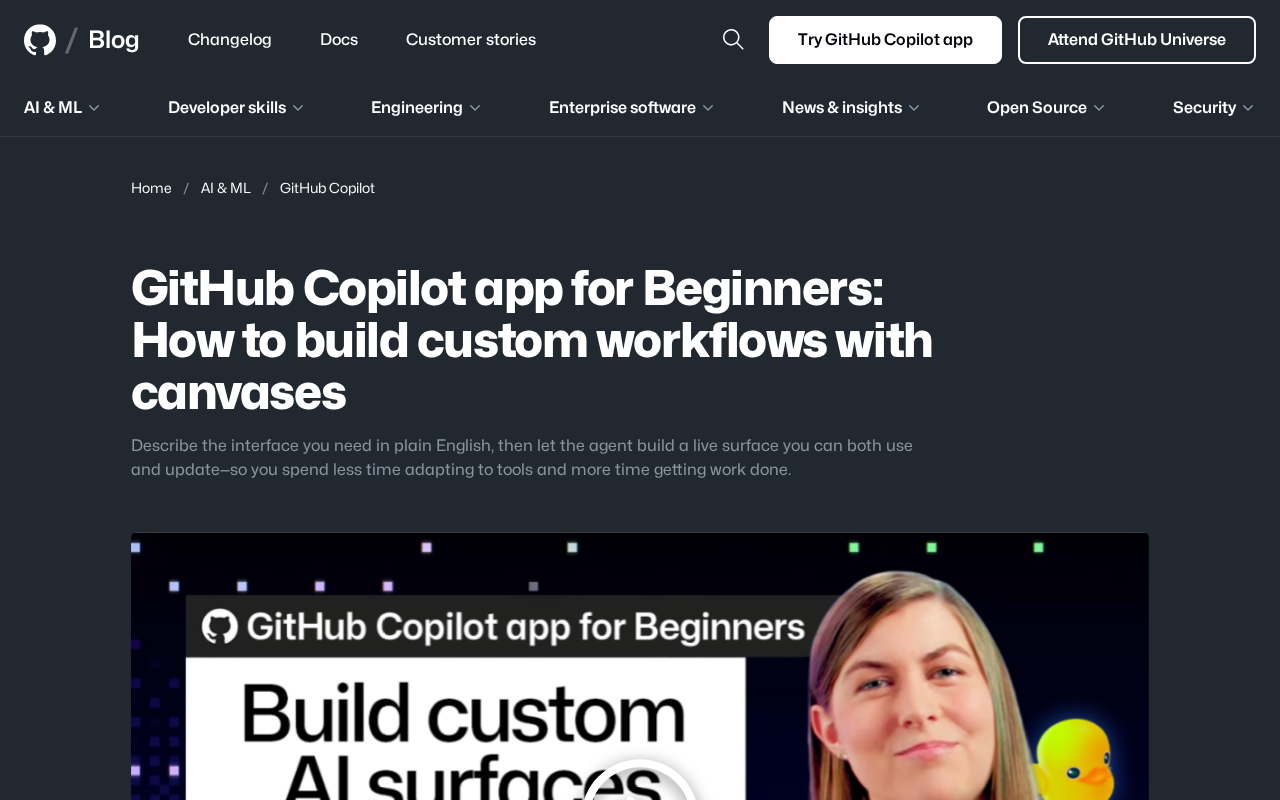
GitHub Copilot's recently launched Canvas feature is changing the way developers collaborate with AI. Unlike traditional chat-based interactions, Canvas lets users describe the interface they need in plain English, then has an AI agent generate an operational interface that can be used and updated in real time. The core idea is straightforward — spend less time adapting to tools, and more time on actual work.
What Problem Does Canvas Actually Solve?
Developers are often led around by their tools. Learning new interfaces, memorizing shortcuts, and switching between multiple panels — all of these steps consume time that could otherwise go toward solving real problems. GitHub Copilot's Canvas feature tries to flip this logic: instead of making people adapt to software, it makes the software generate itself based on what people describe.
Users simply describe in natural language what kind of interface they need, and the Copilot agent builds a "live surface." This interface isn't a static output — it's a dynamic tool that can both be used and continuously updated. In other words, what you're describing is no longer a one-time result, but a working environment that can evolve with your needs.
Looking at the product's evolution, GitHub Copilot has gone through several distinct phases since its 2021 launch: it started with code autocomplete at its core, then expanded to conversational Q&A (Copilot Chat), then to multi-file editing with Copilot Edits. Canvas is the next step along this path, introducing an "AI Agent" mode — rather than passively responding to single commands, the AI now autonomously completes a series of consecutive operations and delivers an interactive interface as the final output. This connects directly to the "Agentic AI" trend that's been widely discussed in recent years: AI shifting from a tool into a collaborator capable of independently planning and executing tasks.
Natural Language-Driven Interface Generation
The key breakthrough in Canvas is the shift in interaction model. In the past, building a custom workflow required writing scripts, configuring parameters, and sometimes even building a frontend. Now, all of that is compressed into a single sentence of description.
This "describe-to-build" paradigm essentially places the AI agent at the center of tool generation. After understanding your intent, the agent is responsible for translating abstract requirements into a concrete, interactive interface. For beginners, this dramatically lowers the barrier to entry — you don't need to master complex configuration logic to get a customized workflow that fits your needs.
The Value of a "Live Surface"
The concept of a "live surface" deserves attention. It emphasizes that the interface isn't something fixed after a single generation — it's an object that can be continuously adjusted throughout use. When your workflow requirements change, you simply describe the modifications in natural language again, and the interface updates accordingly. This capacity for continuous iteration makes the tool genuinely fit the user's ever-changing real-world scenarios.
The "live surface" concept is fundamentally different from traditional static code generation at a technical level. Conventional AI code generation typically outputs a fixed block of code or script — if you want to change it, you have to trigger a new generation or edit it manually. The core of a live surface lies in state persistence: the generated interface remains bound to the underlying descriptive intent, and subsequent natural language instructions can incrementally modify the existing interface rather than starting from scratch. Conceptually, this is similar to the "data-driven view" idea in Reactive Programming, except that here the driver of view changes is natural language intent, not a structured data stream.
What This Means for Developer Workflows
From a broader perspective, Canvas represents the evolution of AI programming tools from "code completion assistants" toward "work environment builders." Early Copilot was primarily focused on code-level assistance, while Canvas extends AI's capabilities into the organization and presentation of workflows.
This capability is especially valuable in team collaboration contexts. When everyone can quickly build an operational interface suited to their own needs, the cost of tool adaptation is significantly reduced. Beginners can also use this to skip the steep learning curve of traditional development tools and get to productive work faster.
Positioning for Beginners
GitHub officially positions this content as a "beginners" tutorial, and that positioning itself sends a signal: Canvas is designed to lower barriers, not add complexity. The goal is to let users without deep engineering backgrounds enjoy the efficiency gains of customized workflows, simply through natural language.
The "work environment builder" positioning that Canvas represents is closely tied to the competitive landscape of AI IDEs that has emerged recently. Tools like Cursor and Windsurf have already been exploring the possibilities of having AI deeply involved in development environments. GitHub Copilot, as a Microsoft product, holds a unique deployment advantage through its deep integration with the VS Code and GitHub ecosystems. The launch of Canvas can be understood as GitHub's clear statement in the "AI-native development environment" space — future development tools won't just help write code, they'll be responsible for organizing the entire work context.
Conclusion
GitHub Copilot's Canvas feature brings to life the idea of "describe your needs in plain English, and let an AI agent generate an interactive interface." Its significance lies not only in lowering the technical barrier to building custom workflows, but also in redefining the relationship between people and development tools — shifting from passive adaptation to active definition.
For developers who want to boost efficiency without investing too much energy in learning tools — especially beginners just getting started with AI programming tools — Canvas offers a path worth exploring. As this kind of "describe-to-build" capability matures, future development workflows may become far more personalized and far more efficient.
Related articles

Random Pruning of the DPO Computation Graph: 1.4x Training Speedup and Lower Peak Memory
DPO training too slow and memory-hungry? This paper proposes a random pruning framework for the DPO computation graph, sampling independently across position, sequence, and branch dimensions; branch pruning achieves a 1.426x step-time speedup and cuts training time by about 30%, with in-depth attribution of memory and time gains.

Why Does JEPA Underperform MLM in Longitudinal EHR Representation Learning?
New study compares JEPA and MLM for longitudinal EHR representation learning on MIMIC-IV: three JEPA variants train stably without collapse but underperform MLM; target size, not heterogeneity, drives prediction error.

Transfer Learning + Visible Light Communication: A New Approach to Energy-Efficient Indoor Positioning
A study proposes a transfer learning-based visible light communication indoor positioning method, achieving 47% accuracy improvement on the BOSCH factory dataset, 67.5% model efficiency under high noise, and introducing the ME composite metric for energy-efficient positioning in energy-constrained industrial IoT scenarios.