Getting Started with Local AI: Excitement, Information Overload, and Frustration All at Once

Running AI locally keeps your data private — but expect excitement, confusion, and frustration in equal measure.
This article chronicles a privacy-conscious tech enthusiast's foray into local AI, capturing the experience in three words: excitement, information overload, and frustration. Running large language models locally means your data never leaves your machine, eliminating cloud privacy concerns while offering offline access and full model control. However, a steep learning curve around quantization formats, inference frameworks, and hardware compatibility — combined with real-world pain points like VRAM limitations and slow inference — makes the journey anything but smooth. The article closes with practical advice: set modest expectations, start with mature all-in-one tools, validate your setup with smaller models, and treat local AI as an ongoing exploration rather than a plug-and-play solution.
A Long-Overdue Journey into Local AI
For a long time, many tech enthusiasts have kept a cautious distance from mainstream cloud-based AI services. The core concern isn't hard to understand: handing over your most sensitive personal data to a cloud service has always been a difficult psychological barrier to cross. The original author candidly admits that it was precisely this privacy concern that kept AI out of their daily workflow for so long.
The turning point came with the maturation of local deployment capabilities. Running powerful large language models on a personal computer has gradually shifted from a niche experiment for hardcore geeks to an accessible option for everyday users. This means your data never has to leave your own machine, while still delivering capabilities that rival cloud-based models — and that's exactly what motivated the author to embark on this journey.
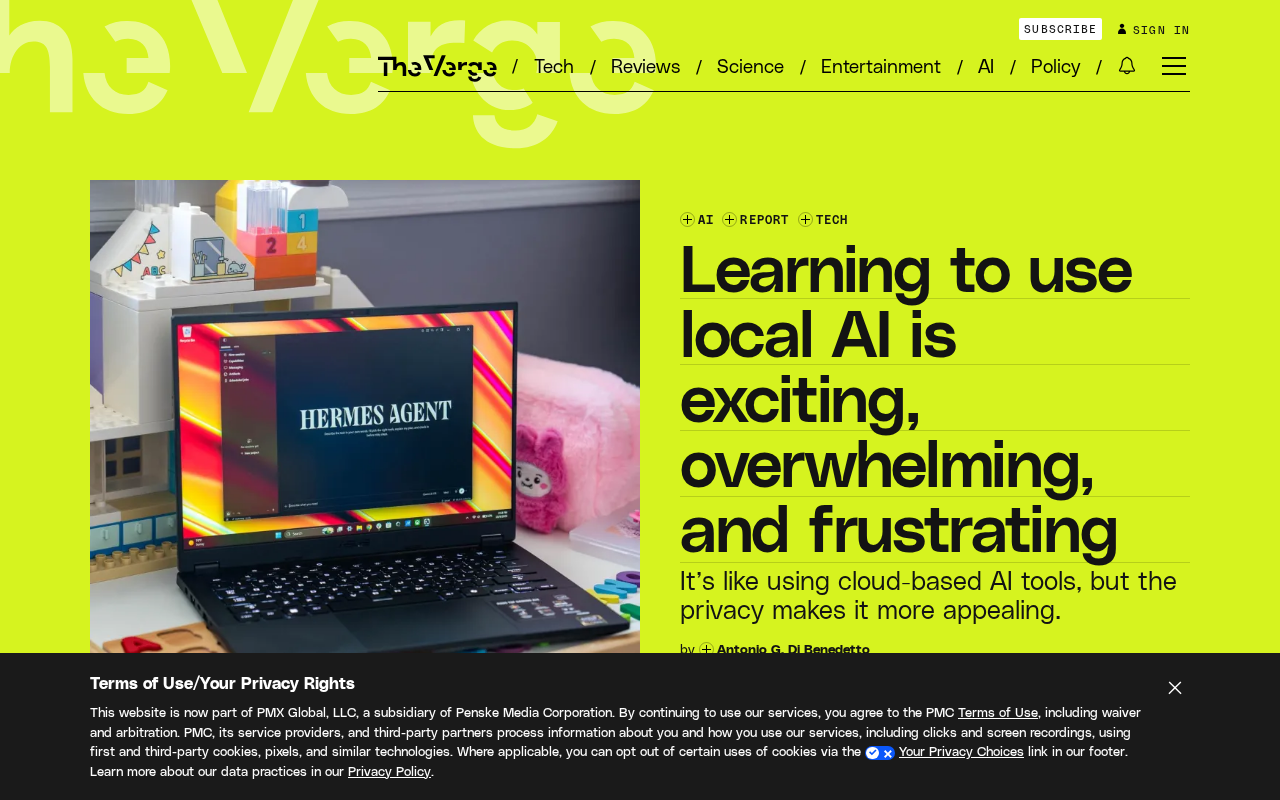
Why Choose Local Over Cloud
The biggest draw of local AI is data sovereignty. All inference happens on your own device, so sensitive information — personal documents, chat logs, code snippets — never gets uploaded to a third-party server. For privacy-conscious users, this kind of certainty is far more convincing than any privacy policy promise.
Beyond privacy, running locally comes with several hidden advantages: no internet connection required, no anxiety over usage-based billing, and full control over model versions and parameters. Thanks to improvements in consumer-grade hardware performance and advances in model quantization techniques, a reasonably equipped personal computer can now run mid-sized open-source models smoothly.
Model quantization is the key enabler that has democratized local AI. Quantization refers to the process of compressing model parameters from high-precision floating-point numbers (such as FP16 or FP32) into low-precision integers (such as INT8 or INT4), dramatically reducing VRAM usage and computational overhead. Take a 7-billion-parameter model as an example: in FP16 format it requires around 14GB of VRAM, whereas a 4-bit quantized version (Q4) only needs about 4GB — well within reach of ordinary consumer GPUs or even integrated graphics. The trade-off is a slight degradation in output quality, but in practice, 4-bit to 8-bit quantized versions perform comparably to the original model on most tasks. Common quantization formats today include GGUF (driven by llama.cpp) as well as GPTQ and AWQ, with different inference frameworks varying in their format support — which is one reason newcomers get confused when trying to figure out "which model to download."
The Reality Gap Beyond the Initial Excitement
The three emotions captured in the original title — exciting, overwhelming, and frustrating — are a remarkably accurate summary of the genuine beginner experience.
Excitement comes from the sense of accomplishment when you successfully run a model locally for the first time, and from the curiosity of witnessing firsthand where the boundaries of this technology lie.
Information overload is an unavoidable hurdle. Model formats, quantization levels, inference frameworks, hardware compatibility — newcomers are faced with an entirely unfamiliar set of terminology and an overwhelming number of tool choices. Without a clear onboarding path, just figuring out "which model to download and which tool to run it with" is enough to make anyone want to give up.
Frustration tends to surface during actual deployment: insufficient VRAM, slow inference speeds, output quality falling short of expectations, configuration errors that are hard to diagnose. These friction points are a reminder that local AI is still in an early stage that demands a certain level of hands-on technical ability.
For newcomers, choosing an inference framework is often the very first barrier. An inference framework is the runtime software responsible for loading the model file into memory, scheduling GPU/CPU computation, and generating output. The most commonly used options in the community today include: Ollama (minimal installation, great for getting started quickly, with a Docker-like model management experience), llama.cpp (a highly optimized C++ implementation with cross-platform support and Metal acceleration for Apple Silicon), and LM Studio (provides a graphical interface, ideal for users who aren't comfortable with the command line). On top of these frameworks, front-end interfaces like Open WebUI are often layered on to provide a ChatGPT-like conversation experience. The technical path you choose directly determines the specific error types you'll encounter and the community channels you'll turn to for help — and that's precisely the root cause of the "too many tool choices" information overload.
Is This Technology Actually Good Enough Yet?
The author raises a key question in the original piece: is this technology already practical enough to be worth the effort of learning and using? It's a question many people share right now.
The answer isn't black and white. For users who are privacy-conscious, willing to invest in the learning curve, and have the hardware to support it, local AI is already capable of handling a significant portion of everyday tasks. But for users who prioritize an out-of-the-box experience, cloud services still lead in convenience and raw model capability. The value of local AI depends heavily on how much you care about privacy, and how much upfront learning and debugging cost you're willing to accept.
Advice for Those Ready to Take the Plunge
If you're intrigued by local AI, it helps to lower your initial expectations and treat it as a gradual exploration rather than an all-in-one solution from day one. Starting with mature, integrated tools and choosing frameworks with active communities and solid documentation can go a long way toward easing the anxiety of information overload.
On the hardware side, be realistic about what you have — start with smaller models to validate your setup, then upgrade based on actual needs. Most importantly, accept this reality: local AI is still evolving rapidly, and the coexistence of excitement and frustration is simply an honest reflection of where this technology currently stands. For many people, the ability to personally control their data and models makes the trade-off entirely worthwhile.
Related articles

DeepCell: One-Click AI Generation of Documents, Spreadsheets, and Slides
DeepCell tops Product Hunt with one-click generation of documents, spreadsheets, and slides, using the .deepcell format for linked updates, designed for System 2 tasks like modeling and sales reviews.

Doneas: 15-Minute Daily Accountability Calls That Keep Indie Developers From Procrastinating
Doneas is a daily accountability tool for indie developers: plan tasks on Monday, join a 15-minute call with five builders each day, and log deliveries on a public progress page. This article analyzes its core mechanics, effectiveness, and potential issues around retention and matching.

Fastlane 2.0: Fully Automated AI Ad Campaigns, From Creative to Optimization
Fastlane 2.0 is an AI ad automation tool: enter your website and it learns your brand, generates video and image ads, and runs and optimizes them on Meta, TikTok, Instagram, and YouTube.