Getting Started with Ollama: The Essential Tool for Local Open-Source LLM Deployment
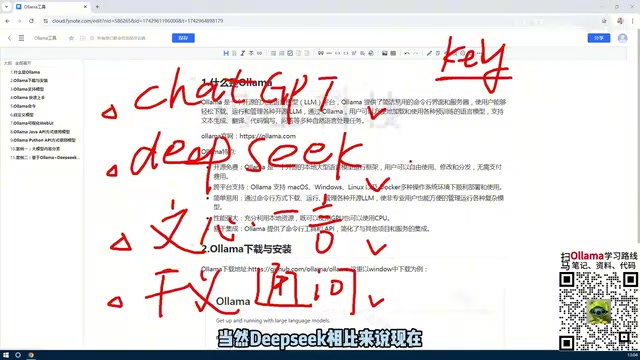
Ollama is a free, open-source tool for running open-source LLMs locally — no API fees, full data privacy.
Ollama is a free, open-source platform that dramatically lowers the barrier to deploying large language models like DeepSeek and LLaVA on your own machine. It abstracts away complex GPU/CPU environment configuration, runs on macOS, Windows, Linux, and Docker, and offers both a CLI and Web UI for model management. By running models locally via Ollama's API, developers eliminate per-token API costs and keep sensitive data on-premises — making it ideal for building private knowledge base Q&A systems using a RAG architecture.
Why Deploy Large Models Locally
Most people's first encounter with large language models is through online services — ChatGPT, DeepSeek, Wenxin Yiyan, Tongyi Qianwen. You navigate to a fixed URL, chat with the model, and get responses based on its existing knowledge. This works perfectly well for casual conversations and usually doesn't cost anything.
But problems emerge when you need to build something customized. The moment you want to call these models via API, the situation changes. Take ChatGPT and DeepSeek as examples: API access requires applying for a separate key, and that key is billed based on the number of tokens in each request and response. DeepSeek is relatively affordable (early sign-ups even received free credits, though that promotion has since ended), but any paid service carries costs that become significant over long-term, high-frequency usage.
This naturally leads to a question: can you deploy an open-source model locally, bypassing the need for API keys and paying per token? DeepSeek has been open-sourced (ChatGPT has not), and there are many other open-source models available — including LLaVA, which performs strongly in image-related tasks. Running these models on your own machine requires a dedicated management tool, and that's exactly where Ollama comes in.
Token is the fundamental unit for billing and text processing in large language models. Rather than processing characters or words directly, models split text into smaller fragments called tokens. In Chinese, each character typically corresponds to 1–2 tokens; in English, roughly every 4 characters equal 1 token. When using the API, both the input prompt and the model's response are counted toward your token usage. For applications that need to pass in large amounts of context — such as long documents or knowledge base excerpts — a single request can consume a significant number of tokens, which is the root reason why long-term online API costs can be substantial.
What Ollama Actually Is
Put simply, Ollama is a platform tool for managing various large language models. Its core purpose is to let developers easily deploy open-source models locally and manage them in a unified way.
With Ollama, you can download, manage, and delete models, and you can also create customized variants based on existing ones. It offers two interaction modes: a command-line interface (CLI) for interactive commands, and a Web UI. Each has its place — the CLI is great for quick operations and scripted calls, while the Web UI is more intuitive for visual management.
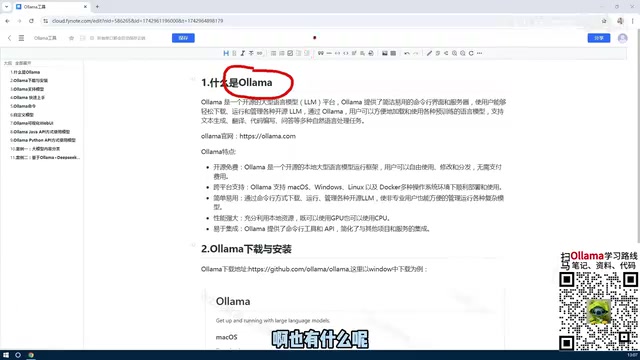
Its cross-platform capability is worth highlighting. Ollama supports macOS, Windows, Linux, and Docker environments. For personal use, installing it on Windows or Mac is straightforward; for enterprise deployments, Linux or Docker is the more appropriate choice. Once Ollama is installed, you can immediately start downloading and managing models.
How Ollama Lowers the Deployment Barrier
The real problem Ollama solves is the complexity of deploying large models.
Before tools like this existed, running open-source models locally was a hassle. You had to set up GPU-related environments on your machine — and not only did your hardware need to support GPU acceleration, but even if it did, you'd still need to configure a complex software stack to get everything working. This barrier kept many developers who wanted to experiment with local models from ever getting started.
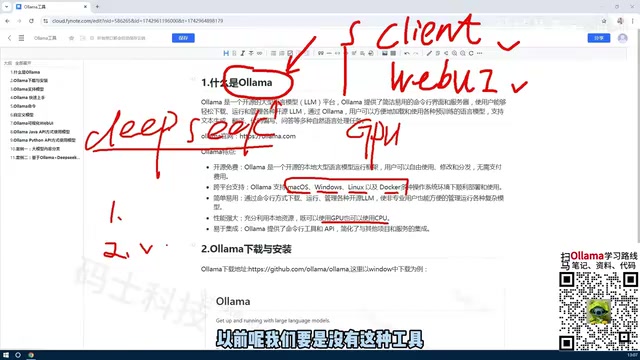
Ollama simplifies all of this. It makes full use of the resources available on your machine, supporting both GPU and CPU execution. This means that even without a powerful graphics card, you can still run models using your CPU. Of course, the larger the model, the higher the hardware requirements — deploying the latest DeepSeek large model, for instance, may require hundreds of gigabytes of storage, and resource usage scales significantly with model size once it's downloaded and running locally.
The reason GPU (Graphics Processing Unit) is preferred for large model inference is that running a model is fundamentally a massive matrix multiplication workload — and GPUs have thousands of parallel compute cores that handle this kind of task far more efficiently than CPUs. Traditional manual deployment typically requires installing CUDA (NVIDIA's parallel computing framework), configuring driver versions, and resolving various Python dependency conflicts; a mistake at any step can prevent the model from launching. Ollama abstracts away all of this complexity at the underlying level. It automatically detects the available hardware on your machine and gracefully falls back to CPU mode when a GPU isn't available, letting developers skip the tedious environment setup and go straight to using the model.
Core Features of Ollama
To summarize, Ollama has several key characteristics worth knowing:
Open Source and Free
The tool itself is completely free and open source. When paired with open-source models running locally, there are zero usage fees — which is enormously valuable for personalized development scenarios that require high-frequency API calls.
Cross-Platform and Easy to Use
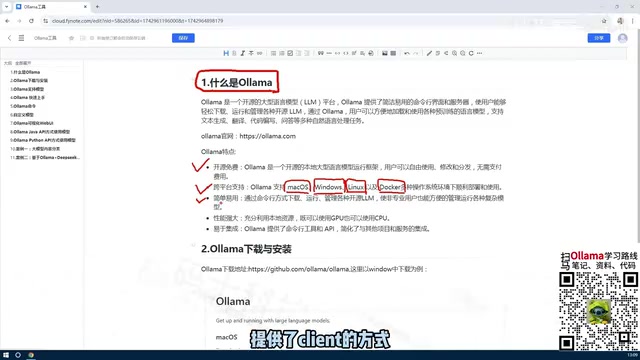
As mentioned, Ollama supports all major operating systems and container environments. It also offers both CLI and Web UI management options, keeping the learning curve low.
Performance and Extensibility
On the performance side, Ollama can flexibly schedule GPU and CPU resources. On the extensibility side, it exposes an API interface that supports access from multiple languages including Python and Java, making it easy to integrate into virtually any application.
A Key Use Case: Private Knowledge Base Q&A
One of the most valued aspects of Ollama is that once you've deployed an open-source model locally, you can interact with it through an API.
A very common real-world application is a private domain Q&A bot: take an existing open-source model, feed it a company's internal knowledge base, and build an intelligent Q&A system tailored to a specific domain. Because the model runs locally, data never needs to be uploaded to a third-party service — this controls costs and protects data privacy. For enterprises, this is the core advantage Ollama holds over online API services.
This type of private knowledge base Q&A system is typically built on a RAG (Retrieval-Augmented Generation) architecture. The core idea is: split and vectorize internal documents, manuals, FAQs, and other materials, then store them in a local database. When a user asks a question, the system first retrieves the most relevant excerpts from the knowledge base, then passes those excerpts along with the question as context to the locally running large model, which generates the final answer. Because the entire pipeline — model inference and knowledge base data — runs entirely on-premises, sensitive enterprise data never leaves the internal network. This is especially important for industries with strict data compliance requirements, such as finance, healthcare, and legal services.
Summary
At its core, Ollama is a large model management tool that lets developers easily deploy open-source models locally and use them without paying per call. Three highlights are worth remembering: it's open source and free; it provides both an API and a CLI for managing and interacting with models; and it's highly extensible, with flexible support for both CPU and GPU resource scheduling. With a clear understanding of what Ollama is and what value it provides, everything that follows — installation, downloading models, running commands — has a well-defined purpose.
Related articles
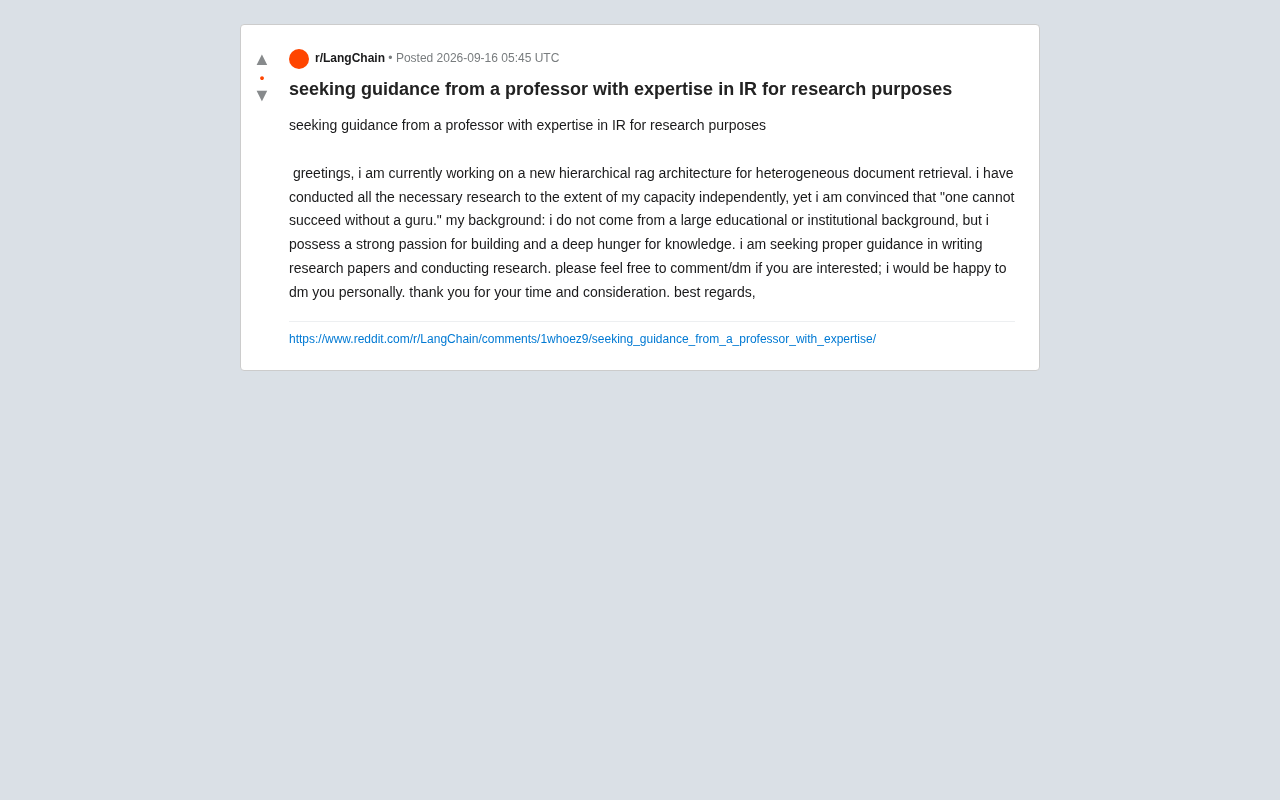
Hierarchical RAG Architecture Research: How Independent Developers Can Break Into Academic Research
An indie developer on Reddit seeks IR professor guidance for hierarchical RAG research. This article explores the technical background and practical advice for independent AI researchers facing academic barriers.
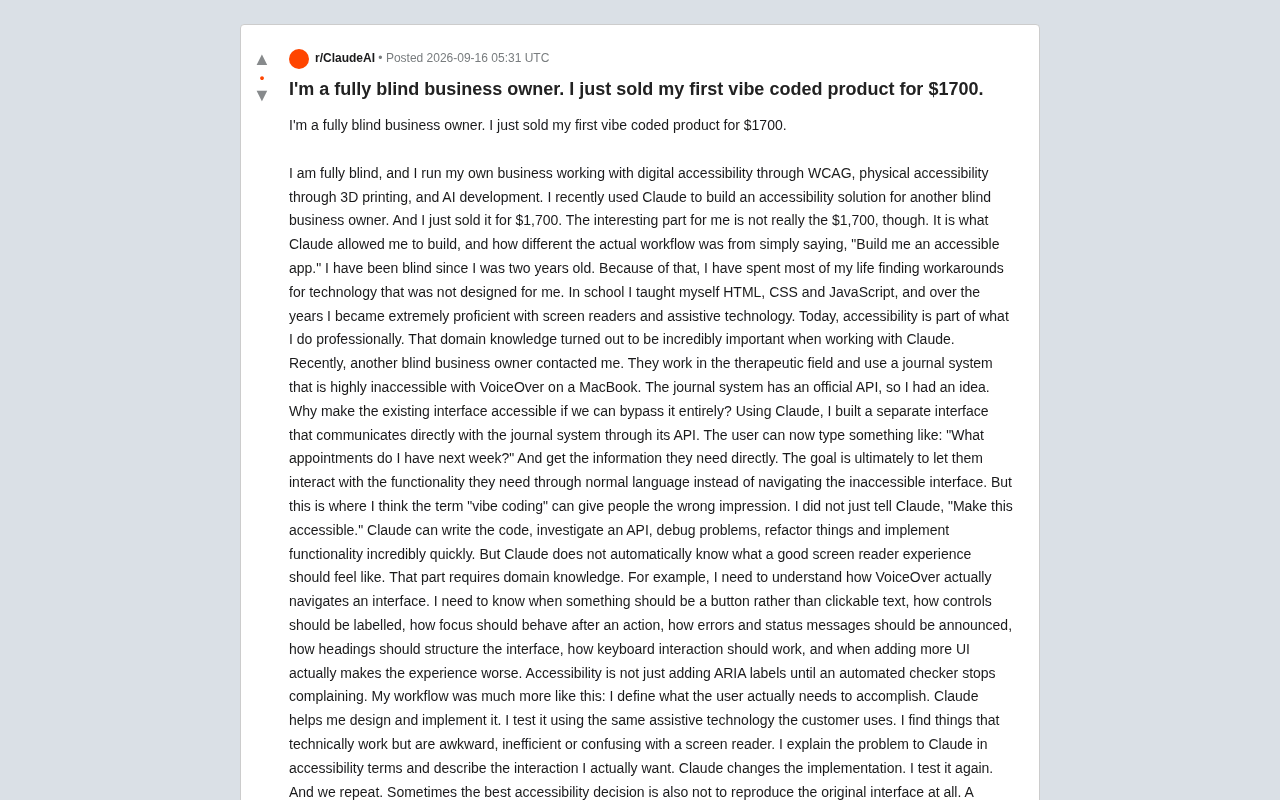
Blind Entrepreneur Uses Claude to Build Accessible Product, Sells It for $1,700
A blind entrepreneur used Claude to build an accessible tool for a blind client and sold it for $1,700 — revealing why domain knowledge, not just AI, makes products truly usable.
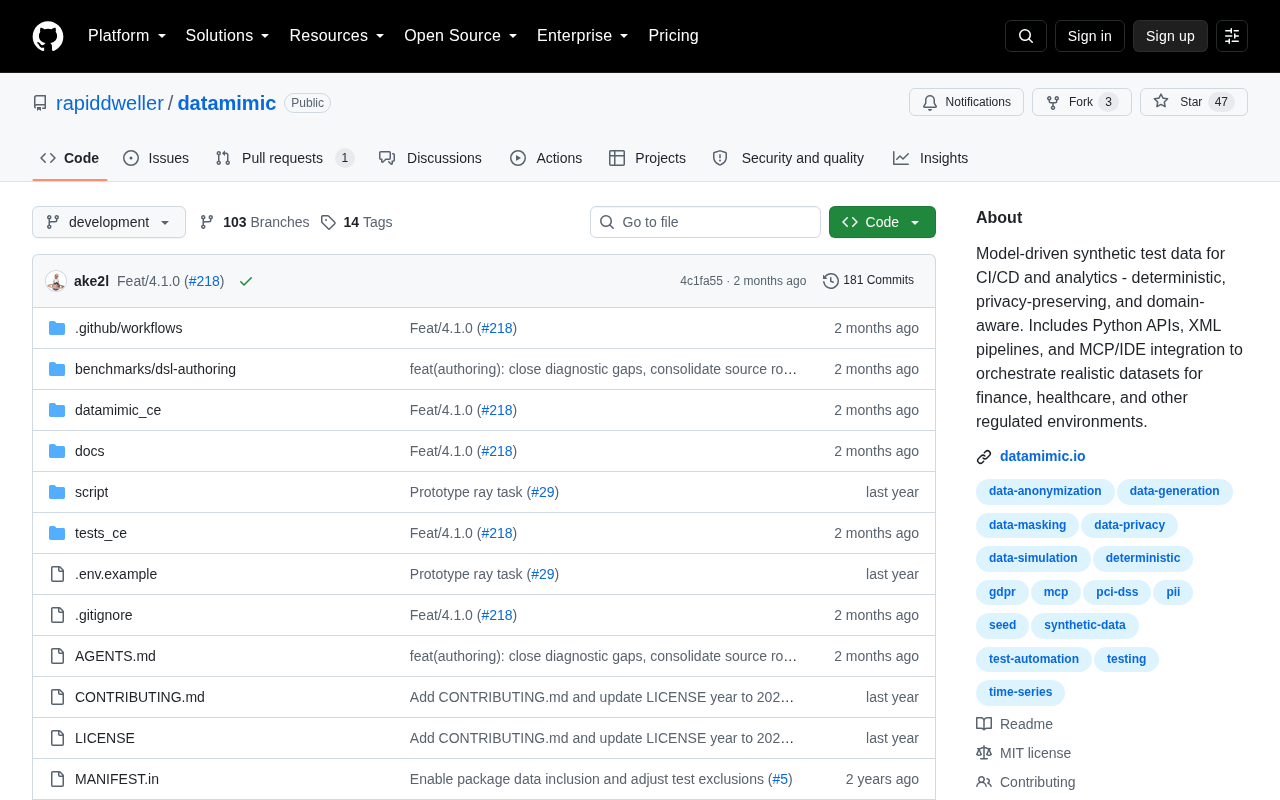
Datamimic: Giving AI Coding Assistants a Controlled Test Data World
Datamimic is an open-source tool arguing against letting AI coding agents fabricate test data. This article examines the reliability risks of AI-generated test data and the value of controlled test data for development quality.