Grok Bot Feature Deep Dive: Your AI Robot Has Its Own Cloud Computer

Grok Bot equips each account with a shared cloud computer, turning AI from a chat tool into an autonomous agent that can actually operate a computer.
Through the author's hands-on demonstration, this article introduces Grok Bot — something most people haven't heard of. Its biggest difference from conversational AI like ChatGPT: every account comes with a cloud computer shared by all robots, featuring a browser, desktop, file system, and terminal. Users can take control or observe at any time, though most of the time no intervention is needed. Robots have their own email and can autonomously browse the web, find events, register, and handle email and calendars. The article also covers creating robots, setting up routines, and sharing with family, demonstrating autonomous execution through examples like finding events on Luma and registering for webinars. The author sees Grok Bot as closer to a "digital employee" than a "chat buddy."
Most People Haven't Heard of Grok Bot — So What Makes It Special?
Over the weekend, the author showed Grok Bot to family and friends. Everyone was shocked — but they all asked the same question: "What exactly is Grok Bot?" Nobody had heard of it, yet everyone knows ChatGPT. The author admits they still use ChatGPT and doesn't claim Grok Bot is better, but emphasizes that the two are very, very different. To answer "why doesn't anyone know about this," the author made a video and wrote this explainer.
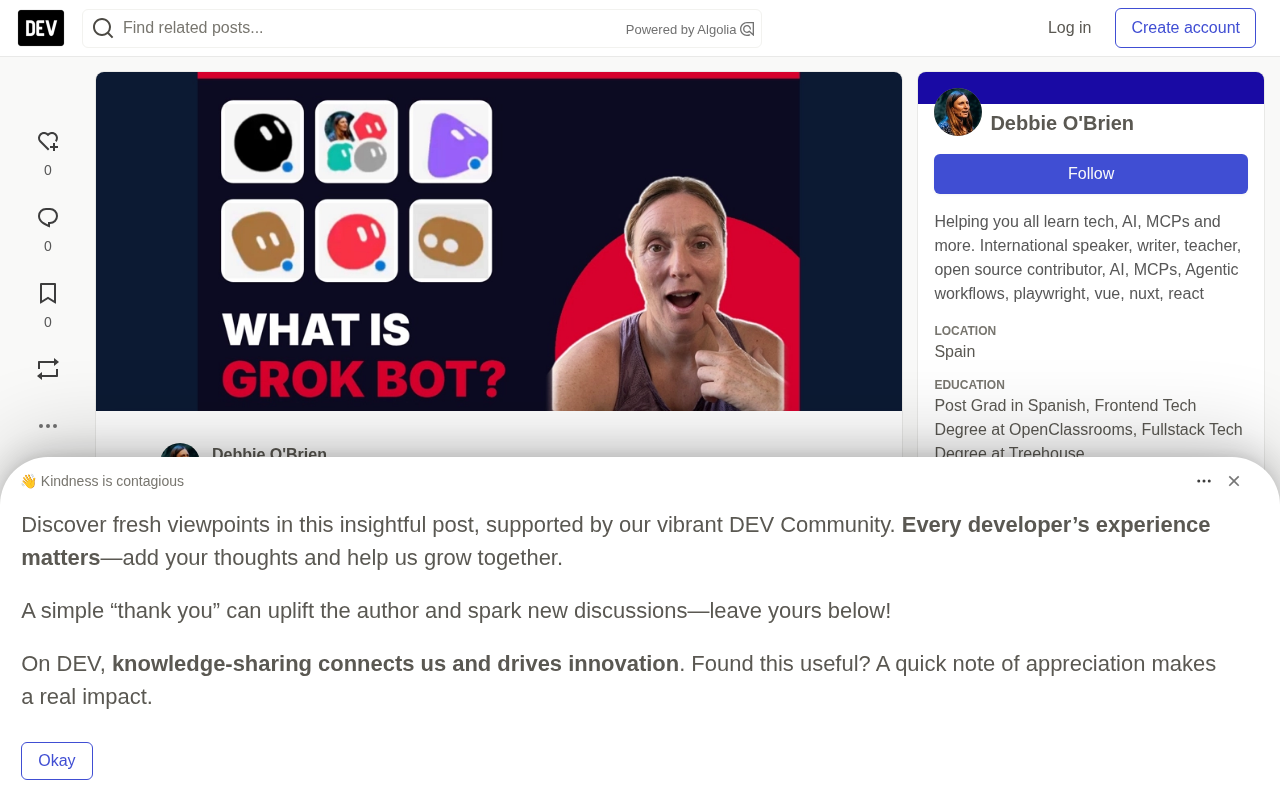
The Biggest Difference: Your Robot Has a Cloud Computer
This is the part most people don't know about. Every Grok Bot account comes with its own dedicated cloud computer, and all of your robots share this one machine. It has a browser, a desktop, a file system — the whole package.
In the app, you can wake up this computer and look at it. Of course, you don't have to — most of the time you'll never need to go in, unless a robot explicitly asks you to take over and complete some operation. But the author believes this is exactly where the value lies, so they made a point of showing it. After clicking "Take Control," you can open Google Chrome and scroll through pages, click links, just like using your own laptop. You don't need to do this, but it really is the computer your robots are using.
This design philosophy represents an important direction for AI Agent products: moving away from pure conversational interaction toward providing a complete computing environment, letting AI operate software, browse the web, and handle files just like a human would.
What's on This Cloud Computer
Open the file manager and you can see everything all your robots are working on: images, files, lots of data. You can also delete files — if you think something shouldn't be there, just go in and remove it.
The system also provides a Terminal, which is meant for programmers — regular users may never touch it, but it's exactly what the robots use to run scripts.
The overall workflow is roughly this: the robot executes tasks on this cloud computer, then reports back what it found, how it logged in, what it bought. That's the basic way it operates.
Creating Robots and Setting Up Routines
Creating a robot is very simple: start a new bot, the system asks a few basic questions, and the name can easily be changed. The author runs a large number of robots, with a "Chief of Staff" bot sitting at the very top.
The system also has a Library that stores pages, files, and apps created by your robots. You can also set up Routines. The author set up a daily morning report routine: emails that need handling, calendar appointments, reminders for the day. In the author's words, "it's really, really useful." You can view routines in the app, but most of the time you can just request one in chat to set it up.
Robots can also be copied and shared with family members, letting them have the same robot handle their own tasks.
Routines can be understood as automated triggers or scheduled tasks set up for your robot. Traditional chatbots require you to initiate a conversation every time, but routines give robots the ability to "work proactively": you can set trigger conditions (like every morning at 8 AM, or when a specific email arrives) and execution content (like summarizing to-dos, checking your schedule), and the robot will run automatically in the background and report results. The underlying mechanism typically includes two parts: a scheduler (time-based triggering) and event listeners (condition-based triggering). For top-level roles like the "Chief of Staff" that coordinate other robots, routines are especially important — they transform the robot from a passive question-answering tool into a continuously operating "digital employee." Note that routine execution still depends on that shared cloud computer, so multiple robots' tasks may compete for resources — scheduling trigger times sensibly is the safer approach.
Watching It Use the Browser
Grok Bot offers some starter suggestions: find a restaurant reservation for tonight, compare flights from Palma to Madrid, find a product and add it to cart, look up events on Luma. The author warns to be careful with the restaurant suggestion, because it will actually book you a table.
So the author asked it to find upcoming Grok Bot events on Luma. The robot opened the browser on the cloud computer and visited Luma, and the author clicked in to "peek" — just observing, not taking control. The robot automatically found free online learning courses, plus two in-person Grok Bot events in Austin. One of them, called "SpaceXAI Catalysts: Grok Bot for Engineers," made the author really want to attend. The robot even provided screenshots so the author could learn more. The entire process required zero effort from the author to search for any event information.
Of course, you don't need to watch any of this. The author only did it to show what's happening behind the scenes — normally you'd just keep it closed and continue chatting.
Your Account Even Has Its Own Email
The robot then asked whether it should use the Grok Bot email to register for that webinar. Your Grok Bot account has an email address that all robots can use — just ask how to get it. After the author agreed, the robot completed the registration and sent the link, and the event appeared on the calendar.
This means your own inbox can stay clean and tidy. Although this is just a very simple demonstration, it eliminates the tedious chain of searching, looking up, clicking, registering, and filling out forms.
Fundamental Differences from Traditional AI Assistants
Compared to conversational AI like ChatGPT, Grok Bot's differences show up on several levels:
- Persistent computing environment: Not just a single conversation, but a continuously existing cloud computer where files and data persist between sessions
- Autonomous execution capability: Can actually open browsers, click links, fill out forms, complete registrations — not just generate text suggestions
- Shared infrastructure: All robots collaborate on the same computer, sharing files and resources
- Independent identity: Has a dedicated email address and can independently register for services as the user's agent
- Observability: Users can view the computer screen at any time to see what the robot is doing
These characteristics make Grok Bot closer to a "digital employee" than a "chat buddy."
The difference between AI Agents and conversational AI is key to understanding Grok Bot. Traditional conversational AI (like ChatGPT) is essentially "text in, text out": you ask, it answers, and the answer stays in the chat window — you have to execute it yourself. AI agents have three core characteristics: first, tool use capability — they can call external tools like browsers, terminals, and APIs; second, multi-step autonomous planning — they can break down tasks based on goals and execute them continuously, rather than only responding to single-turn instructions; third, environment state persistence — intermediate results of task execution (opened files, login states, downloaded data) are saved in the environment for reuse by subsequent tasks. Grok Bot materializes all three by equipping each account with a cloud computer — the robot no longer just "suggests you book a restaurant," it actually opens the browser, fills out the form, and completes the reservation. This shift from "generating content" to "executing actions" is precisely the core direction of current AI product evolution.
Practical Applications Worth Trying
The author's advice is simple: try it yourself, have it do one real thing, like making a restaurant reservation. The author says Grok Bot can do far more than what's shown in this article, and will make more short videos in the future to cover it.
From this hands-on account, Grok Bot represents a new paradigm for AI products — not letting you chat with AI, but letting AI actually "use a computer" on your behalf. For users who need to handle repetitive web operations, information gathering, and schedule management, this model may be more efficient than traditional conversational AI.
Related articles

Chain of Thought Isn't Just for AI: How Humans Can Use CoT to Improve Thinking Quality
Chain of Thought isn't just a prompt trick for large models. Starting from a Hacker News discussion, this article analyzes why CoT works for human thinking too, breaks down actionable ways to transfer it, and highlights the key differences between human CoT and machine CoT.
Cloudflare Teams Up with OpenAI: Closi…
Cloudflare Teams Up with OpenAI: Closing the Loop from Vulnerability Discovery to Defense with AI
Cloudflare uses OpenAI Daybreak to investigate security vulnerabilities and generate reviewable remediation plans, while developers use Codex to boost coding efficiency and quality.

Orca Multi-Agent Orchestration in Practice: A Guide to Parallel Collaboration with Claude and Codex
Orca is Stable AI's free open-source agent workbench supporting 34 agents like Claude Code and Codex in parallel. Learn its Git worktree isolation, multi-model orchestration, and mobile management.