H3 Camera Control v3 Is Coming: Video Camera Control and Fast Render on the Way

H3 teases Camera Control v3 with video camera control and Fast Render, though details await official release.
H3 has previewed a Camera Control v3 update featuring two core upgrades: extending camera control from static images to video, and introducing Fast Render for faster generation. Video camera control lets creators specify shot movements like push, pull, and pan, transforming AI video from a random "mystery box" into a precise creative tool. Fast Render aims to shorten wait times and enable rapid iteration. Together, they tackle controllability and efficiency in one update — though no release date or technical details have been confirmed yet.
H3 Camera Control v3 Update Preview
AI video and image generation tool H3 recently shared a preview of Camera Control v3 with its community. According to a brief post by the developer on Reddit, the new version will focus on two key capability upgrades: Camera Control on Video and Fast Render. While details are still limited, the direction of these features offers a clear window into how AI creative tools are evolving.
For creators who rely on AI-generated content, camera control and rendering speed have always been two persistent pain points. The former determines the expressiveness and controllability of a piece; the latter directly affects creative efficiency and iteration costs. By addressing both in a single update, H3's team is signaling a clear commitment to refining the core creative experience.
What Video Camera Control Actually Means
Camera control has historically appeared more in the context of static image generation, allowing users to adjust perspective, composition, and depth of field. Extending this capability to video raises both the difficulty and the value significantly.
From Static to Dynamic
In video generation, camera control typically means users can specify the movement path of the camera — techniques like push-in, pull-out, pan, track, and follow shots — and even control the speed and intensity of those movements. In essence, it hands creators the language that directors and cinematographers use in traditional filmmaking.
For creators, the significance of this kind of feature lies in controllability. AI video generation has historically been a "mystery box" experience, where how the camera moves depends largely on the model's stochastic behavior. With camera control in place, creators can express their intent more precisely, bringing the output closer to what they actually envisioned and reducing the cost of repeated retries.
There are already some reference points in the industry: Runway's Motion Brush lets users manually draw movement directions, while Kling and Pika support camera motion descriptions through text prompts. More advanced approaches include parametric control based on trajectory curves or 3D camera paths, letting users set focal length, depth of field, and motion interpolation as if operating a real camera. Each implementation involves trade-offs between precision and ease of use — text descriptions are the most accessible but offer limited control accuracy, while parametric control is more professional but comes with a steeper learning curve. Which interaction paradigm H3's Camera Control v3 adopts will directly determine its target user base and applicable creative scenarios.
Fast Render: A Direct Boost to Efficiency
Fast Render is the other highlighted upgrade. The impact of rendering speed on AI creative workflows is well understood — especially for video generation, which requires processing multiple consecutive frames and involves far greater computational load than single-image generation.
Excessively long render times disrupt the creative flow and discourage creators from exploring different approaches. If Fast Render can meaningfully cut down wait times without sacrificing quality, it would substantially improve the user experience and make rapid iteration and trial-and-error — a workflow far more aligned with how creativity actually works — a practical reality.
From a product strategy perspective, bundling the expressiveness of camera control with the efficiency of fast rendering is a pragmatic pairing: it expands what you can do while also improving how quickly you can do it.
The rendering bottleneck in AI video generation stems from two main sources: first, the denoising iteration steps inherent to diffusion models themselves, where generating each frame requires dozens or even hundreds of forward inference passes; second, the temporal consistency constraints of video, where the model must maintain continuity of characters, scenes, and lighting across frames — a significantly higher computational complexity than single-frame image generation. Acceleration strategies typically include reducing diffusion steps (e.g., using DDIM, Consistency Models) or training dedicated fast-inference models through distillation techniques. The specific technical path Fast Render takes will determine its actual trade-off between speed and quality.
A Direction Worth Watching
It's worth noting that H3 has only shared this as a "Cooking Updates" preview — no specific release date, technical implementation details, or actual demo footage have been released yet. This means the current information remains at the level of feature direction, and real-world performance will need to be evaluated once the official version launches.
Looking at the broader competitive landscape of AI generation tools, video camera control and rendering efficiency are fast becoming key battlegrounds. Whoever finds a better balance between controllability and efficiency will have a stronger chance of winning over the creator community. H3's Camera Control v3 preview is a snapshot of exactly that trend in motion.
For users following AI video creation, the recommendation is to keep an eye on the official release when it arrives, and then evaluate its real value based on actual demos and hands-on results.
Related articles
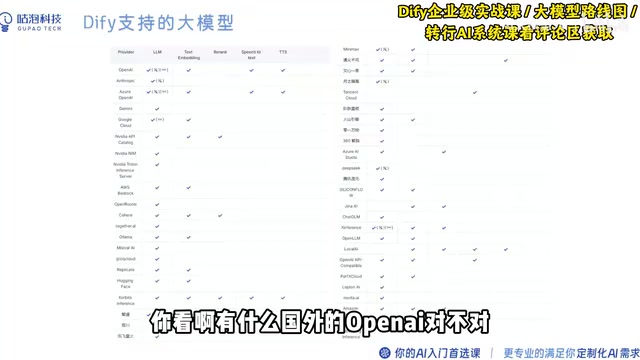
Dify Local Deployment: A Complete Hands-On Guide from VM Setup to AI Agent Building
Complete guide to deploying Dify locally: covers VMware VM setup, Ubuntu 22.04 installation, BT Panel config, Docker deployment, and common network/image troubleshooting tips.
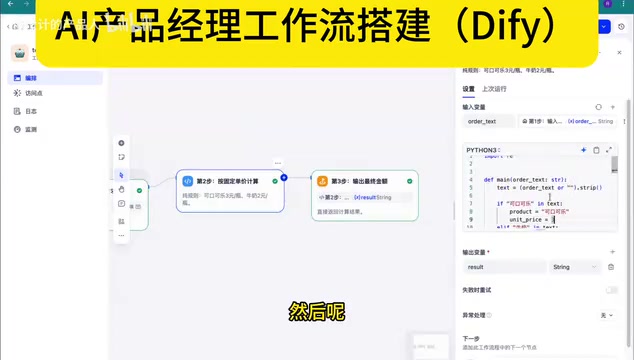
Dify Workflow in Practice: How AI Product Managers Build Business Processes with Low-Code
Based on a Bilibili AI PM course, this article covers Dify workflow concepts, three-layer node structure, deployment, and two real cases — cola pricing and jewelry custom quoting — showing when to use LLM nodes vs. hard rules.
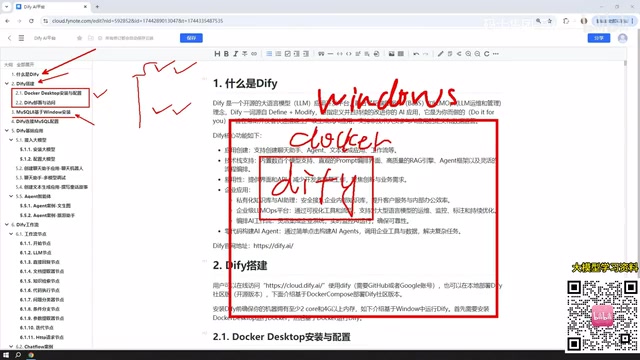
Dify from Beginner to Production: A Complete Learning Roadmap for Building AI Applications
Complete Dify tutorial: Windows Docker deployment, MySQL setup, five app types (Chat/Agent/Workflow), model integration, and publishing — build enterprise AI apps fast.