Hands-On with Amazon SageMaker JumpStart: Model Deployment and Evaluation

A repeatable loop for deploying models, lightweight evaluation, and endpoint cleanup using SageMaker JumpStart and the Python SDK.
The article covers the Amazon SageMaker JumpStart model deployment and evaluation workflow, highlighting that it eliminates inference environment setup and suits quick model validation and baseline testing. It uses the SageMaker Python SDK to obtain a model by ID, deploy with a chosen instance type, and wait for readiness. Evaluation focuses on latency and throughput for comparability, and endpoints must be deleted afterward to avoid ongoing billing, ideally via script cleanup or try/finally. It fits rapid validation scenarios; production still needs autoscaling, monitoring, and A/B testing.
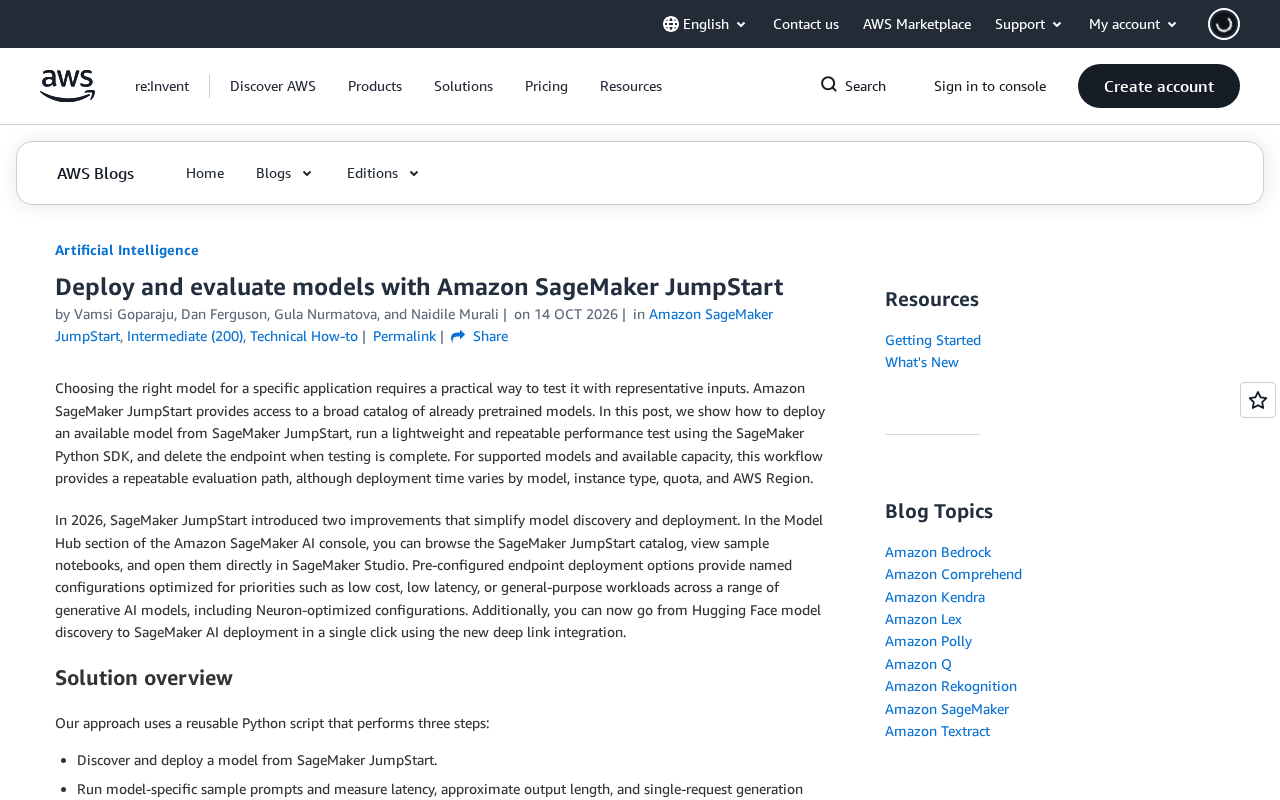
Amazon SageMaker JumpStart gives developers a fast path to invoke and deploy pre-trained models. It ships with a large collection of open-source and foundation models covering text generation, image recognition, embeddings, and other task types. Choosing a model, completing deployment, running a lightweight and reproducible performance test, and cleaning up the endpoint once validation is done is an engineering workflow every team using JumpStart eventually has to work through.
According to the official guide from the RSS source, the core tool for this workflow is the SageMaker Python SDK, and the key is turning the three steps of "deploy—evaluate—delete" into a repeatable loop instead of manually clicking through the console every time.
What JumpStart Is For: The Model as a Starting Point
JumpStart's differentiator isn't training — it's eliminating the work of building an inference environment from scratch. You don't need to write your own container, configure dependencies, or tune an inference script. The model card usually already provides the recommended instance type, default hyperparameters, and inference container image.
This is especially valuable for two scenarios: quickly validating whether an open-source model fits a business need, and running a performance baseline test before formally integrating into production. The official guide's emphasis on "lightweight and repeatable" speaks directly to these two needs — evaluation doesn't have to be a full stress test, but it must be repeatable and produce comparable results.
Keep in mind that JumpStart hosts a large number of models, and naming and versioning iterate quickly. When selecting, pay attention to the task type and recommended instance specifications on the model card to avoid deployment failures or runaway costs from choosing the wrong instance.
What an inference container image is
An inference container image is the packaged environment the SageMaker endpoint relies on at runtime. It typically contains the model files, the inference framework (such as PyTorch, TensorFlow, or Hugging Face Transformers), the HTTP serving layer, and the necessary system dependencies. The JumpStart model card specifies the image URI for that model, and the SDK automatically pulls the image onto the endpoint instance when you call deploy. Understanding this helps troubleshoot two common issues: first, when a model deployment fails, the cause may not be insufficient GPU memory but a mismatch between the image and the instance architecture (such as CPU/GPU or x86/ARM); second, when a model has multiple versions, different versions may correspond to different images, and mixing them can cause loading failures or abnormal inference results. So when choosing a model, look not only at the task type and recommended instance but also confirm that the image and instance specifications are compatible.
Deploying with the SageMaker Python SDK
The entry point for deployment is the JumpStart-related interface in the SageMaker Python SDK. The typical path is to first obtain a model object by model ID, then call the deploy method specifying the instance type and instance count. The SDK automatically handles container pulling, endpoint creation, and model loading.
There are a few pitfalls here. Choosing an instance type that's too small will cause deployment to fail outright due to insufficient GPU memory; choosing one that's too large makes evaluation expensive. The official guide recommends starting from the model card's recommended values and getting things running first before considering adjustments. Also, endpoint creation itself takes several minutes, so the evaluation script should include logic to wait for the endpoint to be ready rather than sending requests immediately after creation.
For teams that need to run evaluations repeatedly, writing the model ID, instance type, and inference parameters as configuration items rather than hardcoding them lets the same script be reused across different models — which is the practical meaning of "repeatable."
Model ID and waiting for endpoint readiness
A model ID is the string that uniquely identifies a model in JumpStart, usually composed of the model name, framework, and version. The SDK uses it to obtain the model object and associate the corresponding inference image and default hyperparameters. Easily confused with the model ID is endpoint status: a successful deploy return only means the endpoint creation request was accepted. Before the endpoint is actually usable, it goes through states like Creating and InService, during which requests return 5xx or connection errors. The official guide recommends adding polling logic to the evaluation script to periodically check endpoint status until it reaches InService before sending requests. This avoids misjudging model performance and lets the script be reused across similar endpoints.
Evaluation: What a Lightweight Performance Test Should Measure
The evaluation approach described in the official guide is a lightweight performance test, focused on the endpoint's response behavior rather than model quality. Measurable metrics roughly include single-request latency, throughput under batch requests, and whether the endpoint returns results reliably.
The value of a test script lies in establishing a baseline. For example, the same model on different instance types will show clear differences in latency and cost, or comparing two candidate models on the same instance may reveal response-speed differences that directly affect selection. You can't get this comparison data by clicking around the console — you need a script with fixed inputs run repeatedly.
"Lightweight" here has two meanings: the test scale doesn't need to be large — a few dozen requests are enough to surface obvious issues; and the test process should be simple — the shorter the script, the easier it is to maintain and migrate. The official guide describes it as a repeatable performance test, indicating the emphasis is on comparability rather than coverage.
Latency, throughput, and baseline
In a performance evaluation context, latency usually refers to the time from sending a single request to receiving the complete response, which can be further broken down into time to first byte and total latency; throughput refers to the number of requests the endpoint can reliably handle per unit time, often measured in QPS. The two often trade off against each other: concurrent batch requests can push up throughput, but single-request latency rises. The role of a baseline is to lock these numbers in as a reference for later instance changes, model swaps, or inference parameter adjustments. One caveat: lightweight tests on JumpStart only reflect the endpoint's response characteristics under small-scale load and are not equivalent to production stress testing, so the baseline should note the test conditions (request count, concurrency, instance type) — otherwise cross-time comparisons lose meaning.
Cleaning Up Endpoints: Don't Let Test Costs Creep Up
Deleting the endpoint after evaluation is the step most easily overlooked. A SageMaker endpoint incurs continuous charges as long as it's running, and forgotten test endpoints are a common "invisible expense" on cloud bills.
The official guide explicitly requires deleting the endpoint after small-scale performance testing is complete. A more robust engineering practice is to put this action into the script's cleanup logic, or use a try/finally structure to guarantee cleanup runs even when an exception interrupts execution. If your team runs these tests often, consider using a temporary naming convention to flag test endpoints, making them easier to identify and clean up during periodic audits.
Treating deletion as part of the workflow rather than an optional step is the key to running this approach at low cost over the long term.
Why endpoints keep billing
A SageMaker endpoint is a long-running managed resource, billed on instance runtime rather than request count. As long as the endpoint is in InService state, the instance bills by the hour even with no traffic; if data capture or auto scaling is enabled, additional storage or scaling-related charges may apply. This is fundamentally different from serverless inference billed per invocation. So when deleting an endpoint, you must confirm the returned state is Deleting or that it eventually disappears — merely deleting the Notebook instance or closing the console page won't stop endpoint billing. Using try/finally or a similar structure to bind the delete action to the script's lifecycle is an effective way to prevent test endpoints from idling for long periods.
Who This Workflow Is For
Overall, JumpStart's deployment and evaluation workflow is better suited to teams that need to quickly validate model feasibility rather than deployments serving production traffic directly. Production environments also require auto scaling, monitoring and alerting, A/B testing, and other capabilities that JumpStart doesn't cover on its own.
For individual developers and small teams, the value of this workflow is that it lets you understand a model's response characteristics and resource consumption at low trial-and-error cost, so you can decide whether it's worth investing more engineering resources. The official guide's three-step method — deploy, test, delete — is essentially a minimal viable model evaluation unit that can be composed into a larger selection process as needed.
One-line Summary
A repeatable loop for deploying models, lightweight evaluation, and endpoint cleanup using SageMaker JumpStart and the Python SDK.
Paragraph Summary
The article walks through the model deployment and evaluation workflow for Amazon SageMaker JumpStart, noting that its core value is eliminating inference environment setup, making it well suited for quickly validating model feasibility and establishing performance baselines. The workflow uses the SageMaker Python SDK: obtain the model object by model ID, deploy with a specified instance type, and wait for the endpoint to be ready. The evaluation phase focuses on response metrics like latency and throughput, emphasizing comparability over coverage, to establish a selection baseline. After evaluation, the endpoint must be deleted or it will keep billing, so cleanup should be guaranteed through script cleanup logic or try/finally. The approach suits rapid validation scenarios; production deployment also requires auto scaling, monitoring and alerting, and A/B testing.
Related articles

Random Pruning of the DPO Computation Graph: 1.4x Training Speedup and Lower Peak Memory
DPO training too slow and memory-hungry? This paper proposes a random pruning framework for the DPO computation graph, sampling independently across position, sequence, and branch dimensions; branch pruning achieves a 1.426x step-time speedup and cuts training time by about 30%, with in-depth attribution of memory and time gains.

Why Does JEPA Underperform MLM in Longitudinal EHR Representation Learning?
New study compares JEPA and MLM for longitudinal EHR representation learning on MIMIC-IV: three JEPA variants train stably without collapse but underperform MLM; target size, not heterogeneity, drives prediction error.

Transfer Learning + Visible Light Communication: A New Approach to Energy-Efficient Indoor Positioning
A study proposes a transfer learning-based visible light communication indoor positioning method, achieving 47% accuracy improvement on the BOSCH factory dataset, 67.5% model efficiency under high noise, and introducing the ME composite metric for energy-efficient positioning in energy-constrained industrial IoT scenarios.