Hands-On with Perplexity Local Inference: Flexible Model Switching on DGX Spark

First-hand test of Perplexity's local inference on DGX Spark with custom Ollama model switching.
A Reddit user tested Perplexity's Portable Computer local inference on an NVIDIA DGX Spark, revealing it requires ~100GB of 128GB unified memory for its vLLM-based Docker container and 27B model. The standout feature is a custom inference endpoint supporting any OpenAI-compatible API, enabling seamless switching between Perplexity's default model and specialized Ollama models like qwen3-coder-next—all without consuming cloud credits. Despite a UI bug misrepresenting the active model, the hybrid cloud-local workflow proves practical for balancing cost, privacy, and task specialization.
Introduction: When Perplexity Meets Local Compute
Perplexity has long been known for its cloud-based AI search, but its newly launched Portable Computer feature marks a noteworthy shift—support for local inference. A Reddit user completed a thorough hands-on test on their NVIDIA DGX Spark, sharing first-hand experience covering everything from installation and runtime to model switching. This isn't just an early-adopter trial—it reveals the capability boundaries and potential bugs of Perplexity's local deployment approach.
NVIDIA DGX Spark is a desktop-class AI supercomputer launched by NVIDIA in early 2025. Built on the Grace Blackwell architecture with 128GB of unified memory, it's designed for local AI inference and fine-tuning tasks by individual developers and small teams. Unlike traditional data center-grade DGX systems, it features a compact form factor and manageable power consumption, positioned as a "personal AI workstation" that makes desktop deployment of large models—previously requiring cloud clusters—a practical reality.
This article distills the real-world performance of Perplexity's local inference based on that hands-on report, along with how to connect custom specialized models via custom endpoints for flexible collaboration between cloud and local resources.
Deployment and Resource Usage of Local Inference
The 30GB Container + 27GB Model Combo
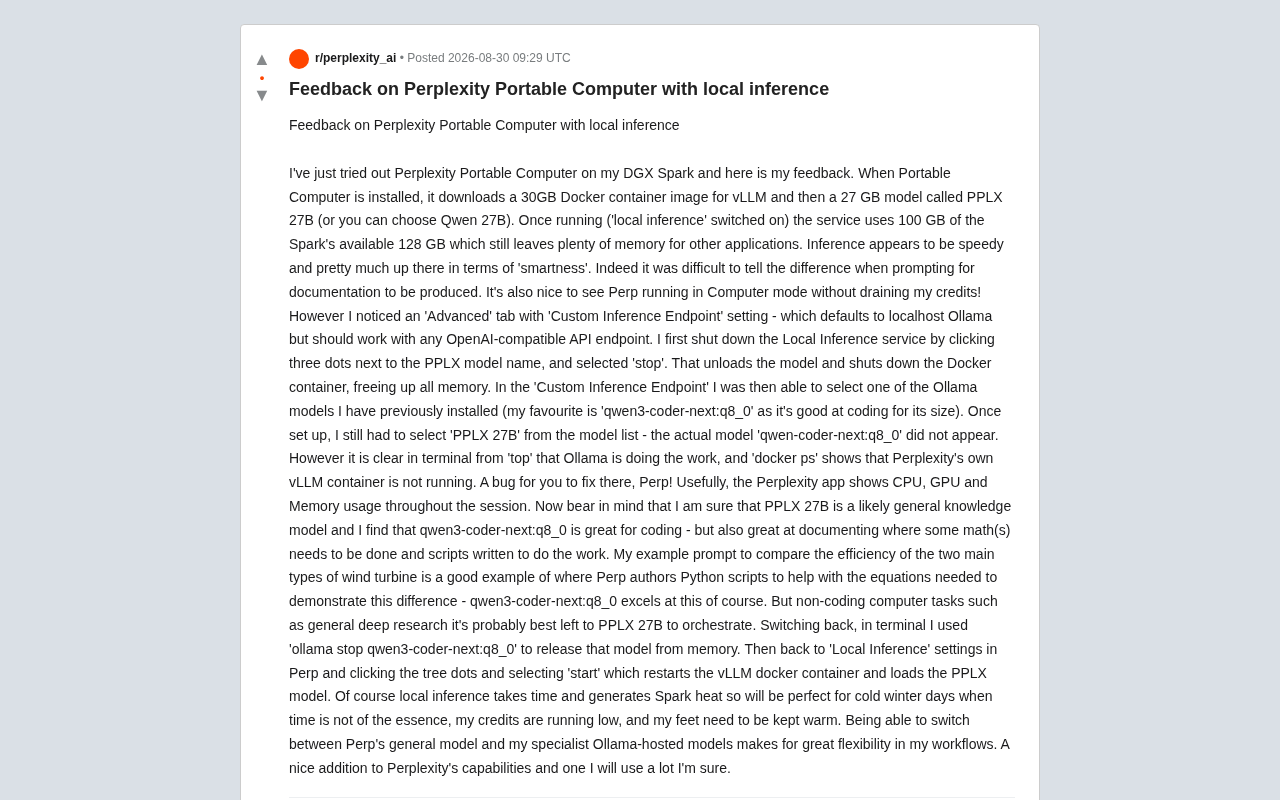
When the user enabled Portable Computer on the DGX Spark, the system automatically completed a two-step download:
- A 30GB Docker container image for running the vLLM inference framework
- A 27GB model file, with the choice of the official PPLX 27B or Qwen 27B
Docker is an OS-level virtualization technology that packages applications and their dependencies into standardized "containers" for consistent cross-platform deployment. In the AI space, Docker containers solve long-standing pain points like deep learning framework version conflicts and CUDA driver compatibility issues. By packaging its inference service as a 30GB Docker image, Perplexity eliminates the need for users to manually configure Python environments, install GPU drivers, or compile inference engines—just pull the image and run. This dramatically lowers the technical barrier for local deployment.
vLLM is a high-performance large language model inference and serving framework developed by a team at UC Berkeley. Its core innovation is PagedAttention technology, which borrows from the virtual memory paging concept in operating systems to manage KV Cache (key-value cache) in pages, dramatically reducing memory waste. Compared to HuggingFace's native inference implementation, vLLM can deliver several times higher throughput. Perplexity's choice of vLLM as the underlying framework for local inference reflects its emphasis on inference efficiency—on limited local hardware, the efficiency of the inference framework directly determines the user experience.
This setup is far from lightweight. According to the tester's feedback, once the "Local Inference" toggle is switched on, the entire service consumes roughly 100GB of the DGX Spark's available 128GB memory. The good news is that the remaining 28GB is still sufficient to run other applications concurrently, indicating that this configuration still has workable headroom on 128GB-class devices.
Inference Speed and Intelligence
The tester gave a positive assessment of local model performance: inference speed is reasonably fast, and the intelligence level holds up well. He specifically noted that when generating document-style content, the output quality of the local PPLX 27B was "hard to distinguish from the cloud version."
More critically, there's the cost angle—running the local model in Computer mode doesn't consume any Perplexity cloud credits. Perplexity Pro users don't get unlimited cloud inference; instead, a credit system manages usage of premium models. Every call to Claude, GPT-4, or other high-end models costs credits, and once depleted, users must wait for a refresh or purchase additional quota. This billing model is common across AI applications—OpenAI's API charges per token, and Anthropic does the same. The "zero credit consumption" advantage of local inference therefore offers clear economic value: assuming 60% of a user's daily queries can be handled by the local 27B model, they've effectively increased their cloud budget efficiency by 2.5x. For heavy users, this means offloading routine tasks to local hardware while reserving precious cloud credits for scenarios that truly need them.
Custom Inference Endpoints: Connect Your Own Models
Flexibility Hidden Under the Advanced Tab
The most valuable discovery from this hands-on test is the Custom Inference Endpoint setting that Perplexity provides under the "Advanced" tab. This option defaults to the local Ollama service but is theoretically compatible with any OpenAI-standard API endpoint.
Ollama is an open-source tool designed specifically for running large language models locally, supporting mainstream open-source model families like Llama, Qwen, and Mistral, with one-click download, quantized inference, and model management capabilities. One of its key features is exposing a local endpoint compatible with the OpenAI Chat Completions API format, meaning any application originally calling the OpenAI API can seamlessly switch to a local model by simply changing the base_url. This API compatibility standard has become the "lingua franca" of AI infrastructure, giving Perplexity's custom endpoint feature extremely high extensibility—users can connect not just Ollama but also LM Studio, LocalAI, text-generation-webui, or any other inference service that follows this standard.
This means users aren't limited to Perplexity's official PPLX or Qwen models—they can connect their own carefully selected specialized models.
Step-by-Step: Switching from PPLX to Ollama
The tester documented the switching process in detail:
- First, click the "three dots" menu next to the PPLX model name and select stop to unload the model and shut down the Docker container, freeing all memory;
- In the Custom Inference Endpoint, select an installed Ollama model—his personal preference was
qwen3-coder-next:q8_0, reasoning that it has "quite impressive coding capabilities for its size"; - After completing the setup, you still need to select "PPLX 27B" from the model list to trigger the call.
A quick explanation of the quantization label in the model name: q8_0 refers to 8-bit integer quantization format. Quantization is a technique that compresses model weights from their original FP16 (16-bit floating point) or FP32 (32-bit floating point) precision to a lower bit-width representation, aiming to reduce model size and memory usage during inference. Common quantization levels range from Q2 to Q8—higher bit counts mean less precision loss but larger model size. Q8_0 is one of the highest-precision integer quantization schemes, causing virtually no perceptible degradation in output quality and is considered a "near-lossless" choice. By comparison, Q4 quantization can shrink model size by more than half but may show noticeable capability degradation in complex reasoning and code generation tasks. The tester's choice of Q8_0 strikes a high-quality balance between model size and output quality.
A Bug Worth Fixing for Perplexity
This reveals an obvious UI issue: the actual qwen3-coder-next:q8_0 being called doesn't appear in the model list—users still have to select "PPLX 27B" as the name. However, the truth can be verified via the terminal—the top command shows Ollama handling the computation, while docker ps confirms that Perplexity's own vLLM container isn't running.
In other words, the model switch was indeed successful—the UI just doesn't correctly reflect the currently active model name. The tester put it bluntly: "This is a bug you need to fix, Perp!"
The Philosophy of Cloud-Local Division of Labor
General-Purpose vs. Specialized Models
The tester proposed an insightful usage strategy: different models for different jobs.
- PPLX 27B serves as a general knowledge model, better suited as the "orchestrator" for deep research and other non-coding tasks;
- qwen3-coder-next:q8_0 excels in programming and technical documentation, especially in scenarios that "require doing math and writing scripts to get the job done."
The Deep Research mentioned here is an advanced feature from Perplexity. It's not a simple single-turn search-and-answer—it's a multi-step autonomous Research Agent. The system automatically decomposes the user's question into sub-tasks, performs multiple rounds of web searches, information filtering, and cross-validation, ultimately generating a structured research report. This process may involve dozens of search calls and multiple rounds of model inference, making it far more computationally expensive than regular Q&A. In this scenario, having a local model serve as the "orchestrator" to plan search strategies and organize information structure while delegating actual web searches and knowledge retrieval to the cloud is a sensible hybrid architecture design.
He gave a concrete example: when asked to compare the efficiency of two mainstream wind turbine types, Perplexity automatically wrote Python scripts to handle the underlying equation calculations—precisely where a coding-specialized model shines.
Memory Management and Switching Back
Switching back to the official model also requires some finesse. The tester would first run ollama stop qwen3-coder-next:q8_0 in the terminal to free the memory occupied by that model, then return to Perplexity's Local Inference settings and select start from the three-dot menu to restart the vLLM container and load the PPLX model.
While this manual memory management workflow is somewhat tedious, it's necessary under the 128GB unified memory architecture. The DGX Spark's Grace Blackwell architecture uses a unified memory pool shared between CPU and GPU, meaning model weights don't need to be copied back and forth between system memory and VRAM as with traditional GPUs—but it also means two large models can't reside in memory simultaneously. A 27B-parameter Q8_0 model occupies roughly 27-30GB of memory, and when you add vLLM's KV Cache and runtime overhead, a single inference service needs close to 50GB of space. Therefore, releasing the previous model's memory resources before switching is essential.
It's worth noting that the Perplexity app displays CPU, GPU, and memory usage in real time throughout the session, providing an intuitive reference for resource management.
Practical Considerations: Heat, Time, and Use Case Fit
Local inference isn't without trade-offs. The tester humorously pointed out that local inference "takes time and makes the Spark run hot," making it "great for cold winters—when time isn't pressing, cloud credits are running low, and your feet need warming."
Behind this quip lies a rational assessment of use cases: local inference trades zero credit consumption and data locality for somewhat slower response times and additional hardware load. The data locality aspect is particularly crucial in certain scenarios—when users process sensitive business documents, proprietary technology, or personal privacy data, the entire inference process completes locally without data ever leaving the device or passing through any cloud server. This has significant implications for enterprise compliance and personal privacy protection. Accordingly, local inference is best suited for non-real-time, cost-conscious, or privacy-sensitive batch workloads.
Conclusion: Flexibility Is the Core Value
Based on this hands-on test, Perplexity Portable Computer's local inference capability has already reached practical usefulness. The real highlight isn't how powerful the local model itself is, but rather that it creates a switching channel between cloud-based general-purpose models and local specialized models.
Users can let PPLX handle general orchestration and deep research while an Ollama-hosted coding-specialized model tackles code and computation tasks, achieving the optimal "right tool for the right job" combination within a single workflow. This hybrid inference architecture aligns closely with the broader trend in AI infrastructure—no single model performs optimally across all tasks, and future AI workflows will increasingly rely on multi-model collaboration and intelligent routing, automatically selecting the most suitable model based on task characteristics.
Despite the minor bug where model names display inaccurately, the overall direction is clear—as the tester put it, this is "a nice addition to Perplexity's capabilities, and I'll definitely use it frequently."
Related articles

Chain of Thought Isn't Just for AI: How Humans Can Use CoT to Improve Thinking Quality
Chain of Thought isn't just a prompt trick for large models. Starting from a Hacker News discussion, this article analyzes why CoT works for human thinking too, breaks down actionable ways to transfer it, and highlights the key differences between human CoT and machine CoT.
Cloudflare Teams Up with OpenAI: Closi…
Cloudflare Teams Up with OpenAI: Closing the Loop from Vulnerability Discovery to Defense with AI
Cloudflare uses OpenAI Daybreak to investigate security vulnerabilities and generate reviewable remediation plans, while developers use Codex to boost coding efficiency and quality.

Orca Multi-Agent Orchestration in Practice: A Guide to Parallel Collaboration with Claude and Codex
Orca is Stable AI's free open-source agent workbench supporting 34 agents like Claude Code and Codex in parallel. Learn its Git worktree isolation, multi-model orchestration, and mobile management.