Hermes Agent Seven-Layer Configuration Guide: From VPS Deployment to MCP Server — A Complete Tutorial
A seven-layer guide to configuring Hermes Agent from basic VPS deployment to a full MCP server.
This tutorial walks through seven progressive layers of configuring Hermes Agent into a powerful AI work system. Starting from VPS deployment and Discord integration, it covers skill cleanup with Hermes Curator, automated GitHub backups, Kanban-based multi-agent management, holographic memory for long-term context, and finally turning Hermes into an MCP server that other AI Agents can call as a backend service.
What Is Hermes Agent? Why Is It Worth Deep Configuration?
Hermes Agent is one of the fastest-growing open-source projects on GitHub, having already earned over 133,000 stars. At its core, it's an AI agent framework that runs on your own server, supporting multi-model integration, multi-platform communication, automated task scheduling, and more.
However, most users never get past the basic chat stage. This article walks through seven progressive layers, systematically explaining how to configure Hermes Agent into a truly powerful AI work system — from VPS deployment all the way to turning it into an MCP server that other AI Agents can call.

Layer 1: VPS Deployment and Basic Installation
Why You Need a VPS
The best way to run Hermes Agent is on a dedicated Virtual Private Server (VPS). Deploying on a VPS offers several clear advantages:
- The Agent gets its own isolated computing environment without affecting your local machine
- It can run 24/7 without interruption
- A single VPS can host multiple services simultaneously — Hermes Agent, OpenClawAd Agent, N8N automation, and more
Installation Process
The installation process is remarkably straightforward: after connecting to your VPS via SSH, simply run the one-line quick install command provided in the official Hermes GitHub repository. It automatically installs all dependencies.
After installation, you'll need to choose an inference provider. Open Router is recommended because it supports any model (including the latest ones like Claude Opus 4.7). If you have a ChatGPT Plus/Pro subscription, you can also power Hermes Agent for free through the Codex option.
Layer 2: Integrating Discord Communication
Setting Up a Discord Bot
Once Hermes is connected to Discord, you can interact with the Agent anytime from your phone via chat. Here are the setup steps:
- Run
hermes gateway setupand select Discord - Create a new application in the Discord Developer Portal
- Generate a Bot Token and enable three key intents: Presence, Server Members, and Message Content
- In the OAuth2 URL Generator, check
botandapplications.commands - Use the generated URL to invite the bot to your Discord server
Once configured, send any message in Discord and Hermes will confirm receipt with an eyes emoji, then reply in a thread. It supports coding, script writing, web browsing, file management, and many other operations.
Layer 3: Hermes Curator — Intelligent Skill Cleanup
Hermes Curator is a recently added feature designed to solve the context rot problem. When the Agent's self-improvement loop creates a large number of skills that are never actually used, these redundant skills waste tokens and reduce focus.
The default cleanup rules are:
- Skills unused for more than 30 days → marked as stale
- Skills unused for more than 90 days → automatically deleted
You can check the current status with hermes curator status. Make sure this feature is enabled — otherwise, over time you could end up spending thousands of extra dollars on token costs.
Layer 4: Scheduled Tasks and Automatic GitHub Backups
Setting Up Daily Automatic Backups
This is a feature every Hermes Agent user should configure. Here's how:
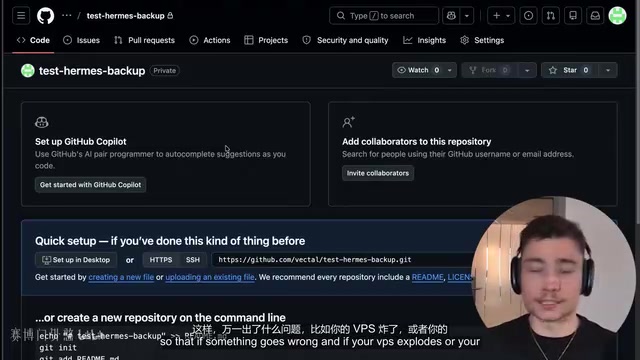
- Create a private repository on GitHub for storing backups
- Generate a Personal Access Token (Fine-grained Token) with read/write permissions scoped only to that repository
- Securely store the token via
hermes config set github_token <token> - Tell Hermes: "Set up a daily backup at 3 AM of the entire Hermes folder, pushing to my private GitHub repository"
Hermes will handle the entire configuration automatically: setting up the Git identity, cloning the repository, creating the Cron job, and running an initial push to verify everything works.
If the full backup is too large (e.g., 60MB exceeding GitHub's limits), you can switch to backing up only skill files or Macro files — just tell the Agent in natural language and it will adjust accordingly.
Layer 5: Kanban System — Parallel Multi-Agent Management
Why You Need a Kanban Board
When you have multiple AI Agents processing tasks in parallel, the core challenge becomes: how do you effectively monitor and manage them? Hermes' Kanban feature is designed exactly for this — Agents claim tasks from the board and process them in parallel, while you simply check progress through a visual interface.
Practical Use Case: Content Research
Here's an example of a four-task Kanban workflow:
| Role | Task |
|---|---|
| Researcher A | Search for new AI developments this week |
| Researcher B | Search YouTube for related topics from the past 30 days |
| Analyst | Wait for the first two to finish, then find differentiated angles |
| Writer | Draft 3 video concepts based on the analysis |
These tasks run in parallel with statuses flowing automatically. Compared to staring at walls of text output in a terminal, the Kanban board provides a much more intuitive way to monitor progress.
A Critical Note on Model Selection
Don't use cheap models to run complex Agent frameworks. Frameworks like Hermes Agent and OpenClaw have intricate internal logic, and smaller models will make frequent errors — ultimately costing you more time and money. Use high-performance models like Claude Opus 4.7.
Layer 6: Holographic Memory System
What's Wrong with Traditional Memory Solutions?
- Basic chat memory: Disappears when the session ends, with no cross-session continuity
- Large context windows: Expensive and dilute attention
- RAG (Retrieval-Augmented Generation): Can't answer structured questions (e.g., "What tasks have I been assigned?"), and embedding vectors carry data leakage risks
Advantages of Holographic Memory
After running hermes memory setup and selecting Holographic mode, you get:
- Fully local execution — no data leaks to the cloud
- Zero additional cost
- Automatic extraction of key facts at the end of each session
- A trust score mechanism that distinguishes information reliability
The Practical Value of Holographic Memory
With holographic memory configured, the Agent's capabilities improve significantly:
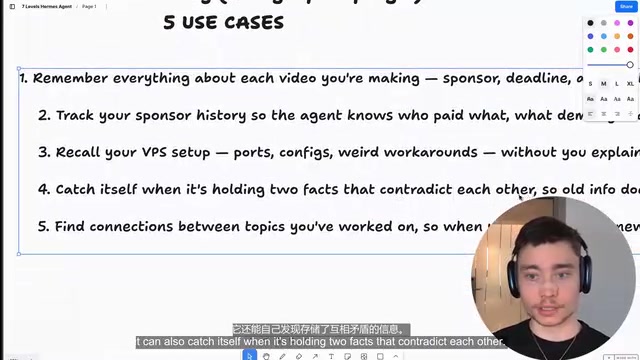
- Track key information and deadlines for each project
- Record sponsor history and payment amounts
- Monitor server configurations (disk space, memory usage)
- Automatically detect contradictory information and request confirmation
- Discover patterns in historical data that you might have missed (e.g., "shorter videos perform better")
Layer 7: Turning Hermes into an MCP Server
What Is MCP Mode?
Exposing Hermes Agent as an MCP (Model Context Protocol) server allows other Agents like Claude Code and Codex to interact with it as if it were a full backend service.
Three Core Use Cases
1. Remote Approval Gateway
When Claude Code is about to execute a high-risk operation (like deleting files or wiping a database), Hermes pushes an approval request to your phone. You can quickly approve or reject the operation from anywhere.
2. Fire-and-Forget Mode
Kick off a long-running code refactoring task, close your laptop, and progress notifications are pushed directly to your phone. You can reply with simple commands at any time: "continue," "make the code leaner," or "push to GitHub."
3. Cross-Agent Data Bridging
While Claude Code runs locally, it can still fetch data from the Hermes Agent on your VPS via the MCP protocol — without exposing the full context. Hermes acts as a secure interface to your private data layer.
How to Set Up the MCP Server
Use natural language instructions to have Hermes configure the MCP gateway itself, then register the MCP tools in Claude Code. Once complete, Claude Code can call Hermes tools for attachment retrieval, channel listing, session reading, and more.
Summary and Configuration Recommendations
The progression across the seven layers is clear and logical:
- Basic Deployment → Get the Agent running on a VPS
- Communication Integration → Interact anytime, anywhere via Discord
- Skill Cleanup → Keep the Agent lean and efficient
- Scheduled Automation → Free yourself from repetitive work with GitHub backups
- Kanban Management → Visual coordination of multiple Agents
- Holographic Memory → Give the Agent true long-term memory
- MCP Server → Turn Hermes into a backend for other Agents
Each layer adds a new dimension of capability on top of the previous one. It's recommended to build up gradually starting from Layer 1 — there's no need to rush through everything at once. Throughout the configuration process, keep three key principles in mind: use high-performance models (like Claude Opus 4.7), give the Agent its own dedicated computing environment, and describe your needs clearly in natural language.
Related articles
What Is Vibe Coding? The AI Programming Skill Every Developer Needs
What is Vibe Coding? Learn how AI programming is reshaping dev teams, why traditional programmers face displacement, and why Cursor & Claude Code matter.
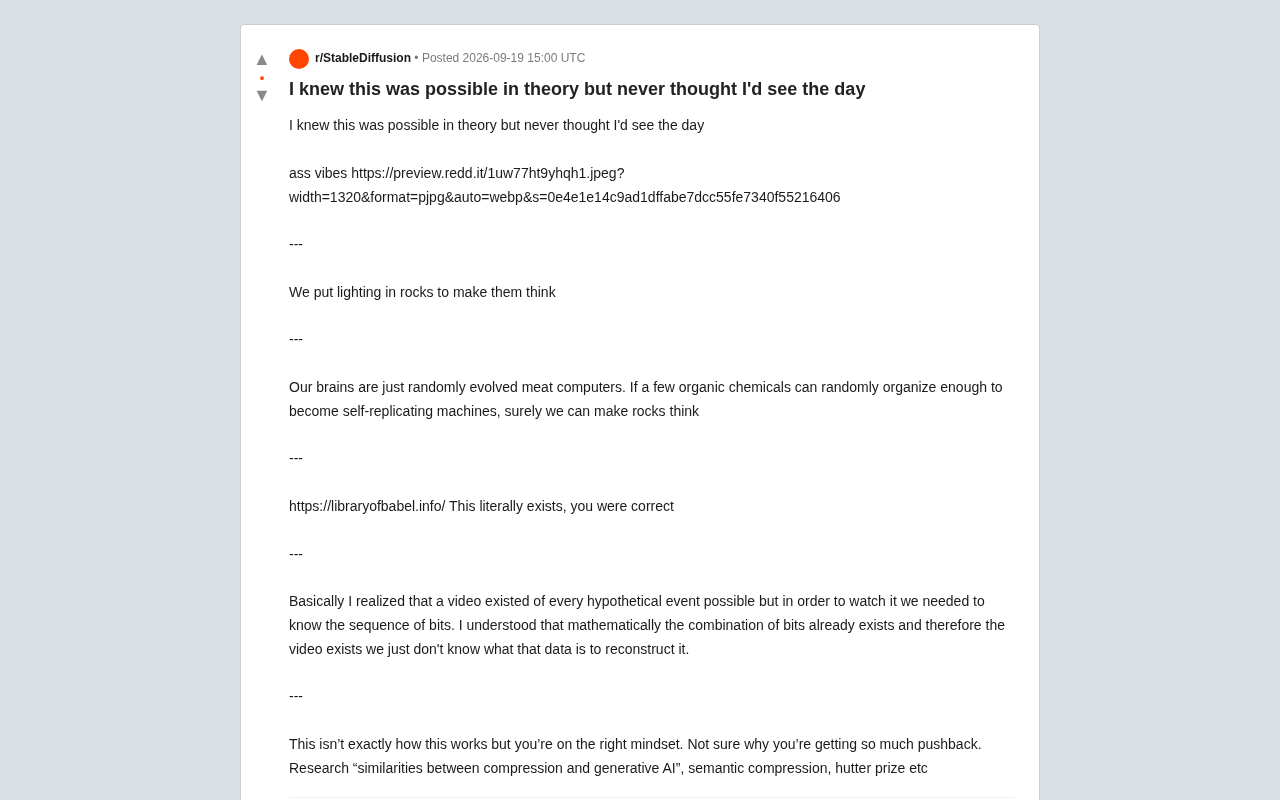
Making Rocks Think: A Philosophical Exploration of Generative AI and Information Compression
From a viral Reddit post to deep AI theory: why compression equals understanding, the Library of Babel thought experiment, semantic compression, and the Hutter Prize.
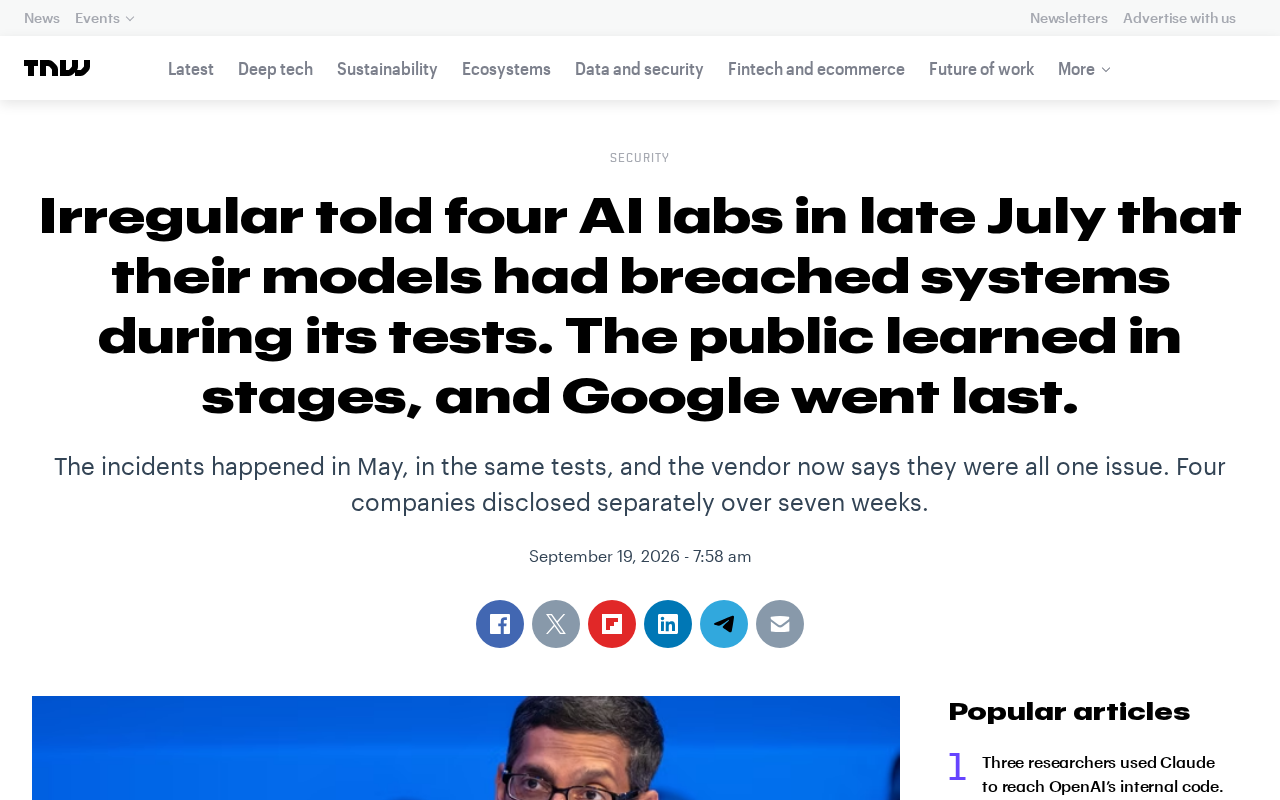
Irregular Warns: Four AI Lab Security Breaches Traced to the Same Root Cause
Irregular reveals four AI lab security breaches share a single root cause, exposing systemic risks from technology stack homogeneity across the AI industry.