Homelab Documentation: Bookstack, Outline, or Docs as Code?

Wiki software (Bookstack/Outline) vs Docs as Code (Markdown+Git): a homelab documentation showdown.
This article summarizes a Reddit community discussion on homelab documentation approaches, identifying two main camps. The first uses self-hosted Wiki software like Bookstack and Outline, offering graphical editing and an out-of-the-box experience — but risking inaccessibility when the service goes down. The second advocates Docs as Code: plain Markdown with static site generators like Docusaurus, hosted on GitHub/GitLab for version control, portability, and automated deployment. The choice ultimately comes down to convenience vs. control, depending on your technical background and priorities.
Anyone who runs a homelab eventually runs into the same problem: where do you actually store all those service configs, IP assignments, port mappings, and troubleshooting notes? A Reddit thread titled "What do you use for your Homelab Wiki and documentation?" surfaced several popular approaches from the community — ranging from ready-to-use Wiki software to hardcore "Documentation as Code" workflows. Each approach reflects a different philosophy.
The Wiki Software Camp: Bookstack and Outline
The two most frequently mentioned tools in the thread were Bookstack and Outline. Bookstack is an open-source, self-hosted documentation tool that organizes content in a "Shelf → Book → Chapter → Page" hierarchy — a structure that feels natural for anyone used to traditional document filing.
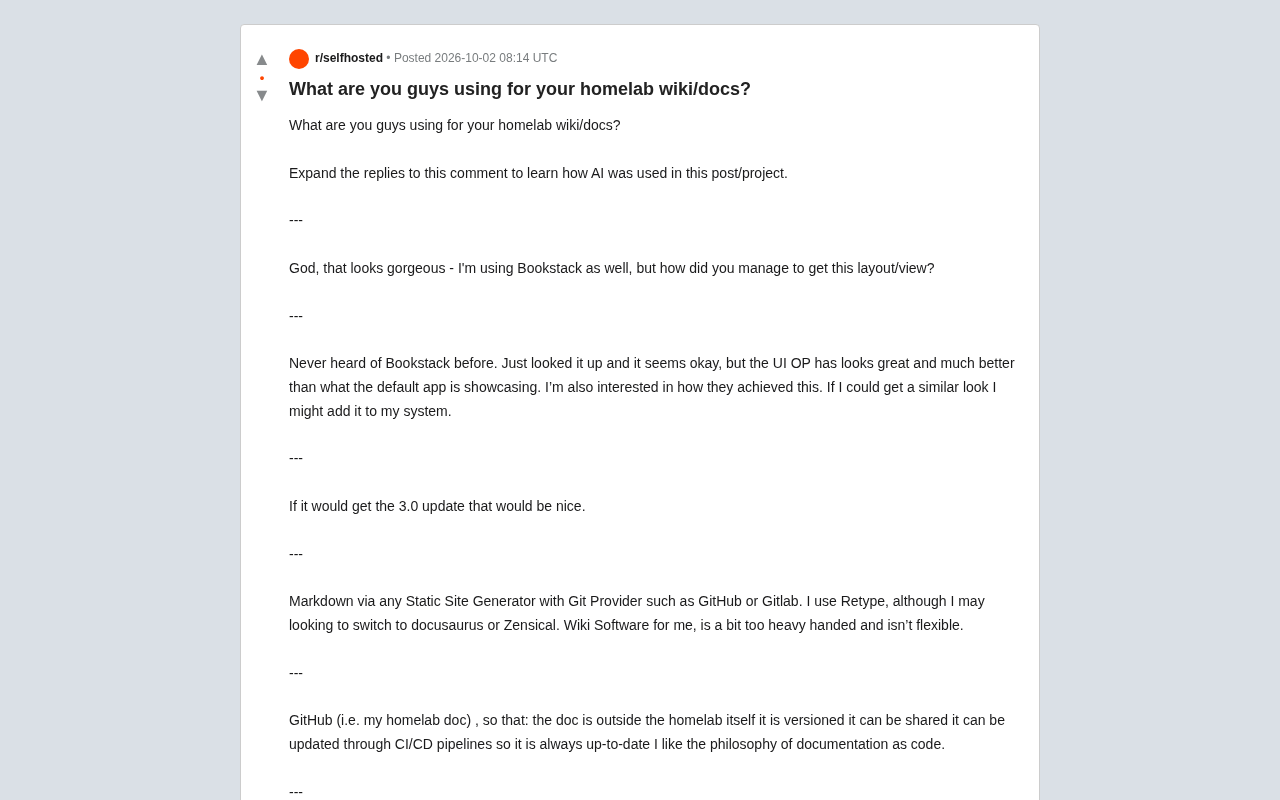
Interestingly, the original poster's Bookstack screenshots caught many commenters off guard, including fellow Bookstack users. One replied: "This looks gorgeous — I also use Bookstack, but how did you get this layout and view?" Another user who had never heard of Bookstack took a look and noted: "The default UI shown in the app looks average, but what OP has looks much better. If I can get it looking similar, I might add it to my stack." This highlights a real gap between Bookstack's default appearance and what it can look like after some customization — suggesting it has meaningful room for personalization. Others expressed eagerness for the upcoming 3.0 update.
Outline was the other frequently recommended option. The endorsement was straightforward: "I really love the overall UX — it basically has everything I need." Outline takes a more modern, Notion-like approach to collaborative note-taking. Its out-of-the-box experience and interface polish are generally higher, making it a better fit for users who don't want to spend time tweaking styles.
The Docs as Code Camp: Markdown + Static Site Generators
On the other side of the debate, a vocal group in the community pushed back on Wiki software as "a bit too heavy and not flexible enough."
Their approach: write documentation in plain Markdown, then use a Static Site Generator (SSG) paired with a Git hosting platform (GitHub or GitLab) to build and publish it. One user mentioned they were using Retype but considering a switch to Docusaurus or Zensical. What these tools share is a clean separation between content and build logic — content stays as readable plain text, while styling and deployment are handled by the toolchain.
Why Host Your Docs on GitHub?
Another user laid out several core advantages of the Docs as Code approach that are worth highlighting:
- Docs are independent from the homelab itself: If your home server goes down, your documentation is still accessible — it doesn't go down with it.
- Version control: Every change is recorded and reversible.
- Easy to share: Just send a repository link.
- Updates via CI/CD pipelines: Documentation can be built and deployed automatically, always staying current.
"I love the idea of docs as code" — this user's summary captures the philosophy: treat documentation as part of software engineering, not as an isolated knowledge base.
A Static Site Generator (SSG) is a tool that compiles plain-text content (typically Markdown) into static HTML/CSS/JS files. Unlike dynamic sites like WordPress, the generated site requires no database or server-side runtime — it can be deployed directly to any static hosting service (GitHub Pages, Cloudflare Pages, Netlify, etc.) with fast load times and minimal maintenance. Common SSGs include Docusaurus (from Facebook, geared toward technical docs), MkDocs (Python ecosystem, extremely popular in the homelab community with the Material theme), and the more lightweight Hugo. Retype and Zensical are commercial or semi-commercial tools aimed at team documentation, offering simpler configuration but less customization. For homelab users, the biggest appeal of SSGs is that content always exists as readable plain text — you're never locked into a proprietary database format. Even if the toolchain stops being maintained years later, your documents survive.
CI/CD (Continuous Integration/Continuous Deployment) pipelines in a documentation workflow mean this: every time you push a commit to your Git repository, a build script automatically triggers, compiles your Markdown source files into a static site, and deploys it to your hosting platform — no manual intervention needed. For homelab docs, this means you only need to edit a .md file in your local editor (or even directly on GitHub's web interface), and within minutes the documentation site updates itself. GitHub Actions is the most common free tool for this workflow; paired with GitHub Pages, it enables zero-cost, fully automated publishing. There's another hidden benefit: your commit history becomes a natural changelog for your documentation. You can see exactly when and why a configuration was changed — invaluable when debugging the classic "what did I actually change?" problem.
How to Choose Between the Two
Neither approach is objectively better — it comes down to what you actually need.
If you value out-of-the-box usability, graphical editing, team collaboration, and a low learning curve, Wiki software like Bookstack or Outline is the better fit. They provide a full backend, search, and permissions management without requiring any knowledge of Git or the command line. The trade-off is reduced flexibility, and since the Wiki itself runs as a service in your environment, if that service goes down, so does your documentation.
If you're a developer who's comfortable with Git workflows and want documentation that's version-controlled, portable, and automatically deployable, then the Markdown + SSG approach will feel more natural. The learning curve is steeper, but you gain enormous flexibility and seamless integration with existing toolchains.
It's worth noting that the Docs as Code camp specifically emphasizes keeping documentation outside the homelab environment — and that's not incidental. It points to a real pain point with self-hosted Wikis: when you most need your documentation (say, troubleshooting a server failure), that's precisely when the service hosting it might be unavailable. Hosting critical operational docs on an external platform like GitHub is a pragmatic disaster-recovery strategy.
Summary
This discussion has no single right answer, but it clearly maps out two main paths for homelab documentation:
One path is Wiki software — represented by Bookstack and Outline — emphasizing ease of use and a polished interface. The other is Docs as Code — represented by Markdown, Retype, Docusaurus, and Zensical paired with GitHub/GitLab — emphasizing control, version history, and automation. Which you choose depends on whether you prioritize "convenience" or "control." For many people, though, the biggest win isn't which tool you pick — it's simply getting your documentation out of your head and into any consistent, accessible place.
Related articles

Cursor Engineering Lead: How to Give AI Agents Their Own Cloud Computers
Cursor's engineering lead explains how to give AI agents cloud computers—from cloud onboarding agents and the AnyDev CLI to Agent Experience and self-improvement, covering the three-stage agent engineering path and computer use as the next key frontier.

Coze Zero-Basics Course: From Beginner to AI Agent in 7 Days
Analysis of Bilibili's 748-episode Coze zero-basics course: what Coze is, why beginners treat agents as chat windows, a four-stage learning path (intro/cases/advanced/industry), and how to get the resource pack. Suitable for zero-basics learners of AI agents and office automation.

Enterprise-Level Vibe Coding in Practice: Claude Code + Codex Engineering Development
A Bilibili hands-on course breakdown: using Claude Code and Codex to go from Vibe Coding to Super Power engineering-driven development of enterprise e-commerce and an OpenRouter-like aggregation platform, comparing tool capabilities and model selection while revealing the real boundaries of AI programming.