How to Connect Local Ollama Models After the Obsidian Copilot Plugin Upgrade
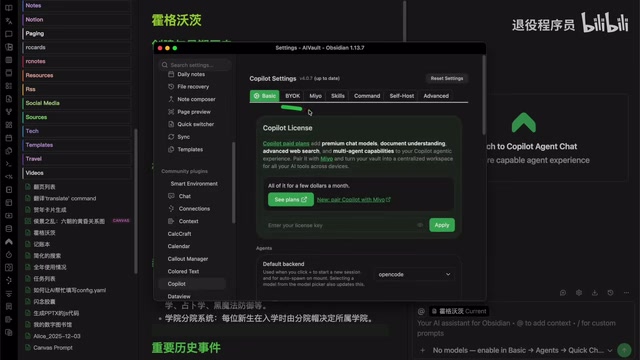
After the Obsidian Copilot upgrade, connect local Ollama via the new BYOK tab and explore the Agent Chat mode.
After a recent Obsidian Copilot update, the local model integration option was moved to the BYOK (Bring Your Own Key) tab, requiring users to manually add Ollama under "Add Provider > Self Host." The plugin auto-lists locally installed models, but a placeholder API Key must be entered for communication to work. The update also introduces Agent Chat mode with project creation and conversation history, making it better suited for structured, multi-step AI workflows than the lightweight QuickChat. Local Ollama support remains fully intact — only the configuration flow has changed.
Obsidian is a popular knowledge management tool, and its Copilot plugin brings AI capabilities to the note-taking experience. The plugin recently received a significant version update that changed its configuration logic, leaving many users who rely on locally deployed models wondering whether the new version still supports connecting to a local Ollama instance. Bilibili creator 推城玄 confirmed after hands-on testing that it was a false alarm — the new version still supports local models, but the configuration entry point and process have been adjusted. This article walks through the complete steps for connecting after the upgrade.
What Changed: The BYOK Configuration Entry Point
The new version of Copilot consolidates all model integrations under a BYOK (Bring Your Own Key) tab. This is the change most likely to confuse existing users — the local model option that was previously visible at a glance now requires manually adding a provider. It's easy to miss if you don't know where to look.
The path is: open Obsidian's settings, find the Copilot tab, switch to the BYOK sub-page, and click Add Provider. In the provider list that appears, you'll find Ollama listed under the Self Host category. This structure is actually more organized — it draws a clear distinction between cloud service providers and locally self-hosted services.
BYOK (Bring Your Own Key) is a common integration model in SaaS tools, originally referring to users supplying their own API keys for cloud providers (like OpenAI or Anthropic) rather than paying through a platform proxy. The new version of Copilot brings local self-hosted services into the same framework — a kind of "unified abstraction" from a product design perspective. Whether it's a cloud API or a local service, the plugin treats it as a "provider" and manages it through the same interface standard. This design makes it easier to add more provider types down the road, but for users accustomed to the old version's direct model selection, it adds one extra step through the "Add Provider" configuration flow.
Configuring Ollama: Selecting Models and the Required API Key
Clicking the plus button next to Ollama opens a Configure Ollama window. Notably, it automatically lists all models you have installed locally in Ollama — no need to type model names manually. Simply check the models you want to use in Obsidian and click Save.
Back in the Copilot tab, the models you selected will automatically appear in the available list. Here, 推城玄 highlighted an easy gotcha: even when connecting to a local model, the new version still requires an API Key to be filled in — without it, communication with the local model won't work.
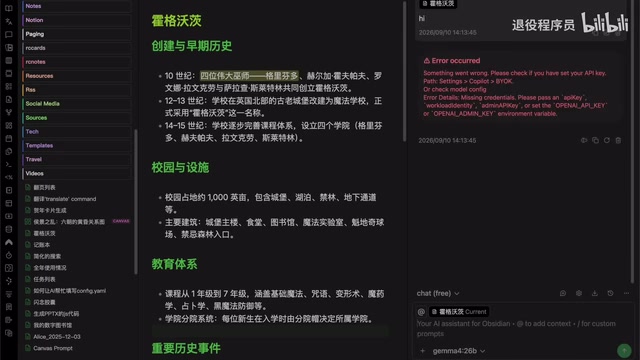
Since local Ollama doesn't actually validate the key, you can enter anything. In the demonstration, the creator simply typed Ollama as a placeholder. After filling it in and retrying the conversation, communication with the local model worked normally. This required field is likely a holdover from the plugin's effort to standardize the interface across all provider types — in a local context, it's purely a formality.
From QuickChat to Agent Chat: Two Conversation Interfaces
Once the configuration above is complete, the default interface is QuickChat — a lightweight chat UI designed for simplicity and quick Q&A. The upgraded Copilot also offers a more capable Agent Chat mode, which is one of the notable new features worth exploring in this update.
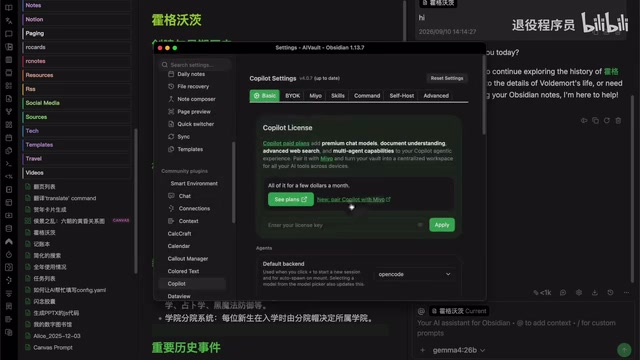
Agent Chat is configured in the plugin's Basic tab. If you haven't installed the required component (such as OpenCode) before, you can select and download it directly from there. Once downloaded, you can also assign a default model — 推城玄 chose a local Ollama model here as well, combining Agent capabilities with local deployment.
The core difference between Agent mode and regular chat is tool-calling capability. Standard chat (like QuickChat) is single-turn or multi-turn Q&A where the AI simply generates text responses. Agent mode allows the AI to actively invoke external tools during a conversation — such as reading and writing files, executing code, or searching a knowledge base — and continue reasoning based on the results until a complex task is complete. OpenCode, as the underlying component, is primarily oriented toward code generation and project-level operations. Bringing Agent capabilities into a knowledge management tool like Obsidian means the AI is no longer just "answering questions" — it can search across notes, organize information structures, and assist with multi-step writing or research workflows.
Opening and Switching to the Agent Chat Window
After configuring OpenCode, there are two ways to enter the Agent Chat interface: click the OpenCode Palette Agent Chat button in the left sidebar to open it directly, or switch to it from an already-open QuickChat window.
The interface complexity alone makes it clear that Agent Chat is considerably heavier than QuickChat — it supports creating projects and retains conversation history under Recent Chats, making it better suited for continuous, structured workflows. For users looking to do deep AI-assisted writing or project management inside Obsidian, this is a direction worth exploring.
Summary
Overall, connecting to local Ollama after the Copilot plugin upgrade isn't as complicated as it might seem. The key changes come down to three things: the integration entry point has moved to the BYOK tab, you now add Ollama by selecting Self Host under Add Provider, and you still need to enter a placeholder API Key for local connections. Once you understand these three points, existing users can migrate without issue. The newly added Agent Chat mode also opens up more possibilities for using local models within Obsidian. The creator mentioned they'll continue sharing new findings — if you're curious, it's worth exploring the project and history features in Agent mode yourself.
Related articles
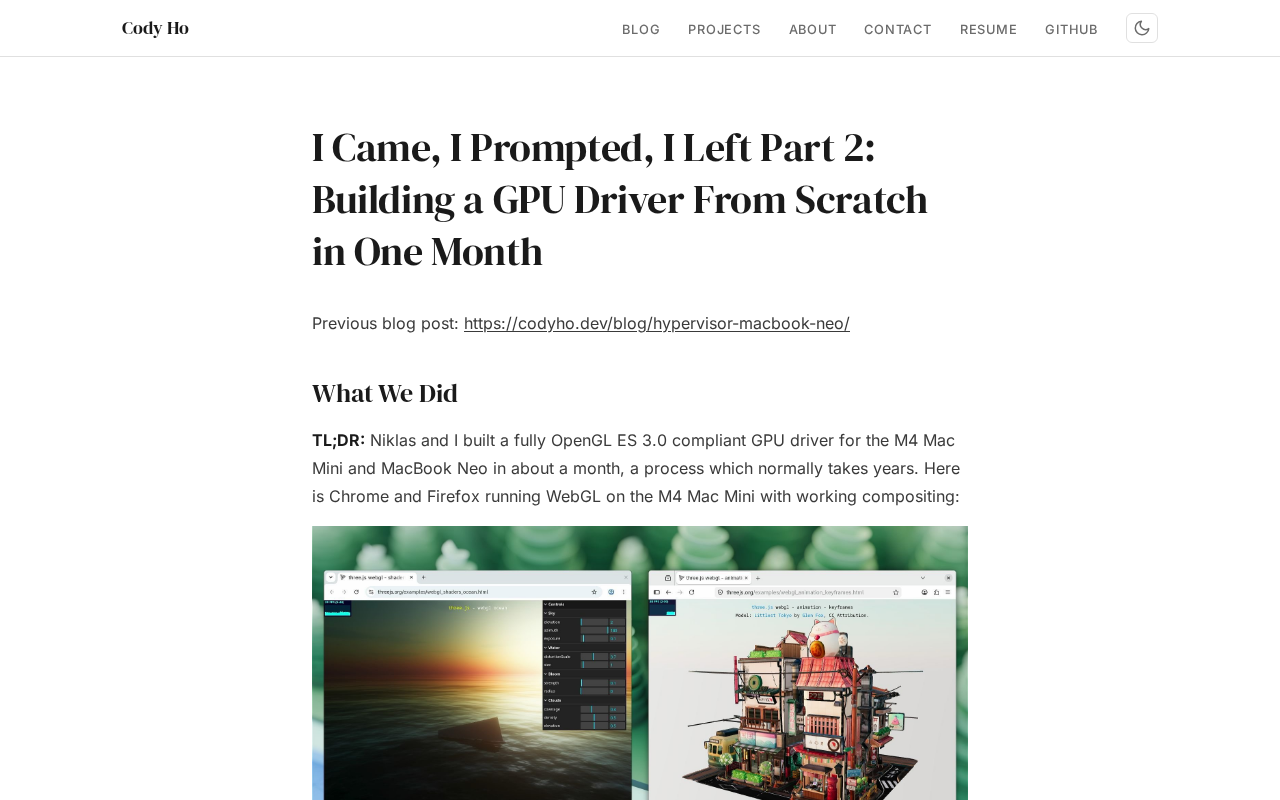
The Technical Challenges of Developing a Linux GPU Driver for the M4 Mac Mini in One Month
Developer Cody Ho built a Linux GPU driver for the M4 Mac Mini in one month. We break down the core challenges of reverse engineering Apple Silicon's closed GPU architecture.
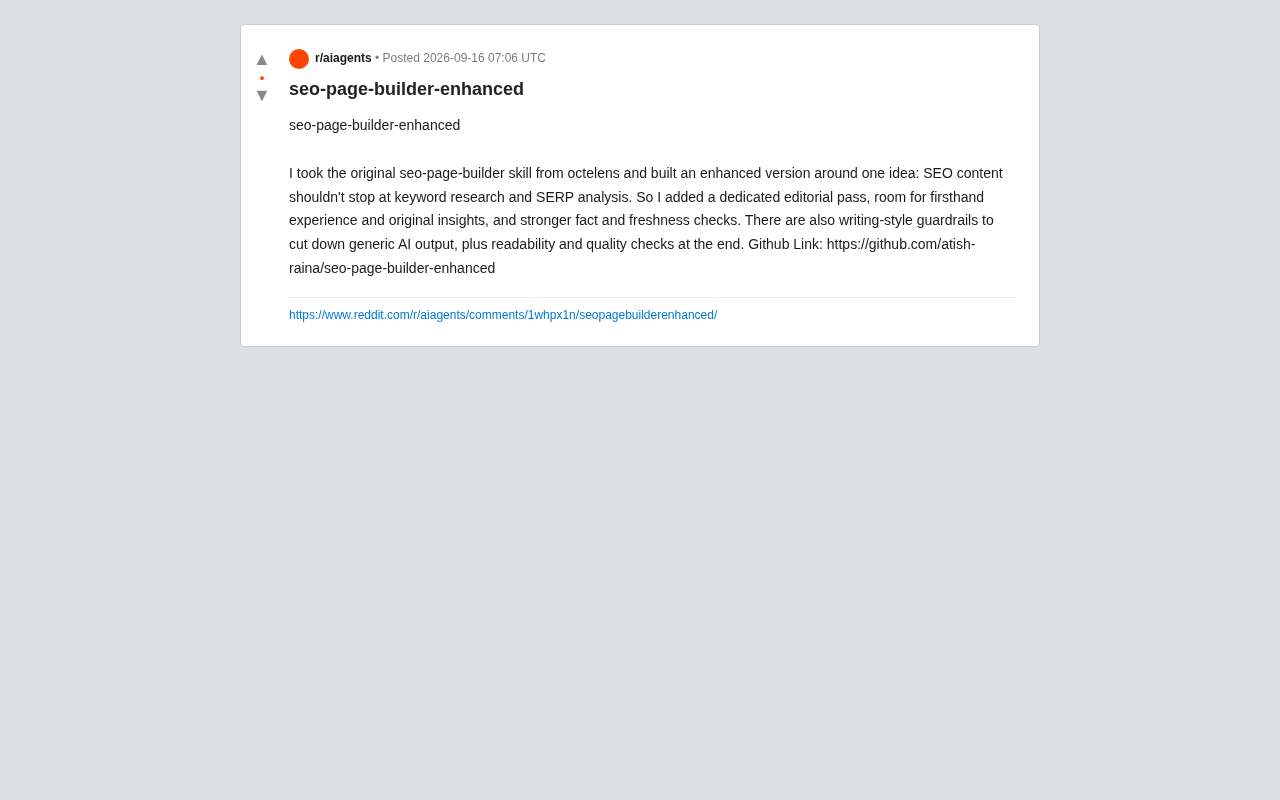
SEO Page Builder Enhanced: Breaking Free from Generic AI-Generated SEO Content
An open-source enhanced SEO content tool that adds editorial review, firsthand experience, fact-checking, and writing-style guardrails to combat generic AI content.
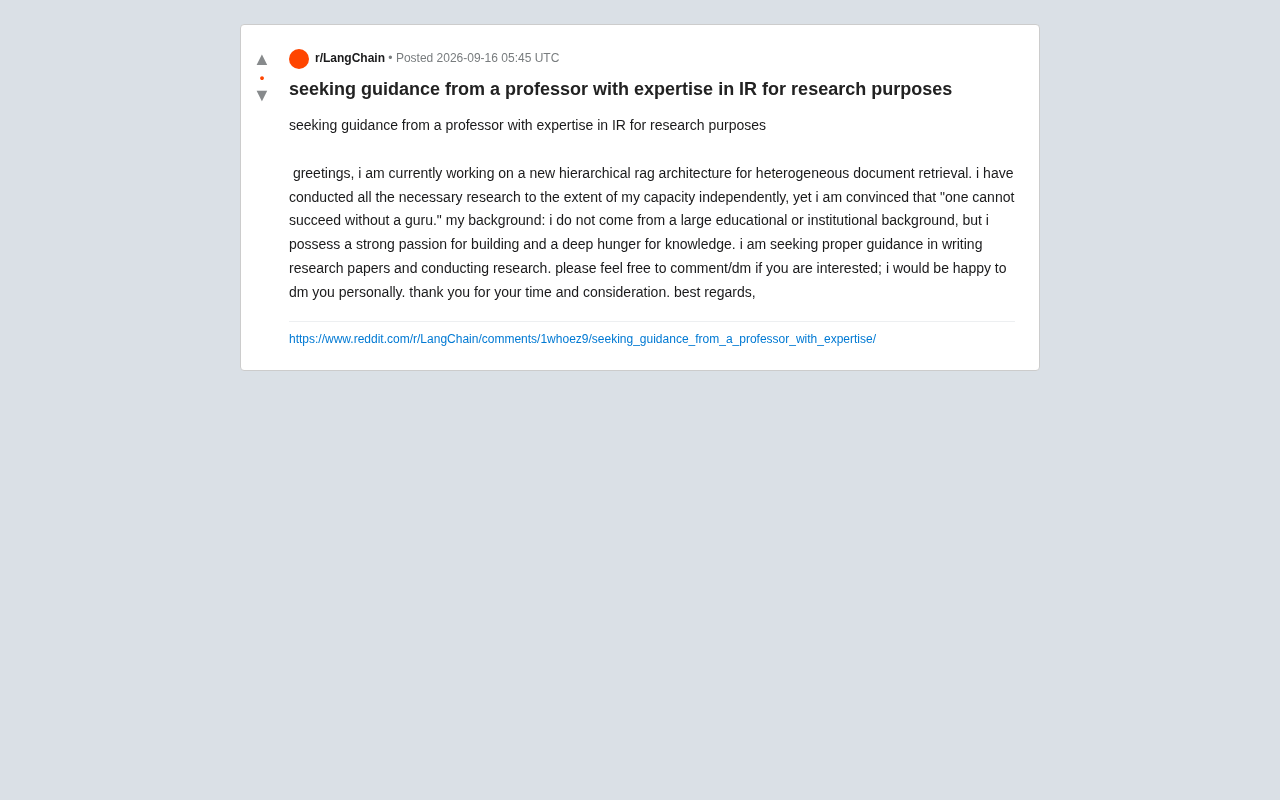
Hierarchical RAG Architecture Research: How Independent Developers Can Break Into Academic Research
An indie developer on Reddit seeks IR professor guidance for hierarchical RAG research. This article explores the technical background and practical advice for independent AI researchers facing academic barriers.