How to Use LLMs for Writing: As a Proofreader, Not a Ghostwriter
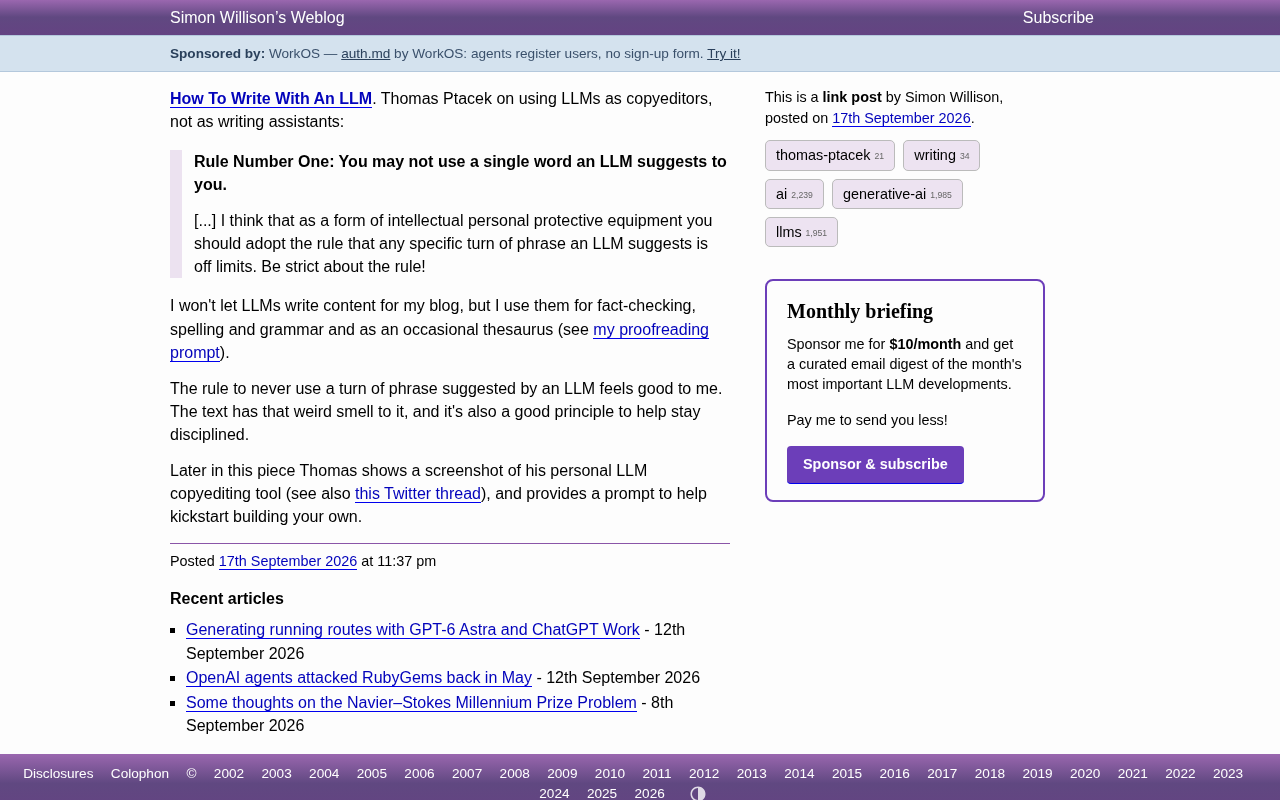
Use LLMs to proofread, never to write — a discipline that protects your original voice and style.
Security researcher Thomas Ptacek and developer Simon Willison advocate a counterintuitive AI writing approach: use LLMs to assist, but never adopt a single word they suggest. The rule is to treat the model as a copyeditor — fine for fact-checking, grammar, and thesaurus lookups, but the writer keeps full control over every word choice. LLM-generated text carries a recognizable "AI smell" that erodes reader trust, and a zero-tolerance rule is easier to maintain than vague self-discipline. In an age when fluent sentences are cheap, distinctive voice and authentic experience are what truly matter.
In an era flooded with AI writing tools, a seemingly paradoxical approach is gaining traction among experienced writers: using large language models (LLMs) to assist with writing, while firmly refusing to let them write a single word for you. Security researcher and prolific blogger Thomas Ptacek recently published his writing methodology, and independent developer Simon Willison shared a similar philosophy. Their core consensus is worth serious consideration for every content creator.
The Core Principle: Not One Word from the LLM
Thomas Ptacek's first rule is uncompromisingly strict:
Rule one: You cannot use any word the LLM suggests to you.
He describes this rule as a form of "intellectual personal protective equipment." In other words, any specific wording or phrasing suggested by an LLM is off-limits — and that boundary must be enforced rigorously.
The value of this principle isn't rooted in hostility toward AI. It's about protecting the writer's independent voice. The moment you start adopting a model's polished sentences, your writing gradually loses its personal style and drifts toward that homogeneous "AI tone." Ptacek argues it's far better to block this at the source than to painstakingly scrub it out after the fact.
The Right Use of LLMs: Copyeditor, Not Writing Assistant
The critical distinction is this: treat the LLM as a copyeditor, not a writing assistant. That difference determines whose words they ultimately are.
Simon Willison shared his own practical boundaries, drawing this line clearly:
- Never have an LLM write content for a blog post
- OK to use for fact-checking
- OK to use for spelling and grammar checks
- OK to occasionally use as a thesaurus
He even published his own proofreading prompt. What all these approved uses have in common: the LLM is only responsible for identifying problems, flagging errors, and providing information. How to fix them, and which words to use — that decision always stays with the writer.
In other words, the model can tell you "this sentence has a grammar error" or "this fact may be inaccurate," but it cannot tell you "here's how you should write it." The former is a tool; the latter is ghostwriting.
The distinction between "copyeditor" and "writing assistant" carries deeper technical meaning in the context of human-AI collaboration. When generating text, LLMs are fundamentally sampling from a probability distribution over their training data — they output "the statistically most likely next word," not "the word that best expresses your idea." This means models naturally gravitate toward the most frequently occurring expressions across vast amounts of text: sentences that read as "correct" but lack any personality. When used as a proofreading tool, the model is identifying deviations (grammar errors, factual inconsistencies) — tasks with relatively objective correct answers. When used to write, it fills in creative decisions that you should be making yourself, and those decisions are precisely what constitute personal style. Both uses draw on the same underlying model capabilities, but their degree of erosion on the writer's autonomy is entirely different.
Why This Rule "Feels Right"
Simon Willison offers an intuitive but compelling explanation for Ptacek's rule: LLM-generated text has "that weird smell."
This "AI scent" is something almost anyone who reads online content regularly can vaguely detect — overly symmetrical parallel structures, formulaic transition sentences, generic observations unsupported by genuine personal experience. Once these phrasings creep into your writing, readers' trust quietly erodes.
More importantly, the "not a single word" rule is itself a discipline tool. It doesn't require you to judge, with every revision, whether a given AI suggestion counts as over-reliance. It simply draws a clear, uncrossable line. A clear rule is easier to sustain long-term than vague self-restraint — and that's the deeper reason it "feels right."
The "AI tone" is identifiable for linguistic reasons. Researchers have observed that LLM-generated text tends to exhibit several high-frequency patterns: overuse of connective phrases like "it's worth noting," "undeniably," and "in summary"; uniform sentence lengths; and a tendency toward tidy summarizing conclusions at the end of paragraphs. These features arise from the model's statistical generalization over large amounts of human writing — particularly formal prose — producing a kind of "averaged formality." Human writing works in the opposite direction: genuine personal style is often expressed through deliberate departures from convention — intentionally truncated short sentences, colloquial asides, specific details only someone who was actually there would use. These departures are difficult for models to replicate because they appear infrequently in training data and are deeply tied to the writer's specific experiences and personality. The "not a single word" rule, at its core, is about forcibly preserving that space for departure.
Build It Yourself: Create Your Own Proofreading Tool
In the second half of his post, Ptacek also shares screenshots of the personal LLM proofreading tool he built, along with a related Twitter discussion thread. He provides a prompt you can use directly to build your own proofreading assistant.
This points toward something more practical: rather than relying on vague back-and-forth in a generic chat interface, it's worth building a dedicated tool and prompt specifically for the task of "proofreading." When a tool's goal is scoped to "find errors" rather than "rewrite things," it's naturally constrained to the role of assistant — and can't overstep into becoming the writer itself.
Takeaways for Content Creators
This methodology has lessons for anyone who works with words. What's truly scarce in the AI era isn't the ability to "produce grammatically correct sentences" — that bar has been dramatically lowered by models. What remains scarce is distinctive perspective, authentic experience, and a trustworthy voice.
Positioning LLMs as tools for proofreading, fact-checking, and vocabulary lookup lets you enjoy the efficiency gains of the technology while preserving the originality and personal style of your content. This posture of "using without depending" may be the most mature way to engage with generative AI right now.
Related articles
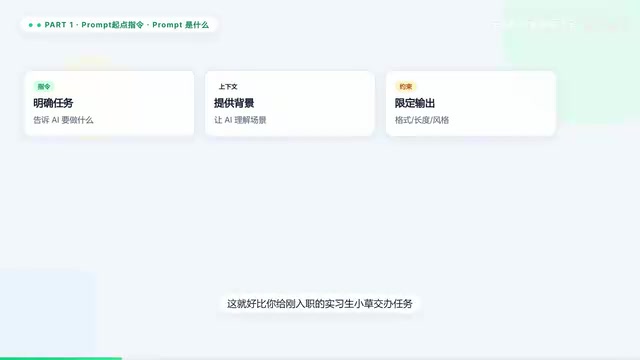
Prompt → MCP → Agent → Skill: The AI Terminology Evolution Chain Explained in 5 Minutes
A clear guide to five core AI concepts — Prompt, MCP, Agent, Skill, and Cowork — and how they connect in a layered evolution chain from simple instructions to multi-agent teamwork.
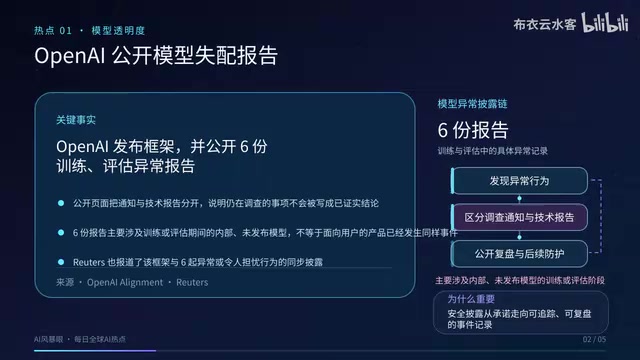
OpenAI Discloses Model Anomalies, DeepMind Launches AGI Forum, NVIDIA Partners on Grid Power Management
Sept 17 AI roundup: OpenAI publishes model anomaly disclosure framework with 6 reports, Google DeepMind launches AGI public forum, NVIDIA leads AI energy management alliance with 18 partners.
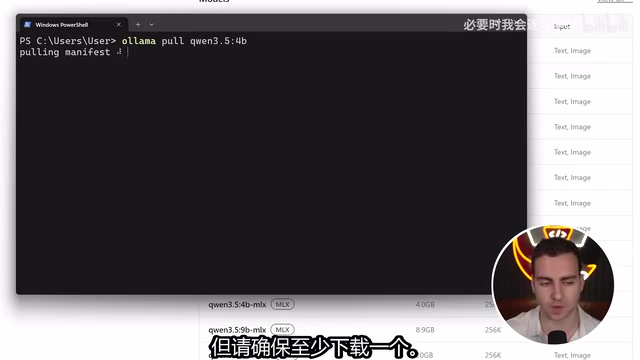
Build a Local AI Agent with Python in 10 Minutes: Ollama + PydanticAI in Action
A hands-on guide to building a fully local AI agent with Python, Ollama, and PydanticAI in 10 minutes — covering model selection, tool functions, and conversation loops.