How Vercel Agent Safely Accesses Production: A Plan-Driven Permission Model
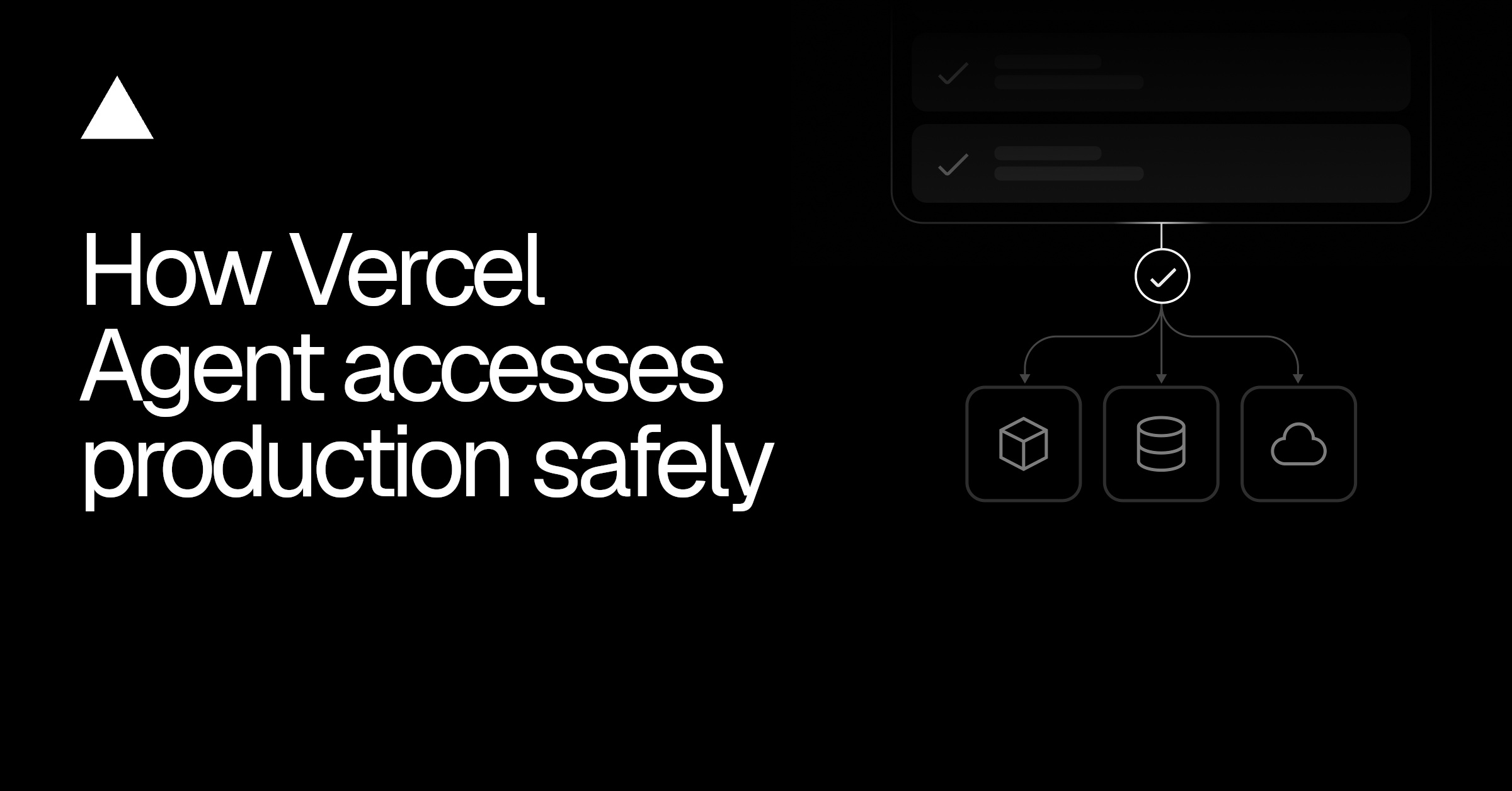
Vercel Agent binds permissions to a reviewable plan for secure authorization and execution.
Vercel Agent binds intent, tasks, and permissions in a reviewable plan. Approval grants only the scopes needed, and any plan beyond the read-only baseline needs overall approval. Tokens never exceed the user's permissions, and runtime verifies the plan is active before resuming work.
Title
How Vercel Agent Safely Accesses Production: A Plan-Driven Permission Model

Meta Description
How does Vercel Agent safely access production? This article breaks down its plan-driven permission model: investigate first, then propose; scope defines permissions; tokens never exceed the user's existing permissions; runtime verifies plan activation status; and it analyzes permission precision and residual risks.
Article Content
For an AI Agent to actually get work done, it can't avoid a core tension: how much permission is enough—and safe? In its official blog, Vercel breaks down the permission design of Vercel Agent in detail—not simply "grant everything" or "deny everything," but rather using a reviewable "Plan" to bind intent, tasks, and permissions together, so users can see clearly before authorizing what the Agent intends to do and what it needs.
The Problem: Asking at Every Step Is the Same as Not Asking
When letting an Agent handle production systems (say, "fix this deployment"), users initially don't know which operations it will perform or what permissions it needs. Grant too broadly, and a single mistake could affect unrelated resources; require a popup approval at every step, and users are often forced to click "Approve" before they even understand the Agent's approach to the problem—repeated prompts quickly become muscle-memory blind approvals. According to Vercel's official blog, Vercel Agent's approach is: first investigate the problem, then propose a plan containing specific operations and required permissions; when the user approves the plan, the permissions needed for execution are granted—seeing the fix before any changes are made.
The Plan Determines Permissions
Take a production deployment failure as an example: Vercel Agent first reviews recent deployments and build logs, comparing the failed deployment with the last known-good deployment. These read-only operations can be performed automatically. If the investigation points to a redeployment, the Agent requests additional permissions in the plan, and the user reviews once and approves once.
Permissions are defined by scope (the capability name recognized by the authorization system). Any plan that exceeds the read-only baseline (currently referring to all registered scopes starting with read:) requires overall approval, including the read-only tasks contained in the plan. Long investigations generate separate read-only plans, allowing users to follow the tasks and progress.
A plan ties four things together: intent (the outcome the user wants), work (the tasks the Agent proposes), access (the scopes the tasks require), and enforcement (credentials and API checks). Each task is tagged with the required scope, and the task description explains why that permission is needed.
It's worth noting that read-only operations can also expose sensitive information, so "auto-approved" does not mean "risk-free." Vercel also states explicitly that its chosen read-only baseline needs ongoing review as scopes and the information they expose evolve, and that other systems may need a narrower baseline.
Permissions Cannot Exceed the User's Own
Vercel Agent runs as the Vercel App identity, and the user authorizes it to act on their behalf within the team. This authorization is constrained by the user's existing permissions—approving a plan cannot grant access the user doesn't already have.
The Vercel OAuth service exchanges authorization for short-lived tokens with specific scopes, and the API verifies the token on every request to enforce restrictions. There's an easily overlooked detail here: deployment write permission is broader than "a single redeployment." Naming a specific deployment X in the plan does not automatically restrict the token to X. The real constraint is that at runtime (the software coordinating the Agent's execution) selects approved credentials only when the plan is in an active state, and the API then checks credentials per request based on their permissions.
Credentials are differentiated by type of work: read-only investigation uses the read-only baseline token; approved Vercel changes add extra scopes; and external actions (such as opening a GitHub PR) use the corresponding provider's own credentials and permissions. GitHub PR permissions are bound to a specific owner and repository—approving acme/storefront does not mean you can open a PR against acme/payments.
OAuth is an industry-standard authorization framework whose core is authorizing third-party applications to access resources through tokens rather than directly passing user passwords. In the Vercel Agent scenario, the OAuth service acts as a permission intermediary: after the user authorizes the Agent to act on their behalf, the OAuth service issues a short-lived token containing only the scopes approved in the plan. The API verifies the token on every request, ensuring the requested operation is within the authorized scope. The short-lived token design also limits exposure risk—even if the token is intercepted, its validity period is short and it can only perform specific operations. This mechanism allows permission grants to be precisely bound to a single plan rather than long-lived all-powerful credentials.
Plans and Tokens Share the Same Permission Definitions
A subtle failure mode is when a permission requested by a plan has been renamed or removed. Vercel initially maintained a separate permission list for the Agent, which could fall out of sync with the OAuth service issuing tokens. Later, the two were unified onto the same set of scope definitions, so mismatches are caught at the planning stage.
When a session is established, the Agent loads definitions from the scope registry into an in-memory catalog, used in three stages: plan validation (normalizing scopes, rejecting unknown or malformed names), approval (determining whether the read-only baseline is exceeded), and token preparation (defining credentials for approved work). If a task requests an outdated scope, the system rejects the plan and returns the valid scopes, requiring the Agent to explicitly correct it rather than falling back to broader permissions.
Fetching the registry adds latency and a service dependency, so the Agent caches the catalog and uses the cached copy to validate when loading stored plans. Until the catalog is refreshed, these checks reflect the cached definitions—a time window the team accepts as a trade-off.
The scope registry is the single source of truth for the permission system, centrally managing all available scope definitions and their metadata, including names, descriptions, and potentially associated resource types. In Vercel Agent, the registry is loaded into memory when a session is established and used across three stages: plan validation, approval, and token preparation. This design avoids inconsistencies that arise when permission definitions are scattered across different services. For example, when a scope is renamed or deprecated, only the registry needs to be updated, and all components that depend on it sync automatically. The caching mechanism is a trade-off between latency and accuracy: although the cached copy may briefly lag behind the latest definitions, it significantly reduces real-time dependence on the registry and improves system responsiveness.
Resuming Work Requires an Active, Approved Plan
Approval may arrive after the original conversation has ended, and the connection may drop before an approved redeployment executes. The stored plan record holds the status, approver, approval time, and the tasks and required permissions. Before resuming, the runtime reloads the plan and confirms it is in an active state, then selects credentials with the approved permissions. A stopped plan cannot pass this check, even if the token has not yet expired.
If an approval and a stop request arrive at the same time, the plan can move from awaiting approval to active only if the stop has not yet changed the state, and the runtime checks again afterward. If the investigation finds the current plan needs to be replaced, the Agent can propose a new plan; a replacement plan requesting higher permissions requires separate approval.
Permission Precision: Still Evolving
As the Agent reaches more of the platform's features, Vercel has revised access rules involving multiple resources or differing consequences. Attaching a domain may require both domain and project permissions; staging versus publishing firewall rules require different levels of access. Scopes must capture these differences while keeping each plan's permission requests manageable.
Three things require careful handling during planning. When selecting scopes, the Agent's information is incomplete and it may request too little, causing tasks to stall, or too much, granting more permission than needed—task-level guidance and validation provide a safety net, but a valid scope may still be broader than necessary. When describing the work, "redeploy the last successful build" lets users assess consequences better than a string of scope names. When understanding denials, a rejected operation may be due to a missing scope, the wrong resource, or something that should be blocked anyway; the Agent needs to distinguish these before requesting additional permissions.
Vercel also acknowledges boundaries beyond permissions: even with correct permissions, a redeployment still requires judging whether the selected commit is safe to release, which depends on the application, the failure, and the fix; read-only investigation also requires controlling the handling of information about sensitive project configuration and operational details. The Agent may make wrong decisions or read malicious instructions in build logs; scope credentials can limit what operations can be performed, but permitted operations can still cause harm. Plans must therefore be used in conjunction with sandbox isolation, network policies, secret handling, rate limiting, audit logs, and service authorization.
The principle of least privilege is a cornerstone of secure design, requiring systems to grant only the minimum access necessary to complete a task. In the Agent scenario, this principle faces challenges: the Agent has incomplete information during planning and may request excessive permissions to ensure task success, but this increases risk. Vercel mitigates this through task-level guidance and validation—for example, specifying the required scope for each task and rejecting requests beyond the necessary range during plan validation. However, because scope granularity is limited, a valid scope may still cover broader operations than actually needed. Teams therefore need to continuously evaluate whether scope boundaries are fine-grained enough, and combine them with additional controls such as sandbox isolation and network policies to form defense in depth.
Summary
Vercel Agent's permission model turns "authorization" from a one-time switch into credential selection bound to specific work: when the plan is active, credentials are usable; when the plan is stopped, credentials are invalid. The key to this design is not any single mechanism, but the consistency among four elements: the plan, scope definitions, OAuth tokens, and runtime checks. For teams designing production access for Agents, Vercel's practice offers a valuable reference—and a reminder that the read-only baseline, scope granularity, and information exposure surface all need ongoing review as capabilities expand.
One-line Summary
Vercel Agent binds permissions through a reviewable plan to achieve secure authorization and execution.
Paragraph Summary
The core of Vercel Agent's permission design is binding intent, tasks, and permissions together in a reviewable plan; when the user approves the plan, the permissions needed for execution are granted, avoiding blind approvals caused by step-by-step authorization. The plan contains tasks and required scopes, and any plan exceeding the read-only baseline requires overall approval. The Agent runs as the Vercel App identity, authorization is constrained by the user's existing permissions, and OAuth tokens are short-lived and scope-limited. Plan validation, approval, and token preparation share the same scope definitions to prevent drift. Before resuming work, the runtime confirms the plan is active; a stopped plan cannot be used even if the token has not expired. Permission precision is still evolving and must be combined with additional controls such as sandbox isolation.
Related articles
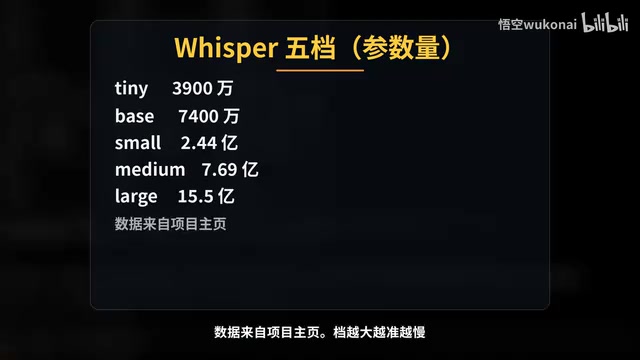
Claude Code in Practice: Building a Zero-Code Clip Factory That Turns Long Videos into Vertical Shorts Automatically
Bilibili creator Wukong uses Claude Code to build a zero-code clip factory, automatically turning a 35-minute long video into 10 vertical shorts. Full workflow from Plan Mode, Whisper transcription, claude.md rules, hook QA to subagent review and plugin distribution, with real measured data.
WorkBuddy Complete Guide: How AI Agents Automate File Conversion for You
WorkBuddy hands-on guide: from Doubao giving only plans to AI agents that actually execute—batch-convert PDFs and archive them in three minutes. Includes installation, points system, Codex comparison, and getting-started tips.
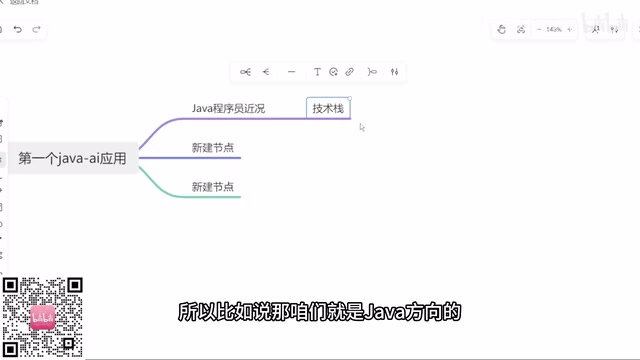
Zero to One: Java + DeepSeek in Practice — A Programmer's Guide to Transitioning into AI Large Model Development
Based on a Bilibili livestream tutorial, this article explains how Java programmers can transition into AI large model development from zero, covering skill paths, building your first Java AI app, resume packaging, and job-hunting strategies to help you seize opportunities in the large model era.